PDF Guides
Compress a PDF to 1 MB — Limits Guide
When a PDF can realistically approach 1 MB for an upload cap, what usually blocks it, and the workflow. For the tool, start at Compress PDF to 1 MB. Exact size depends on the file.
NeedAnyToolPublished Updated 2 min read
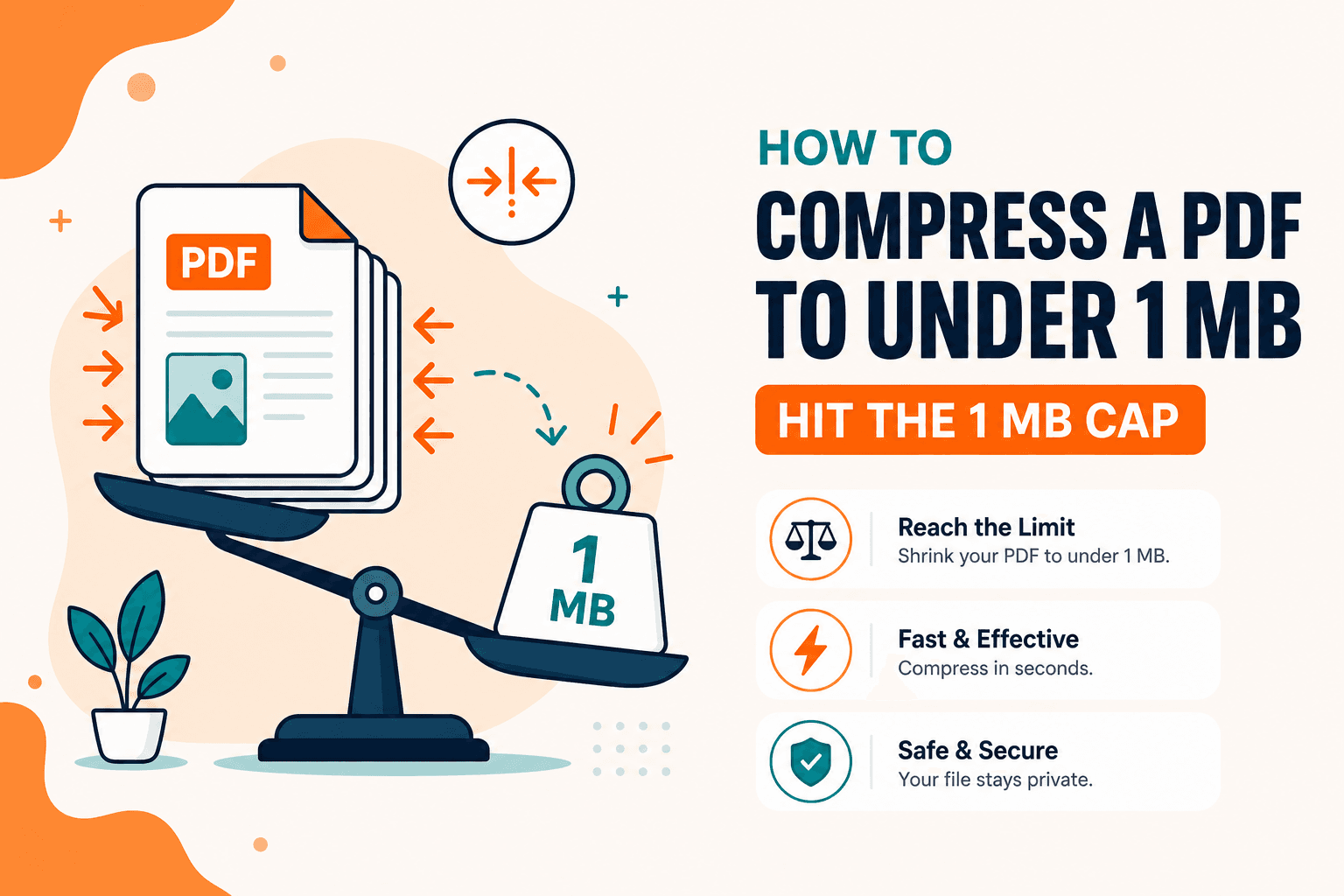
Government portals and older mail systems love a 1 MB cap. Whether you can actually hit it depends on what's inside the PDF — not which compressor you pick.
Ready to compress your PDF to about 1 MB? Use our dedicated Compress PDF to 1 MB page — it opens the on-device compressor with a ~1 MB target. Treat that size as a goal, not a guarantee.
Be honest about feasibility first
- Likely: a multi-page text document with a few screenshots
- Maybe: a short colour brochure after stronger recompression
- Unlikely without cutting pages: a long phone-camera scan at full resolution
If the file is already close to 1 MB and mostly text, you may already be done. If it's 20 MB of photos, plan to delete pages or split the packet. For general email limits — often much higher than 1 MB — see compress a PDF for email.
The workflow that usually works
- Trim extras with Delete pages.
- Open Compress PDF to 1 MB to start with a ~1 MB target, then check the downloaded size. For general compression levels without a specific 1 MB goal, use Compress PDF.
- Still above 1 MB? Retry a stronger setting on the compressor and compare readability on a critical page.
- Still too large? Split the packet with Split PDF, extract only the pages the portal asked for, or re-scan at a lower resolution.
Most of the saving happens on the first serious image recompression. A second or third pass on the same output rarely pays off.
When compression stops helping
The compressor focuses on images inside the PDF. It doesn't invent a smaller encoding for every font and vector. If the download barely changes, the file was already light or mostly non-image content — and that's useful information. It tells you to cut pages or split, not to hunt for a more aggressive website.
Compress PDF processes everything locally in your browser, which matters when you're shrinking identity documents for a portal upload. No upload to an anonymous compressor, no temporary copy sitting on someone else's server.
FAQ
Can every PDF go under 1 MB?
No. Full-page colour scans often can't without obvious quality loss or fewer pages.
Medium or high compression?
Start with the ~1 MB target from the dedicated page above, or use medium on the general compressor. Use a stronger pass only if you still miss the limit and the page is still readable.
Should I split instead of compressing harder?
If the portal accepts multiple files, splitting is often better than destroying a scan.
Do I need an account?
No.
30 on-device PDF tools — nothing uploaded.
Related guides
PDF Guides
Compress PDF for Email — Shrink Attachments
Compress a PDF for Gmail or Outlook limits in your browser. Free, private size reduction — no upload. Aim under common email attachment caps.
PDF Guides
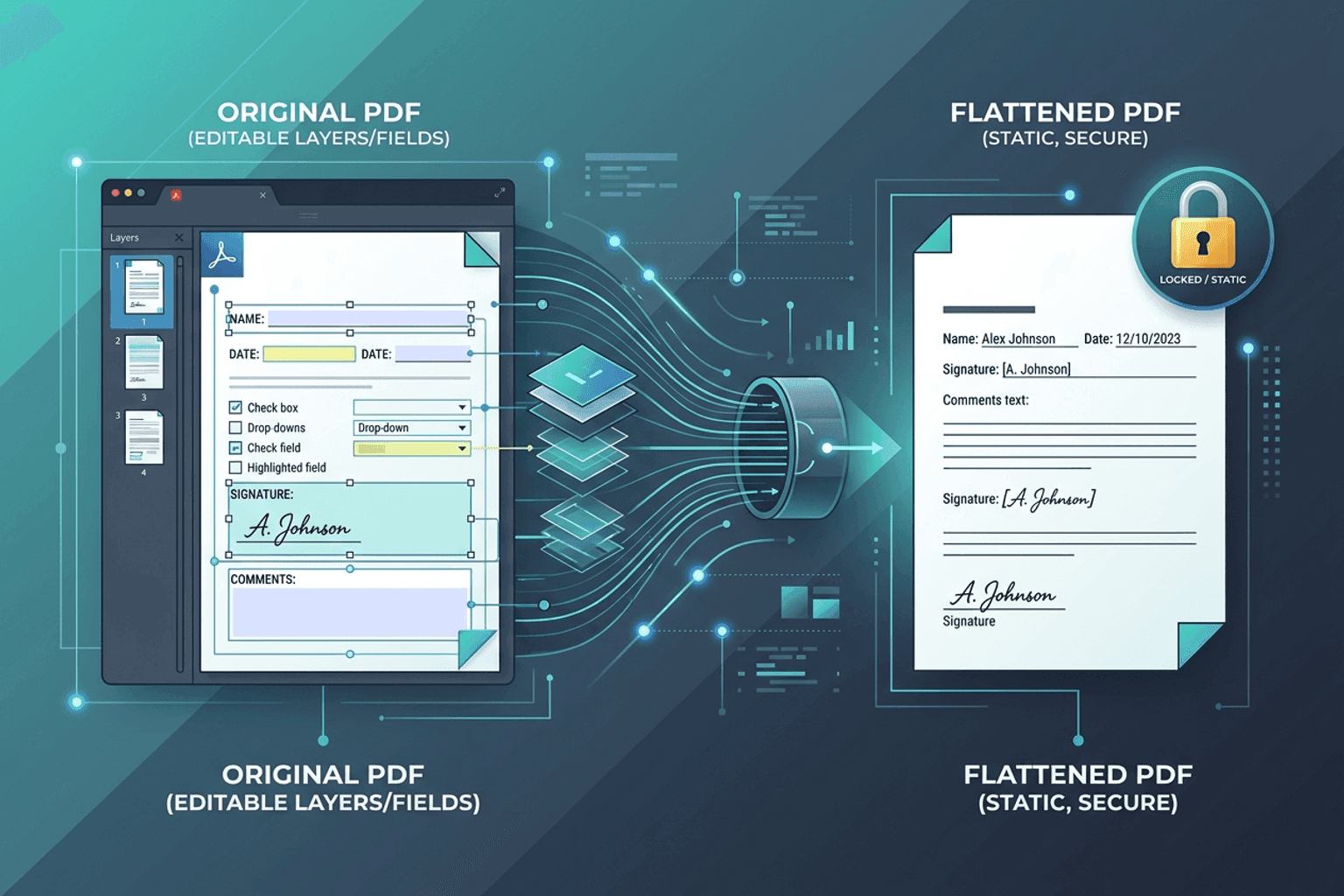
Flatten PDF Form Fields Online — Lock Edits
Flatten PDF form fields, annotations, and visual signatures into permanent page content in your browser. Lock documents and prevent layout shifts with zero uploads.
PDF Guides
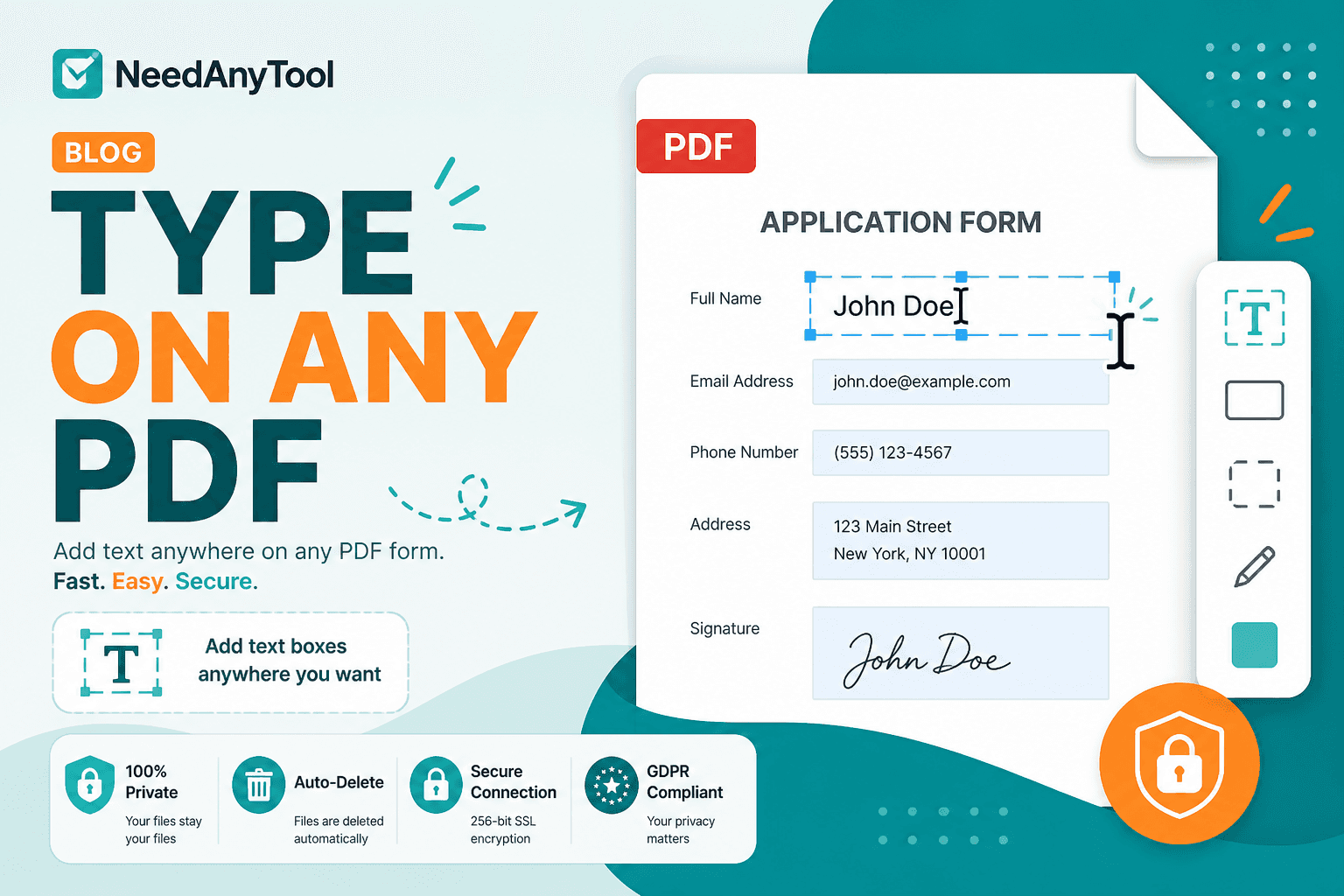
Add Text to a PDF Online
Add text to a PDF in your browser — names, dates, addresses, and notes placed exactly where you need them. No upload required.