
Work with documents
Merge, split, compress, and edit PDFs in your browser.
Quick links
115+ free tools · 6 hubs
NeedAnyTool — free browser tools for documents, images, codes, text, data, and everyday math. No sign-up, and file tools stay on your device.
Why NeedAnyTool
A focused suite — not a bloated portal. Pick a hub, finish the job, and go.
PDF, Image, QR, and Text tools process on your device. Converters and calculators run in the page — no account wall.
Open what you need across six hubs — no install, no paywall on the web toolkit.
115+ tools today for documents, media, codes, text, data, and math — with more categories on the way.
How it works
Pick any hub — PDF, Image, QR, Text, Converters, or Calculators — finish in the browser, and move on.
No account wall. No install. Just open a tool and go.
Find
Browse six live hubs or search for exactly what you need.
Use
Open the tool and get straight to the task — no install or account.
Done
Download or copy the result and keep going with your day.
Toolkits
Open a toolkit and pick the exact job — 115+ tools across documents, media, codes, text, data, and math.
More categories coming
File Tools
Developer Tools
Security Tools
Productivity Tools
Media Tools
Everyday Utilities
AI Tools
Web Dev Tools
App Dev Tools
SEO Tools
Marketing Tools
Social Tools
Finance Tools
Student Tools
Education Tools
Government / Form Helpers
Business Tools
Tasks
Pick a goal — each card links to real tools you can open right away.
Merge, split, compress, and edit PDFs in your browser.
Quick links
Resize, compress, and convert images.
Quick links
Links, Wi‑Fi, contact cards, and more.
Quick links
Count words, fix case, and tidy text for drafts.
Quick links
Format JSON, swap CSV, and convert units.
Quick links
Percentages, tips, EMI, and quick averages.
Workflows
Multi-step tasks when you need them — start anywhere and skip optional steps.
Merge files, shrink size, and optionally add a password.
Resize, compress, and convert images for sharing.
Generate a QR code and download it for print or sharing.
Count words, normalize case, and build a clean URL slug.
Estimate EMI, then double-check percentages if needed.
Convert, compress, clean up, number, and sign a document packet.
Guides
Short how-tos for common tasks — each article links to the matching free tool.
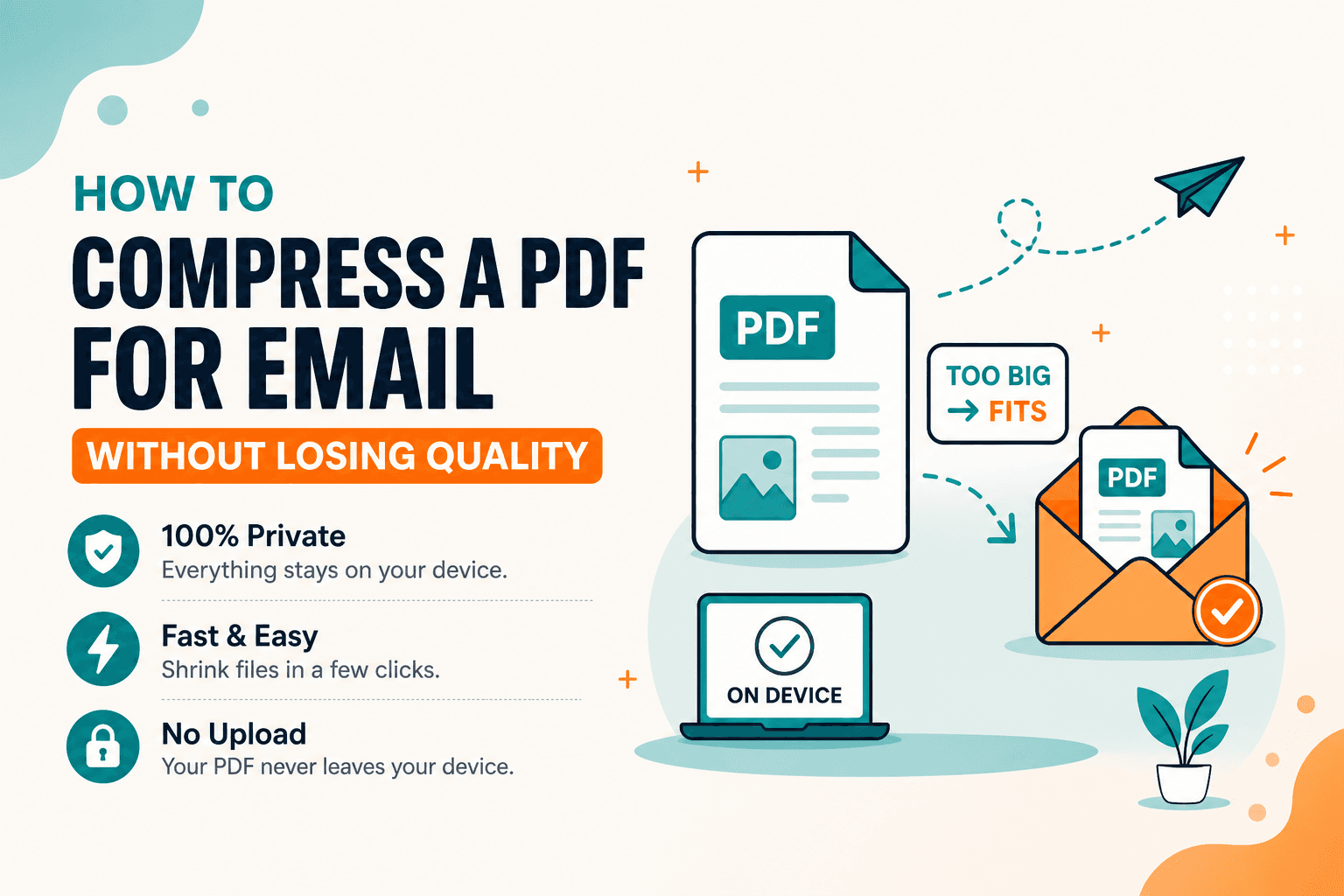
PDF Guides
Compress a PDF for Gmail or Outlook limits in your browser. Free, private size reduction — no upload. Aim under common email attachment caps.
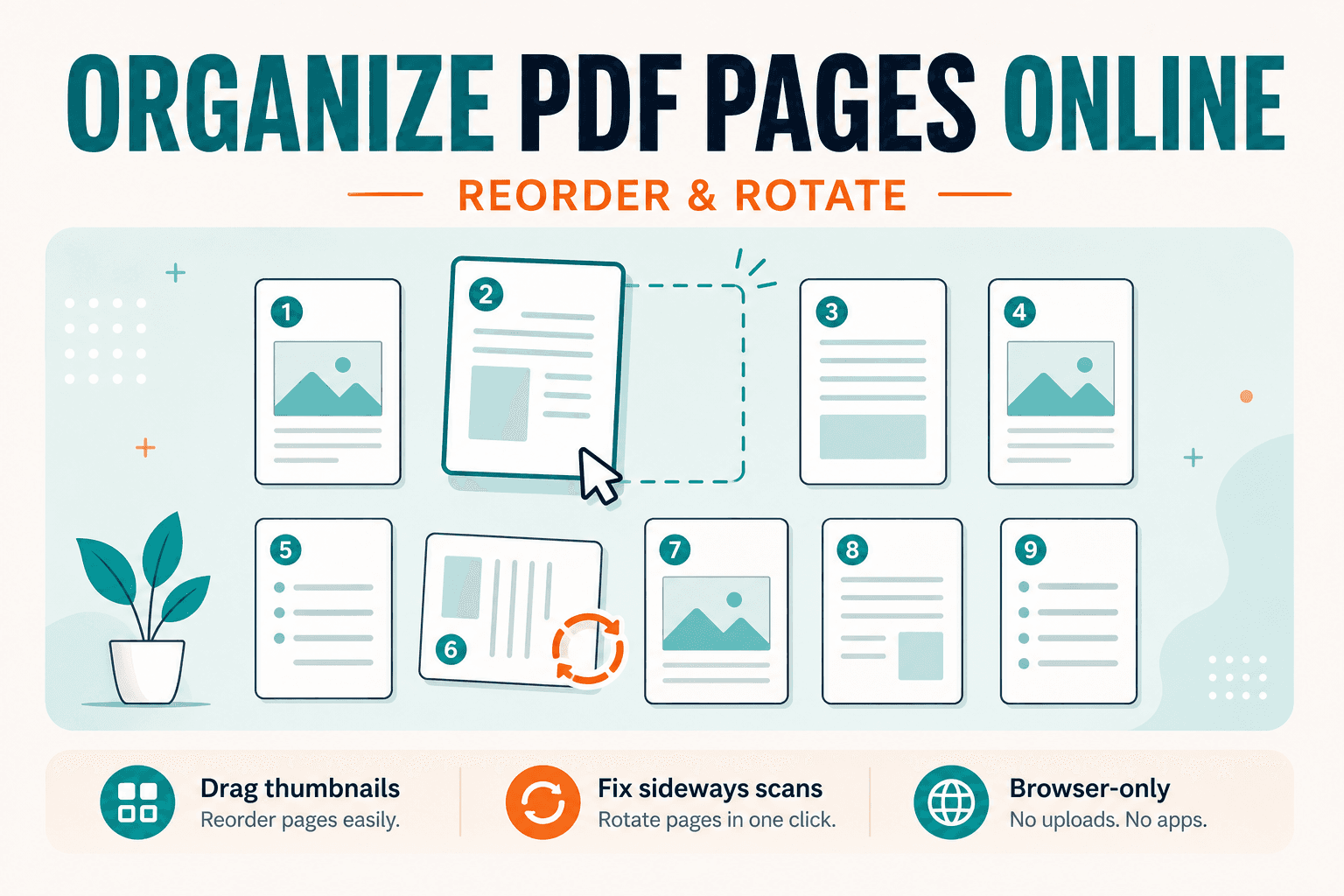
PDF Guides
Guide to rearranging PDF page order and rotating sideways scans. For the free on-device tool, open Organize PDF — drag thumbnails, no upload.
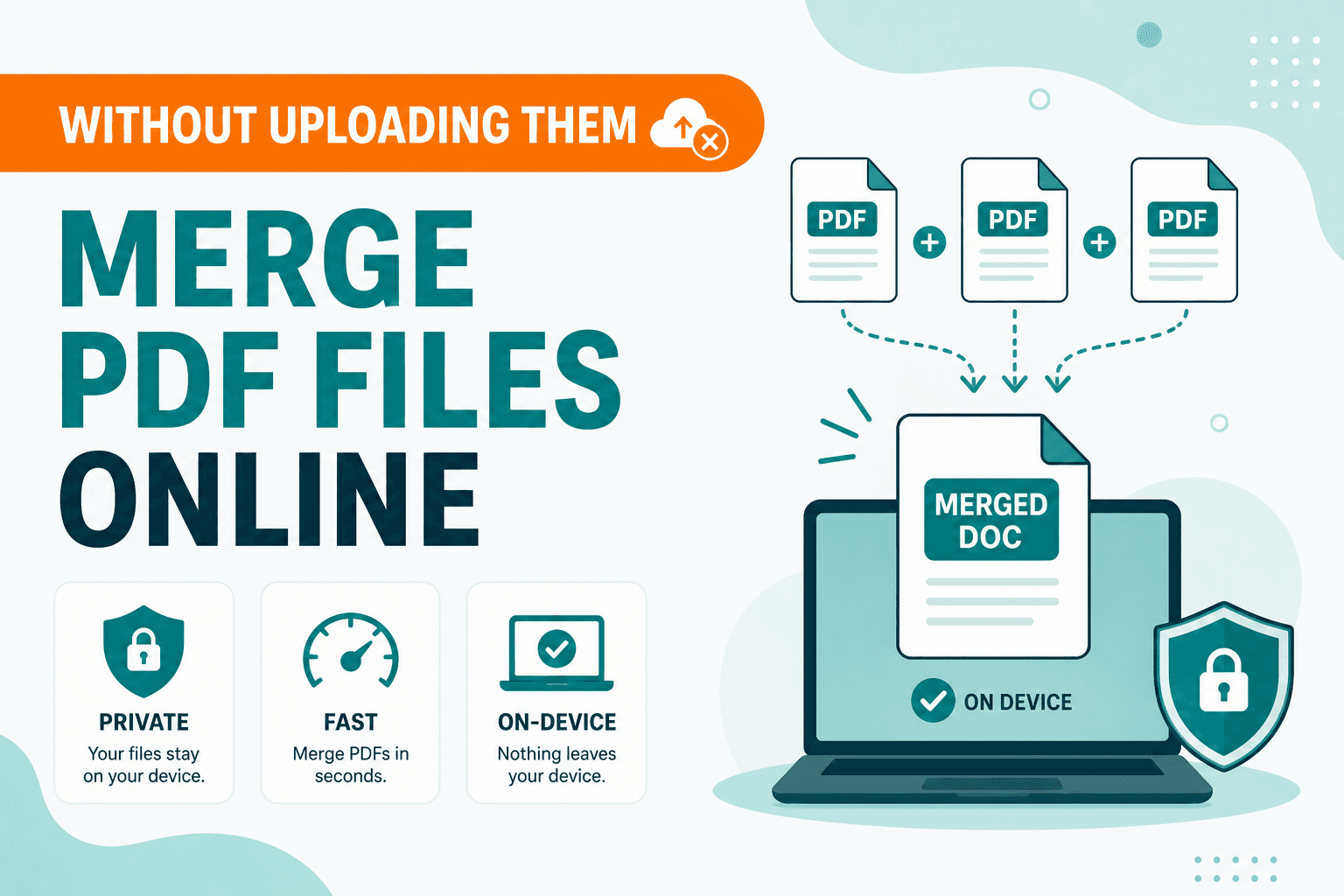
PDF Guides
How to merge and combine PDF files in your browser with no upload. Private on-device merge — reorder files, download one document.
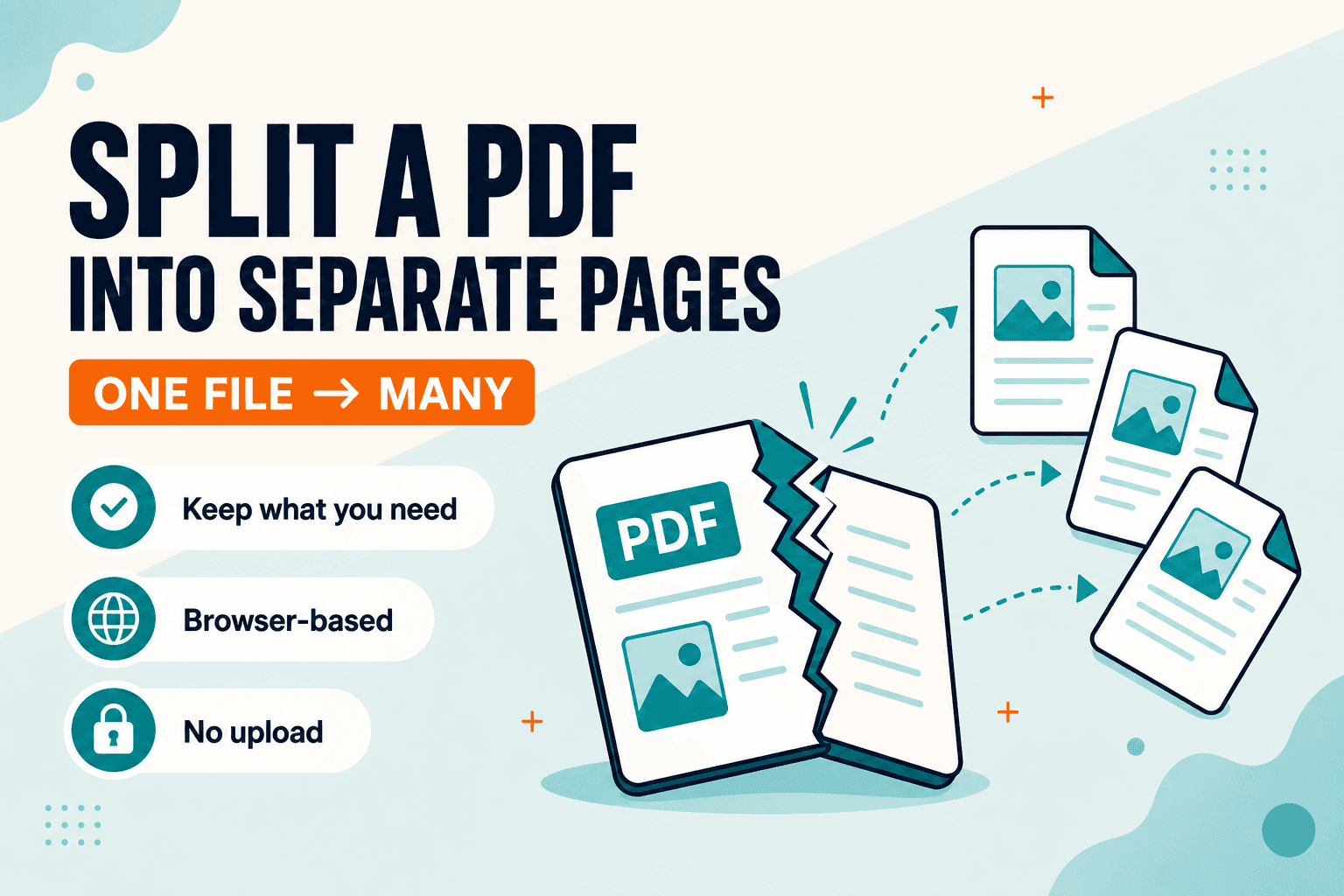
PDF Guides
How to split a PDF into separate pages or ranges in your browser. Private splitter — no upload. Extract only what you need with NeedAnyTool.
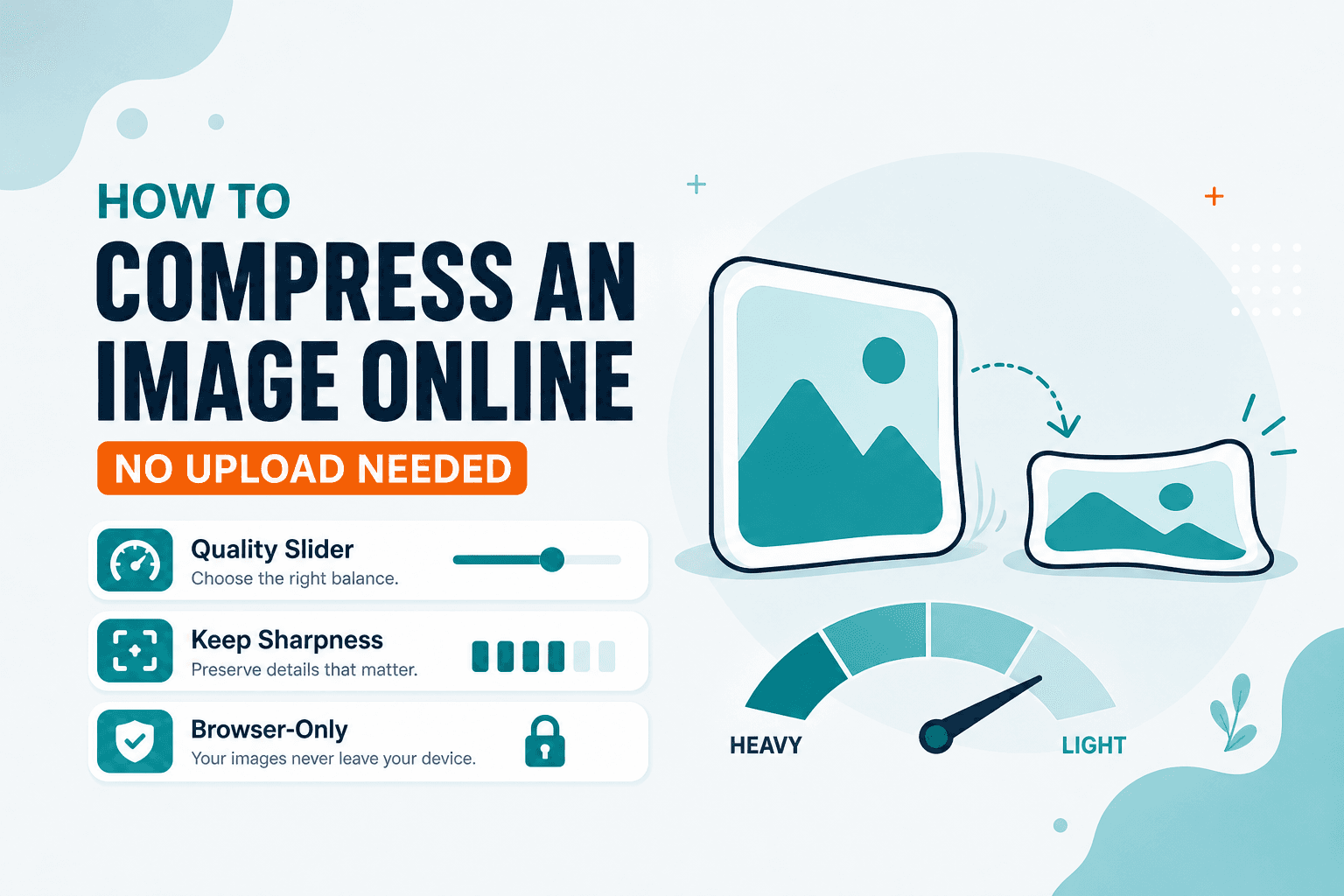
Image Guides
Compress JPG, PNG, or WebP free in your browser with no upload. Shrink photos for email or web privately — live size preview on NeedAnyTool.

QR Guides
Create a free Wi-Fi QR so guests join by scanning. Private on-device generator — no upload, no signup.
FAQ
Availability, privacy, and how to find the right tool.
NeedAnyTool is a free suite of 115+ online tools for everyday digital tasks — PDFs, images, QR codes, text, data converters, and calculators — organized by category so you can find the right one quickly.