Image Guides
Compress Image Free — Shrink Photos in Browser, No Upload
Compress JPG, PNG, or WebP free in your browser with no upload. Shrink photos for email or web privately — live size preview on NeedAnyTool.
NeedAnyToolPublished Updated 2 min read
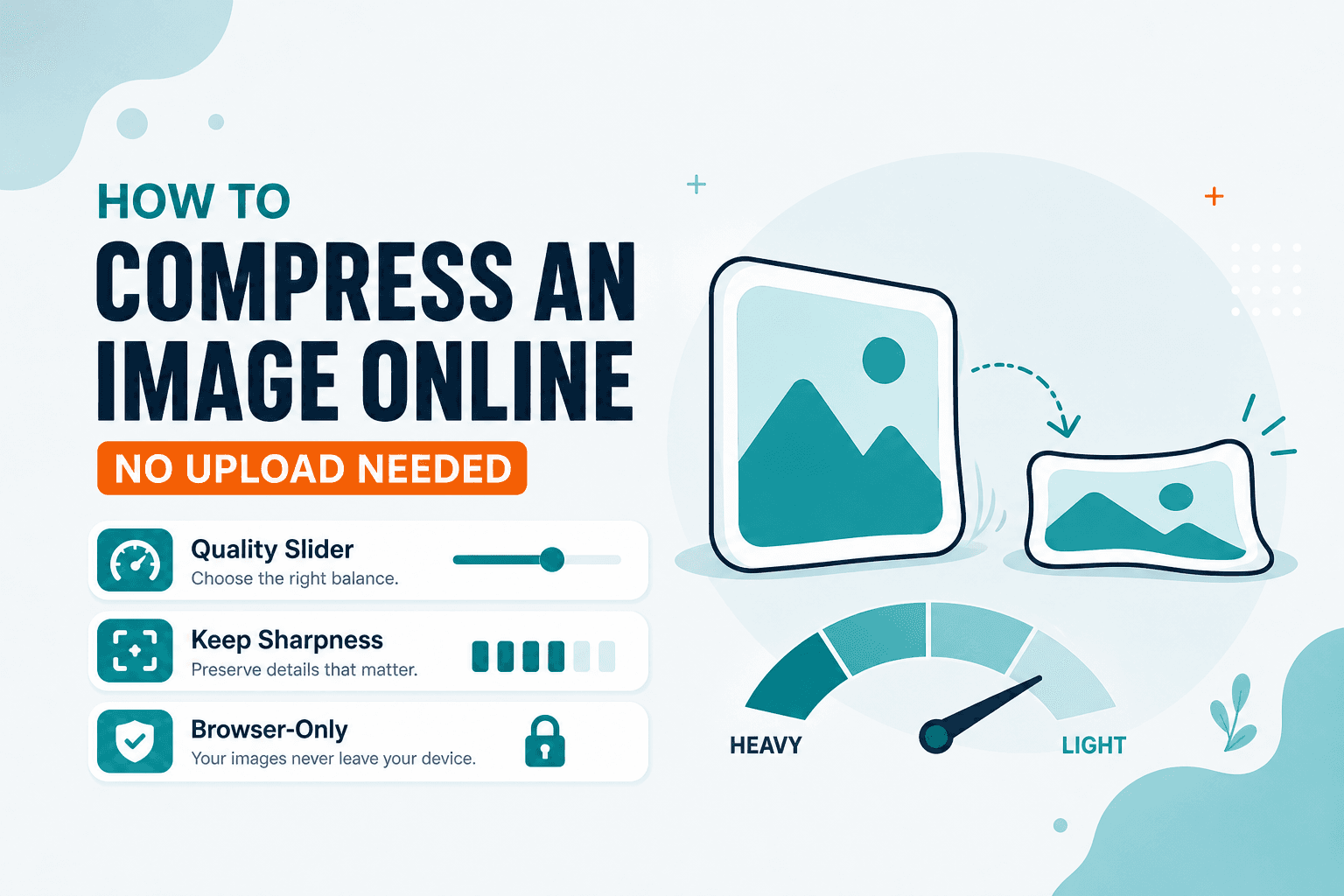
Email bounced your photo. A marketplace upload stalled at 40%. The picture looks fine — it is just too heavy. Compress Image shrinks JPG, PNG, or WebP in your browser for free with a live size preview — no upload, nothing sent to a server.
You know the moment: you attach a photo to an email and Gmail bounces it back. Or you try to upload a product shot to a marketplace and the progress bar stalls. Compression here changes encoding quality, not pixel dimensions. If the photo is far larger than you need on screen, Resize first, then compress.
Compression isn't the same as resizing
Here's the mistake I see constantly: someone cranks quality down to 10% on a 6000-pixel-wide vacation photo when they only need it at 1200 px for a blog post. Crushing quality on a massive image still leaves you with a bloated file.
If your photo is physically larger than the destination needs, Resize first — or read how to resize an image by pixels or percent. You'll often save more bytes that way than by hammering the quality slider. Our guide on how to reduce image size without losing quality walks through the combo approach.
A workflow that actually works
Open Compress Image, drop in a JPEG, PNG, or WebP, and start nudging the quality down. Watch the preview — stop at the first setting that still looks clean at normal viewing distance. Pushing the slider all the way to the bottom rarely wins for photos; it just makes skin tones look muddy.
Pick your output format if you need to switch containers. Download when the balance feels right.
Typical wins: email attachments that finally go through, portfolio images that stop slowing down your site, and backup folders where hundreds of shots add up faster than you'd think.
Which tool for which job?
Everything processes on your device. NeedAnyTool doesn't receive your photo for this workflow.
FAQ
Will compression change width and height?
No — dimensions stay the same. If you need a different size, use Resize.
Can I keep PNG transparency?
Yes. Keep PNG (or WebP with alpha) as your output format and the transparent areas survive.
Do I need an account?
Nope. Open the tool and go.
Related guides
Image Guides
Adjust Photo Brightness and Contrast Online
Fix dark, washed-out, or underexposed photos in your browser. Adjust brightness, contrast, and saturation in real time with zero software installs or uploads.
Image Guides
Brighten a Dark Photo Online
Brighten dark photos online — fix underexposed shots with brightness and contrast controls. Free, private, no upload.
Image Guides
How to Create a Game Sprite Sheet Online (PNG + JSON)
How to create a game sprite sheet online — pack frames into one PNG plus a JSON map. Free browser tool for indie devs and pixel art.