PDF Guides
Convert Images to PDF Online Without Uploading
Convert images to PDF online — JPG to PDF, PNG to PDF, or scan photos into one multi-page PDF. Free, private, no upload required.
NeedAnyToolPublished Updated 2 min read
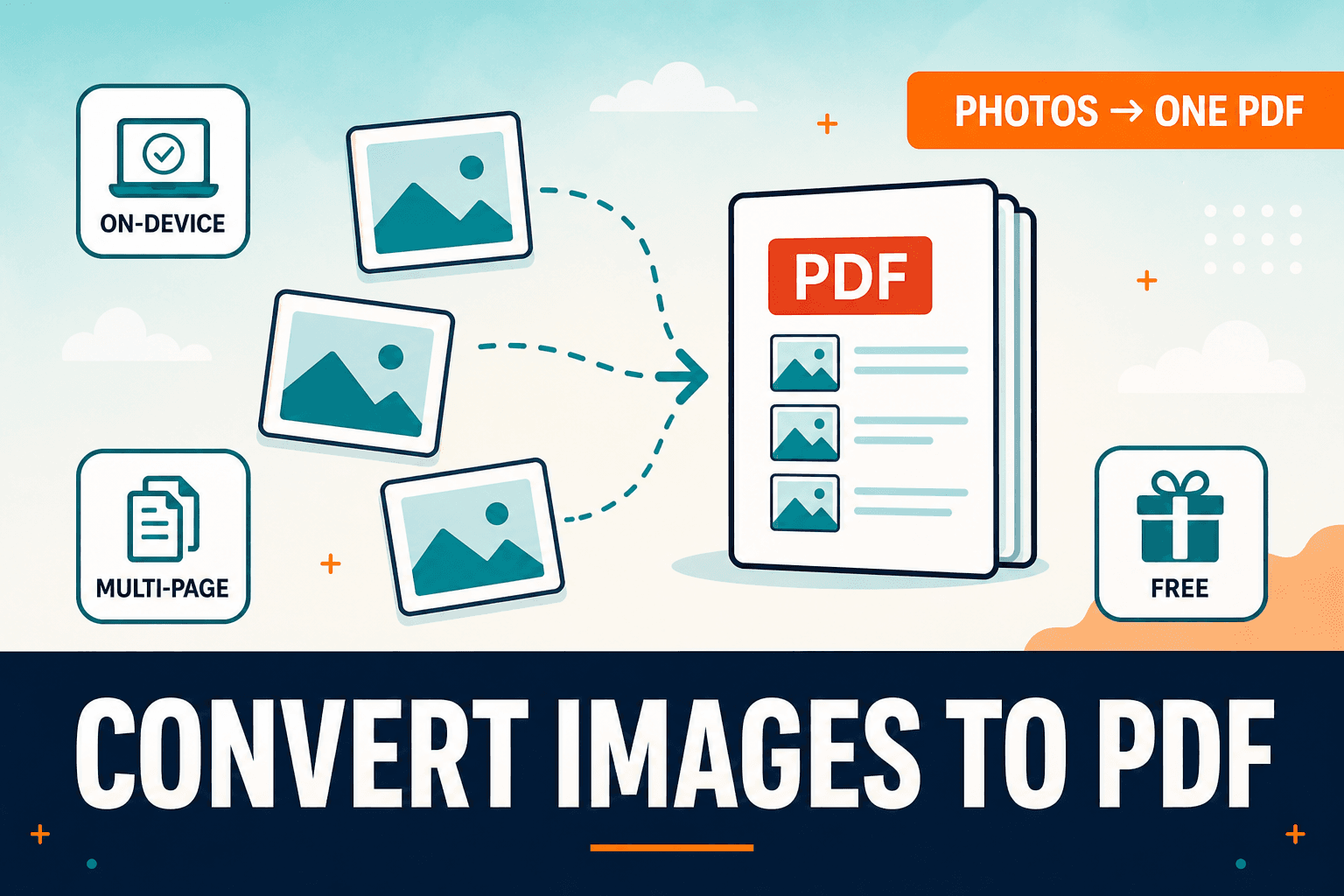
End of the month. You've got eight receipt photos on your phone, a landlord portal that accepts one PDF attachment, and no patience for a desktop scanner app.
Phone cameras create images. A surprising number of portals and email threads still want a PDF. Images to PDF builds a multi-page PDF from photos or scans in your browser — useful for receipts, IDs, homework packs, and anything else that needs to arrive as a single document.
Already working in the image toolkit? Image to PDF handles a single photo the same way. Both process on-device.
Getting the page order right
Open Images to PDF and add your images in the order you want pages to appear. Set page size and orientation if the tool exposes those options. Generate, download, and open the result to confirm order and orientation before you submit.
If a page is sideways, rotate the source image first with Rotate image, or fix the PDF afterward with Organize.
Keeping the file size sane
Camera photos are large. After building the PDF, run Compress PDF if email limits are tight. Resizing images with Resize before conversion often saves more than compressing alone.
Expense reports, school permission slips, rental applications — the pattern is the same. You photographed each page with your phone, and now someone on the other end wants one tidy PDF instead of a ZIP of JPEGs.
Mixing portrait and landscape pages works, but the result can look uneven. A quick rotate on the sideways shots before you add them saves a headache on the receiving end.
| Goal | Tool |
|---|---|
| Photos → one PDF | Images to PDF |
| PDF pages → image files | PDF to images |
| Extract embedded images only | Extract images |
Everything runs in your browser. NeedAnyTool doesn't upload your photos for this conversion.
FAQ
What image formats work?
Common formats like JPEG and PNG are supported in typical browser workflows. If a file fails, convert it first with Convert image.
Can I mix portrait and landscape photos?
Yes, but the PDF page boxes may look inconsistent. Rotate or crop sources first for a cleaner packet.
Do I need an account?
No.
30 on-device PDF tools — nothing uploaded.
Related guides
PDF Guides
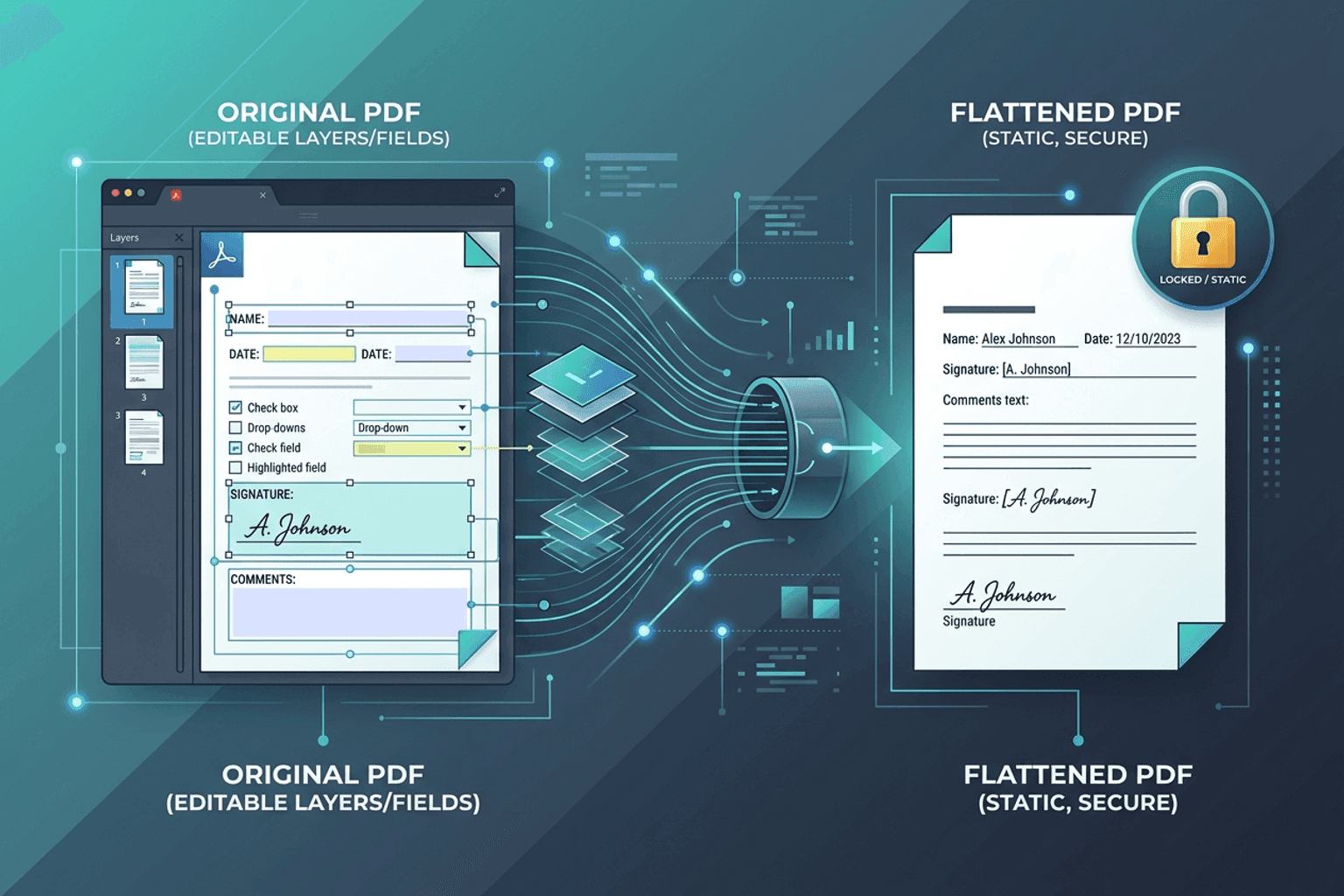
Flatten PDF Form Fields Online — Lock Edits
Flatten PDF form fields, annotations, and visual signatures into permanent page content in your browser. Lock documents and prevent layout shifts with zero uploads.
PDF Guides
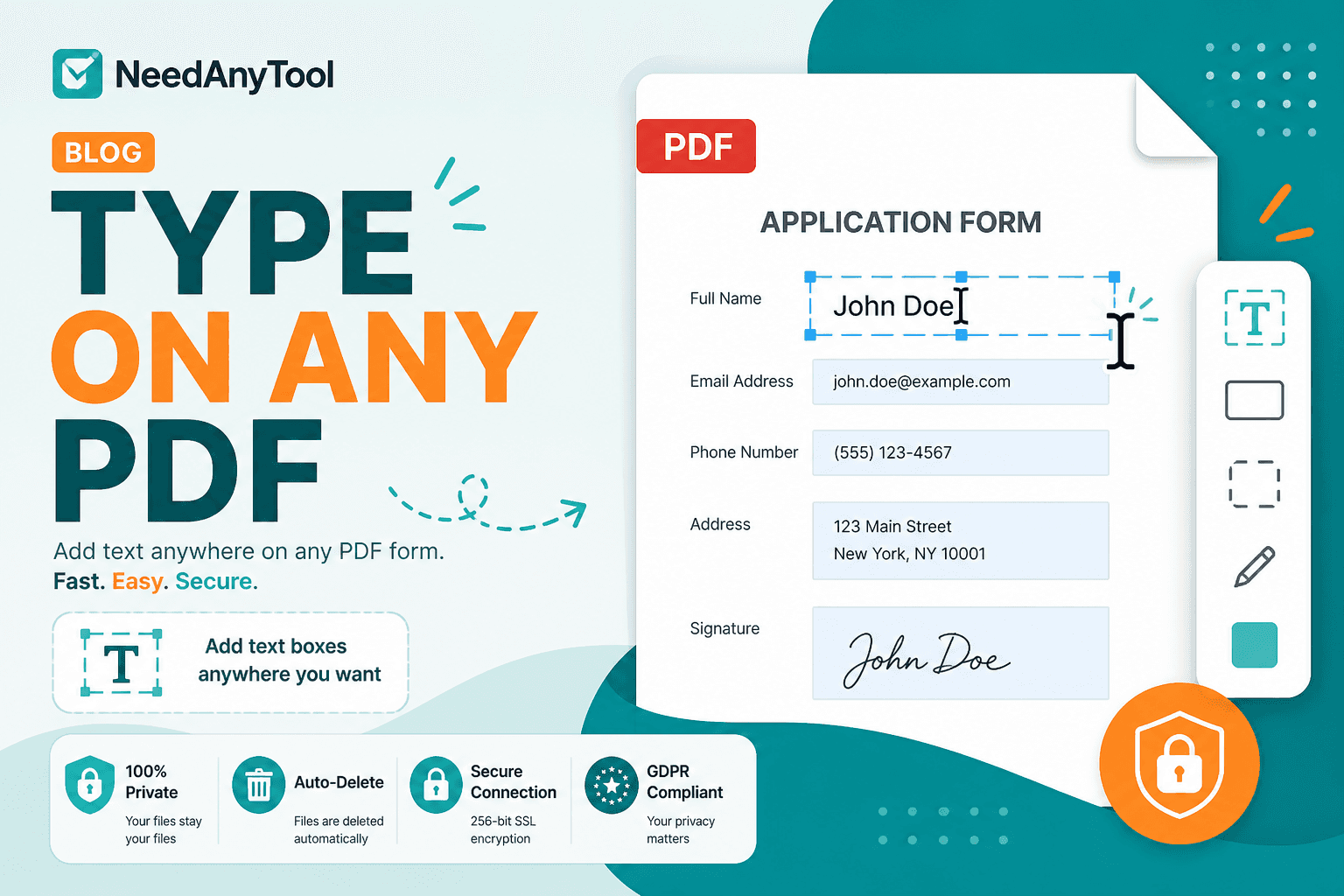
Add Text to a PDF Online
Add text to a PDF in your browser — names, dates, addresses, and notes placed exactly where you need them. No upload required.
PDF Guides
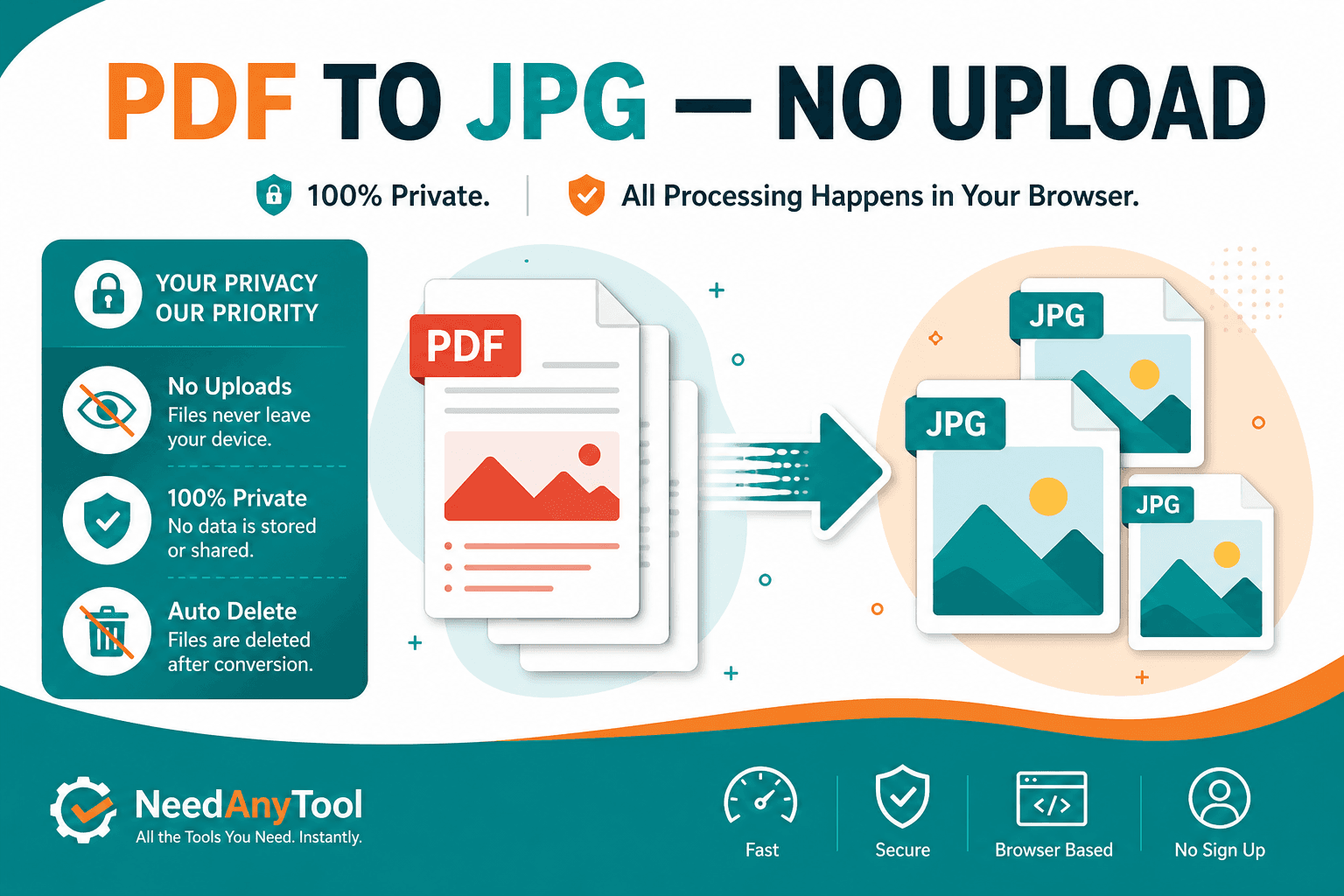
Convert PDF Pages to JPG Online
Convert PDF pages to JPG or PNG images in your browser. Export slides, scans, or forms as pictures — free, no account.