Image Guides
Convert JPG, PNG, and WebP Online (No Upload)
Convert JPG to PNG, PNG to JPG, or convert to WebP online free. Best image format for web — switch formats in your browser with no upload.
NeedAnyToolPublished Updated 2 min read
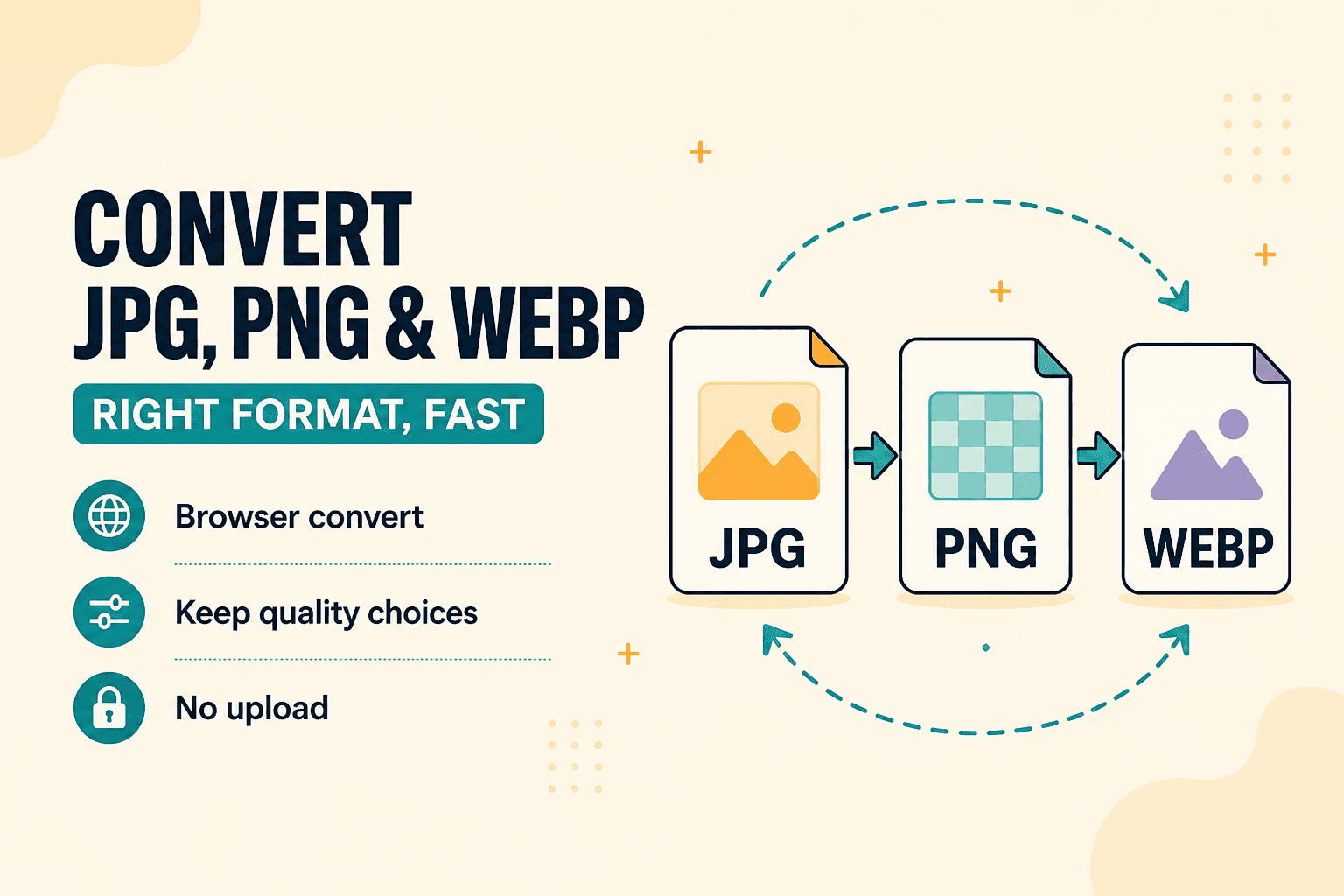
Wrong format wastes everyone's time. A PNG logo emailed as a 4 MB attachment when a 200 KB JPG would do. A WebP image that an older desktop app simply refuses to open. A client who needs JPEG and you've only got PNG.
Convert Image switches formats in the browser — pick JPG for photos, PNG for transparency, or WebP for modern web delivery. Our deeper dive on PNG vs JPG vs WebP covers the trade-offs if you're not sure which to pick.
A quick decision guide
Photos for email or print workflows → JPG (or WebP if you know the recipient's setup supports it).
Logos and UI assets with transparency → PNG, or lossless WebP if your pipeline handles it.
Web performance → WebP when the browsers in your audience support it. Fallback to JPG when they don't.
Conversion changes the container and encoding. It doesn't automatically shrink a file — that's what Compress is for. Often you'll convert to the right format first, then compress or Resize if size is still an issue.
How to convert
Open Convert Image, select your source file, choose the output format, and download. Open the result in whatever app needs it and confirm it works before you delete the original.
If the file is still large after conversion, follow up with Compress or Resize.
A real example: you export a logo from Figma as PNG with transparency, but the client's CMS only accepts JPG. Convert, add a white background in your design tool if needed, convert again, done. No round trip through a sketchy upload site.
HEIC from iPhones is another common headache — if your browser can't open it, export as "Most Compatible" from the phone first, then convert here.
Everything runs on your device. NeedAnyTool doesn't upload your file for conversion.
FAQ
Will converting PNG to JPG remove transparency?
Yes — JPG has no alpha channel. Use a solid background before converting, or keep PNG/WebP when you need transparency.
Can I batch convert?
Check the tool UI for multi-file support in your session. Very large batches are easier on a desktop because of memory limits.
Do I need an account?
No.
Related guides
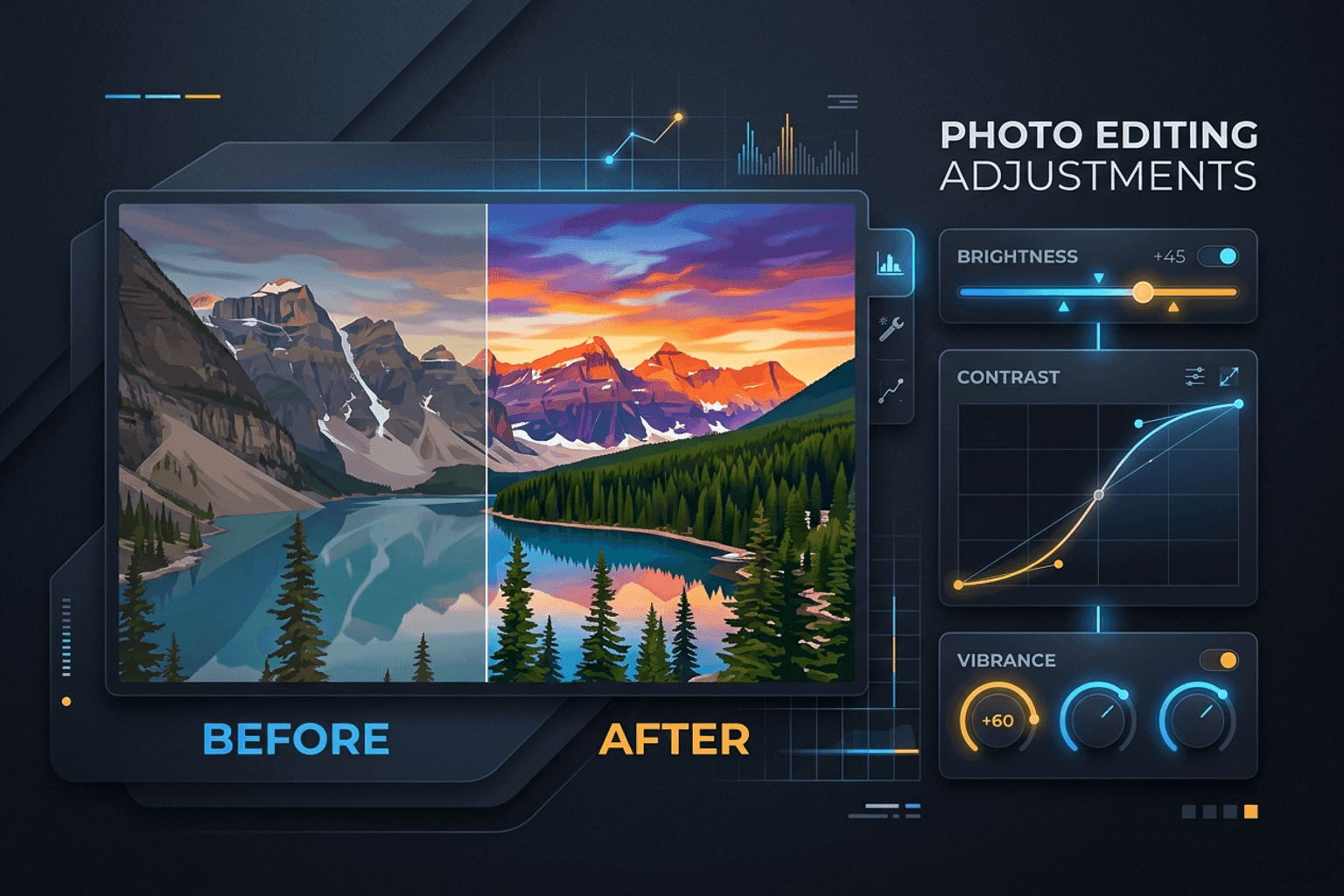
Image Guides
Adjust Photo Brightness and Contrast Online
Fix dark, washed-out, or underexposed photos in your browser. Adjust brightness, contrast, and saturation in real time with zero software installs or uploads.
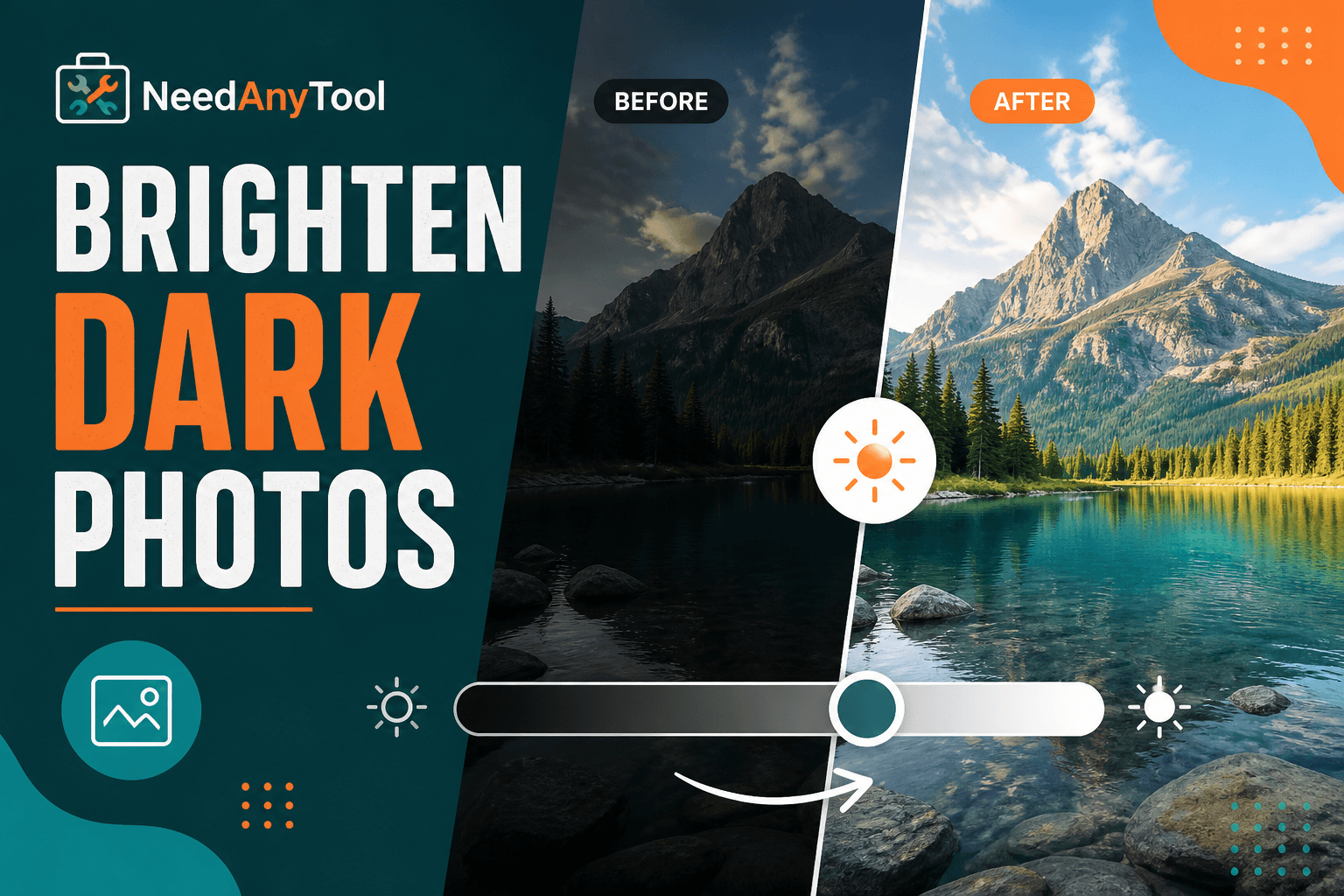
Image Guides
Brighten a Dark Photo Online
Brighten dark photos online — fix underexposed shots with brightness and contrast controls. Free, private, no upload.
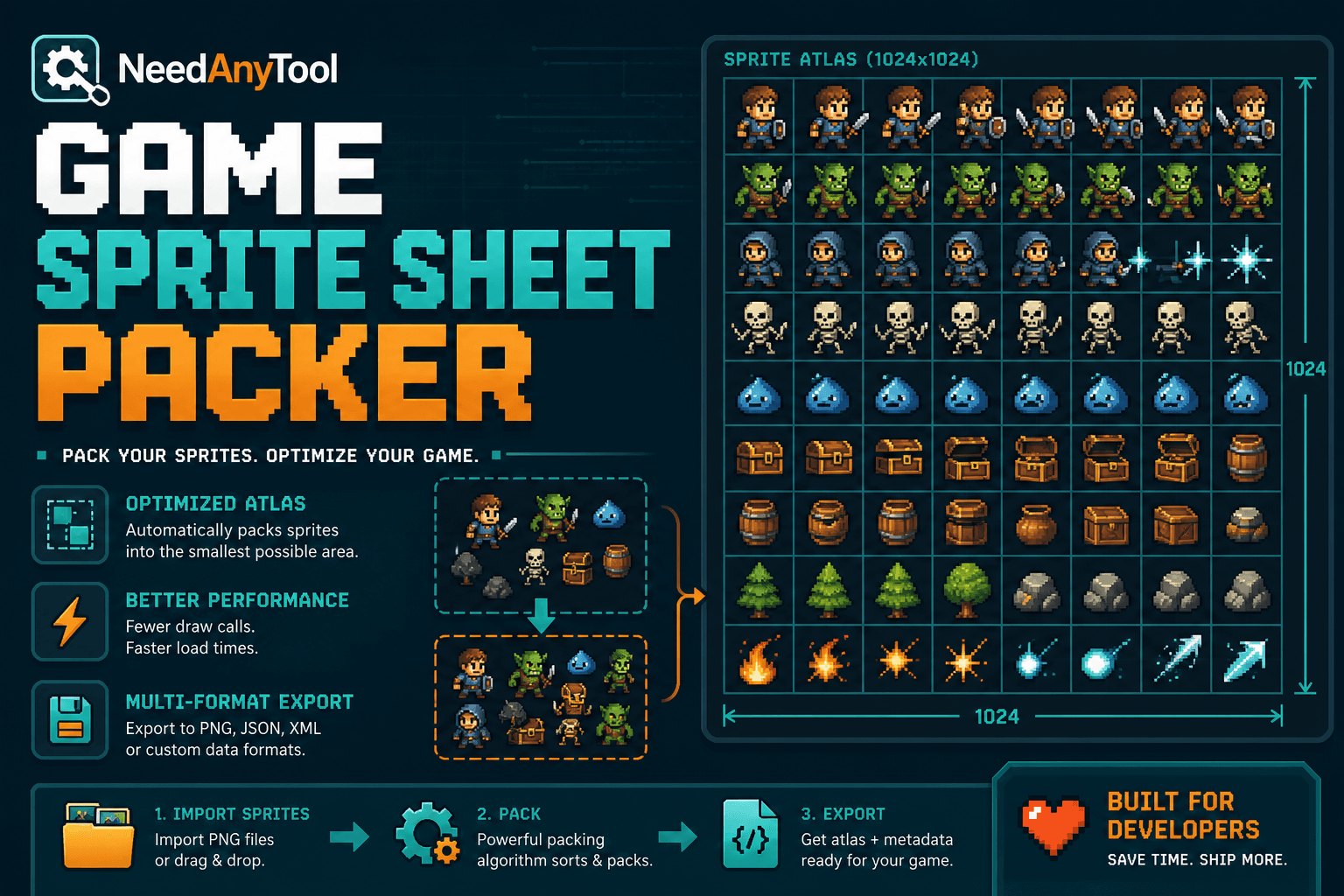
Image Guides
How to Create a Game Sprite Sheet Online (PNG + JSON)
How to create a game sprite sheet online — pack frames into one PNG plus a JSON map. Free browser tool for indie devs and pixel art.