Image Guides
How to Create a Game Sprite Sheet Online (PNG + JSON)
How to create a game sprite sheet online — pack frames into one PNG plus a JSON map. Free browser tool for indie devs and pixel art.
NeedAnyToolPublished Updated 2 min read
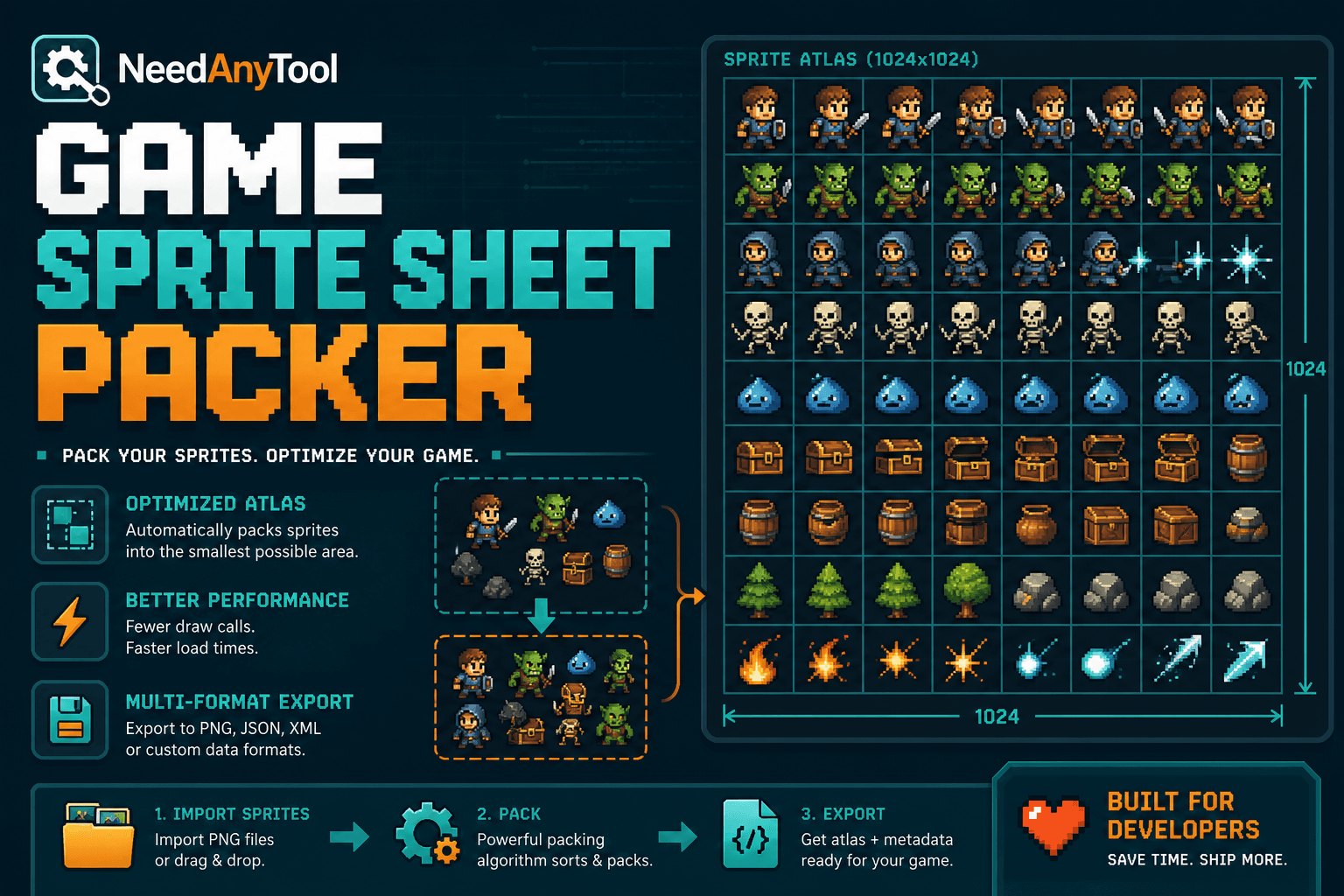
If your game loads forty separate PNGs for a walk cycle, that's forty HTTP requests before the first frame renders. A texture atlas — one image plus a JSON file telling your engine where each frame lives — fixes that. Phaser, Pixi, and most HTML5 setups expect exactly this pattern.
Sprite Sheet packs your frames and exports the mapping data as a ZIP (PNG + JSON). Building UI icons instead of character animations? The web-focused walkthrough is in Icon sprite sheet for web apps.
This is not a photo collage tool. Collage makes a shareable grid of photos; a sprite sheet is a packed atlas with coordinates for engines and CSS.
Prep your art before you pack
Transparent PNGs for anything with alpha. JPG only if you're certain there's no transparency — which is rare for characters. Name files so they sort logically: walk_01, walk_02, not frame_final_v3_REAL.png.
Consistent frame sizes make life easy. Uneven sprites work too, but you'll want explicit padding between them so tiles don't bleed into each other when the GPU scales things.
Pack, download, verify
Open Sprite Sheet, upload your frames, and set padding plus max sheet size if your engine has limits — 2048 and 4096 are common ceilings on mobile. Generate, download both the sheet and JSON, import into your engine, and run one animation loop before you pack the rest of your game. Catching a coordinate mismatch early saves hours.
Power-of-two sheet dimensions help on older GPUs. Leave a pixel or two of bleed between tiles to stop colour fringing at scale. Anchor points belong in your game code, not just in the art file — document them somewhere your future self will find them.
For one-off social GIF frames, Collage is simpler. A single hero image just needs Compress. Repacking after art changes? Re-upload, regenerate, and version your JSON in git like any other asset.
Your art never leaves your machine — fine for unreleased builds.
Ready to pack frames? Open Sprite Sheet and download the ZIP.
FAQ
Does it handle uneven sprite sizes?
Yes, with padding options. Double-check that JSON rects match what your runtime expects.
PNG only, or can I use JPG?
PNG for transparency. JPG works for opaque tile sets where you don't need alpha.
What max sheet size should I use?
Match your target platform. Mobile GPUs choke on 8192×8192; desktop is more forgiving.
I edited one frame — do I repack everything?
Re-upload the changed frames and regenerate. Keep versioned JSON so you can diff what moved.
Related guides
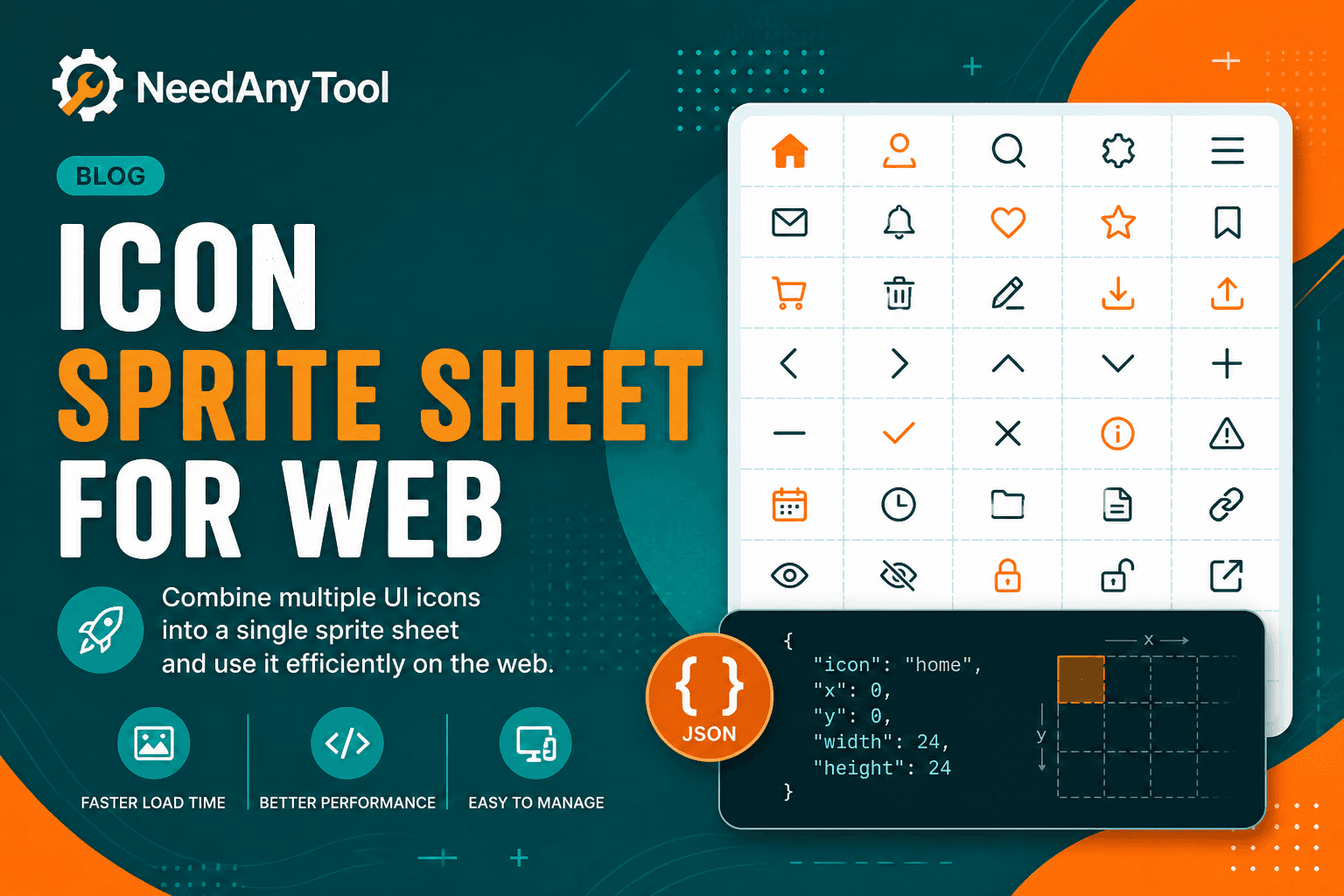
Image Guides
Build an Icon Sprite Sheet for Faster Websites
Combine UI icons into one sprite sheet for faster web apps — single image, JSON coordinates. Free online packer in your browser.
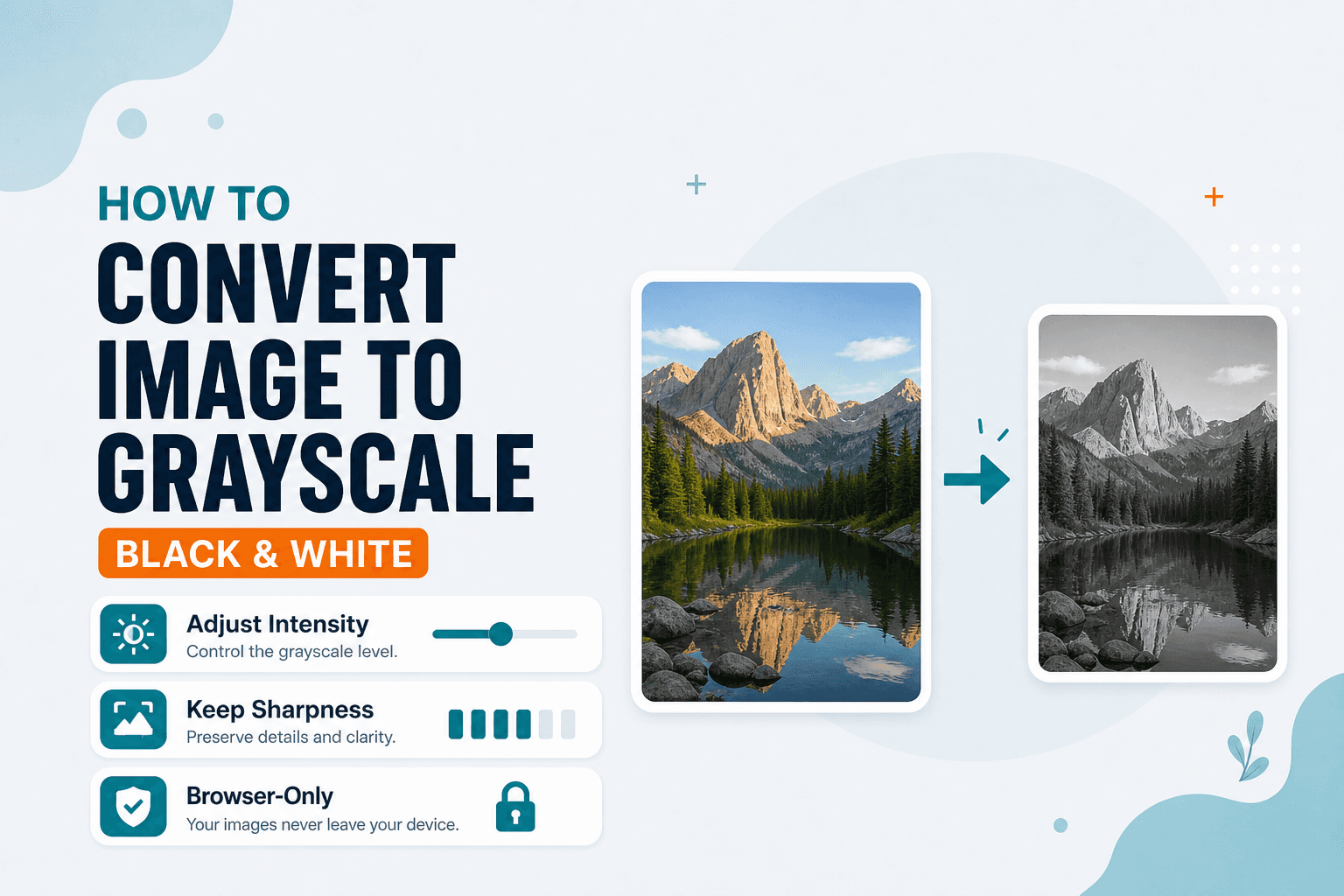
Image Guides
How to Convert an Image to Grayscale (Black & White)
How to convert an image to grayscale online — turn a color photo black and white in your browser. Desaturate JPG/PNG with no upload.
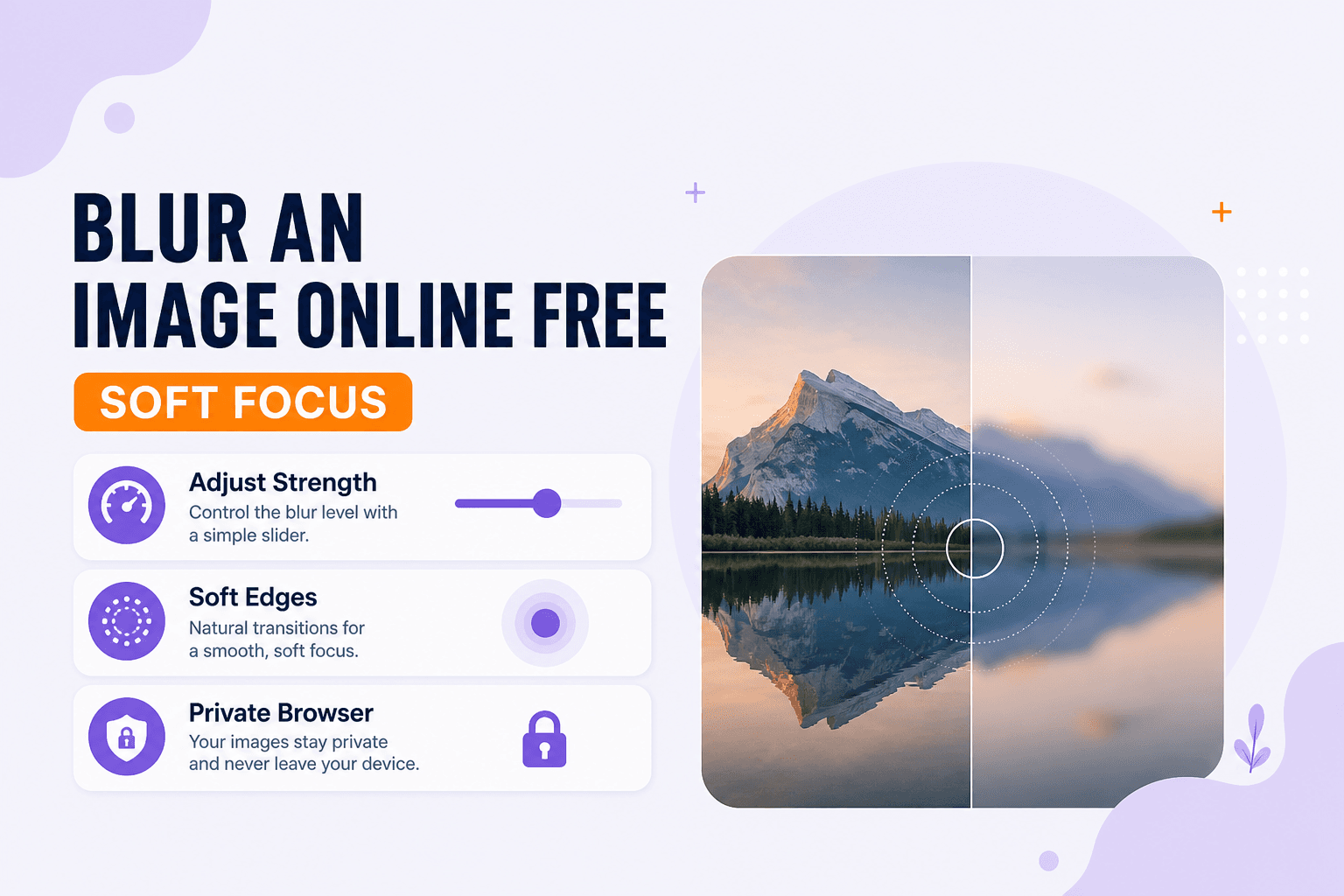
Image Guides
Blur an Image Online Free (Soft Focus)
Blur an image online free — soft focus or Gaussian-style blur for photos in your browser. Obscure details without uploading.