Image Guides
How to Convert an Image to Grayscale (Black & White)
How to convert an image to grayscale online — turn a color photo black and white in your browser. Desaturate JPG/PNG with no upload.
NeedAnyToolPublished Updated 2 min read
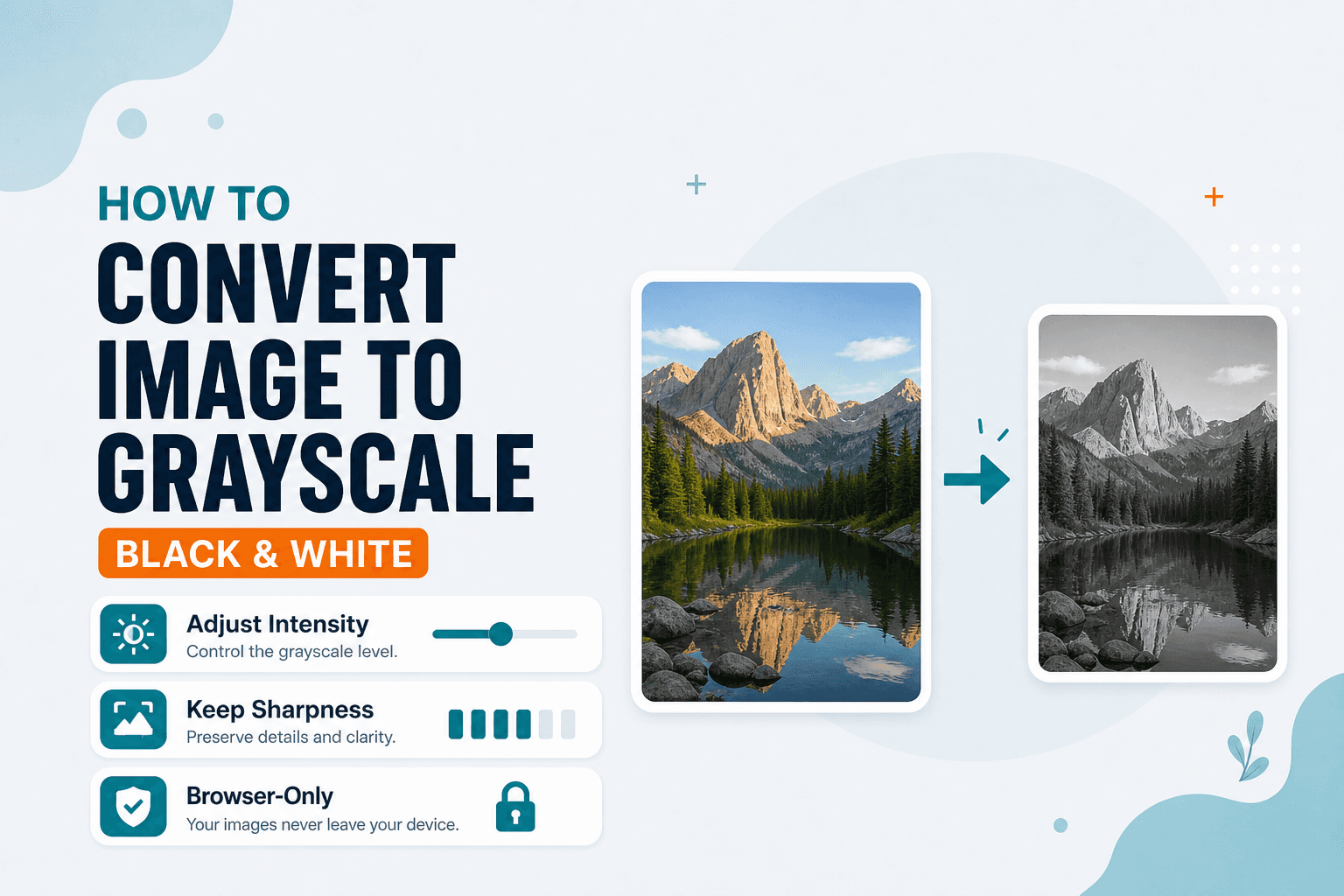
The government form says "black and white photo only." Your camera roll has a perfectly good color portrait. The scanner at the print shop charges extra for color. The design mockup needs a mono treatment and you don't want to fire up Photoshop for a two-second job.
Black-and-white still shows up more than you'd think. Grayscale desaturates a photo in the browser so you can download a mono version without installing anything.
What you get is grayscale — many shades from black through white — not a pure 1-bit black-or-white threshold. For most “black and white converter” needs (forms, portfolios, print), that is what people mean.
Grayscale removes color — it doesn't crop, blur, or shrink the file by itself. Frame with Crop first if needed. Shrink with Compress or Resize if the destination also has size rules.
Keep the color original
Grayscale is easy to re-apply. Recovering color from a mono export is not. Save the color version somewhere before you convert.
Open Grayscale, drop in a JPG or PNG, preview the result, and download when contrast looks right. If you need a soft mono backdrop afterward, Blur can help — but that's a separate step.
Forms and scanners that prefer black-and-white uploads. Design mockups. Print jobs billed or limited by color. Softening a busy color photo for a document background.
Not every mono conversion needs to look dramatic. Sometimes you just need the file to pass a validator that rejects color — and grayscale gets you there in one click without touching anything else about the image.
If contrast looks flat after conversion, that's usually a property of the original photo, not the tool. A well-lit color portrait typically converts to a readable mono version without extra tweaking. Use Adjust afterward if you want more punch.
| Goal | Tool |
|---|---|
| Remove color / black and white | Grayscale |
| Soft focus / obscure detail | Blur |
| Change file format only | Convert Image |
Everything runs on your device. NeedAnyTool doesn't upload your photo for desaturation.
Ready to convert? Open Grayscale and run it on your device.
FAQ
Is grayscale the same as black and white?
For everyday use, yes. This tool outputs grayscale tones. It does not create a pure black-or-white 1-bit image.
Is grayscale the same as a true B&W film look?
It removes saturation. Fancy film curves and grain need a dedicated editor. For forms and quick mono exports, grayscale is plenty.
Will the file get smaller?
Sometimes slightly. For a real size drop, Compress or Resize.
Can I undo grayscale later?
Not from the mono file. Keep the color original.
Do I need an account?
No.
Related guides
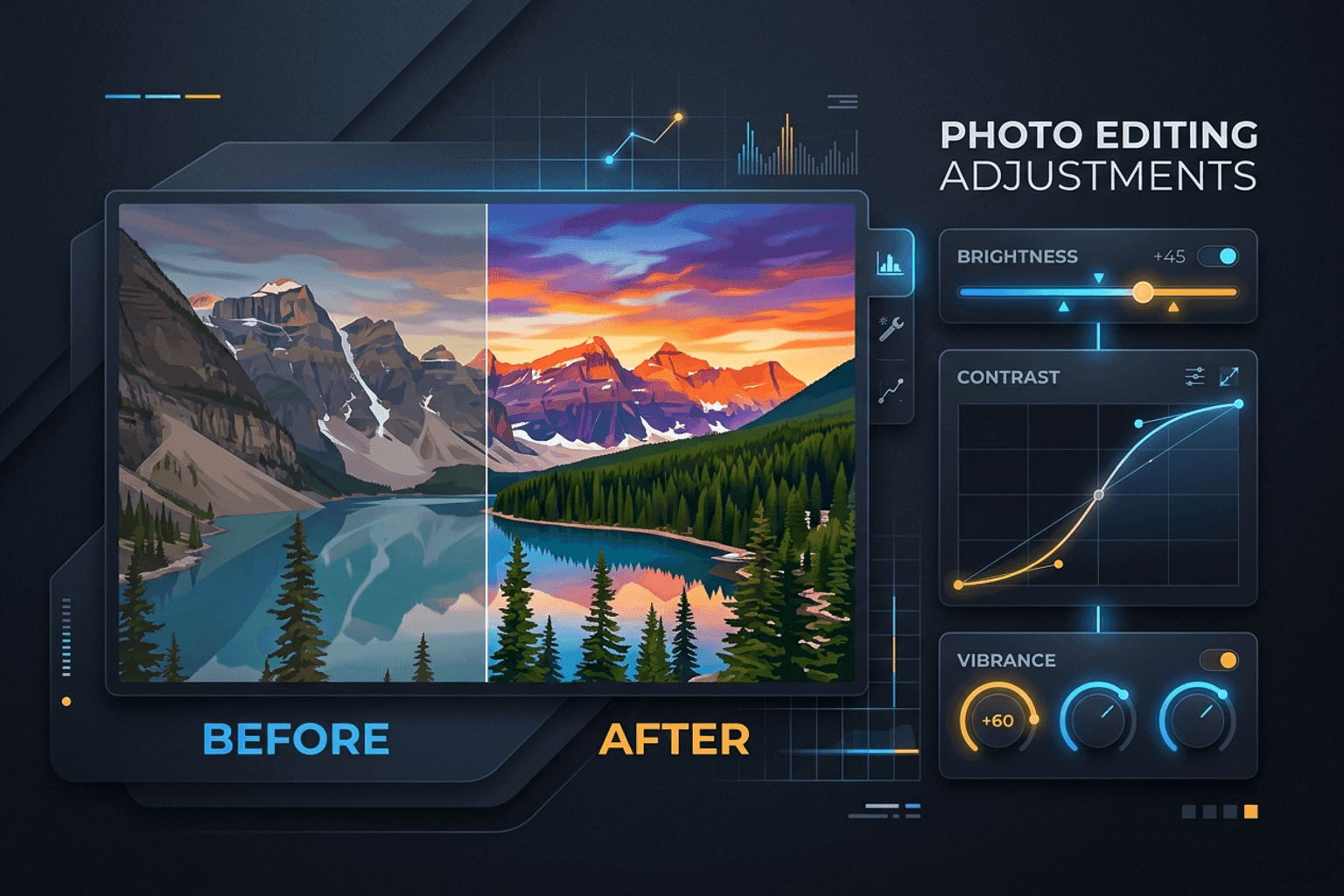
Image Guides
Adjust Photo Brightness and Contrast Online
Fix dark, washed-out, or underexposed photos in your browser. Adjust brightness, contrast, and saturation in real time with zero software installs or uploads.
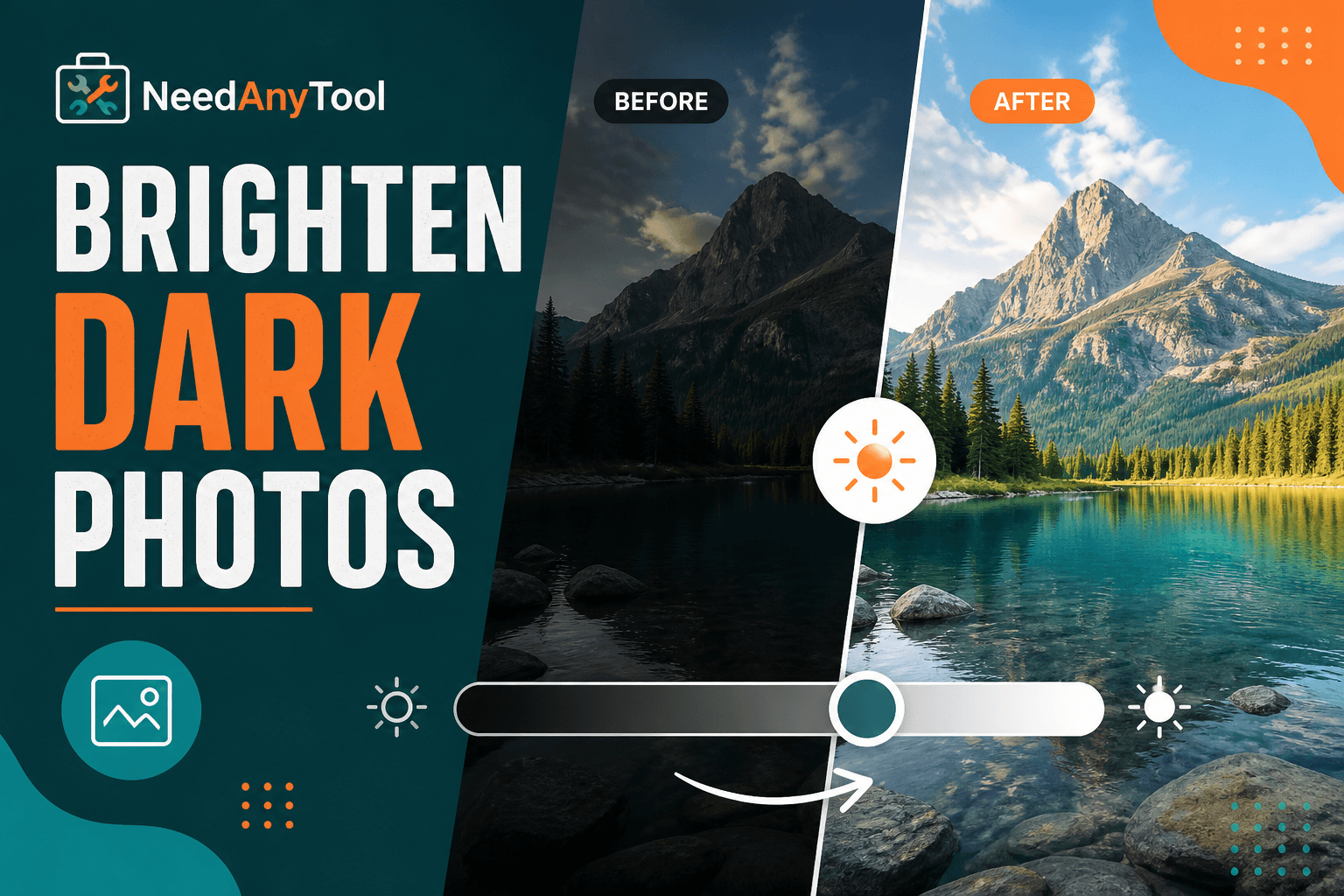
Image Guides
Brighten a Dark Photo Online
Brighten dark photos online — fix underexposed shots with brightness and contrast controls. Free, private, no upload.
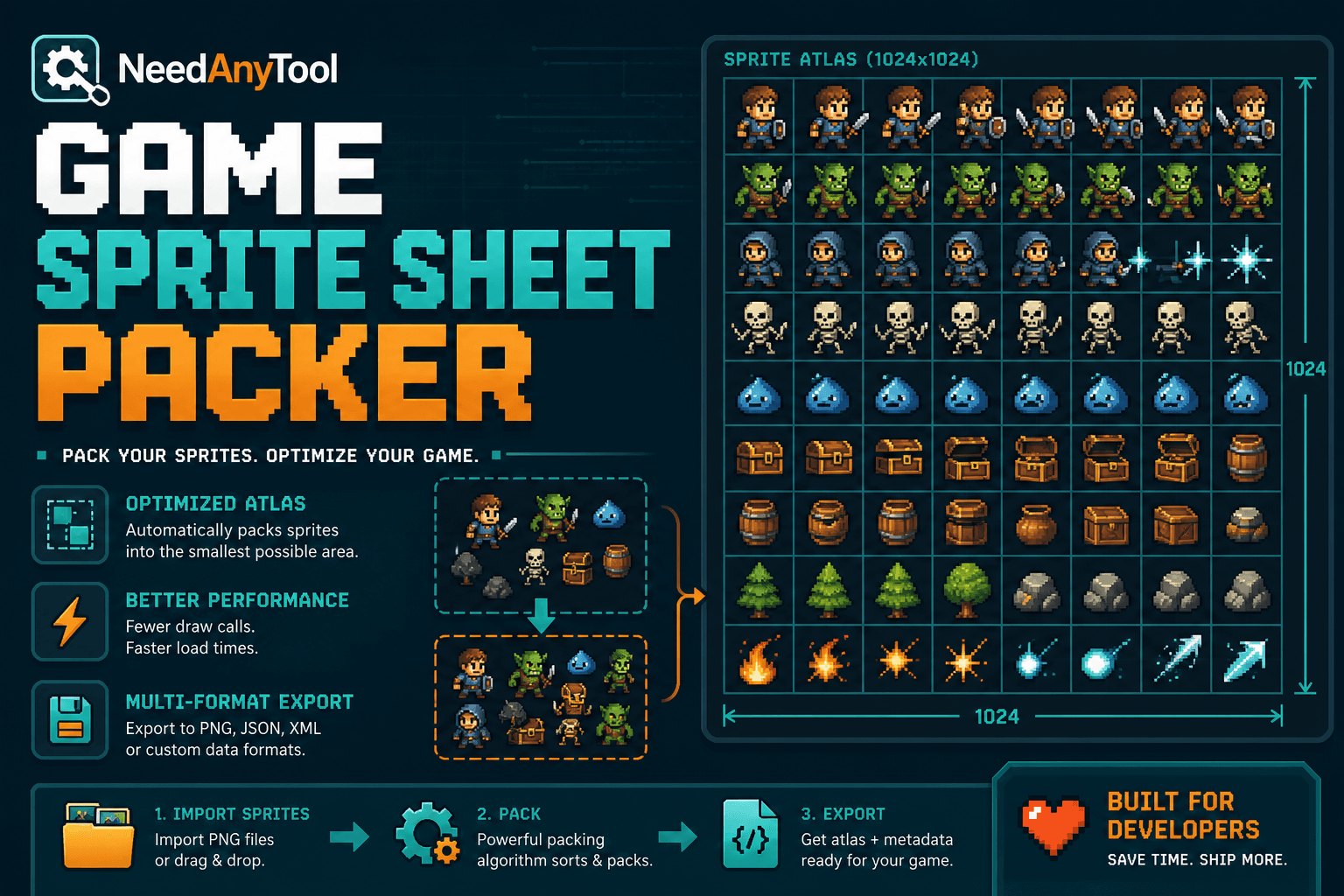
Image Guides
How to Create a Game Sprite Sheet Online (PNG + JSON)
How to create a game sprite sheet online — pack frames into one PNG plus a JSON map. Free browser tool for indie devs and pixel art.