Image Guides
Remove EXIF Data from Photos Online (Privacy)
Remove EXIF data from photos online — strip GPS, camera, and metadata before sharing. Free EXIF viewer and privacy cleanup in your browser.
NeedAnyToolPublished Updated 2 min read
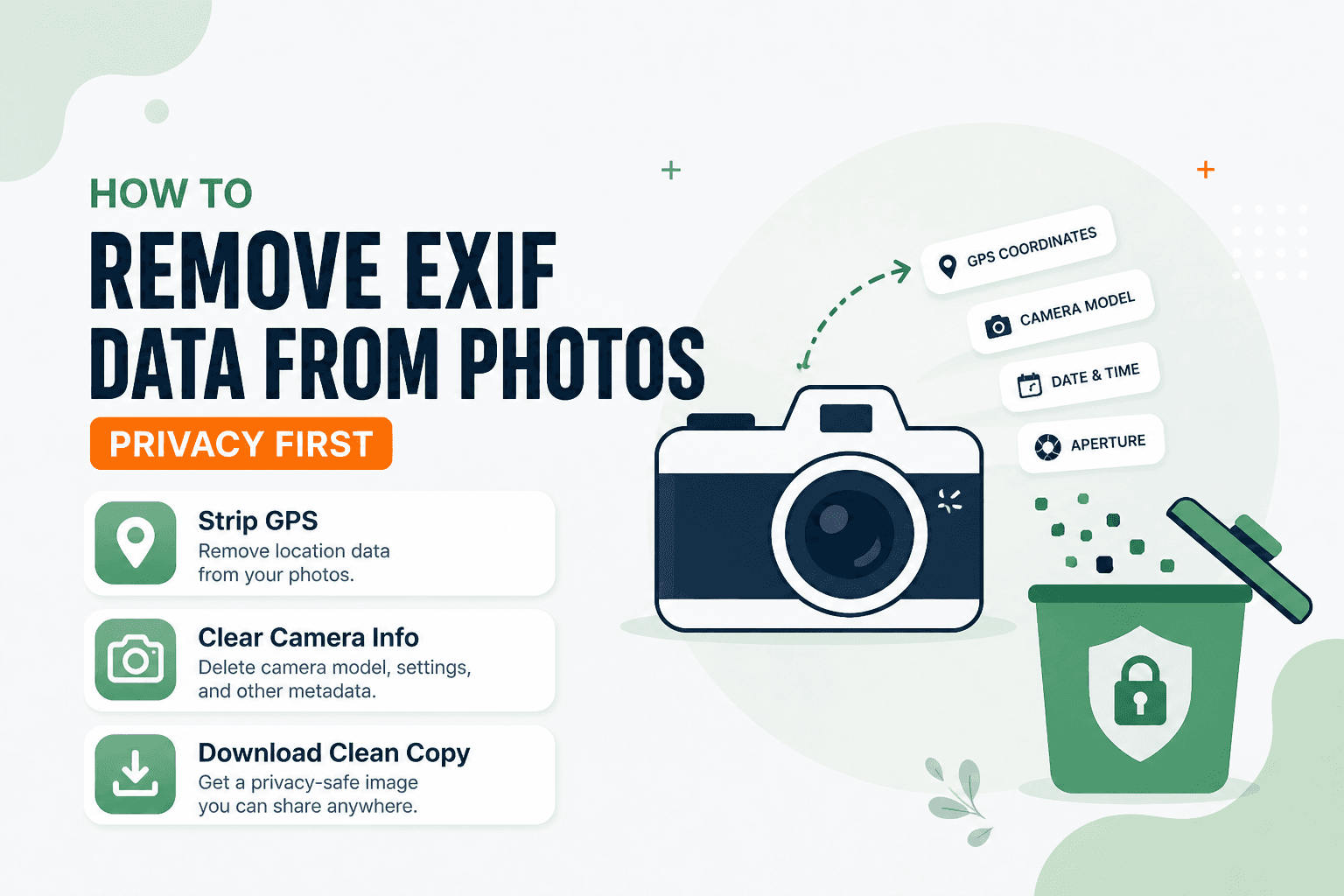
A friend posted a gorgeous sunset from their balcony on Instagram. Someone in the comments asked which neighborhood they lived in — because the photo's GPS coordinates were still embedded in the file. They'd never meant to share their address. They'd just hit "post."
Photos carry more than pixels. EXIF metadata can include GPS coordinates, camera model, timestamps, and even the software used to edit the shot. EXIF Viewer lets you inspect what's hiding in a file and strip it before you share — all in the browser, on your device.
Strip EXIF when location or device details should stay private. If you're dealing with PDFs that have author or title fields instead, that's a different path: Remove Metadata.
When it's worth cleaning
Posting travel shots from a home address you don't want public. Delivering client work where camera serial numbers or software tags aren't anyone's business. Listing photos where GPS adds nothing useful. Even screenshots and exports can inherit metadata from whatever app created them.
Worth knowing: editing in another app can sometimes re-add tags. If privacy really matters, verify again after a heavy export.
How to strip it
Open EXIF Viewer, load the photo, and review the fields the tool surfaces. When you're ready to share, export a clean copy without the metadata. Keep the original offline if you still need those tags for your own records.
| Goal | Tool |
|---|---|
| View / strip photo metadata | EXIF Viewer |
| Smaller file size | Compress |
| Fix sideways orientation | Rotate / Flip |
The tool processes files on-device. NeedAnyTool doesn't upload your photo for metadata inspection or stripping.
FAQ
Does removing EXIF change how the photo looks?
No — it removes metadata, not visible pixels. If the image displays sideways, that's an orientation issue. Fix it with Rotate / Flip.
Is EXIF the same as PDF document info?
Different beast entirely. PDF title and author fields live in Remove Metadata.
Will social networks strip EXIF anyway?
Some platforms strip GPS; others keep more than you'd expect. Cleaning before upload is the safer habit — don't rely on the platform to do it for you.
Do I need an account?
No.
Related guides
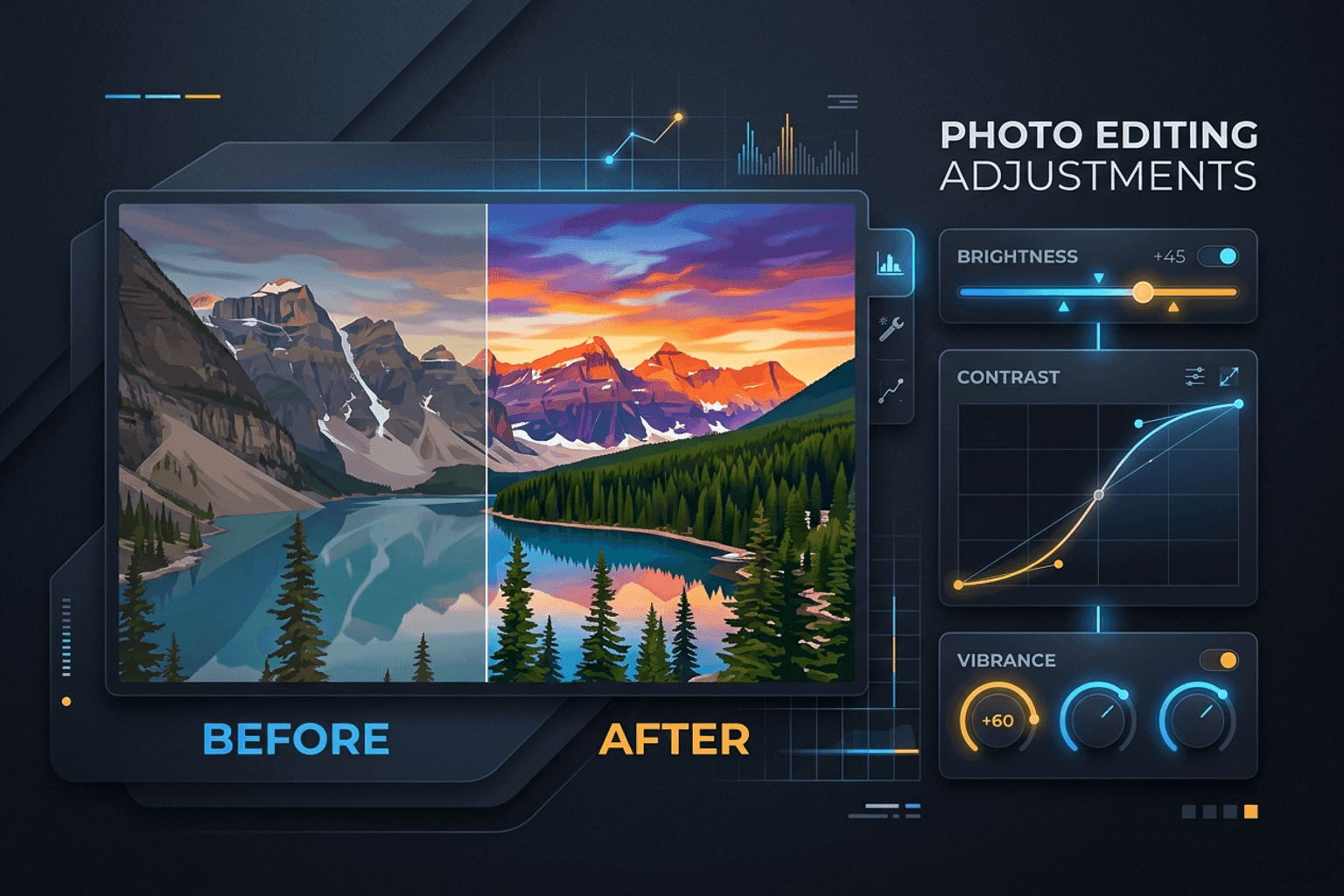
Image Guides
Adjust Photo Brightness and Contrast Online
Fix dark, washed-out, or underexposed photos in your browser. Adjust brightness, contrast, and saturation in real time with zero software installs or uploads.
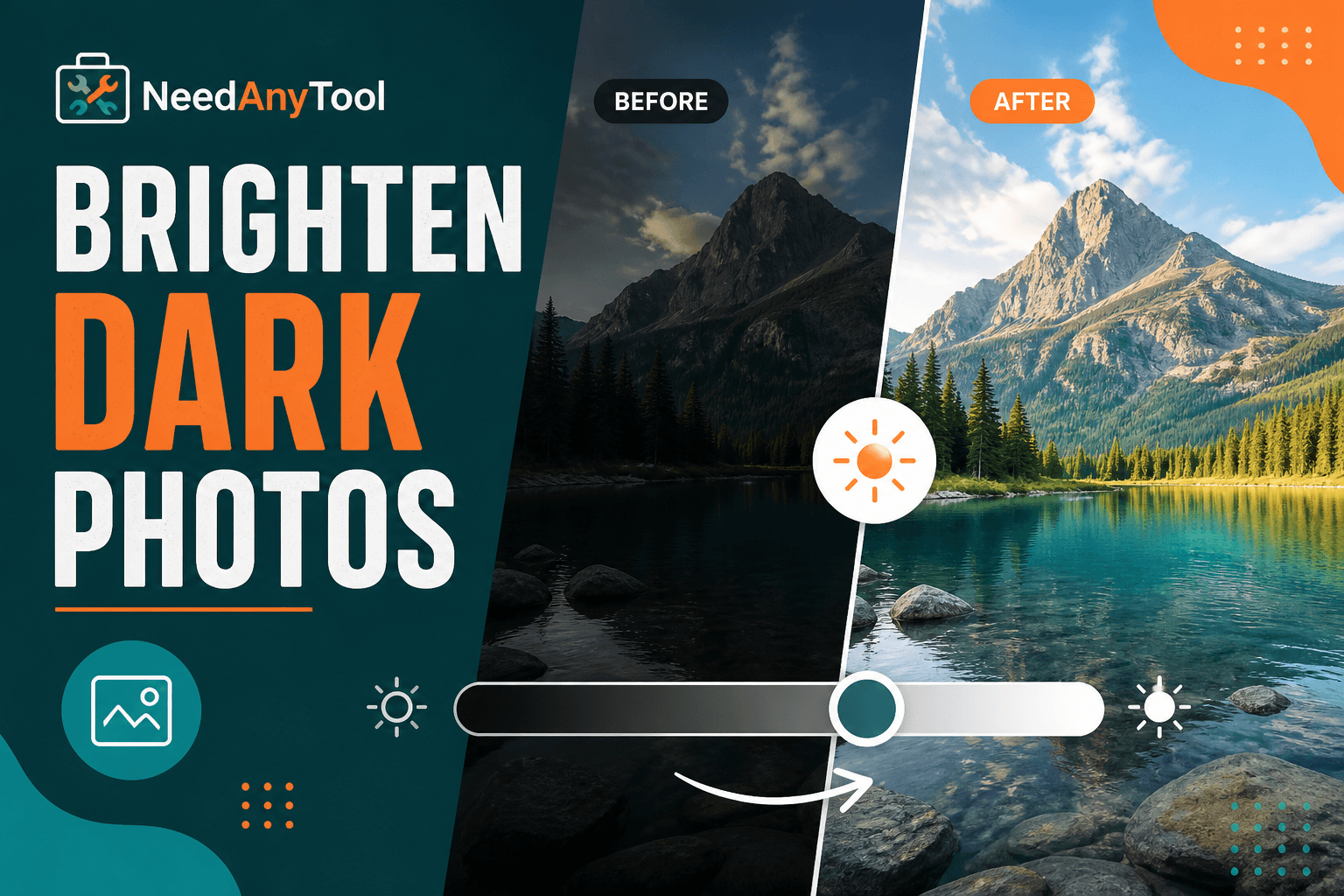
Image Guides
Brighten a Dark Photo Online
Brighten dark photos online — fix underexposed shots with brightness and contrast controls. Free, private, no upload.
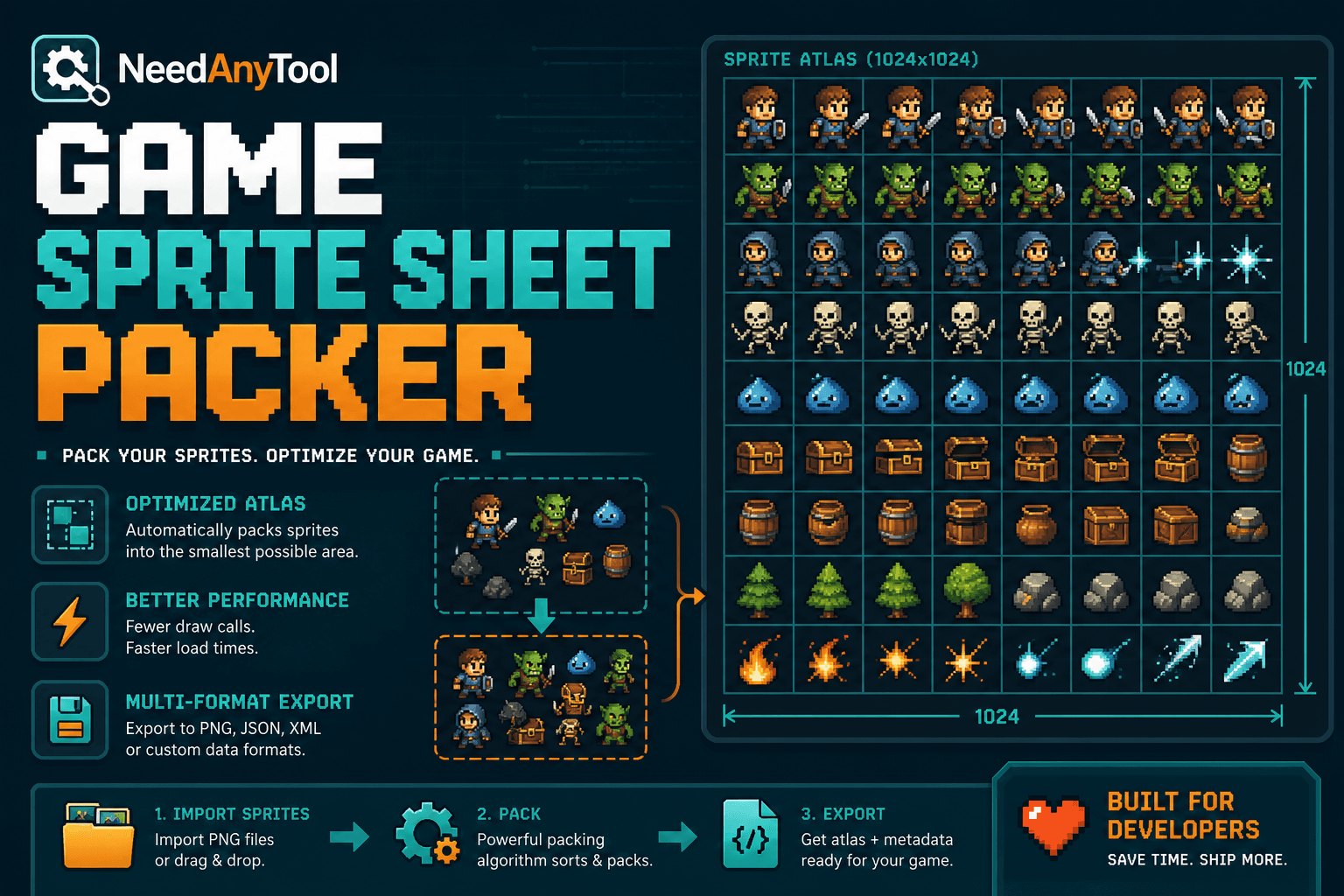
Image Guides
How to Create a Game Sprite Sheet Online (PNG + JSON)
How to create a game sprite sheet online — pack frames into one PNG plus a JSON map. Free browser tool for indie devs and pixel art.