Image Guides
Resize an Image Online by Pixels or Percent
Resize an image online by pixels or percent — change width and height for web, email, or print. Free scale tool in your browser, no upload.
NeedAnyToolPublished Updated 2 min read
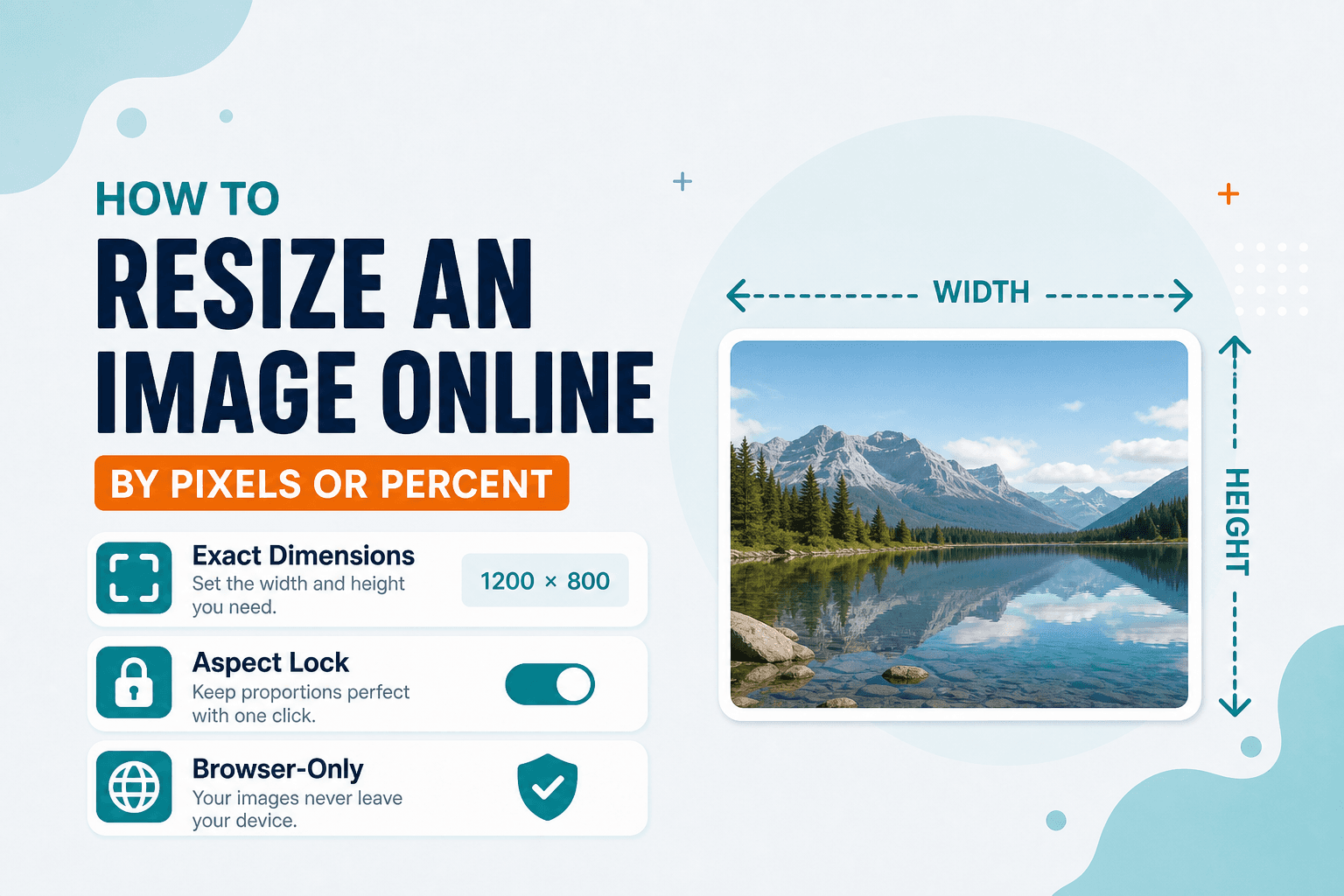
Your phone camera probably shoots at 4000 pixels wide or more. The blog you're uploading to wants 1200. Your email client chokes on anything over 5 MB. The math is simple — you need fewer pixels, not a different photo.
Ready to change pixel size now? Open Resize Image — scale by exact width and height or by percentage, entirely in your browser. No install, no upload.
Resizing isn't compressing, though people mix them up constantly. Fewer pixels usually cuts file size more dramatically than crushing JPEG quality on a massive original. Once you've hit the right dimensions, run Compress if you still need a smaller download — or read how to compress an image without uploading. For platform-specific presets, Resize for social has you covered. Changing framing only? See how to crop an image.
Pixels or percent?
Use pixels when a site tells you exactly what it wants — "1200 × 630" for an Open Graph image, for example. Use percent when you just want a quick "half size" pass without doing arithmetic.
Keep aspect ratio locked unless you intentionally want stretch. Nobody wants a squashed logo.
Typical use cases
Shrinking vacation photos for email. Matching a website's max content width. Scaling a logo down for a mockup. Preparing files before you change image DPI for print.
Open Resize Image, load your file, enter your target, and download. One honest caveat: upscaling a tiny image can't invent real detail. Always resize down from a large original when you can.
I've used this for Etsy listing photos (down to 2000 px wide), newsletter headers (exactly 600 px), and screenshots that were somehow 3000 pixels across because of a Retina display. Same tool, same three steps every time.
| Goal | Tool |
|---|---|
| Change pixel dimensions | Resize |
| Change framing only | Crop |
| Smaller file, same dimensions | Compress |
| Print size via DPI × inches | Change Image DPI |
Processing happens on your device. NeedAnyTool doesn't upload your photo for resizing.
FAQ
Is “change pixel size” the same as resize?
Yes. Searches like “change pixel size of image” or “change photo pixels” mean setting width and height in pixels (or scaling by percent). That is exactly what Resize Image does — it is not the same as compressing file size or cropping the frame.
Will resize change quality?
Downsizing at a sensible target looks clean. Extreme upscaling looks soft — because you're stretching pixels that aren't there. Compress afterward only if file size still matters.
Is this the same as social size presets?
Social presets live in Social Media Sizes. Use Resize when you need custom pixel or percent values.
Do I need an account?
No.
Related guides
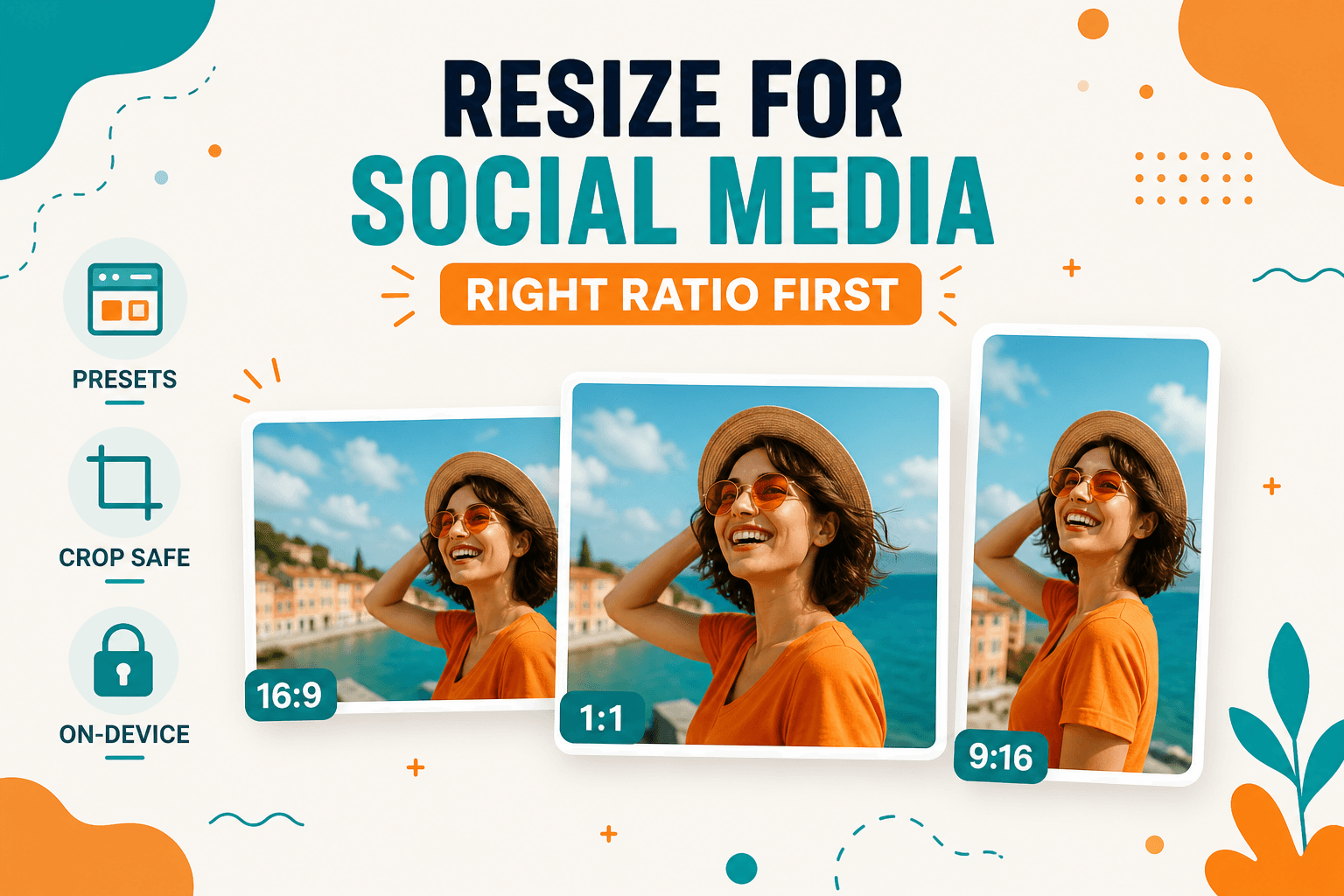
Image Guides
How to Resize Images for Instagram, LinkedIn, and Social Posts
How to resize images for Instagram, LinkedIn, YouTube, X, and Facebook using browser presets — crop and resize on-device, no upload.
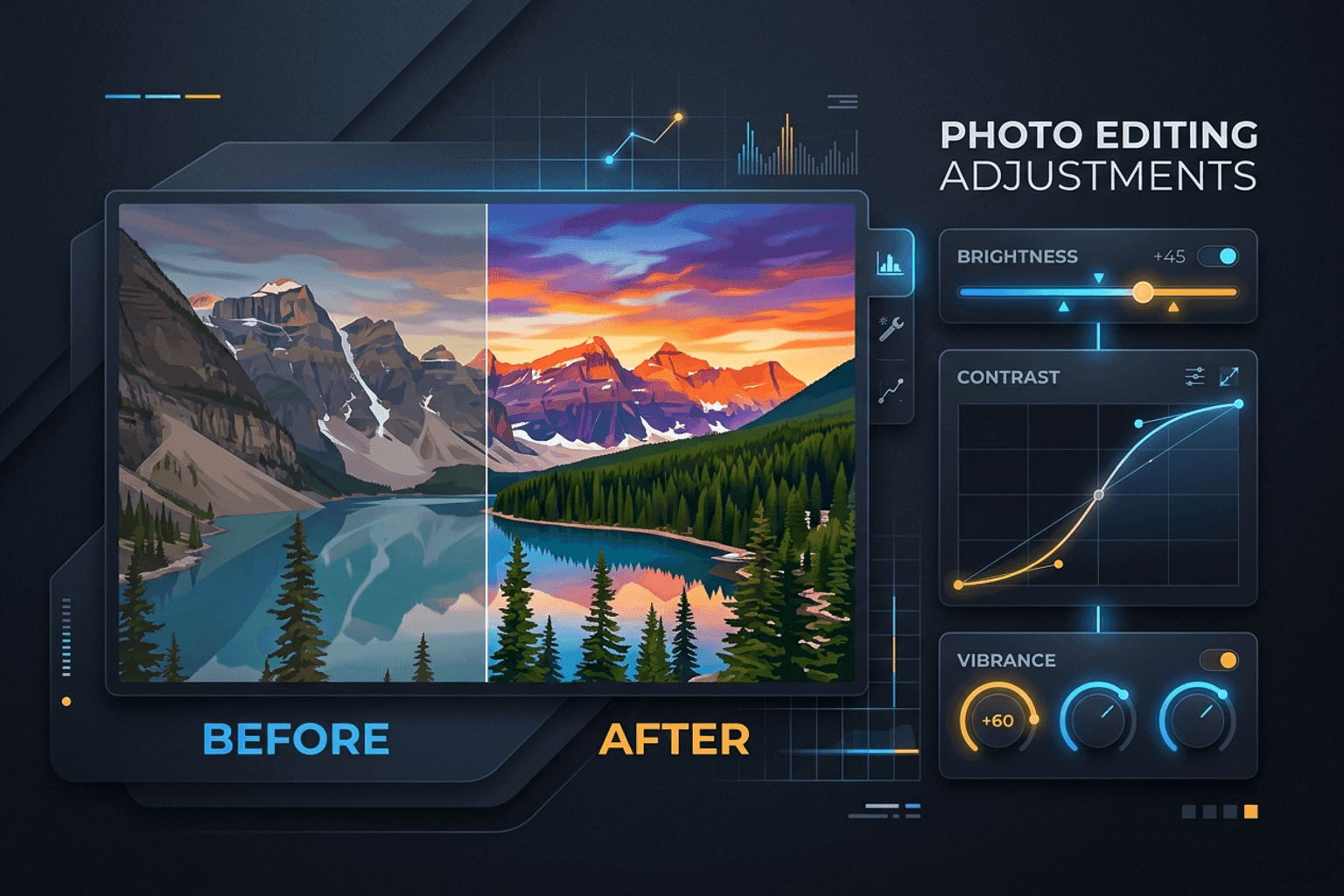
Image Guides
Adjust Photo Brightness and Contrast Online
Fix dark, washed-out, or underexposed photos in your browser. Adjust brightness, contrast, and saturation in real time with zero software installs or uploads.
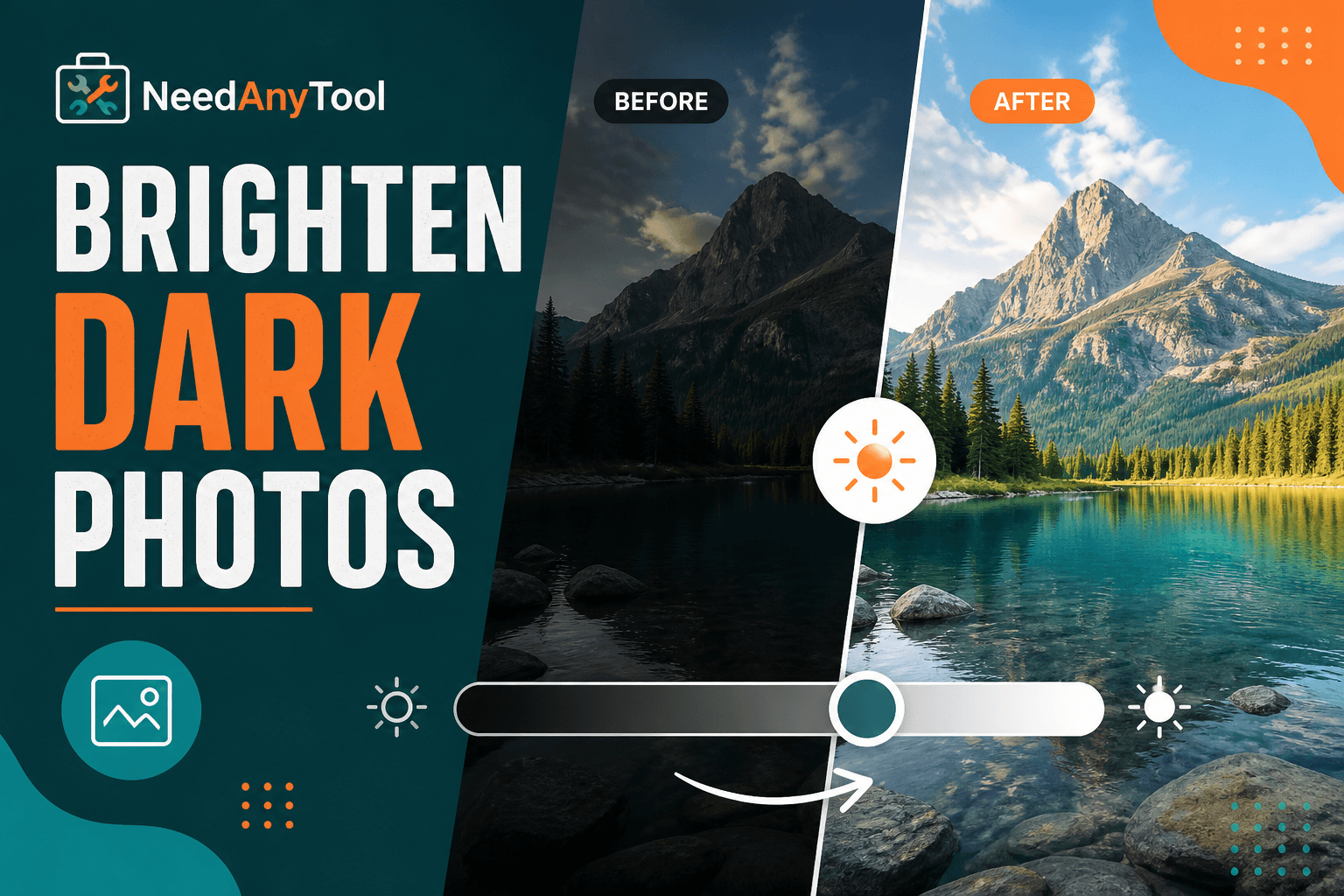
Image Guides
Brighten a Dark Photo Online
Brighten dark photos online — fix underexposed shots with brightness and contrast controls. Free, private, no upload.