Image Guides
How to Crop a Photo Online Free (No Upload)
Crop a photo online free with NeedAnyTool — trim JPG or PNG in your browser with free crop or aspect presets. Private on-device crop — no upload, no sign-up.
NeedAnyToolPublished Updated 2 min read
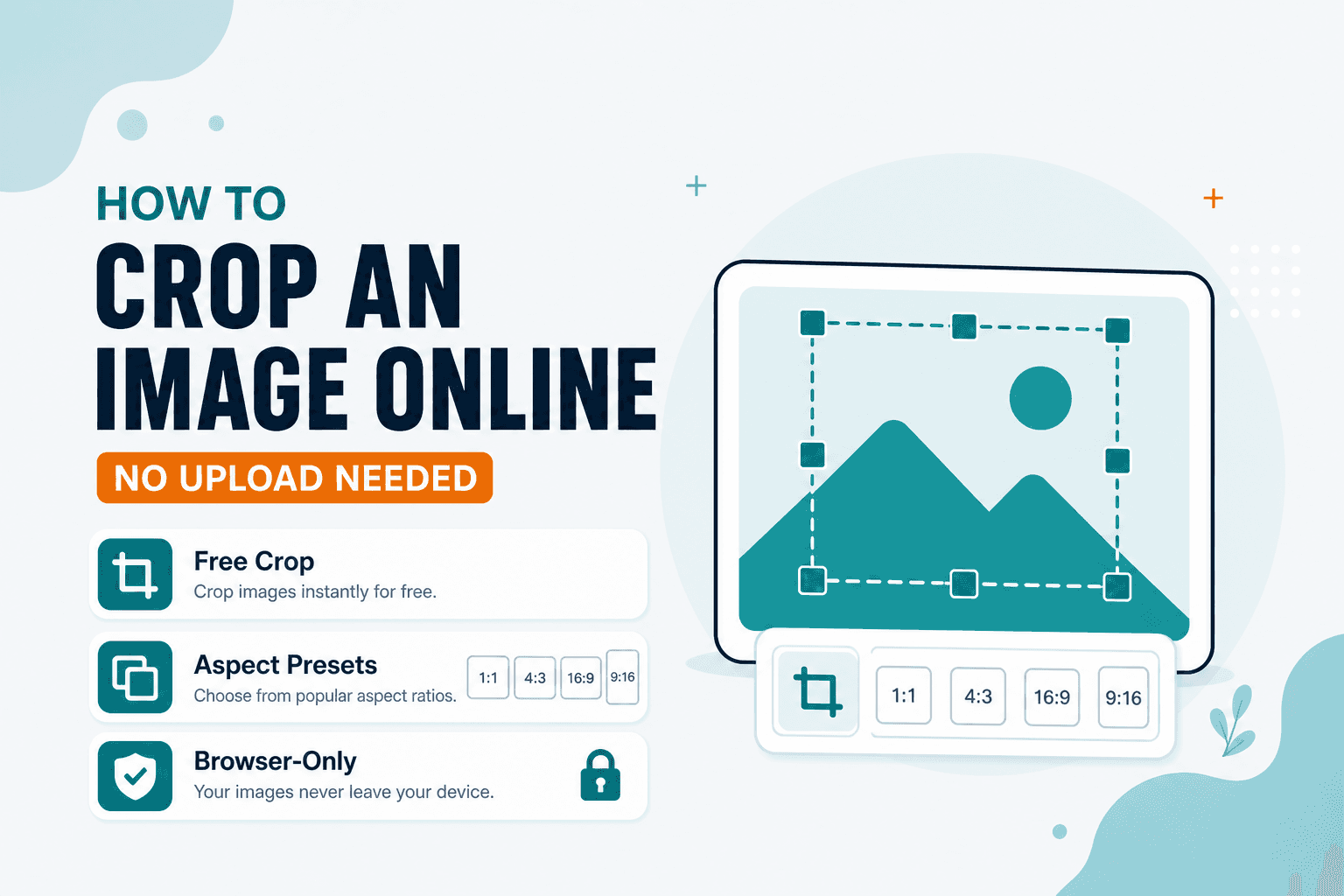
The subject is right. The composition isn't. There's a stranger's elbow in the corner, or half an empty parking lot eating up the frame, or your screenshot captured the browser chrome you didn't want.
A good crop fixes framing without opening a desktop editor. Crop Photo lets you trim JPG or PNG photos in the browser — free crop or aspect presets, no upload, no install. Searches like “cut photo” or “free crop tool” usually mean the same job: remove edges and keep what matters.
If the photo is sideways, hit Rotate / Flip before you crop. If you need a smaller file after you've nailed the framing, Compress comes last.
What cropping is good for
Removing empty borders from scans and screenshots. Tightening product shots for listings and ads. Cutting distractions off the edges of a phone photo. Matching a square or widescreen frame before a social upload.
Drag the crop box until the subject sits where you want it. Lock an aspect ratio if the destination needs a fixed shape — Instagram square, 16:9 slide, whatever.
One tip: crop once from the original when you can. Repeated save-and-recrop loops on heavily compressed JPEGs soften edges over time.
Crop vs resize — which first?
Crop sets framing. Resize changes pixel dimensions — see how to resize an image by pixels. Usually you'd crop first to get the composition right, then resize to the exact pixel size you need.
For guided ID ratios like passport photos, Passport Photo has templates. Use Crop when you just need a freehand trim.
Screenshots are a sneaky use case — crop out the notification bar, the browser tabs, or that half-visible Slack window in the background before you drop the image into a doc or ticket.
| Goal | Tool |
|---|---|
| Change framing / remove edges | Crop |
| Change pixel width/height | Resize |
| Fix sideways or mirrored photos | Rotate / Flip |
Processing happens on your device. NeedAnyTool doesn't upload your photo for cropping.
FAQ
Does cropping change file format?
Usually you keep the same format you opened. Convert separately with Convert Image if you need JPG, PNG, or WebP.
Can I crop a passport or ID photo?
For guided ID ratios, use Passport Photo. Use Crop when you only need a freehand trim.
Do I need an account?
No.
Related guides
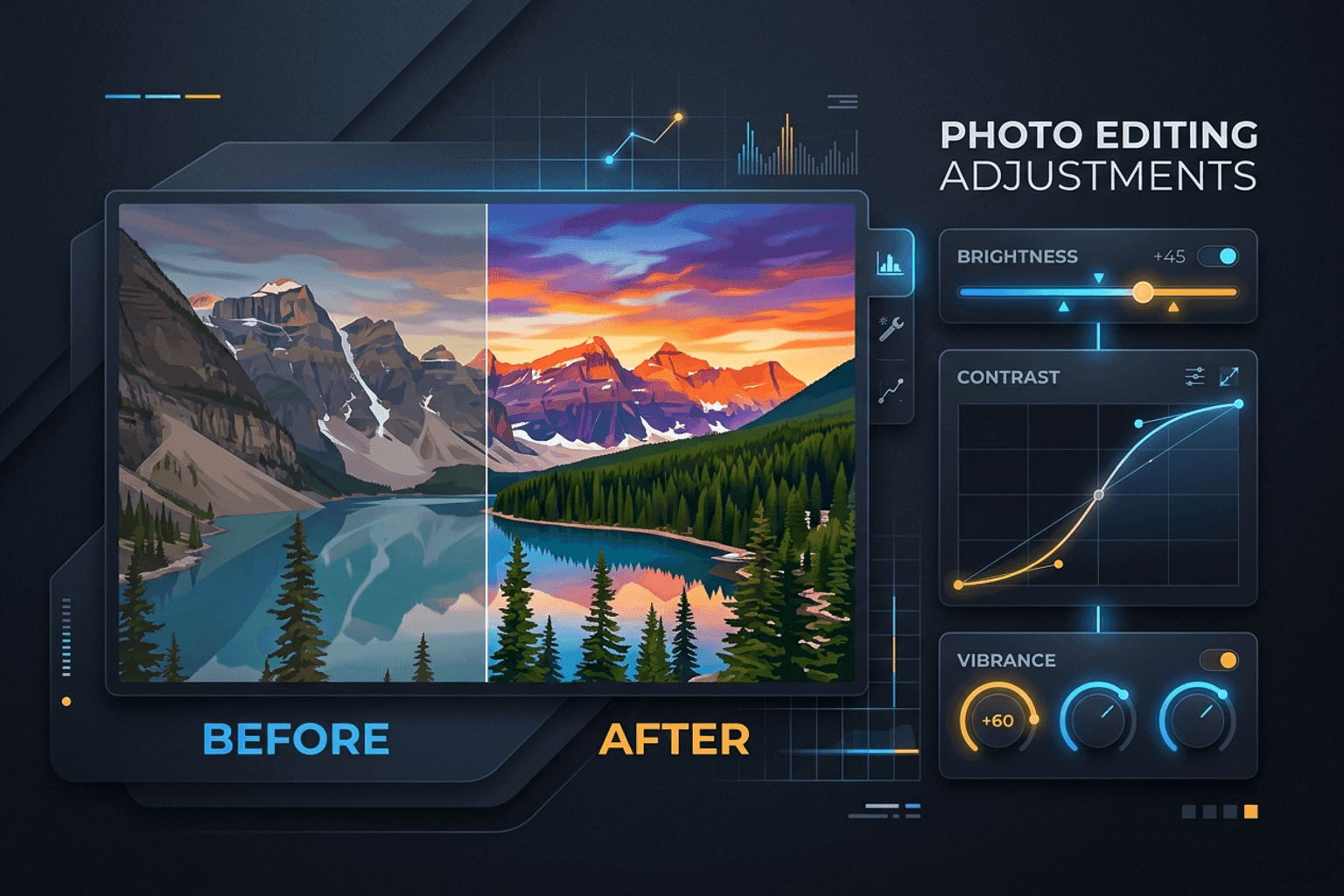
Image Guides
Adjust Photo Brightness and Contrast Online
Fix dark, washed-out, or underexposed photos in your browser. Adjust brightness, contrast, and saturation in real time with zero software installs or uploads.
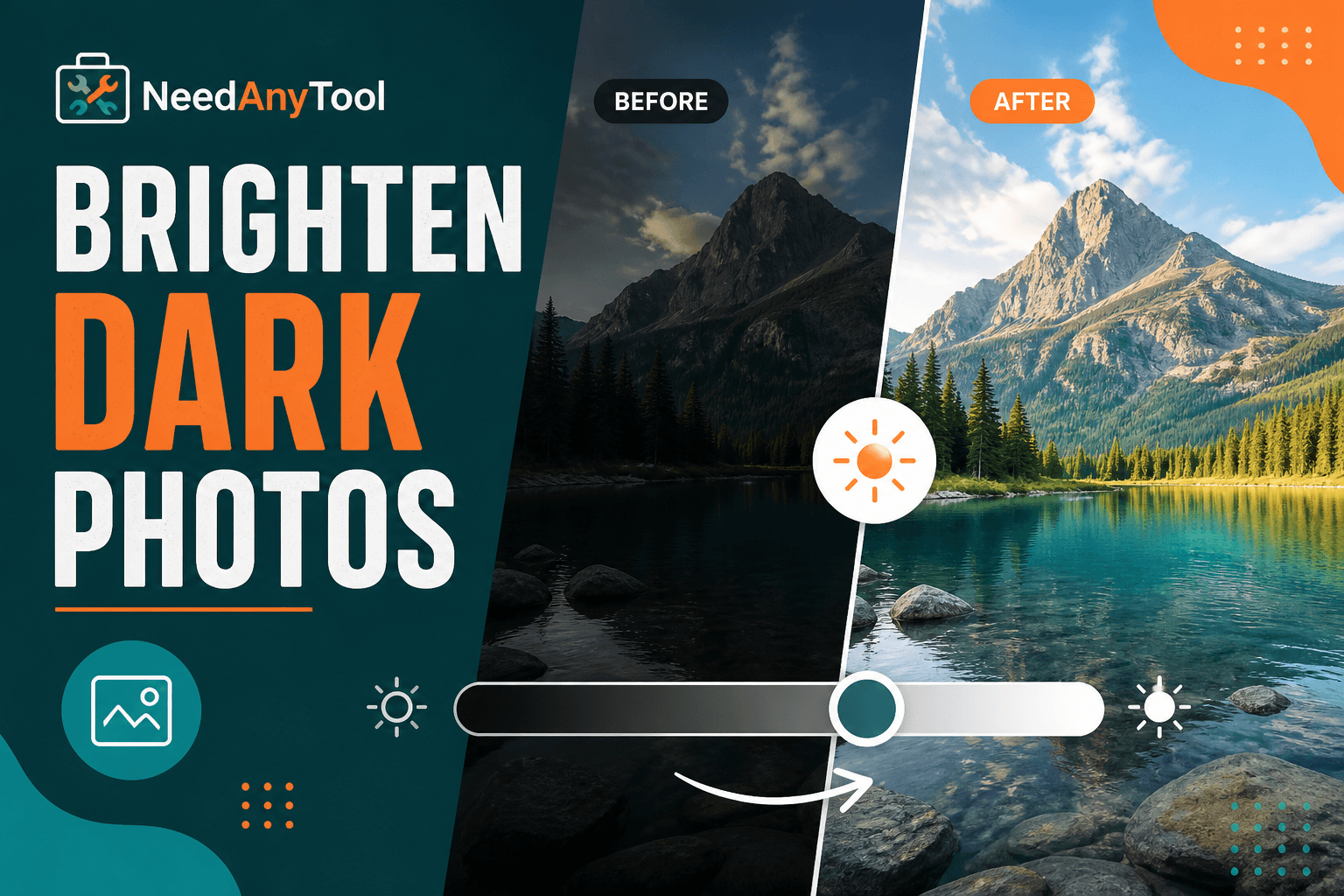
Image Guides
Brighten a Dark Photo Online
Brighten dark photos online — fix underexposed shots with brightness and contrast controls. Free, private, no upload.
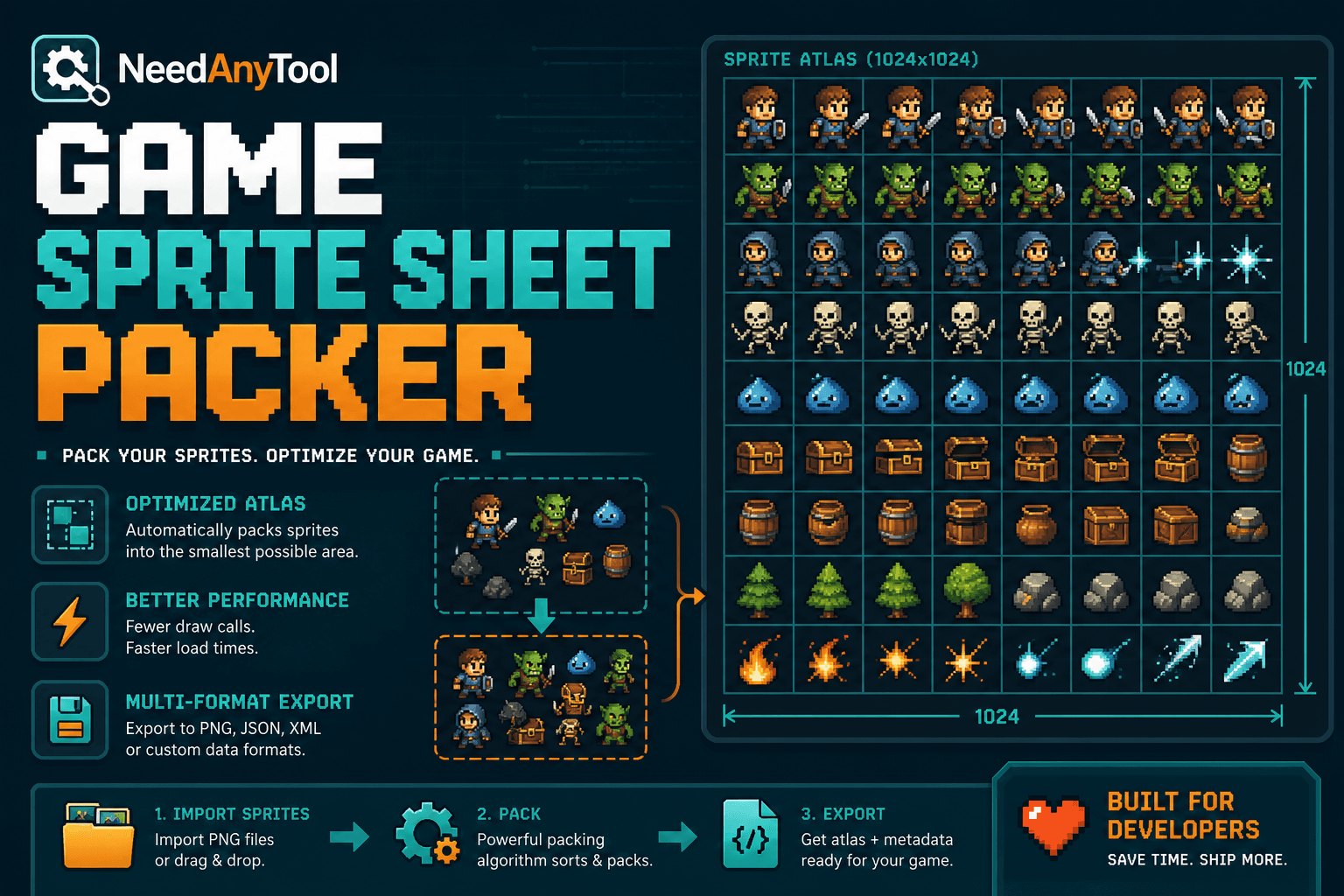
Image Guides
How to Create a Game Sprite Sheet Online (PNG + JSON)
How to create a game sprite sheet online — pack frames into one PNG plus a JSON map. Free browser tool for indie devs and pixel art.