Image Guides
How to Make a Signature PNG Online Free
How to make a signature PNG online free — draw in your browser and download a transparent PNG or SVG. No upload, no install.
NeedAnyToolPublished Updated 2 min read
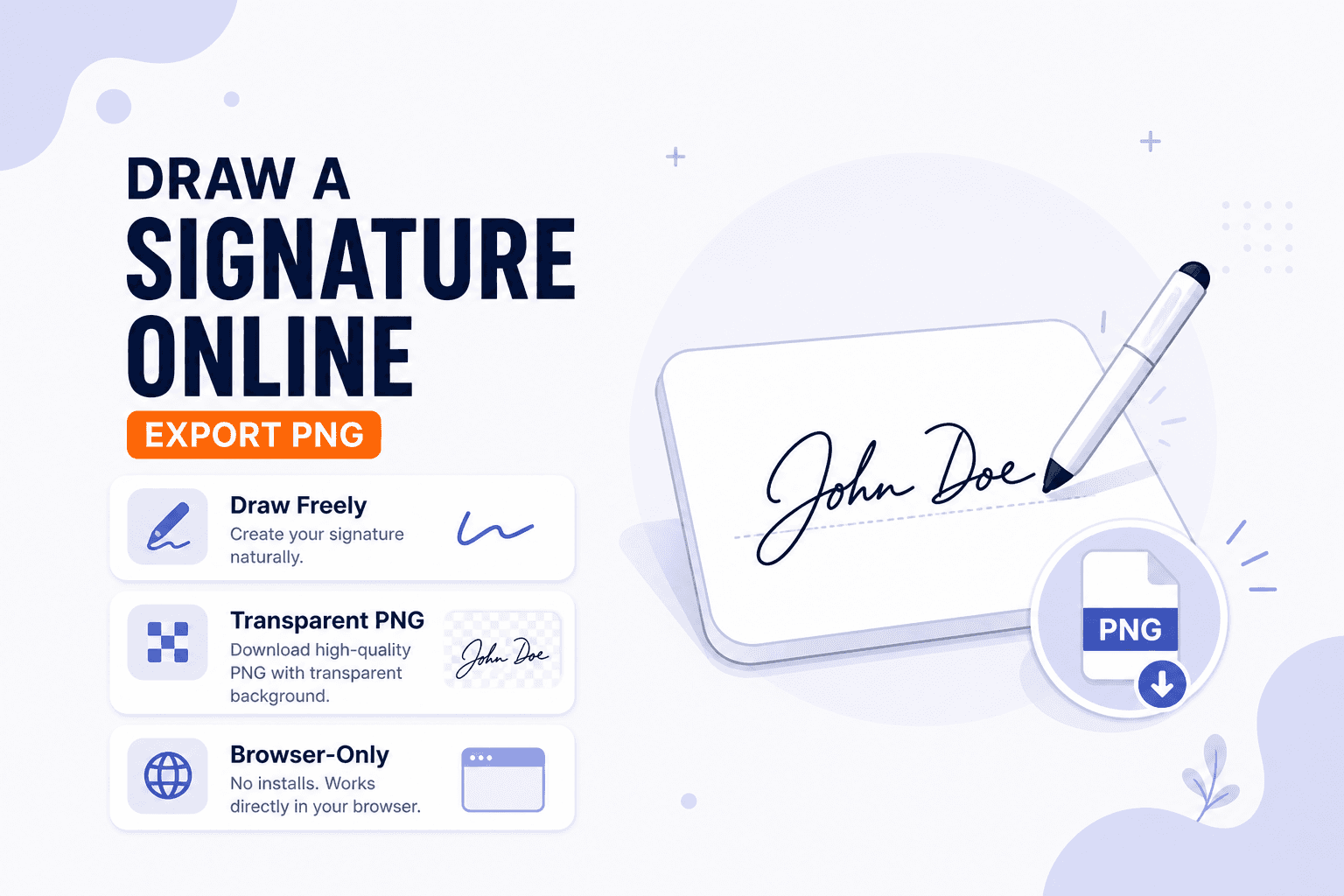
Half the forms you fill out online want a signature as an image file — a PNG you upload, not a full e-sign platform with identity verification. Slides, proposals, and quick invoices work the same way. You need a clean signature graphic, and you need it in about two minutes.
Signature Maker lets you draw in the browser and download a signature file. Strokes process on your device — nothing gets uploaded.
This creates a signature image. To place a signature directly on a PDF document, use Sign PDF instead. Keep the PNG handy for reuse across any tool that accepts image stamps.
Drawing tips that actually help
Open Signature Maker and draw with mouse, trackpad, or stylus. Clear and retry until the line weight looks natural — most people need two or three attempts.
Draw larger than you think you'll need, then Resize down for crisp placement on small form fields. PNG with a transparent background works well for overlays on documents and slides.
For PDFs specifically, open Sign PDF and place the signature on the page after you've exported the PNG.
Save the PNG somewhere you'll remember — you'll reuse it on the next form, the next invoice, the next "please sign and return" email. Drawing it once beats scribbling with a trackpad every time.
On a phone or tablet, your finger often produces a more natural stroke than a mouse on a desk. Either way, don't overthink it — most forms just need a recognizable mark, not calligraphy.
| Goal | Tool |
|---|---|
| Draw and download a signature PNG | Signature Maker |
| Sign pages inside a PDF | Sign PDF |
| Stamp text/logo on a photo | Watermark |
Processing happens on your device. NeedAnyTool doesn't upload your signature drawing.
FAQ
Is this a legally binding e-signature platform?
It creates a signature image you control. Legal requirements vary by document and jurisdiction — use the signing process your organization requires.
Can I sign a PDF with this PNG?
Yes — use Sign PDF to place the image on document pages.
Mouse or stylus — which is better?
A stylus or finger on a touchscreen usually looks more natural. Slow, deliberate mouse strokes also work fine for simple marks.
Do I need an account?
No.
Related guides
Image Guides
Adjust Photo Brightness and Contrast Online
Fix dark, washed-out, or underexposed photos in your browser. Adjust brightness, contrast, and saturation in real time with zero software installs or uploads.
Image Guides
Brighten a Dark Photo Online
Brighten dark photos online — fix underexposed shots with brightness and contrast controls. Free, private, no upload.
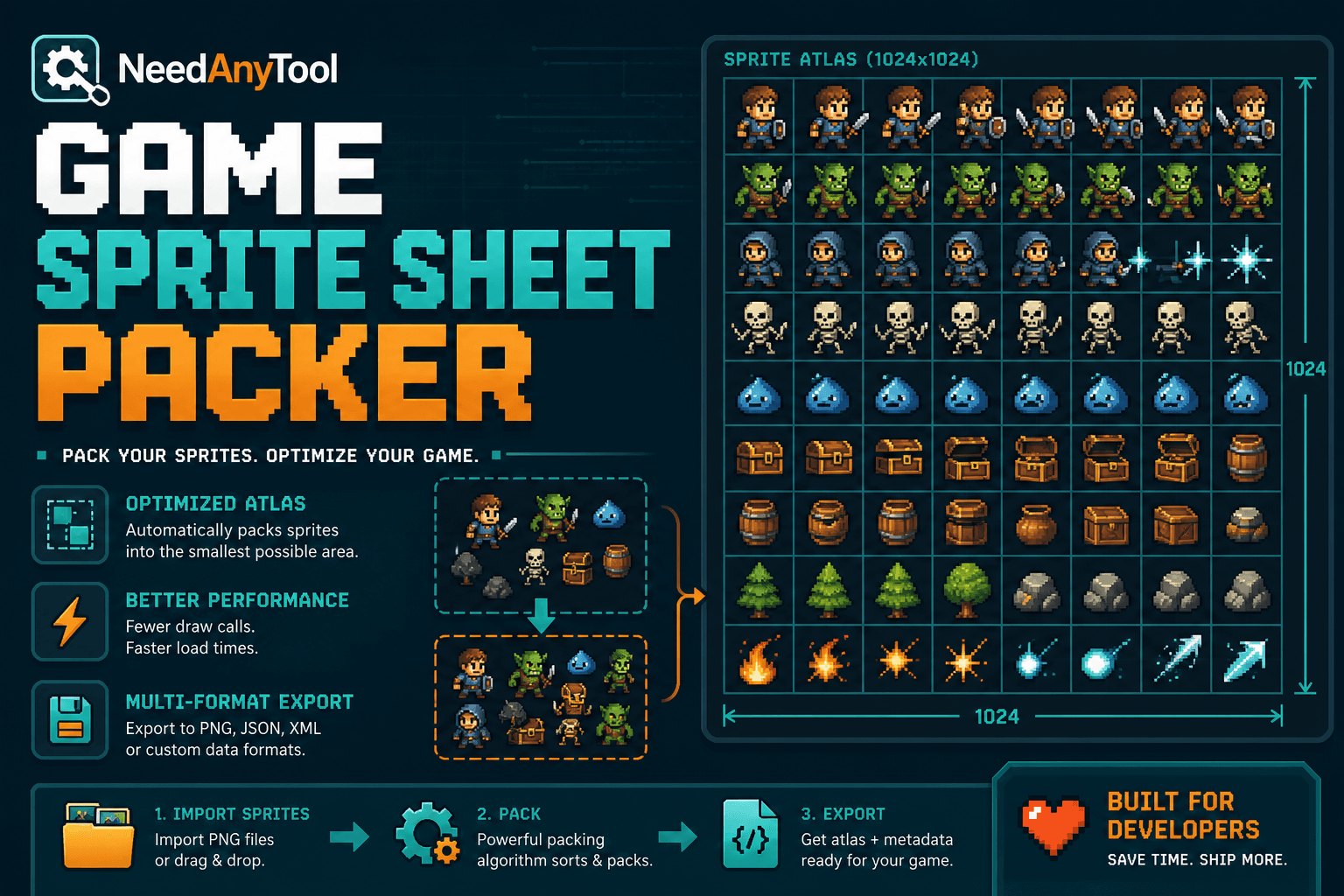
Image Guides
How to Create a Game Sprite Sheet Online (PNG + JSON)
How to create a game sprite sheet online — pack frames into one PNG plus a JSON map. Free browser tool for indie devs and pixel art.