QR Guides
How to Generate a Code 128 Barcode Online (Not a QR)
How to generate a Code 128 barcode online free — linear 1D labels for inventory and shipping, not a QR code. On-device, no upload.
NeedAnyToolPublished Updated 2 min read
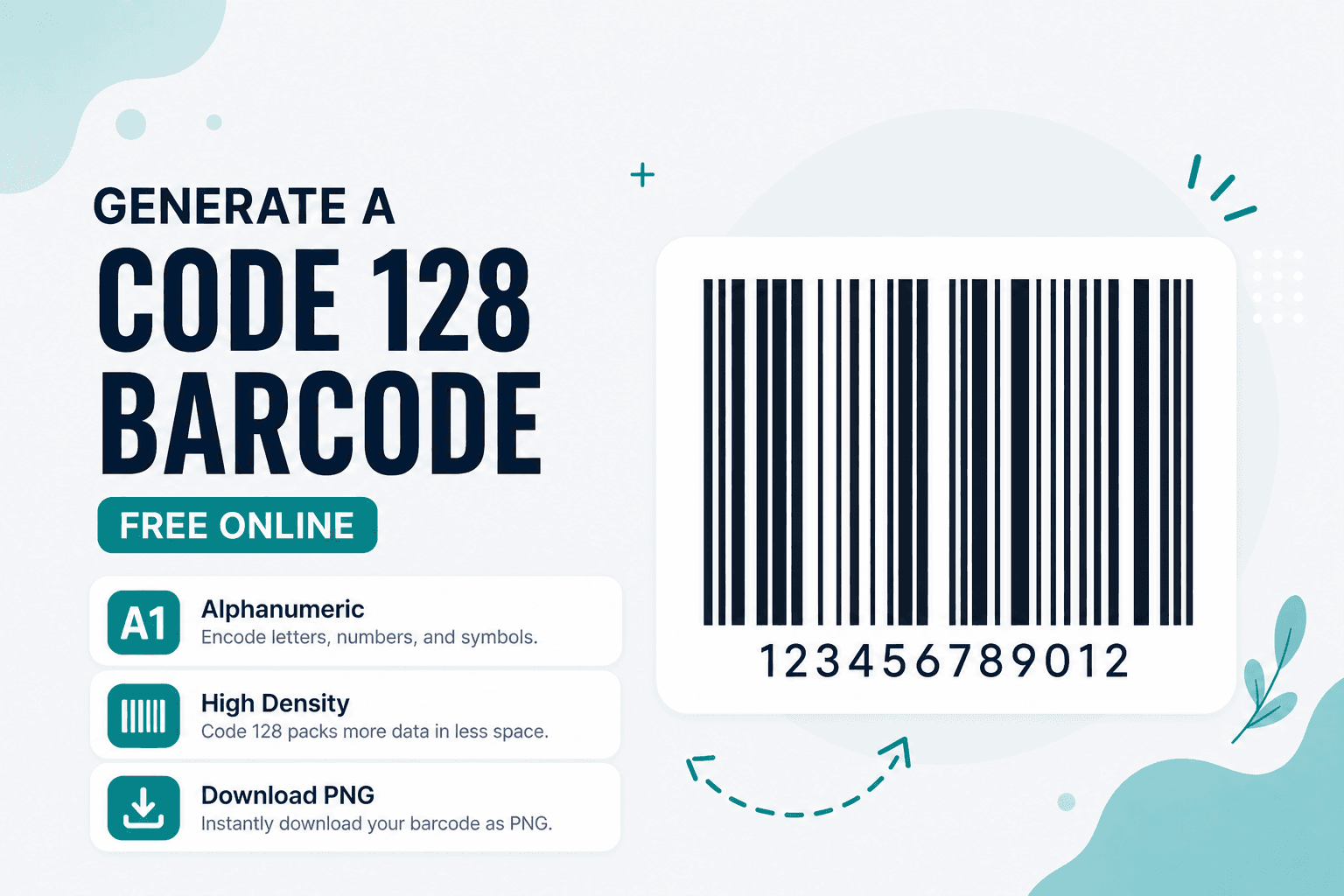
QR codes get all the attention, but warehouses and shipping desks still run on linear barcodes. Handheld scanners at receiving docks, tote labels in fulfillment centers, asset tags on equipment — a lot of that infrastructure expects a 1D barcode, not a square of dots. Code 128 is not a QR code.
Code 128 generates those barcodes from alphanumeric text right in your browser. Free, on-device, no signup, no upload.
When Code 128 is the right call
Inventory SKUs that mix letters and numbers (BIN-A47, SHIP-2026-0312). Internal shipping IDs. Asset tags your existing scanner fleet already reads as Code 128. Quick label prototypes before you commit to a thermal printer workflow.
If you're working with 13-digit retail product codes (the kind on grocery shelves), that's EAN-13 territory — different format, different scanner expectations.
Generating a label-ready barcode
Open Code 128 and enter the string exactly as scanners should read it. Case-sensitive? Match what your system expects. Generate, preview the bars, and check that there's clear quiet zone (empty space) on both sides — scanners need that margin to lock on.
Download the image and verify before printing a batch. Scan Code or Scan from Image work for a quick sanity check, though dedicated laser scanners in a warehouse are the real test.
Shorter strings produce narrower barcodes. A 40-character payload on a 1-inch label is asking for trouble.
Code 128 vs EAN-13 vs QR
| Goal | Tool |
|---|---|
| Alphanumeric 1D barcode | Code 128 |
| 13-digit retail product code | EAN-13 |
| URL or rich 2D payload | Website QR or Text QR |
Privacy
Your data and the barcode image stay in your browser. Nothing uploaded to NeedAnyTool for this workflow.
FAQ
Is Code 128 the same as Code 39?
No. Both are linear (1D) barcodes, but they use different character sets and encoding rules. Check what your scanner workflow expects before picking a format.
Can I encode a full URL in Code 128?
Technically yes, practically no. A long URL makes a very wide barcode that won't fit on standard labels. Use a Website QR for links.
Will a phone camera read Code 128?
Many phones can, especially through camera apps or Scan Code. But in warehouse settings, dedicated laser scanners are still the norm — test with your actual hardware.
Do I need an account?
No account needed. Enter the string, generate, download.
17 on-device QR & barcode tools — nothing uploaded.
Related guides
QR Guides
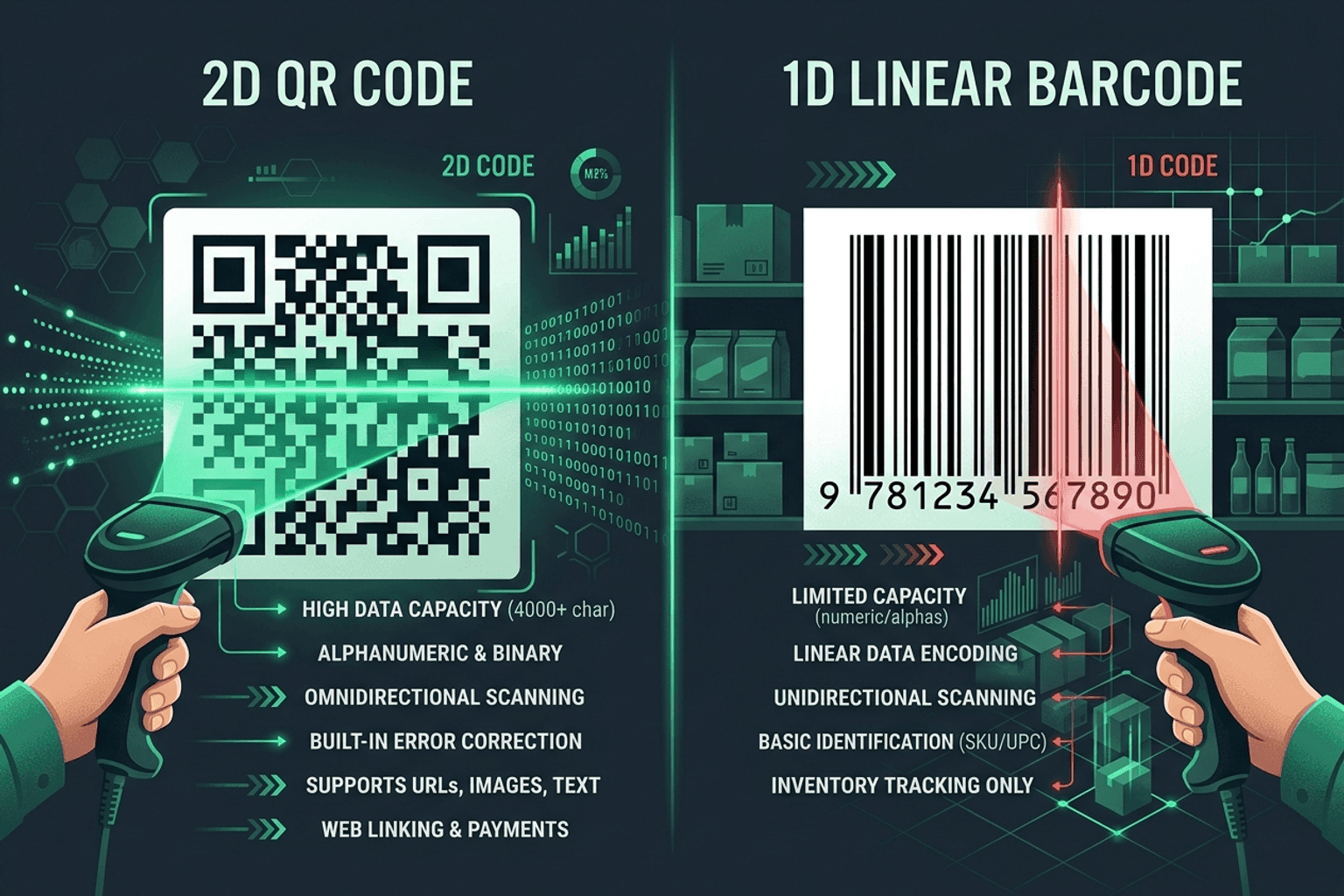
QR Code vs Barcode — Key Differences
Compare QR codes and traditional 1D barcodes across data capacity, scanning distance, error correction, and printing costs. Choose the right code for your project.
QR Guides
How to Create a Location QR Code for Maps
How to create a location QR code for maps — encode GPS coordinates so scanners open the place in Maps. Free generator in your browser.
QR Guides
How to Create a Phone Number QR Code Online
How to create a phone number QR code online — scanners open the dialer with your number pre-filled. Free, in your browser, no app install.