QR Guides
How to Generate an EAN-13 Barcode (13-Digit Retail Codes)
What EAN-13 is, how the 13-digit retail barcode works, and how to generate one from a valid number. Free on-device workflow — no upload.
NeedAnyToolPublished Updated 2 min read
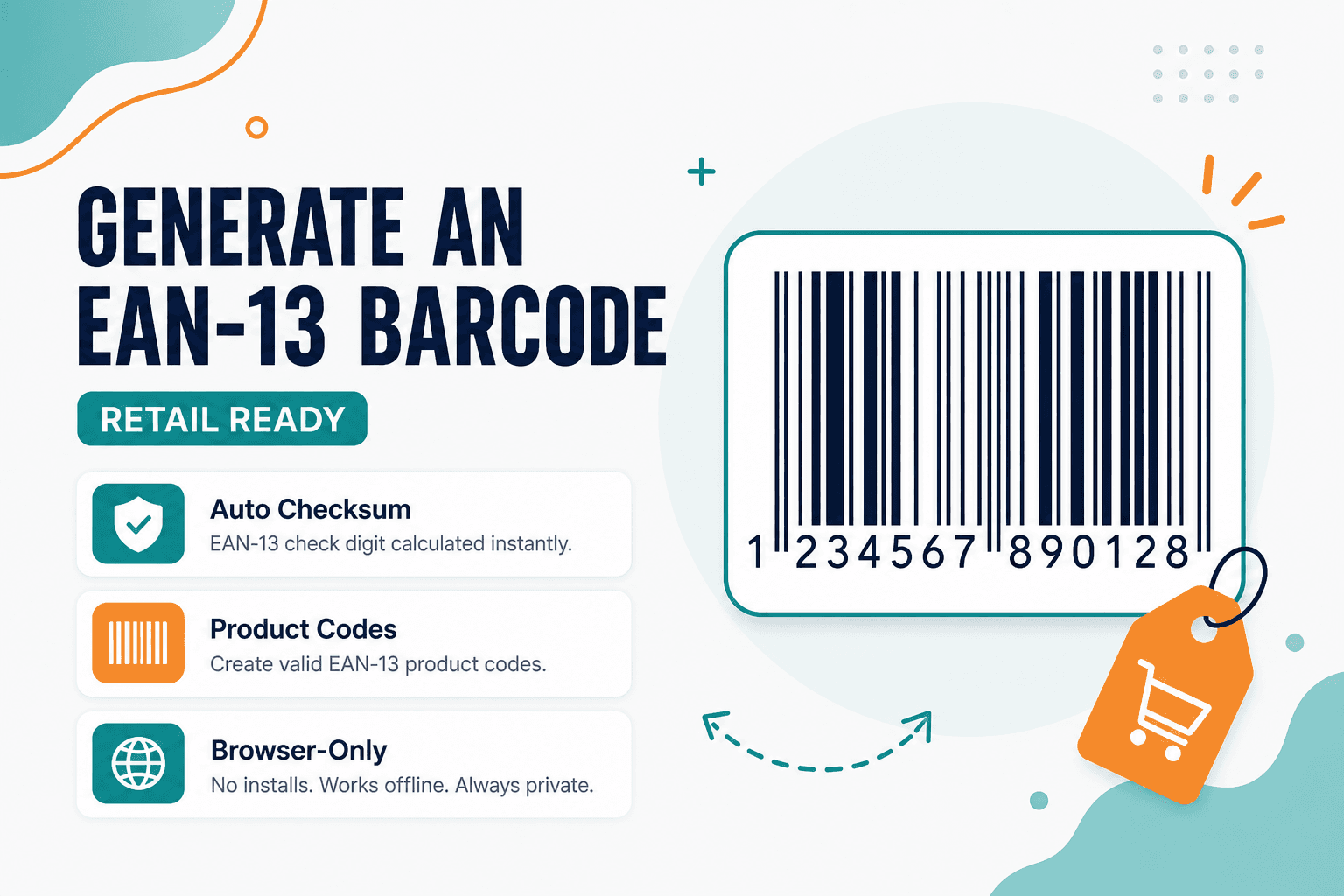
Walk into any grocery store and you'll see the same barcode on every shelf — 13 digits, familiar bars, human-readable numbers underneath. That's EAN-13, and it's what retail POS systems expect when someone scans a product at checkout.
Ready to create the barcode image? Use the NeedAnyTool EAN-13 Generator — enter a valid 13-digit number, preview the bars, and download a PNG. Free, on-device, no upload. Important distinction: this renders the barcode graphic from digits you already have. Getting an official GTIN assigned is a separate process through your country's numbering authority.
What EAN-13 is
EAN-13 encodes a 13-digit product identifier used widely outside North America (and often alongside UPC in global catalogs). The last digit is a check digit derived from the first twelve — scanners use it to catch typos.
What the generator is actually for
Packaging mockups that need a realistic barcode look. Internal demos when you already own a valid code. Training materials for POS scanning workflows. Quick verification that your number's check digit and bar pattern render correctly before sending art to a printer.
If you need alphanumeric warehouse IDs, Code 128 is the better fit. If you want customers to visit a website from the package, add a Website QR alongside the EAN.
How to generate an EAN-13 barcode
- Open the EAN-13 Barcode Generator.
- Enter all 13 digits, including the check digit (or let the tool help validate it).
- Preview the human-readable numbers under the bars.
- Download the image for your layout or print test.
- Verify with Scan Code or Scan from Image before production.
A wrong check digit won't just look off — it'll fail at the register.
EAN-13 vs Code 128 vs QR
| Goal | Tool |
|---|---|
| 13-digit retail product barcode | EAN-13 |
| Alphanumeric linear barcode | Code 128 |
| URL or 2D payload on packaging | Website QR |
Privacy
Digits and the barcode image stay on your device. No upload for this workflow.
FAQ
Can I just make up 13 digits for real retail?
No. Selling into retail channels requires properly assigned GTINs from an authorized source. Use the generator to render codes you're authorized to use, or for non-commercial mockups and proofs.
What if the check digit is wrong?
EAN-13 includes a calculated check digit. Invalid numbers may be rejected by the tool or fail to scan at a POS terminal. Fix the digits before printing thousands of labels.
Is UPC-A the same as EAN-13?
Related, but not identical. UPC-A is typically 12 digits and common in North America. Don't assume interchangeability without checking your specific POS and retailer requirements.
Do I need an account?
No. Enter the number, generate, download.
17 on-device QR & barcode tools — nothing uploaded.
Related guides
QR Guides
QR Code vs Barcode — Key Differences
Compare QR codes and traditional 1D barcodes across data capacity, scanning distance, error correction, and printing costs. Choose the right code for your project.
QR Guides
How to Create a Location QR Code for Maps
How to create a location QR code for maps — encode GPS coordinates so scanners open the place in Maps. Free generator in your browser.
QR Guides
How to Create a Phone Number QR Code Online
How to create a phone number QR code online — scanners open the dialer with your number pre-filled. Free, in your browser, no app install.