QR Guides
How to Create a Phone Number QR Code Online
How to create a phone number QR code online — scanners open the dialer with your number pre-filled. Free, in your browser, no app install.
NeedAnyToolPublished Updated 2 min read
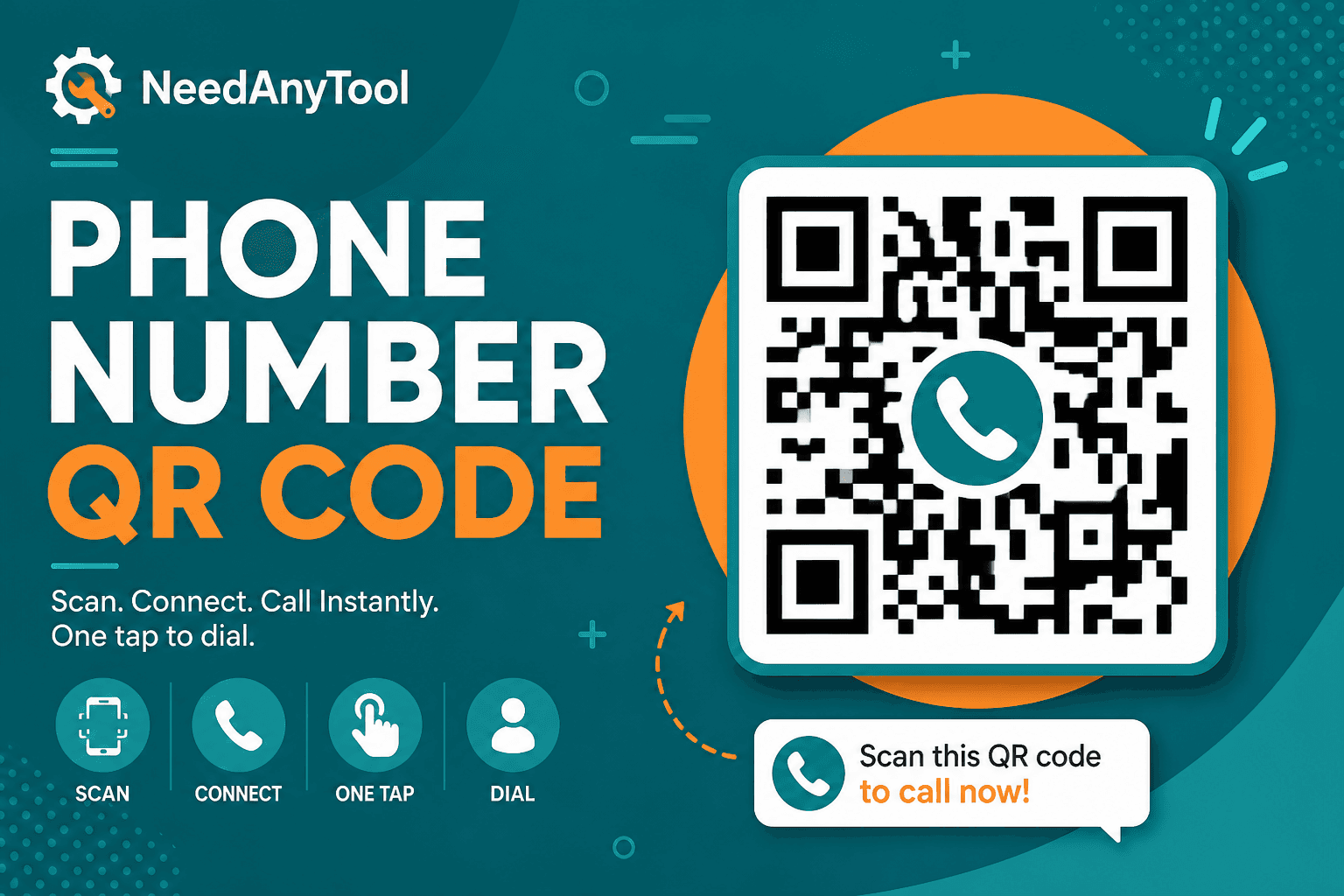
Nobody types phone numbers from a poster correctly. Someone always drops a digit, swaps a 6 for a 9, or gives up halfway through. A phone QR code sidesteps all of that — scan it, and the dialer opens with your number already filled in.
Phone QR wraps your number in a tel: link. Need people to text instead of call? Try SMS QR. Want them to save your full contact card? That's vCard QR.
Where these actually get used
I've seen phone QRs work well on real estate yard signs (call the agent now), restaurant window decals for reservations, product packaging with a support hotline, and volunteer badges at events. Anywhere you'd print a number in big bold type, a QR is usually the better move.
Making one takes about two minutes
Head to Phone QR and type your number. If tourists or international visitors might scan it, use international format with the country code — +1 for US, +44 for UK, that kind of thing.
Preview the code at arm's length before you commit. Download PNG for quick stickers or SVG if you're handing it to a print shop. Then grab a second phone, open Scan Code, and test it before you print 500 copies. Trust me on this one.
Phone, vCard, or SMS — pick the right one
If the goal is a fast call, stick with Phone QR. If you want someone to save your name, title, and email alongside the number, go vCard. And if you'd rather they land in Messages with a pre-written text, that's SMS QR.
A few print notes
Keep the QR at least 2 cm wide for close-range scanning — bigger if people will scan from across a room. Dark bars on a white background, always. And if you're laminating, pick matte over gloss; glare is the enemy of phone cameras.
Everything generates in your browser. You decide what number goes public.
FAQ
Does scanning auto-dial?
Almost never — and that's intentional. Most phones open the dialer and wait for the user to tap Call, which prevents accidental pocket dials from a stray scan.
What about extension numbers?
Some generators support pause characters in the tel URI for extensions. Test on both iPhone and Android if extensions matter — behavior isn't always identical.
We get a lot of international visitors. What should we do?
Always include the + and country code. A local number without it will confuse anyone whose phone defaults to a different country.
Do I need vector format for a big sign?
If you're printing larger than a business card, export SVG or PDF where available. Raster PNG gets fuzzy when you blow it up.
17 on-device QR & barcode tools — nothing uploaded.
Related guides
QR Guides
How to Scan a QR Code from an Image Online
How to read a QR code or barcode from a photo or screenshot in your browser — decode on-device, not a generic document scanner. Free, private, no upload.
QR Guides
Test a QR Code Before You Print It
Check a QR code before it goes on a poster, menu, or sticker. Test the link, the contrast, and a phone scan so the print actually works.
QR Guides
Create a Contact vCard QR Code Online
Create a contact vCard QR code online free — share name, phone, and email in one scan. Private, on-device, no upload.