QR Guides
How to Scan a QR Code from an Image Online
How to read a QR code or barcode from a photo or screenshot in your browser — decode on-device, not a generic document scanner. Free, private, no upload.
NeedAnyToolPublished Updated 3 min read
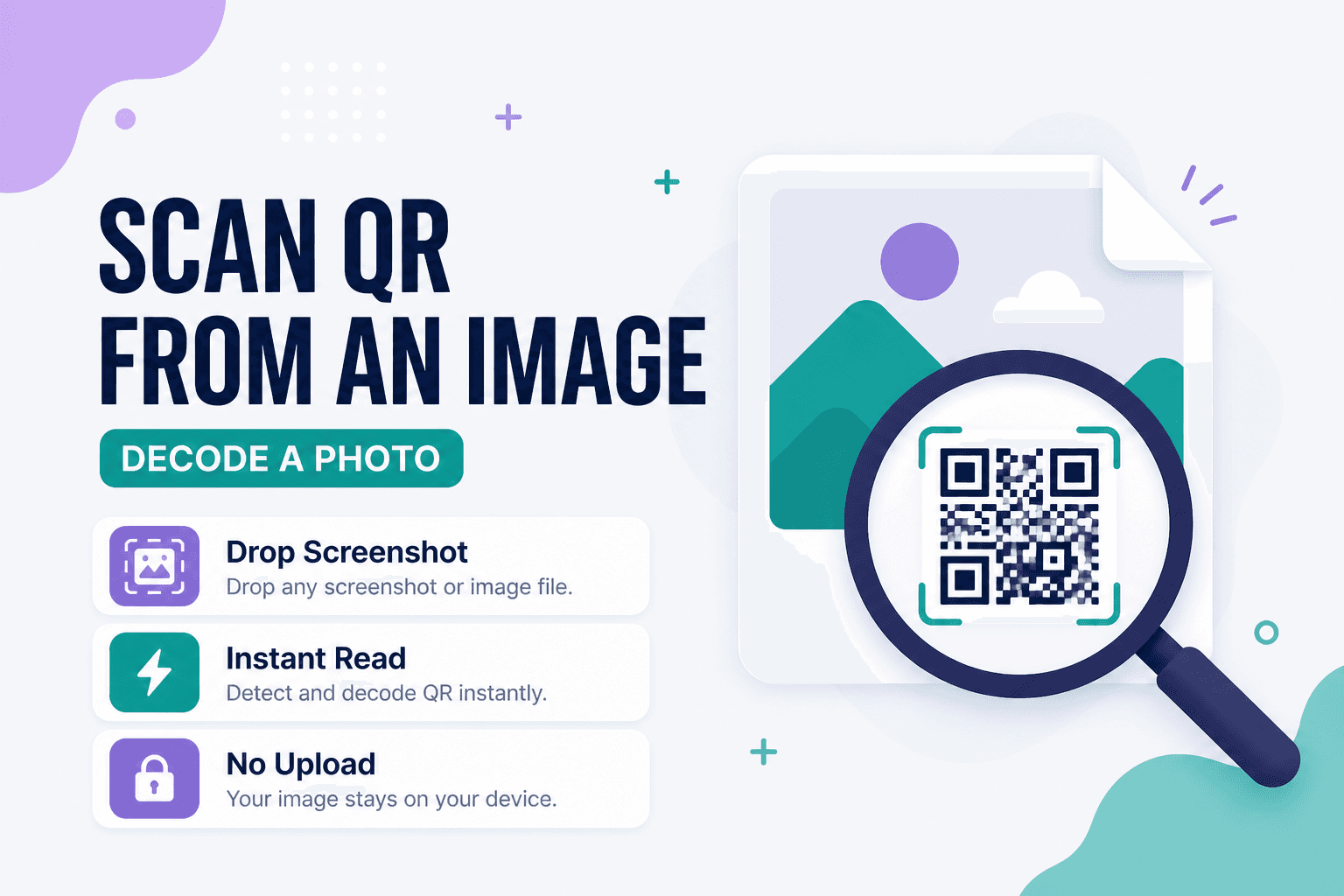
Sometimes the QR code isn't in front of you — it's buried in a screenshot, an email attachment, a Slack message, or a photo someone took of a poster three weeks ago. Pointing a camera at your laptop screen to scan a screen... works, but it's not elegant.
Ready to decode it? Open Scan QR from Image — drop a PNG or JPEG that shows a QR code or barcode, read the payload, copy the result. All on-device, no upload, no account. This is not a document or photo scanner: it only reads machine-readable codes from an existing image file.
When image scanning beats live camera
Decoding a QR inside a PDF export or design mockup. Recovering a URL from a photo of an event flyer. Verifying a code you just generated with Website QR before sending it to the printer. Reading a barcode from a product photo when you don't have the physical item in hand.
If the code is right in front of you and you have a camera, Scan Code is usually faster. Image scanning is for when you already have the file.
How to scan a QR code from a photo
- Open Scan QR from Image.
- Choose or drop your file.
- Wait for the on-device decode.
- Copy the text, open the URL, or act on the payload type that comes back.
If it fails, try these before giving up:
- Crop tighter around just the code — extra background confuses detection
- Use a higher-resolution source if the code is tiny
- Re-export as PNG if a heavily compressed JPEG mangled the edges
- Check that nothing (a logo, text overlay, UI chrome) is sitting on top of the modules
Blurry phone photos are the number one failure mode. Steadier hand, better light, closer framing — then try again.
Image scan vs live scan vs generate
| Goal | Tool |
|---|---|
| Decode a saved photo or screenshot | Scan from Image |
| Live camera or webcam | Scan Code |
| Create a new QR | Website QR or Text QR |
Privacy
Your photos and decoded content stay in your browser. Nothing is uploaded to NeedAnyTool for this workflow — which matters when the image contains Wi-Fi credentials, internal URLs, or contact details you'd rather not send to a cloud scanner.
FAQ
What image formats work?
JPEG and PNG are the usual suspects. If a file fails, convert or re-export as PNG and try again.
Why can't it read my screenshot?
Compression artifacts, tiny codes, or UI elements overlapping the pattern can all break detection. Crop to just the code and make sure the modules are sharp and high-contrast.
Is this a document or photo scanner?
No. It decodes QR codes and barcodes from an image. It does not OCR documents or convert photos into PDFs.
Is this safer than cloud-based QR scanners?
For privacy-sensitive payloads, yes — decoding stays on your device. You're not uploading the image to a server you don't control.
Do I need an account?
No. Drop the file, read the result, move on.
17 on-device QR & barcode tools — nothing uploaded.
Related guides
QR Guides
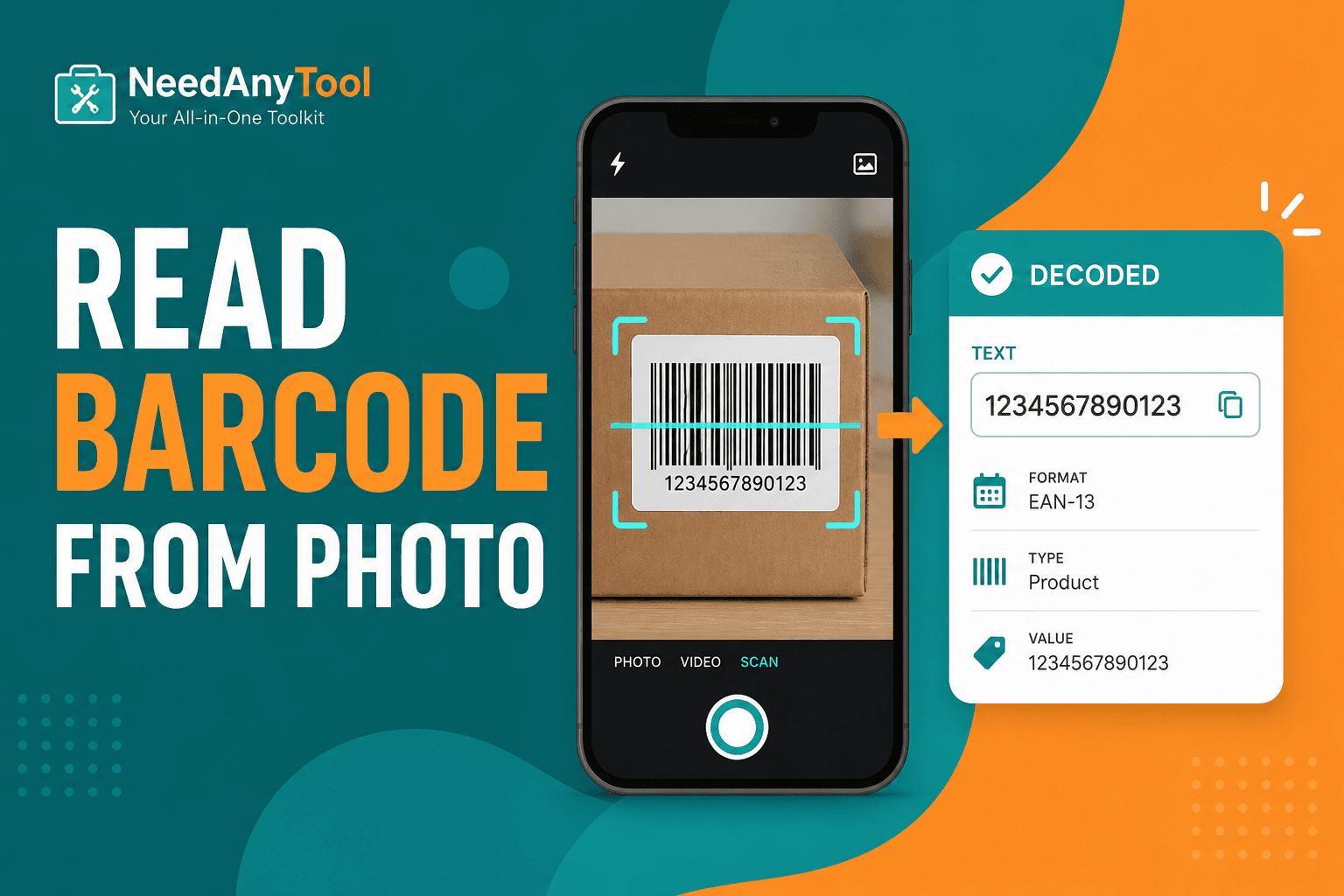
Scan a Barcode from a Photo or Screenshot
Read barcodes and QR codes from a photo or screenshot — upload an image and decode in your browser. No app required.
QR Guides
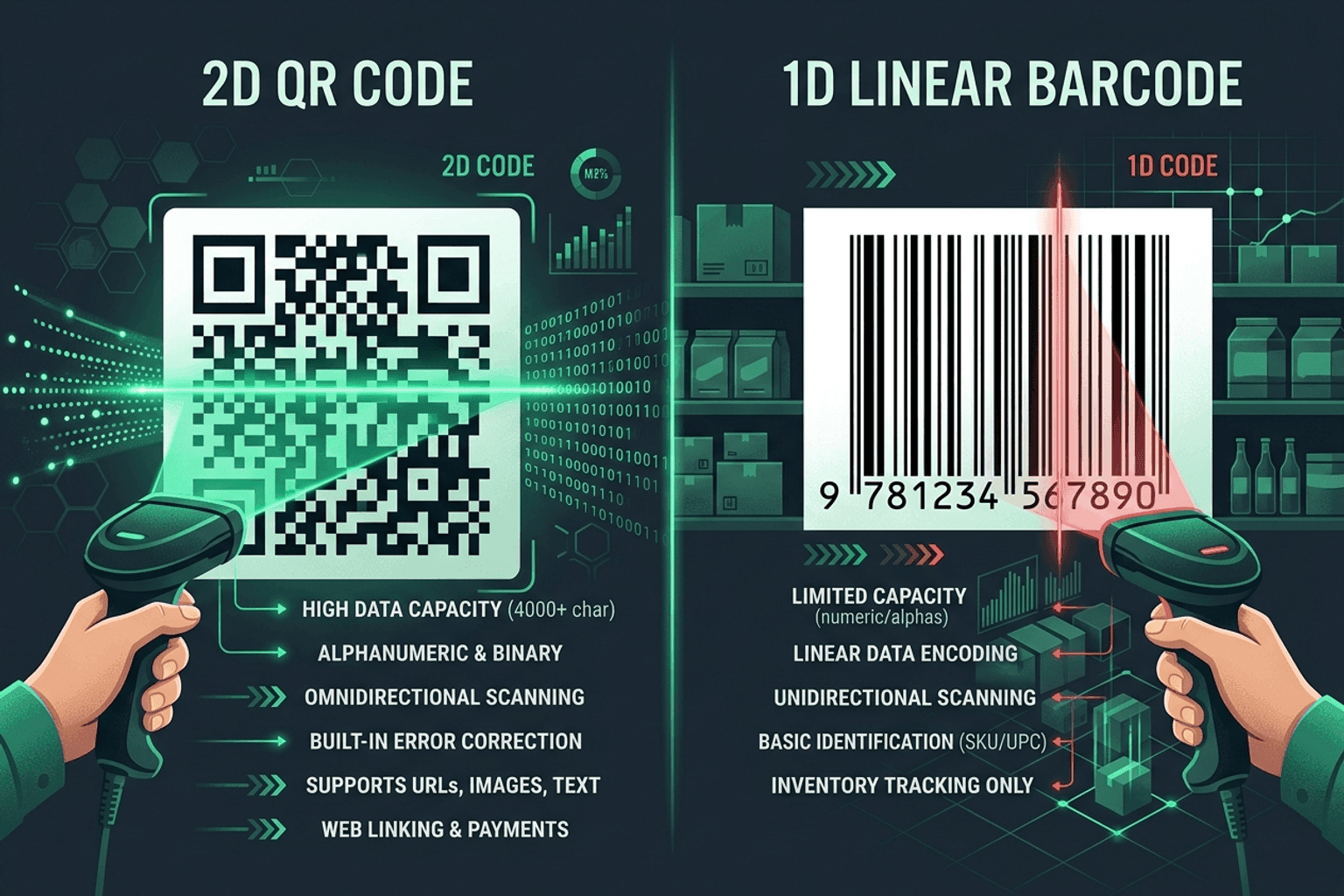
QR Code vs Barcode — Key Differences
Compare QR codes and traditional 1D barcodes across data capacity, scanning distance, error correction, and printing costs. Choose the right code for your project.

QR Guides
How to Create a Location QR Code for Maps
How to create a location QR code for maps — encode GPS coordinates so scanners open the place in Maps. Free generator in your browser.