QR Guides
Scan a Barcode from a Photo or Screenshot
Read barcodes and QR codes from a photo or screenshot — upload an image and decode in your browser. No app required.
NeedAnyToolPublished Updated 2 min read
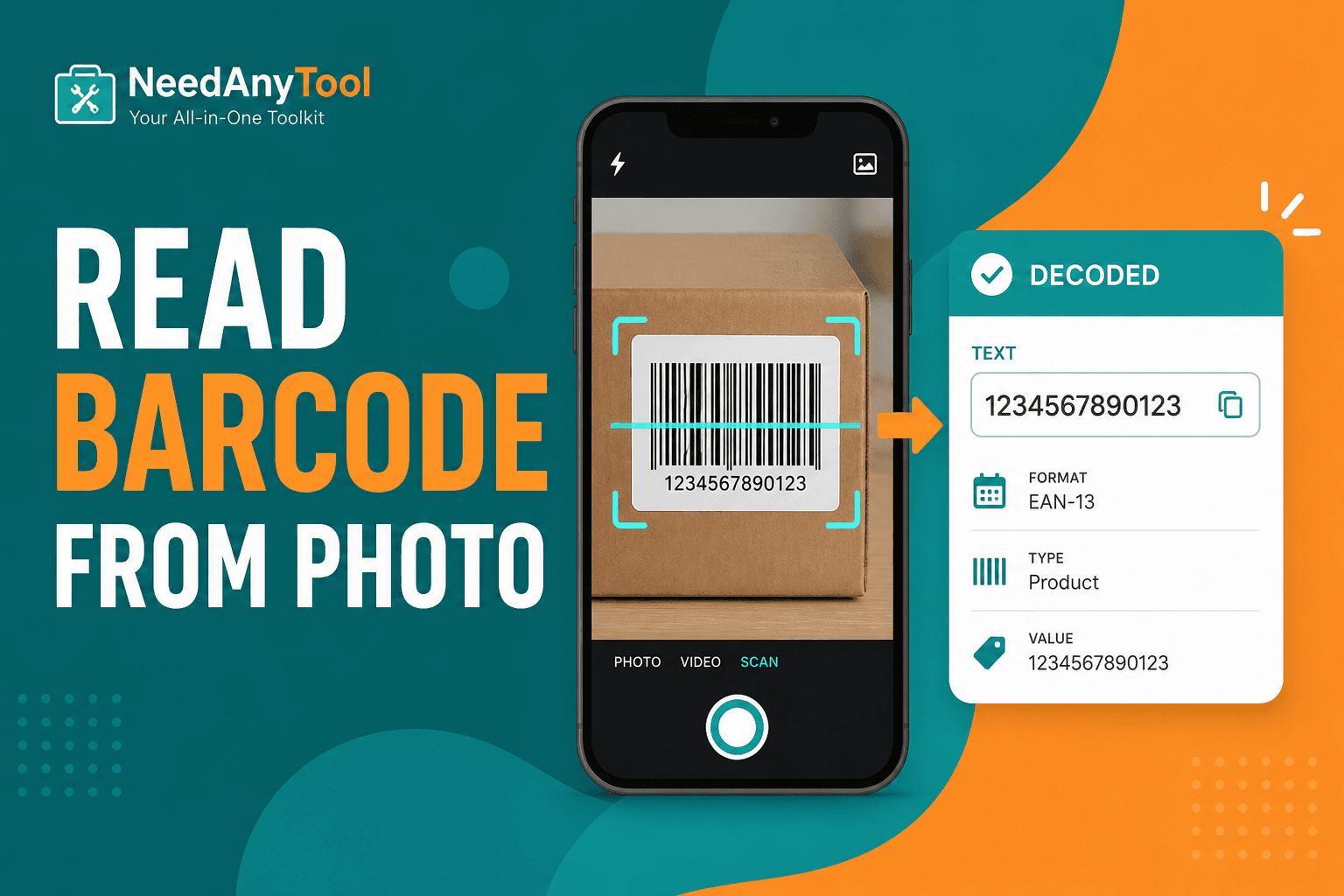
A supplier emails a photo of a shipping label. Someone drops a screenshot of a QR in Slack. The code is right there on your screen — you shouldn't need to reprint it or hunt down a handheld scanner just to read what's in the image.
Scan from Image decodes barcodes and QR codes from an uploaded file. If the physical label is in your hand instead, live Scan Code is faster.
When uploading beats pointing a camera
Distance shots you can't retake. Desktop workflows where the barcode arrives as a PNG attachment. PDF pages exported as images with embedded barcode artwork. Verifying a barcode you just generated before sending it to the printer.
Getting a clean decode
Open Scan from Image and upload the clearest version you have. If it fails, crop tighter so only one symbol is in frame and try again. Multiple codes in one image? Crop to one at a time — decoders get confused when they see three barcodes competing for attention.
Copy the decoded text into your inventory system or paste a URL into the browser bar. For links, confirm the domain before you log in anywhere.
Troubleshooting stubborn images
Glare on the label? Ask for a retake angled about 30 degrees. Code too small in the frame? Crop and upscale slightly. Motion blur? A light pass through Adjust to sharpen can help before you retry.
For QR-specific tips, see Scan QR from image. If you're validating labels you created yourself, Generate EAN-13 walks through the generation side.
Image decoding runs locally — supplier SKUs on those labels stay in your browser, not on a server.
FAQ
There are three barcodes in one photo. Will it read all of them?
Crop to one symbol per attempt. You'll get much more reliable results.
Can I upload a PDF directly?
Export the page as PNG first, or photograph the print flat with even lighting. Most image decoders want a raster file.
What if the image is rotated sideways?
Most decoders handle rotation automatically. If yours gets stuck, crop to a square around the code and retry.
Is this the same engine as the live camera scanner?
Same family of decoder — the only difference is you're feeding it a file instead of a camera stream.
17 on-device QR & barcode tools — nothing uploaded.
Related guides
QR Guides
How to Scan a QR Code from an Image Online
How to read a QR code or barcode from a photo or screenshot in your browser — decode on-device, not a generic document scanner. Free, private, no upload.

QR Guides
Test a QR Code Before You Print It
Check a QR code before it goes on a poster, menu, or sticker. Test the link, the contrast, and a phone scan so the print actually works.

QR Guides
Create a Contact vCard QR Code Online
Create a contact vCard QR code online free — share name, phone, and email in one scan. Private, on-device, no upload.