QR Guides
Create a Contact vCard QR Code Online
Create a contact vCard QR code online free — share name, phone, and email in one scan. Private, on-device, no upload.
NeedAnyToolPublished Updated 2 min read
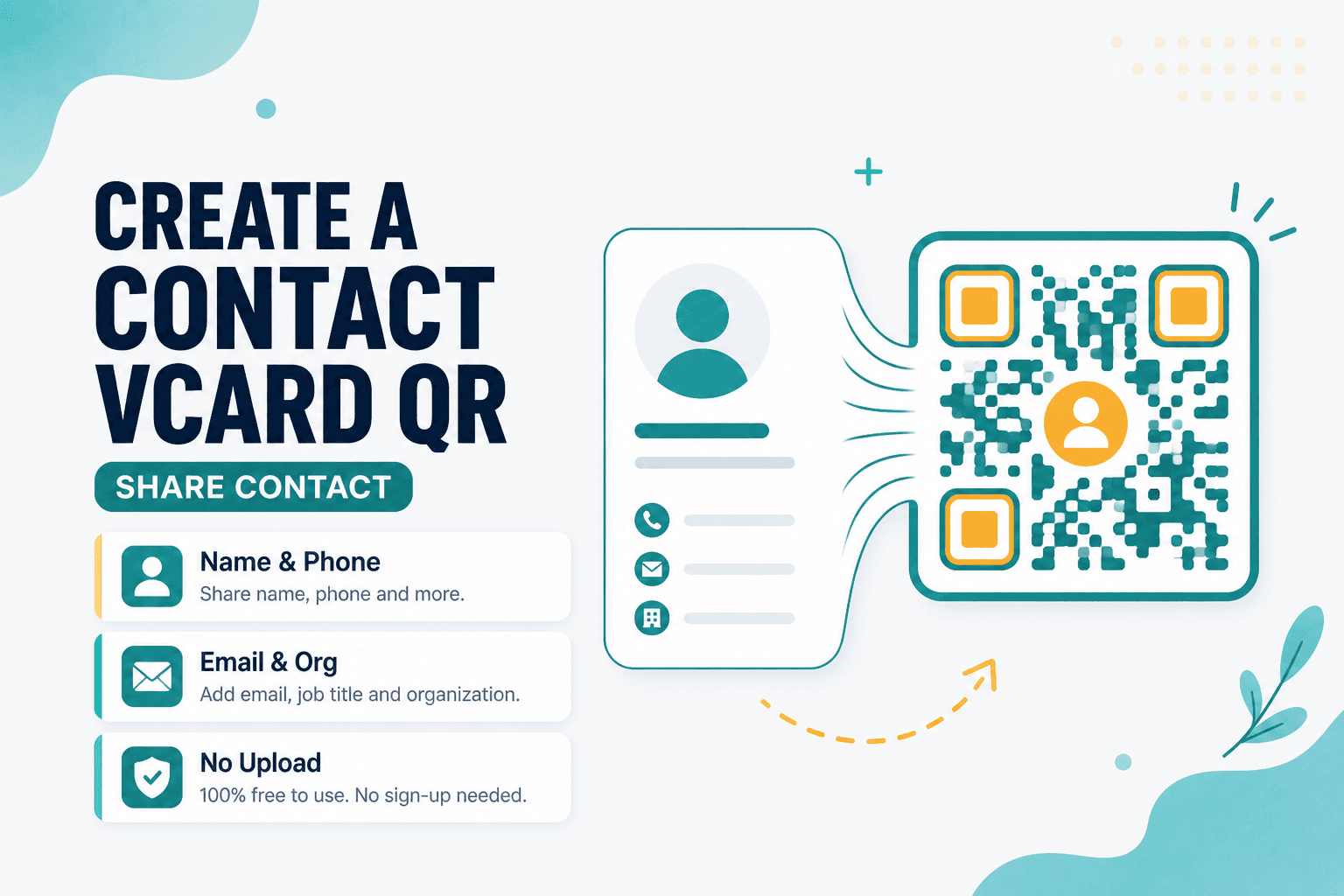
Business cards still work. But watching someone manually type your phone number while you stand there correcting "no, the area code is 415, not 514" — that's painful.
A vCard QR lets someone scan and save your contact in one motion. Contact (vCard) QR encodes name, phone, email, organization, and other fields into a standard contact format. Generated in your browser, nothing uploaded.
Where contact QRs shine
Conference badges and booth banners. The back of a business card (or the front, if you're going all-in on digital). Email signatures with a "save my contact" option. Event handouts where networking happens fast and typos are inevitable.
You can pair a vCard QR with a Website QR pointing to your company site — scan to save the person, scan to see the portfolio.
Filling in the fields
Open Contact (vCard) QR and add what you actually want people to have. Name plus one reach method (phone or email) is usually enough. Every extra field makes the QR denser, which means you need a bigger print size for reliable scanning.
Generate, download, and test by scanning with your own phone or running the image through Scan from Image. You want to see the "Add to Contacts" prompt, not a wall of raw vCard text.
Only include information you're comfortable sharing publicly. A QR on a badge is effectively a broadcast.
vCard vs email vs WhatsApp
| Goal | Tool |
|---|---|
| Save full contact to address book | Contact (vCard) QR |
| Open a prefilled email compose | Email QR |
| Start a WhatsApp chat | WhatsApp QR |
Chat-first outreach? WhatsApp QR might fit better. Need someone to email you with a specific subject line? Email QR handles that.
Privacy
Names, numbers, and emails stay on your device during generation. No cloud QR platform storing your address book fields on our end.
FAQ
Will every phone add the contact automatically?
Most modern phones recognize vCard QRs and offer an import prompt. Behavior varies slightly between iOS, Android, and third-party camera apps — which is why testing on a real device matters.
How much info should I include?
Enough to reach you. Name, phone, email, maybe company and title. Skip the kitchen sink unless you're printing at a size that can handle a dense code.
Can I update the QR after printing?
Static vCards don't auto-update. Changed your number? Generate a new QR and reprint (or update your digital assets). There's no magic redirect layer here.
Do I need an account?
No. Fill in the fields, generate, download. Done.
17 on-device QR & barcode tools — nothing uploaded.
Related guides
QR Guides
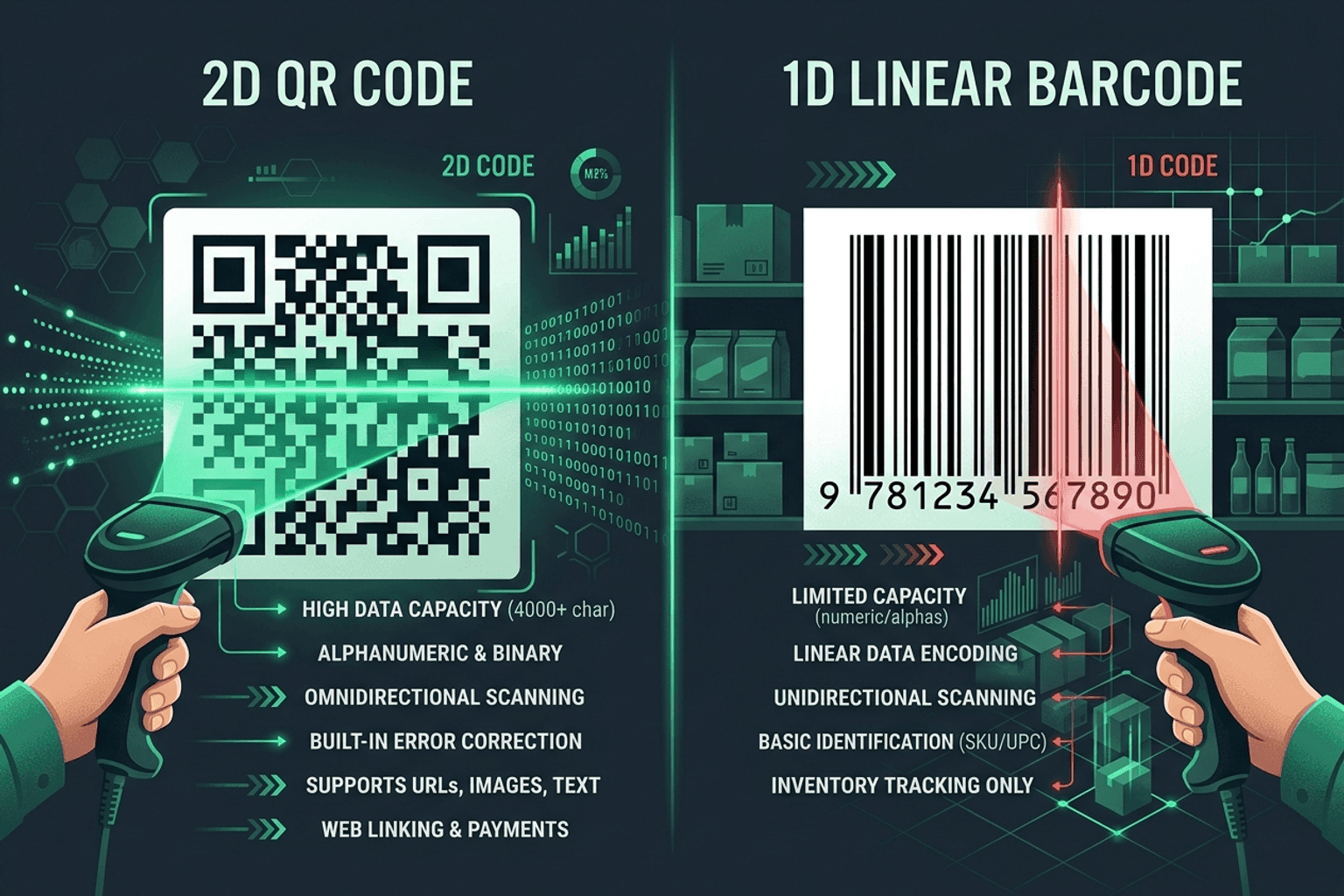
QR Code vs Barcode — Key Differences
Compare QR codes and traditional 1D barcodes across data capacity, scanning distance, error correction, and printing costs. Choose the right code for your project.
QR Guides
How to Create a Location QR Code for Maps
How to create a location QR code for maps — encode GPS coordinates so scanners open the place in Maps. Free generator in your browser.
QR Guides
How to Create a Phone Number QR Code Online
How to create a phone number QR code online — scanners open the dialer with your number pre-filled. Free, in your browser, no app install.