QR Guides
How to Convert Text to a QR Code Online Free
How to convert text to a QR code online free — turn plain text, notes, or IDs into a scannable PNG. Private, on-device, no upload.
NeedAnyToolPublished Updated 2 min read
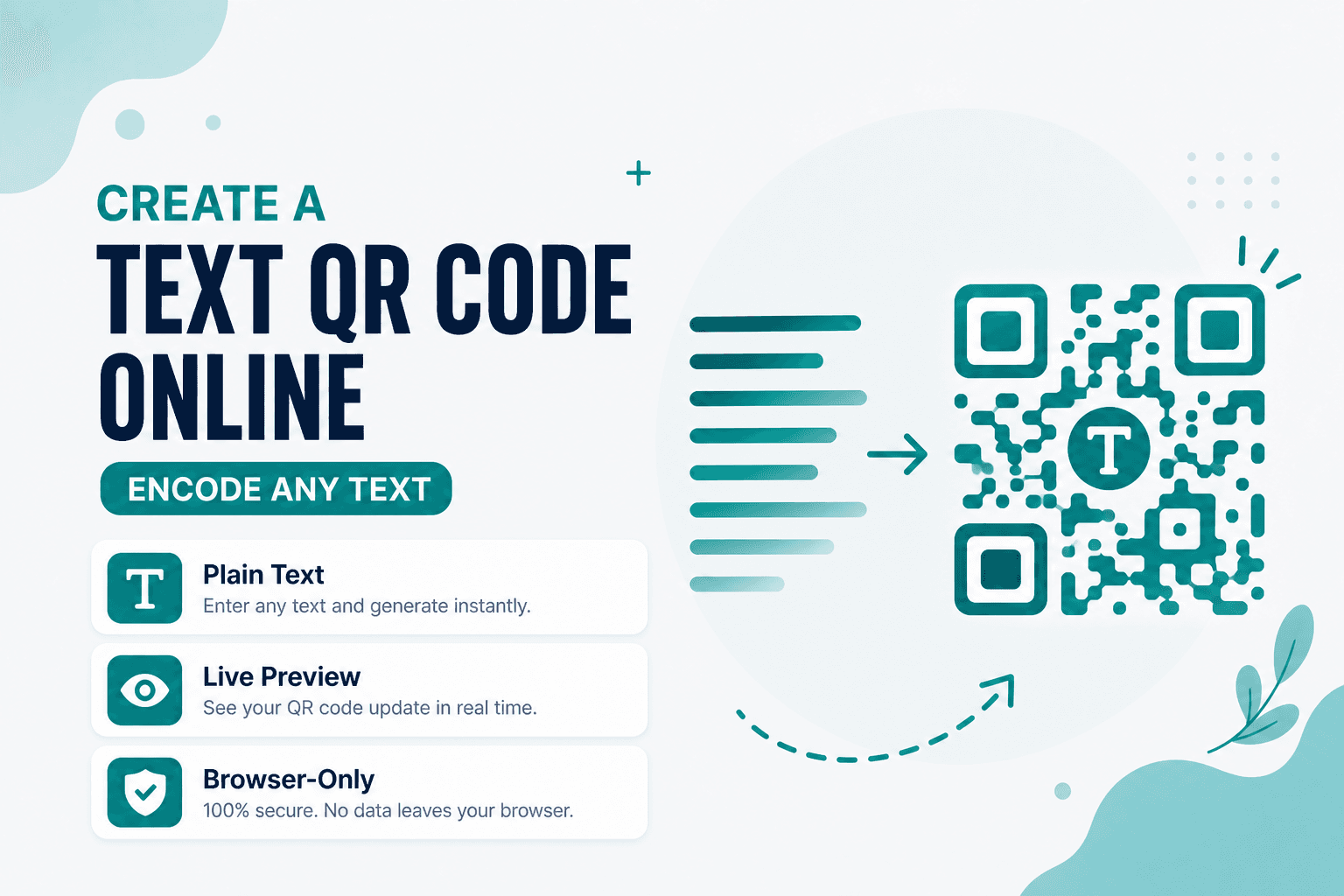
Not every QR needs to open a website. Sometimes you just want someone to scan and read a string — a locker combination, a one-time promo code, a serial number, a two-line instruction on a workshop handout.
Text to QR does exactly that: convert plain text into a QR code, preview it, and download a PNG. Free, in your browser, nothing uploaded. “Text to QR” means the payload is text — not a caption drawn on top of the image.
When a text QR beats a URL QR
If the payload isn't a link, don't force it into one. Text QRs work well for inventory IDs that aren't URLs, classroom materials where students need a reference code, event tickets with a short confirmation string, and product labels with care instructions that fit in a sentence or two.
The tradeoff is capacity. QR codes can hold a fair amount of text, but the more you pack in, the denser the pattern gets — and dense patterns fail at small print sizes. Keep it short when you can.
How to create one
Open Text QR, enter your string, and generate. If the preview looks like a tight grid of dots, trim the text or plan for a larger print size.
Download the PNG, then verify with Scan Code or Scan from Image before you commit to a print run.
One thing worth remembering: anyone who can scan the code can read the text. Don't put passwords or private keys on a sticker in a public hallway.
Text QR vs other formats
| Goal | Tool |
|---|---|
| Plain text, notes, or IDs | Text QR |
| Open a URL in a browser | Website QR |
| Linear barcode for label scanners | Code 128 |
For links, Website QR is the better fit. For Wi-Fi credentials, use Wi-Fi QR — it formats the payload so phones offer a "join network" prompt.
Privacy
Your message and the generated image stay on your device. No upload, no account, no cloud copy sitting on someone else's server.
FAQ
How much text can I fit?
QR capacity depends on character set and error correction, but practically speaking: shorter is better. A sentence or two scans fine. A paragraph starts getting risky on small labels.
Is a text QR the same as a URL QR?
No. A text QR displays or copies the string as-is. A Website QR tells the scanner to open a link. Mix them up and you'll get confused users staring at raw URLs in a text field.
Can I include line breaks?
Yes, technically. In practice, many scanners flatten everything into one block. Test on the phones your audience actually uses.
Do I need an account?
Nope. Generate and download — that's it.
17 on-device QR & barcode tools — nothing uploaded.
Related guides
QR Guides
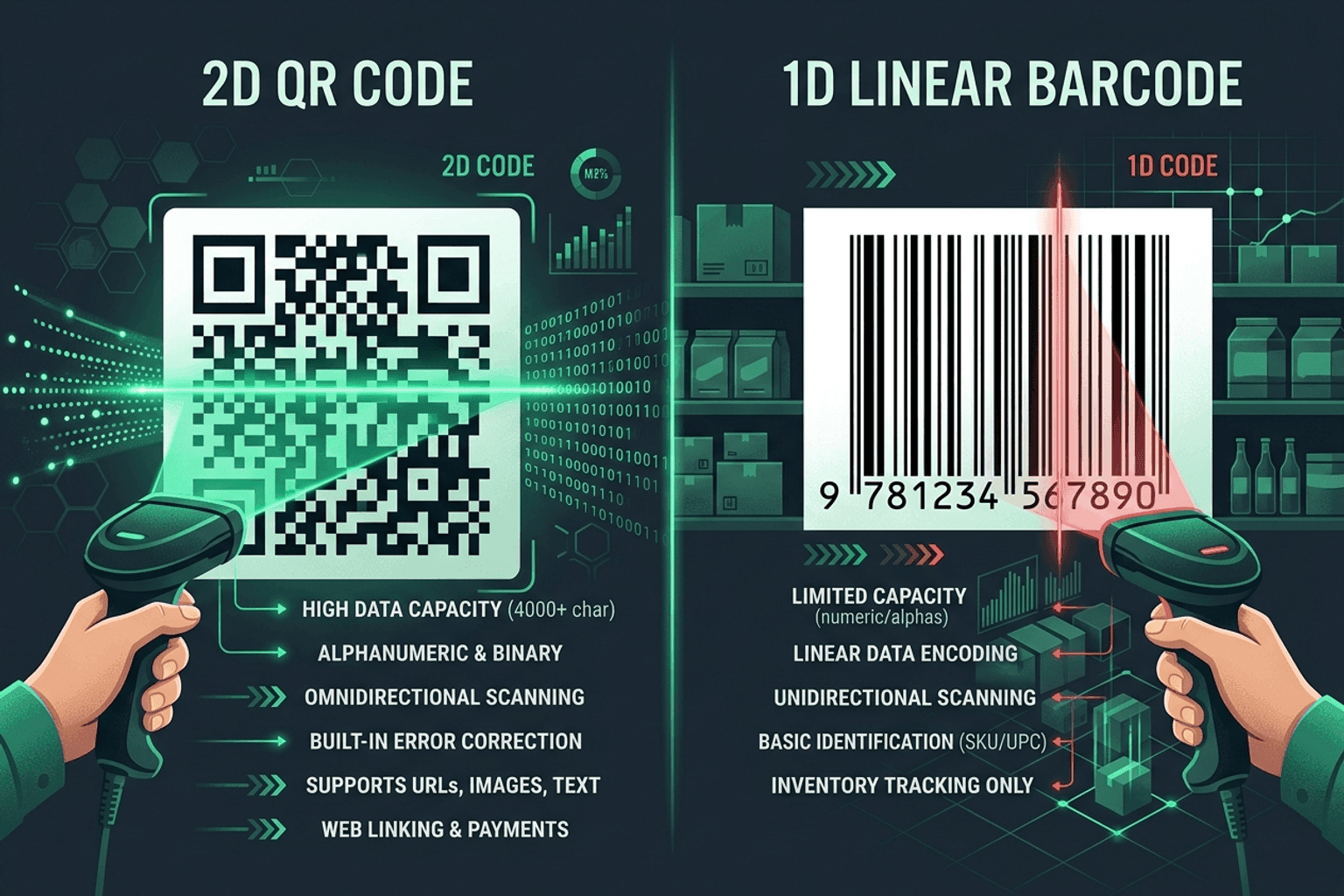
QR Code vs Barcode — Key Differences
Compare QR codes and traditional 1D barcodes across data capacity, scanning distance, error correction, and printing costs. Choose the right code for your project.
QR Guides
How to Create a Location QR Code for Maps
How to create a location QR code for maps — encode GPS coordinates so scanners open the place in Maps. Free generator in your browser.
QR Guides
How to Create a Phone Number QR Code Online
How to create a phone number QR code online — scanners open the dialer with your number pre-filled. Free, in your browser, no app install.