Image Guides
How to Create a Photo Collage Online
How to create a photo collage online — combine photos into an image grid in your browser. Free collage maker, no upload required.
NeedAnyToolPublished Updated 2 min read
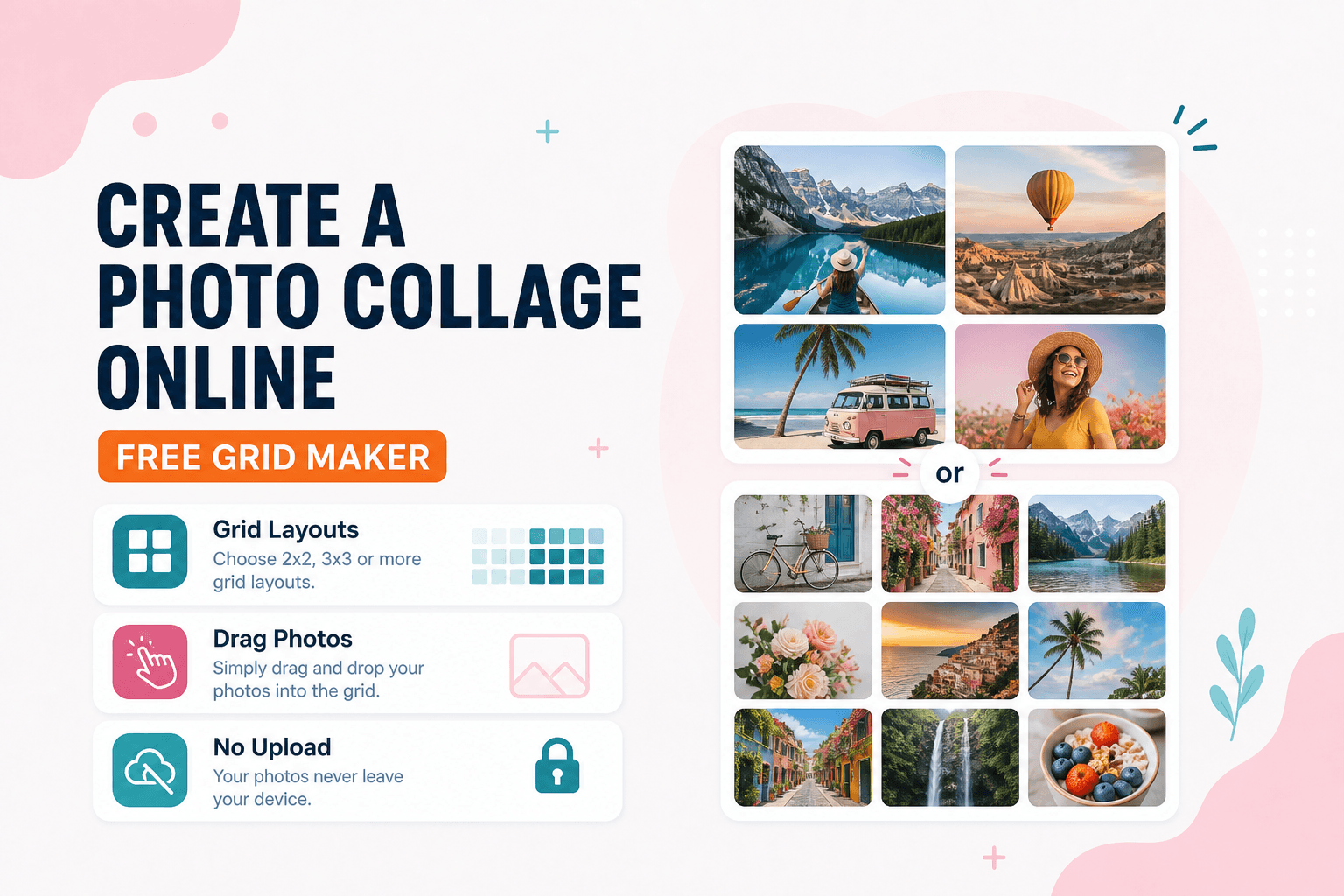
One photo from the trip is never enough. You want the beach shot next to the street food next to the sunset — but Instagram carousels get ignored and a single image can't tell the whole story. A collage does.
Collage / Grid combines multiple images into one layout in your browser. Event recaps, before/after product comparisons, mood boards for design clients, family photo grids — all without installing an app.
This is a photo collage maker, not a sprite-sheet atlas. If you need game frames plus JSON coordinates, use Sprite Sheet instead.
Prep your shots first
This is where most collages fall apart. One photo is portrait, one is landscape, one is still sideways from your phone. Spend a minute upfront: Crop and Rotate / Flip each image so every cell looks upright and framed. If one shot dominates because it's twice the resolution of the others, Resize the outlier.
Then open Collage / Grid, add your photos, pick a grid that matches how many images you have, and adjust order and framing until the collage reads clearly on a phone screen. Download when you're happy.
Keep your source files. Collages are easy to rebuild if you need a different arrangement later.
After the collage
If upload size is limited, Compress the final export — not the individual sources. Build from decent-quality originals, compress once at the end.
Want a PDF instead? Export the collage image and use Image to PDF. Or build separate pages with Images to PDF if you want each photo as its own PDF page.
| Goal | Tool |
|---|---|
| Combine photos into one grid | Collage / Grid |
| Trim a single photo | Crop |
| Turn images into a multi-page PDF | Images to PDF |
| Pack game frames + JSON | Sprite Sheet |
Everything processes on your device. NeedAnyTool doesn't upload your photos for collage creation.
Ready to build one? Open Collage / Grid and arrange your photos.
FAQ
Can I turn the collage into a PDF?
Export the collage image, then use Image to PDF — or build pages with Images to PDF if you want separate photos as PDF pages instead.
Should I compress before or after?
Build the collage from decent-quality sources, then Compress the final export if upload size is limited.
How many photos can I add?
Use the grid options in the tool and keep layouts readable — overcrowded grids are hard to view on mobile.
Do I need an account?
No.
Related guides
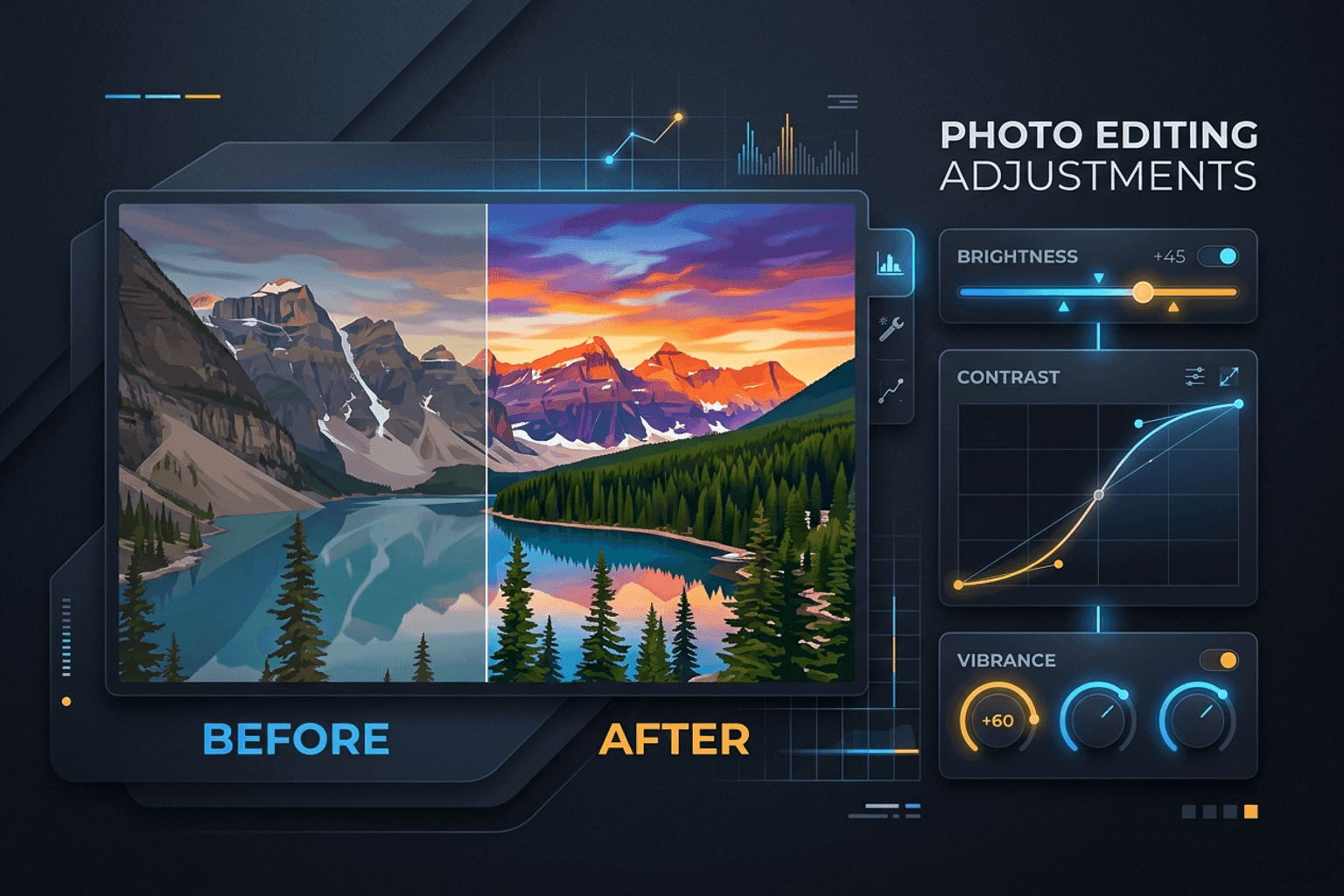
Image Guides
Adjust Photo Brightness and Contrast Online
Fix dark, washed-out, or underexposed photos in your browser. Adjust brightness, contrast, and saturation in real time with zero software installs or uploads.
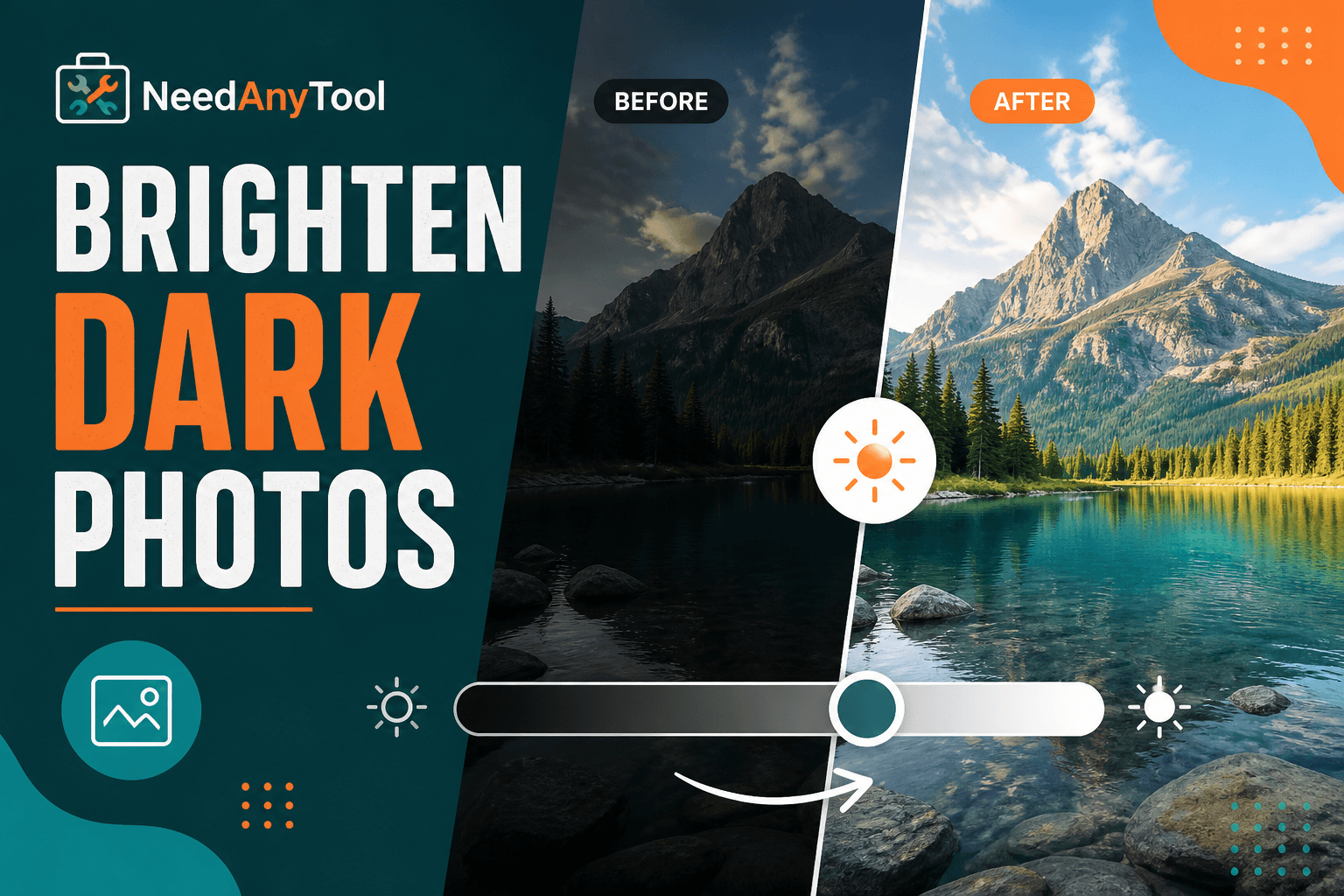
Image Guides
Brighten a Dark Photo Online
Brighten dark photos online — fix underexposed shots with brightness and contrast controls. Free, private, no upload.
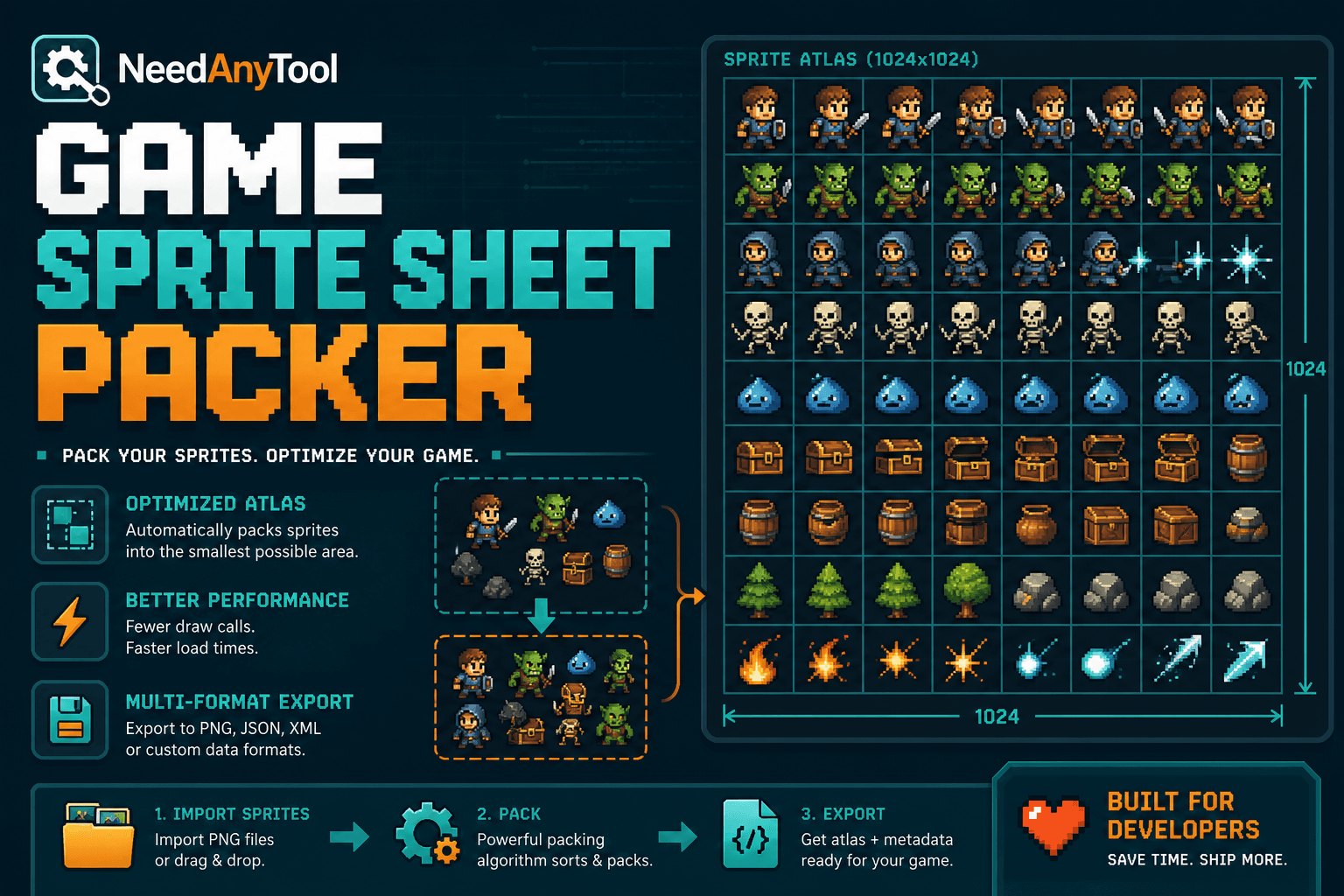
Image Guides
How to Create a Game Sprite Sheet Online (PNG + JSON)
How to create a game sprite sheet online — pack frames into one PNG plus a JSON map. Free browser tool for indie devs and pixel art.