QR Guides
Create an Email QR Code Online Free
Create an email QR code online free — open a mailto compose from one scan. Private, on-device, no upload, no signup.
NeedAnyToolPublished Updated 2 min read
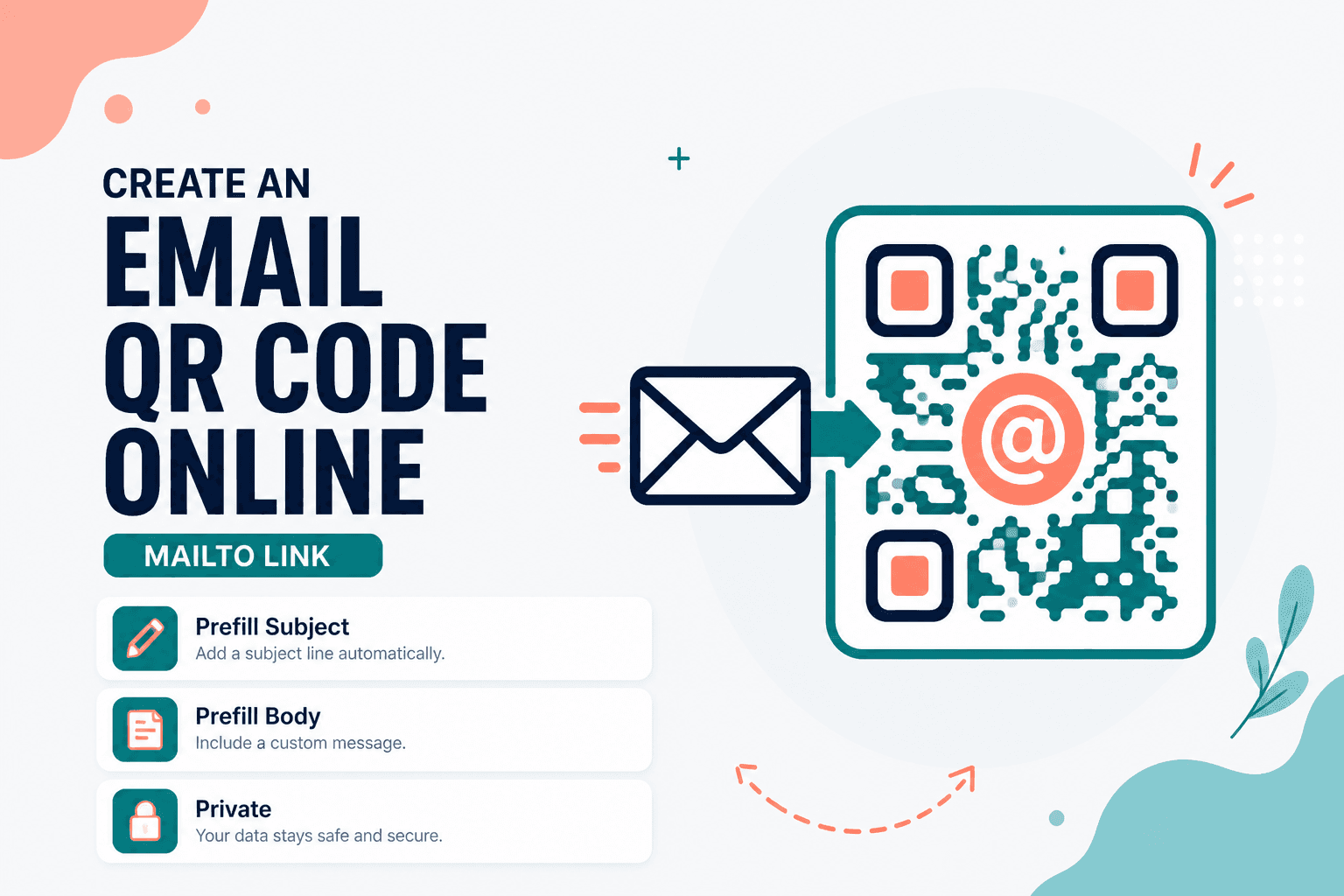
"Email us at support@company.com" printed in 8pt type on a flyer is a typo waiting to happen. An email QR turns that into one scan that opens a compose window — address already filled in, optional subject and body ready to go.
Email QR builds mailto-style codes in your browser. Free, private, no upload, no account.
Practical uses
Support contact on product packaging. Feedback cards at events with a prefilled subject like "Event Feedback — March 2026." Sales inquiries on booth materials. Resume footers for people who prefer email over chat apps.
If you want people to save your full contact card (not just send one email), pair this with Contact (vCard) QR. If WhatsApp is your primary channel, WhatsApp QR is probably the better pick.
Creating the code
Open Email QR and enter the destination address carefully — one wrong character and every scan goes nowhere useful. Add a subject and body if you want to standardize what arrives in your inbox (helpful for routing support tickets).
Generate, download, and test on both phone and desktop before a big print run. Mail clients behave differently: some open instantly, others ask which app to use, and a few machines have no mail client configured at all.
Keep subject and body text short. Long mailto strings make denser QR patterns that scan worse at small sizes.
Email vs WhatsApp vs vCard
| Goal | Tool |
|---|---|
| Open email compose (mailto) | Email QR |
| Start a WhatsApp chat | WhatsApp QR |
| Save full contact details | Contact (vCard) QR |
Privacy
The email address and any message fields stay on your device during generation. Nothing is sent to NeedAnyTool's servers for this workflow.
FAQ
Will every device open the mail app?
Most phones and desktops hand mailto links to the default mail client. Users without email configured may see an error or a prompt to set one up — worth knowing before you put this on a kiosk.
Can I include a subject line?
Yes, when the tool exposes subject and body fields. Keep them concise so the QR stays scannable on a business card or small label.
How is this different from a vCard QR?
An email QR opens a compose window to send a message. A Contact (vCard) QR offers to save your name, phone, and email to the address book. Different jobs, different tools.
Do I need an account?
No account required. Generate and download.
17 on-device QR & barcode tools — nothing uploaded.
Related guides
QR Guides
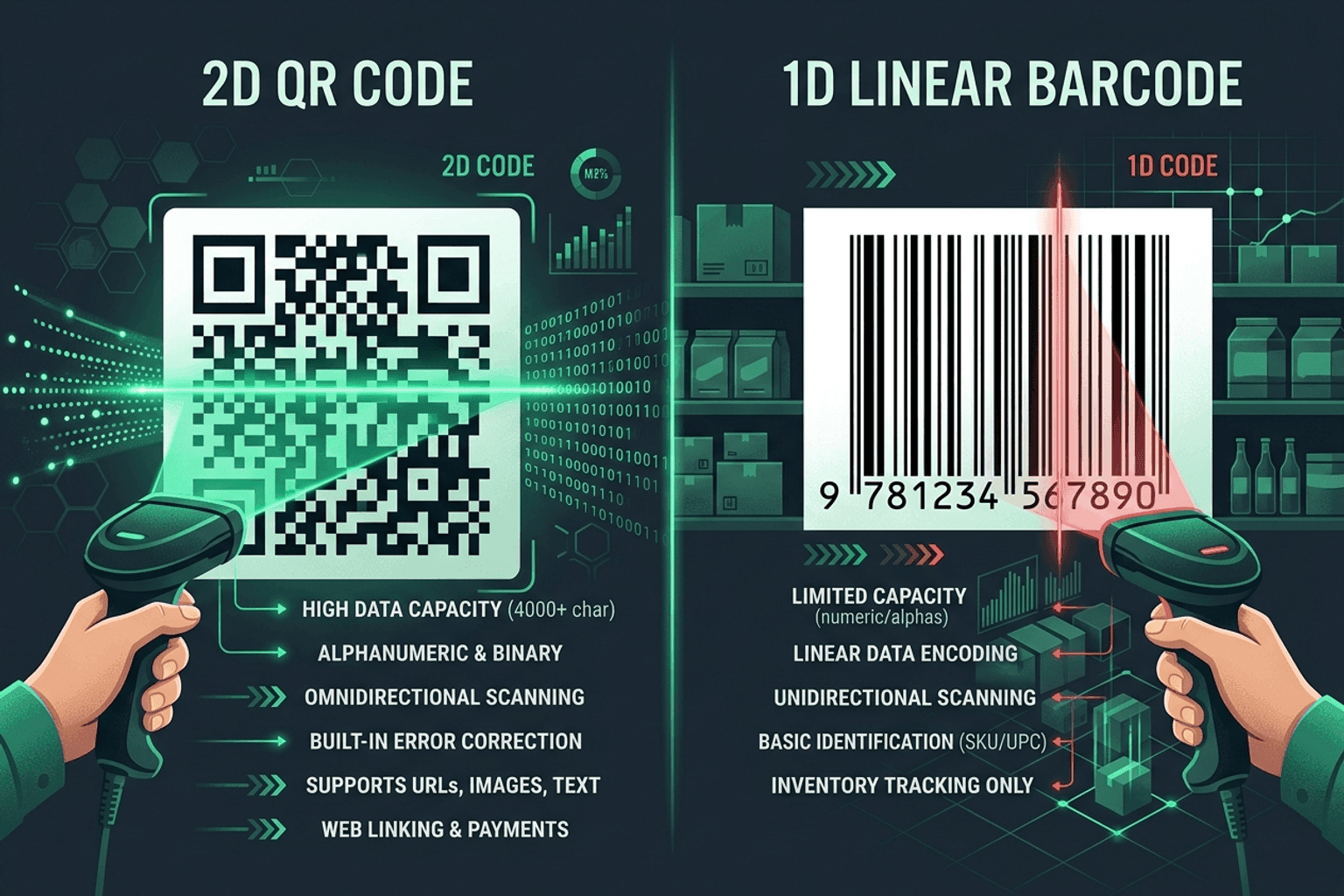
QR Code vs Barcode — Key Differences
Compare QR codes and traditional 1D barcodes across data capacity, scanning distance, error correction, and printing costs. Choose the right code for your project.
QR Guides
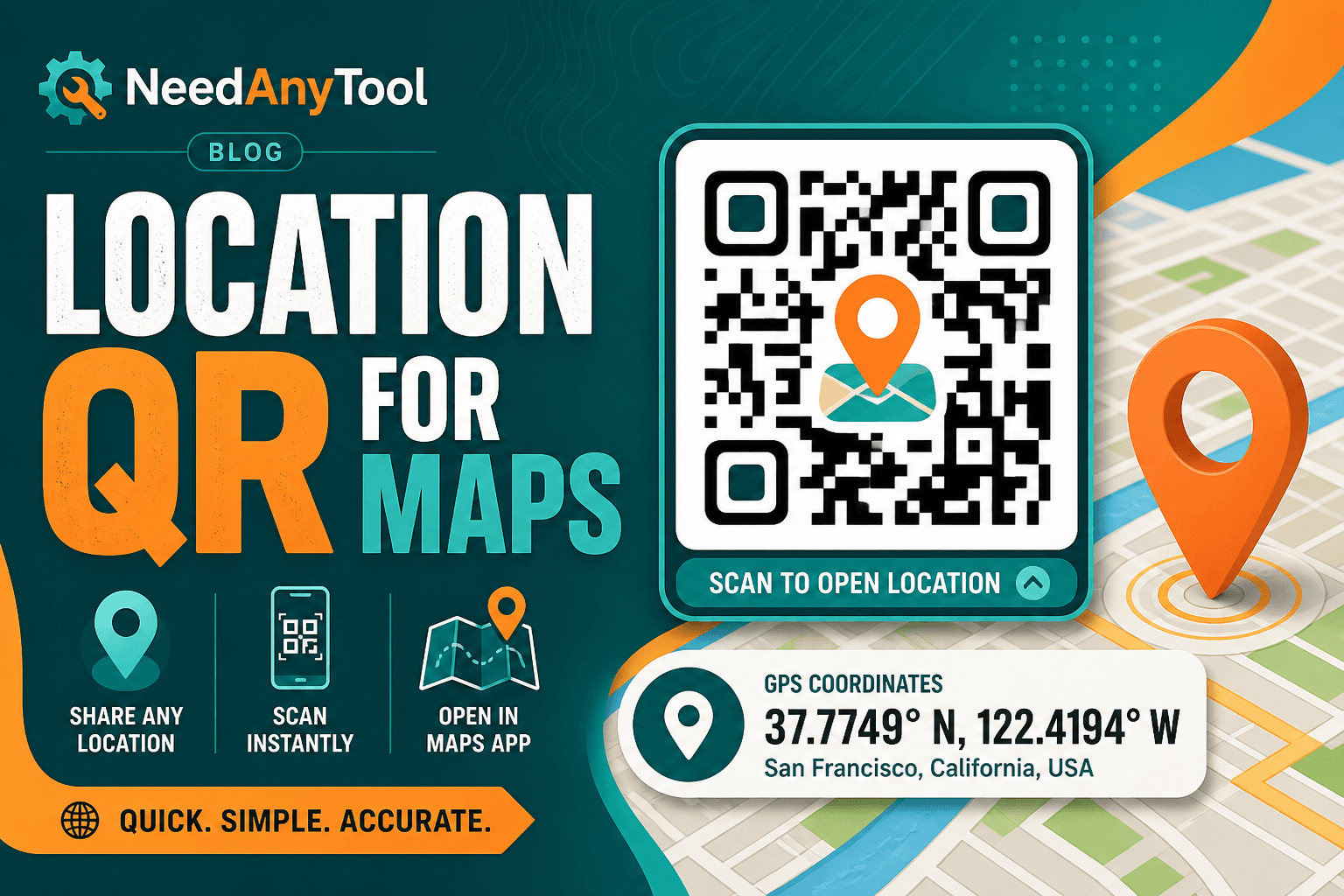
How to Create a Location QR Code for Maps
How to create a location QR code for maps — encode GPS coordinates so scanners open the place in Maps. Free generator in your browser.
QR Guides
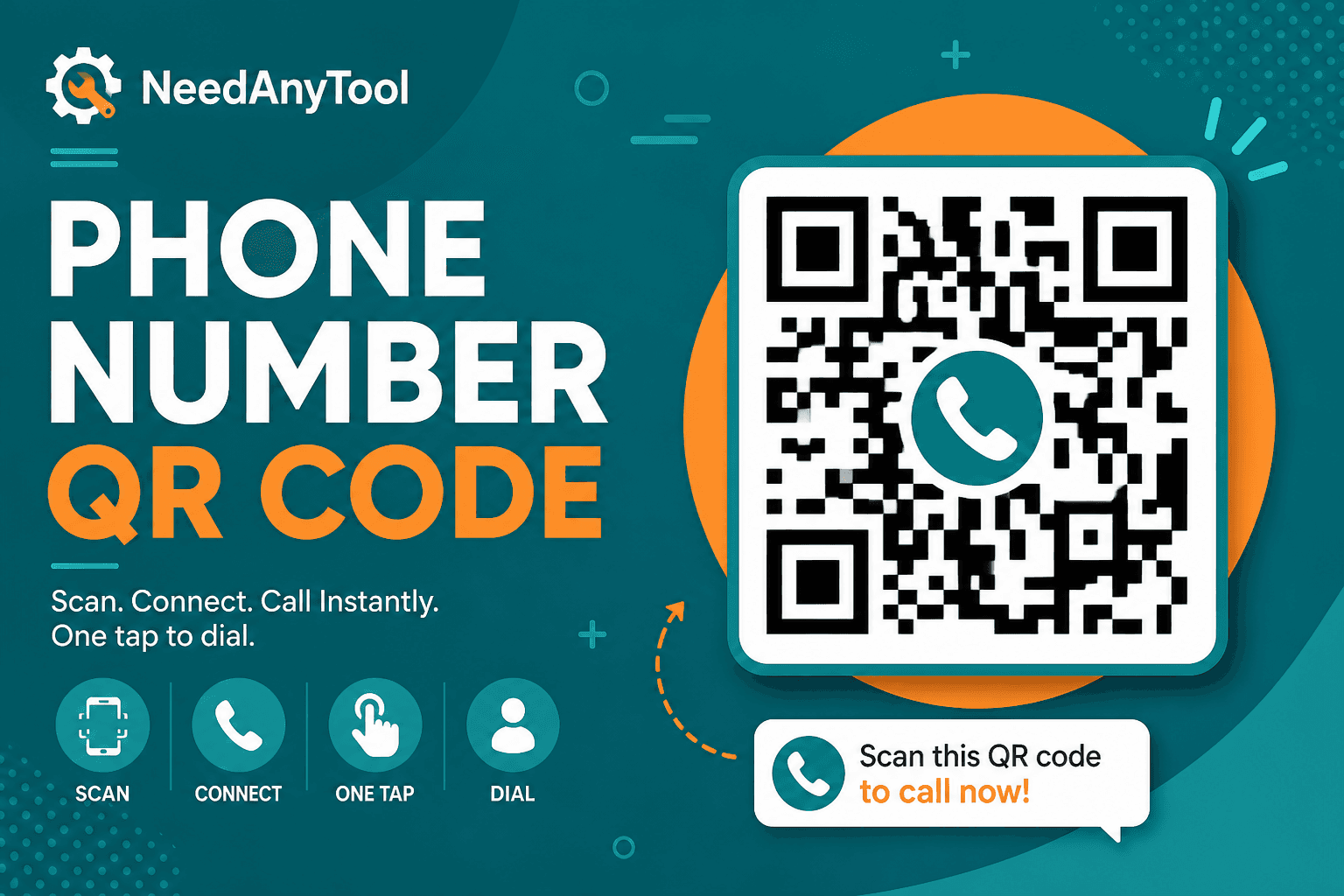
How to Create a Phone Number QR Code Online
How to create a phone number QR code online — scanners open the dialer with your number pre-filled. Free, in your browser, no app install.