QR Guides
How to Create a Location QR Code for Maps
How to create a location QR code for maps — encode GPS coordinates so scanners open the place in Maps. Free generator in your browser.
NeedAnyToolPublished Updated 2 min read
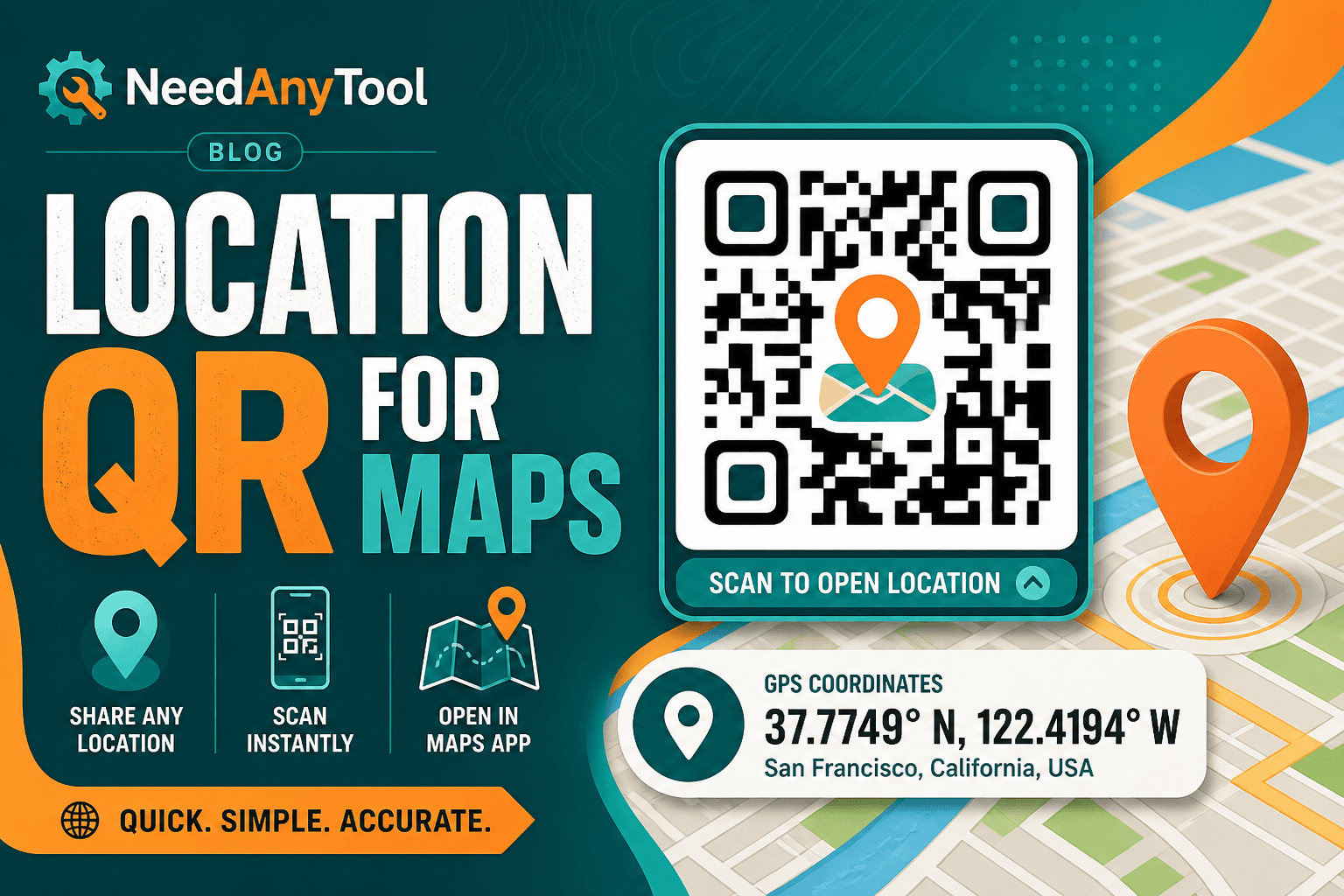
"We're near the big oak tree" might work for a backyard barbecue. It doesn't work for a wedding with 200 guests, a food truck that moves daily, or a trailhead buried in the woods. A location QR drops a pin in the visitor's maps app — no typing, no wrong turn on a country road.
Location QR encodes GPS coordinates or place data that phones hand off to whatever map app they use.
When a geo QR beats directions on paper
Wedding venue parking lots are the obvious one. Food trucks posting today's spot on Instagram can print a QR that goes straight to coordinates. Hiking groups use them at trailheads where there's no street address. Conference organizers stick them on signs inside sprawling campuses where "Building C, second floor" still leaves people wandering.
Building the code
First, confirm your pin in your maps app — drag it until it's exactly right. Then open Location QR and enter the latitude and longitude (or whatever place format the tool accepts).
Download the QR and test it from realistic distance. Outdoor signs scanned from a car need a bigger code than something on a table tent. And always print a human-readable address underneath as backup — GPS isn't perfect, and some guests will prefer reading text.
Location QR vs other options
Need an exact map pin? Location QR. Got a website with an embedded map and more context? Website QR might be better. Want guests on your Wi-Fi when they arrive? That's a separate Wi-Fi QR.
Outdoor signage tips
Size up for car-distance scanning. Use weatherproof material. Test at noon when glare is worst — if it fails then, it'll fail on sunny Saturdays too. Indoors where GPS drifts, a website QR linking to indoor maps often works better than raw coordinates.
Publishing coordinates makes a physical location public. Only share what you're comfortable with strangers knowing.
FAQ
Which map app opens when someone scans?
Whatever's set as default on their phone — Apple Maps, Google Maps, Waze, etc. You don't control that, and you don't need to.
Coordinates or street address?
Coordinates are precise. Addresses geocode well most of the time but can drift a house or two. Always test the pin yourself before printing.
Our venue is indoors and GPS is unreliable. Now what?
Combine the QR with written directions, or link to a website QR with an indoor map. Raw GPS inside a mall or convention center is hit-or-miss.
Can I track how many people scanned?
A static location QR doesn't track anything by itself. If you need analytics, send people through a landing page URL instead.
17 on-device QR & barcode tools — nothing uploaded.
Related guides
QR Guides
How to Scan a QR Code from an Image Online
How to read a QR code or barcode from a photo or screenshot in your browser — decode on-device, not a generic document scanner. Free, private, no upload.
QR Guides
Test a QR Code Before You Print It
Check a QR code before it goes on a poster, menu, or sticker. Test the link, the contrast, and a phone scan so the print actually works.
QR Guides
Create a Contact vCard QR Code Online
Create a contact vCard QR code online free — share name, phone, and email in one scan. Private, on-device, no upload.