Image Guides
Build an Icon Sprite Sheet for Faster Websites
Combine UI icons into one sprite sheet for faster web apps — single image, JSON coordinates. Free online packer in your browser.
NeedAnyToolPublished Updated 2 min read
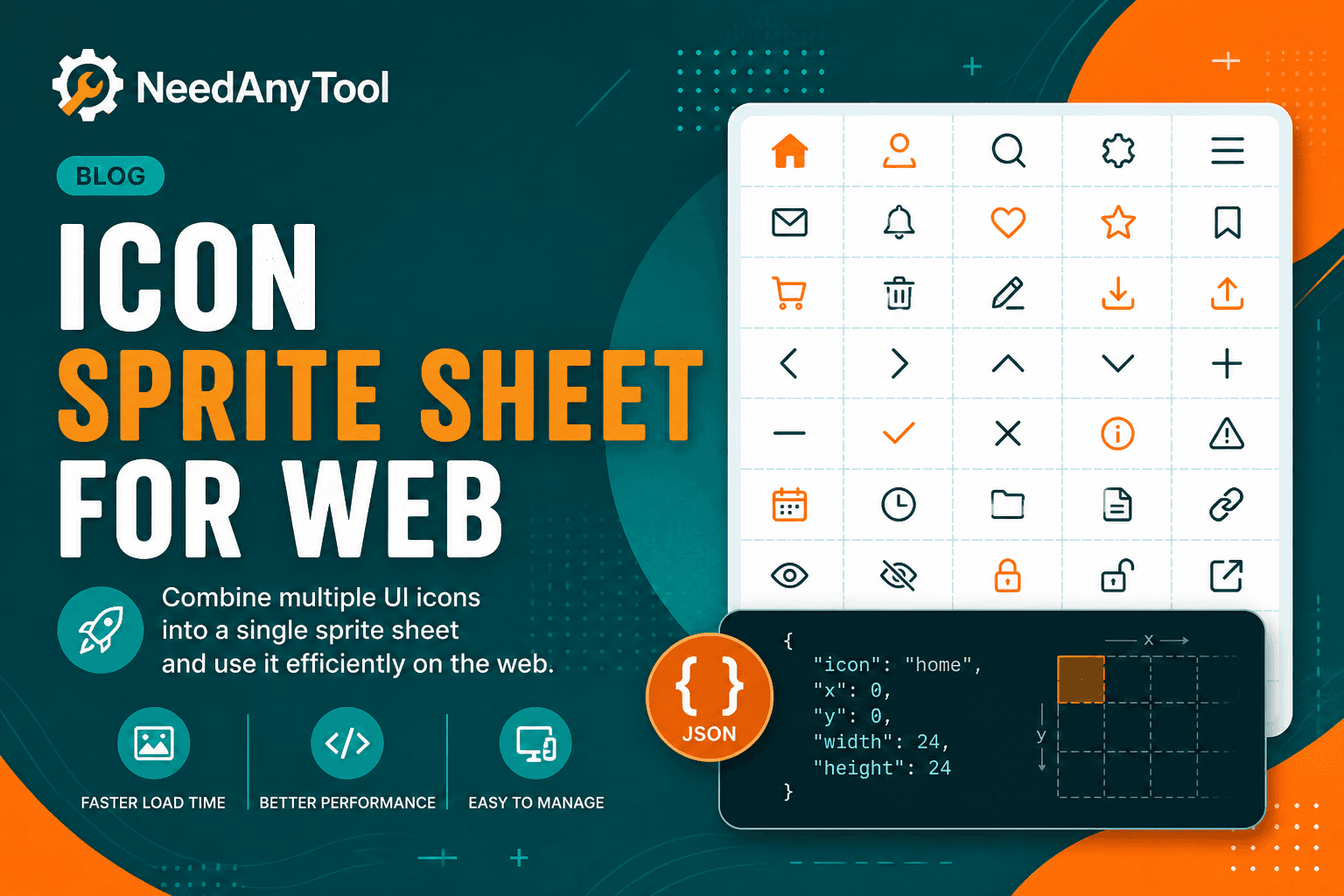
Twenty icon files on first page load means twenty round trips to your server. On a slow connection or a dashboard with dozens of inline icons, that adds up fast. A sprite sheet — one PNG plus coordinate data — collapses those requests into a single fetch and keeps icons pixel-crisp at 1x and 2x.
Sprite Sheet is the same packer indie game devs use for texture atlases, and it works just as well for UI icon sets and favicon bundles.
When this beats inline SVG
Admin dashboards with tons of toolbar icons. Offline-first PWAs that bundle assets locally. Email templates where external SVG loading is unreliable. Legacy codebases still using background-position CSS sprites — you know the ones.
SVG wins when you need to recolour icons in CSS on the fly. Sprite sheets win on HTTP count and predictable rendering across older email clients.
Packing your icon set
Export icons at a consistent pixel size — 16, 24, or 32 are common. Open Sprite Sheet, upload the set, enable padding so neighbouring icons don't bleed into each other at runtime. Download the PNG and JSON, wire coordinates into CSS or your component library once, and reuse everywhere.
For retina screens, pack @2x icons and scale down in CSS. Match JSON field names to what your framework expects; rename fields in a build step if needed.
After packing, Compress Image if every kilobyte matters on mobile. Align icon tints with your brand using Pick colors from logo.
Updating one icon means repacking the whole set — or keeping a build script that regenerates coordinates consistently. Partial manual edits to a sprite sheet without repacking break coordinates silently.
Icons process locally, so unreleased product UI stays on your machine.
FAQ
Can I upload SVG directly?
Export PNG from your design tool first if the packer expects raster input.
How do I handle retina displays?
Pack @2x assets, display at half size in CSS.
Will the JSON work with my framework?
Field names vary — adapt the export to match what your runtime expects.
I only changed one icon — must I repack everything?
Yes, unless you have a build pipeline that handles partial updates with consistent coordinates.
Related guides
Image Guides
How to Create a Game Sprite Sheet Online (PNG + JSON)
How to create a game sprite sheet online — pack frames into one PNG plus a JSON map. Free browser tool for indie devs and pixel art.
Image Guides
How to Convert an Image to Grayscale (Black & White)
How to convert an image to grayscale online — turn a color photo black and white in your browser. Desaturate JPG/PNG with no upload.
Image Guides
Blur an Image Online Free (Soft Focus)
Blur an image online free — soft focus or Gaussian-style blur for photos in your browser. Obscure details without uploading.