Converter Guides
Format JSON Online — Beautify, Validate & Minify
Format and beautify JSON in your browser — spot errors, indent cleanly, or minify. Free JSON Formatter — private NeedAnyTool converter.
NeedAnyToolPublished 1 min read
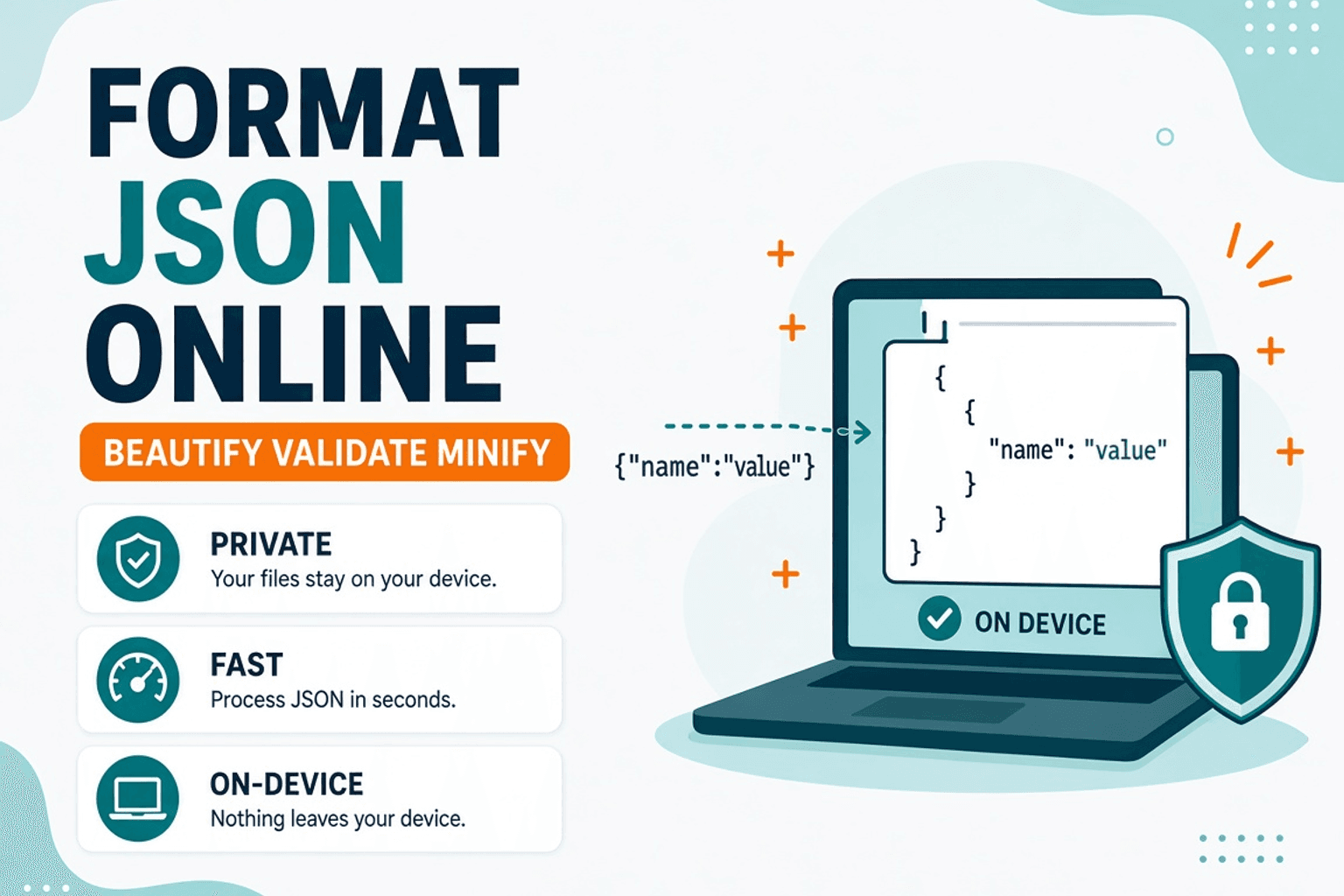
An API dumped one giant line of JSON into your terminal. You paste it into Slack and nobody can read it. Or worse — a missing comma breaks the whole payload and you can’t see where.
JSON Formatter pretty-prints (or minifies) JSON locally in your browser. Use it before you convert tables with JSON to CSV or compare configs after YAML to JSON.
What you can do
- Beautify — indented, readable structure
- Minify — single-line payloads for size-sensitive embeds
- Spot parse errors — broken JSON fails fast so you fix the syntax first
Steps
- Open JSON Formatter.
- Paste the raw JSON.
- Format or minify.
- Copy the result into your editor, ticket, or next converter.
JSON workflow map
| Next job | Tool |
|---|---|
| Spreadsheet export | JSON to CSV |
| Config from YAML | YAML to JSON |
| Markup twin | XML Formatter |
Related searches
- format JSON online free
- beautify JSON browser
- validate JSON online
- minify JSON tool
- JSON prettier no upload
- fix JSON formatting online
FAQ
Is my JSON uploaded?
No. Formatting runs in the browser.
Trailing commas?
Standard JSON rejects them. Remove trailing commas, then format again.
Huge files?
Browser memory has limits — for multi‑MB dumps, a local CLI may be better.
Related guides
Converter Guides
Convert YAML to JSON Online — Config Files
Convert YAML config to JSON in your browser. Free YAML to JSON converter — private NeedAnyTool tool for DevOps and apps.
Converter Guides
Convert CSV to JSON Online — Sheets to API Data
Convert CSV to JSON for APIs and apps. Free CSV to JSON converter in your browser — private NeedAnyTool tool.
Converter Guides
HTML Encode and Decode Online — Entities Done Right
Encode and decode HTML entities in your browser. Free HTML Encode / Decode tool — safe snippets, private NeedAnyTool converter.