PDF Guides
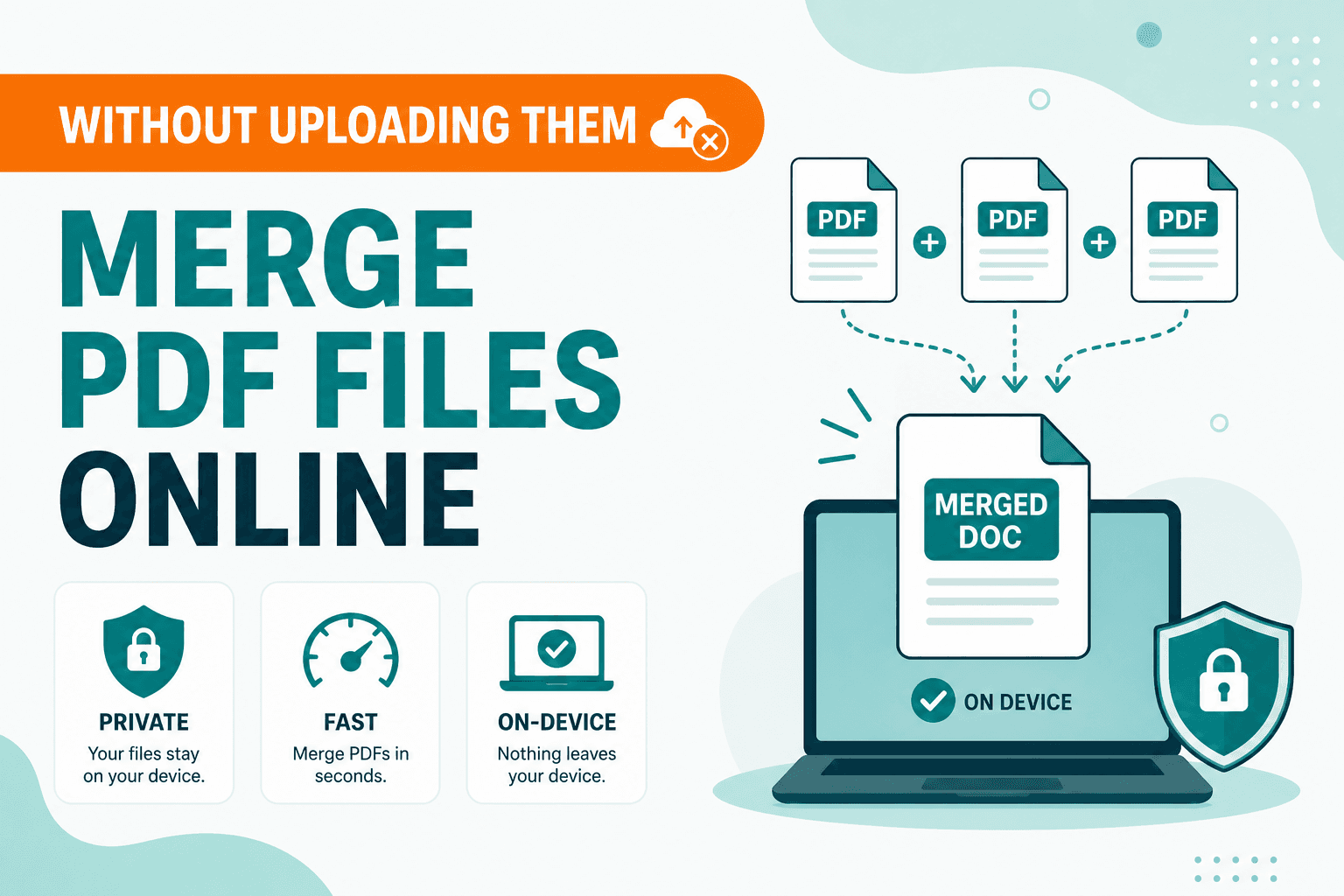
How to Merge PDF Files Without Uploading
How to merge and combine PDF files in your browser with no upload. Private on-device merge — reorder files, download one document.
3 min read
NeedAnyTool Guides
Practical guides for PDFs, images, and QR & barcodes — written to help you finish the task quickly, privately, and without uploading files.
Featured
PDF Guides
How to merge and combine PDF files in your browser with no upload. Private on-device merge — reorder files, download one document.
PDF Guides
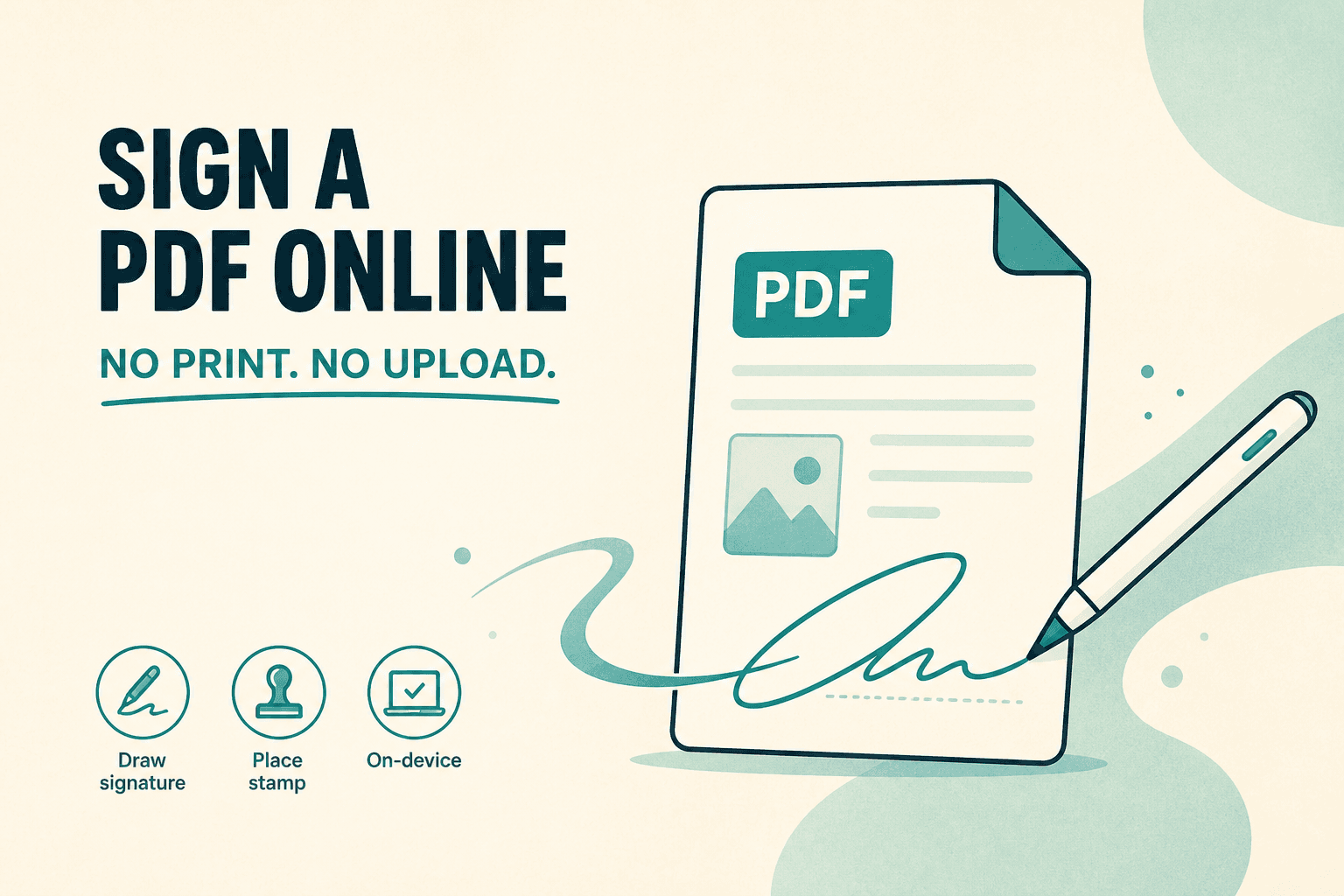
Sign a PDF online free — draw an electronic signature without printing or uploading. E-sign PDF forms in your browser with NeedAnyTool.
PDF Guides
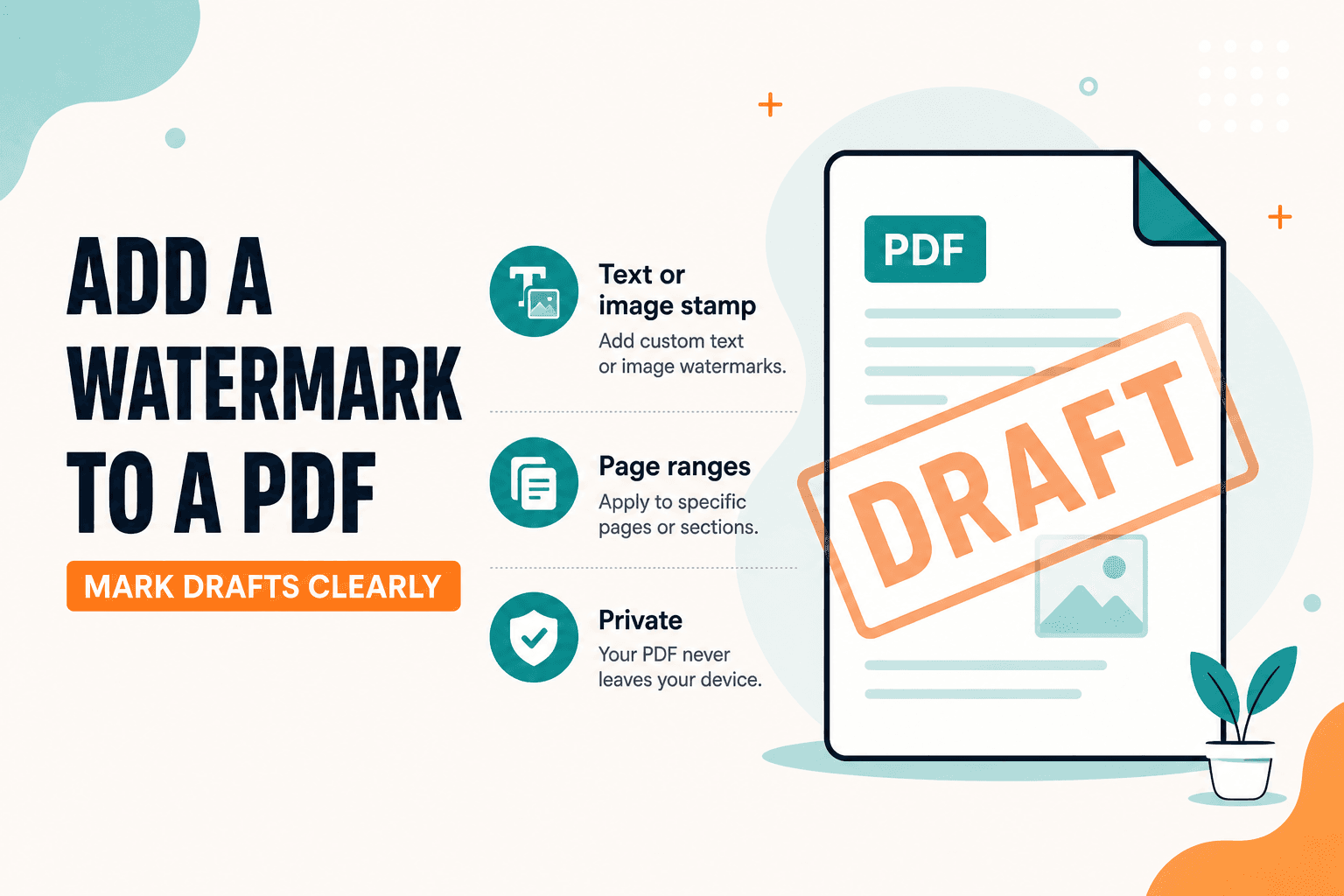
Add a watermark to a PDF online — stamp Draft, Confidential, or a logo across pages. Free PDF watermark tool in your browser, no upload.
PDF Guides
Unlock a password-protected PDF in your browser when you have the open password. Remove the lock and save an unrestricted copy — privately.
PDF Guides
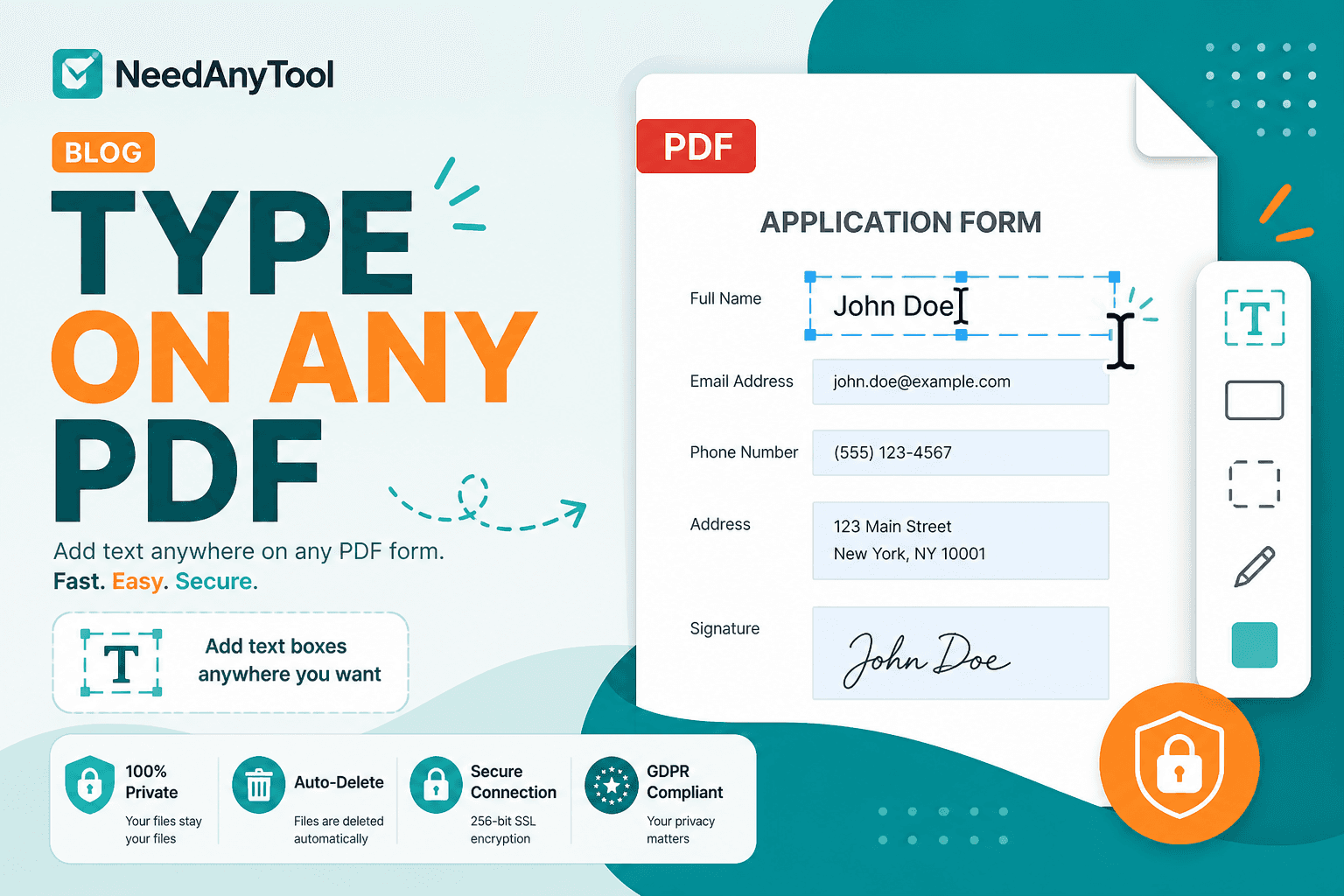
Add text to a PDF in your browser — names, dates, addresses, and notes placed exactly where you need them. No upload required.
PDF Guides
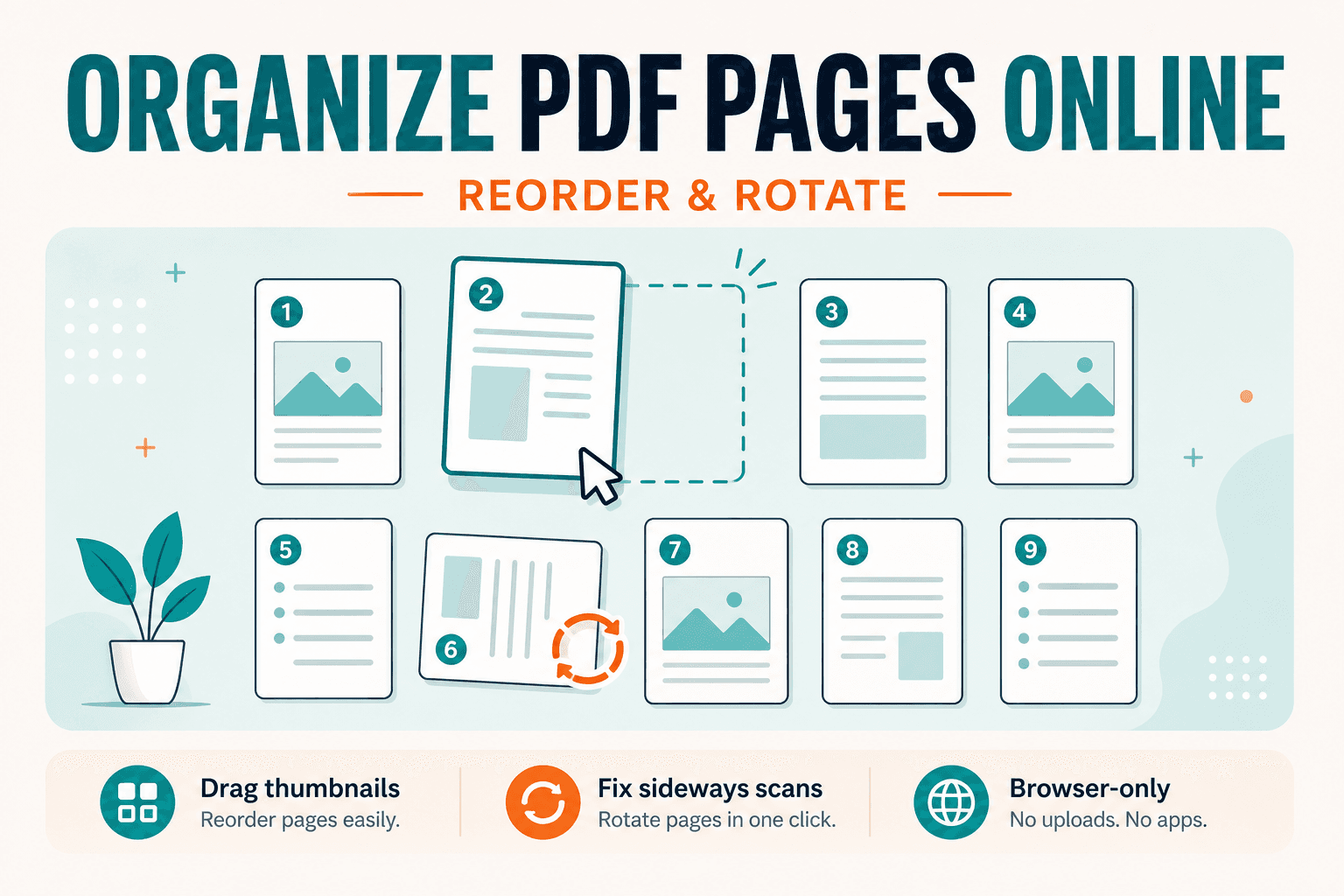
Guide to rearranging PDF page order and rotating sideways scans. For the free on-device tool, open Organize PDF — drag thumbnails, no upload.
PDF Guides
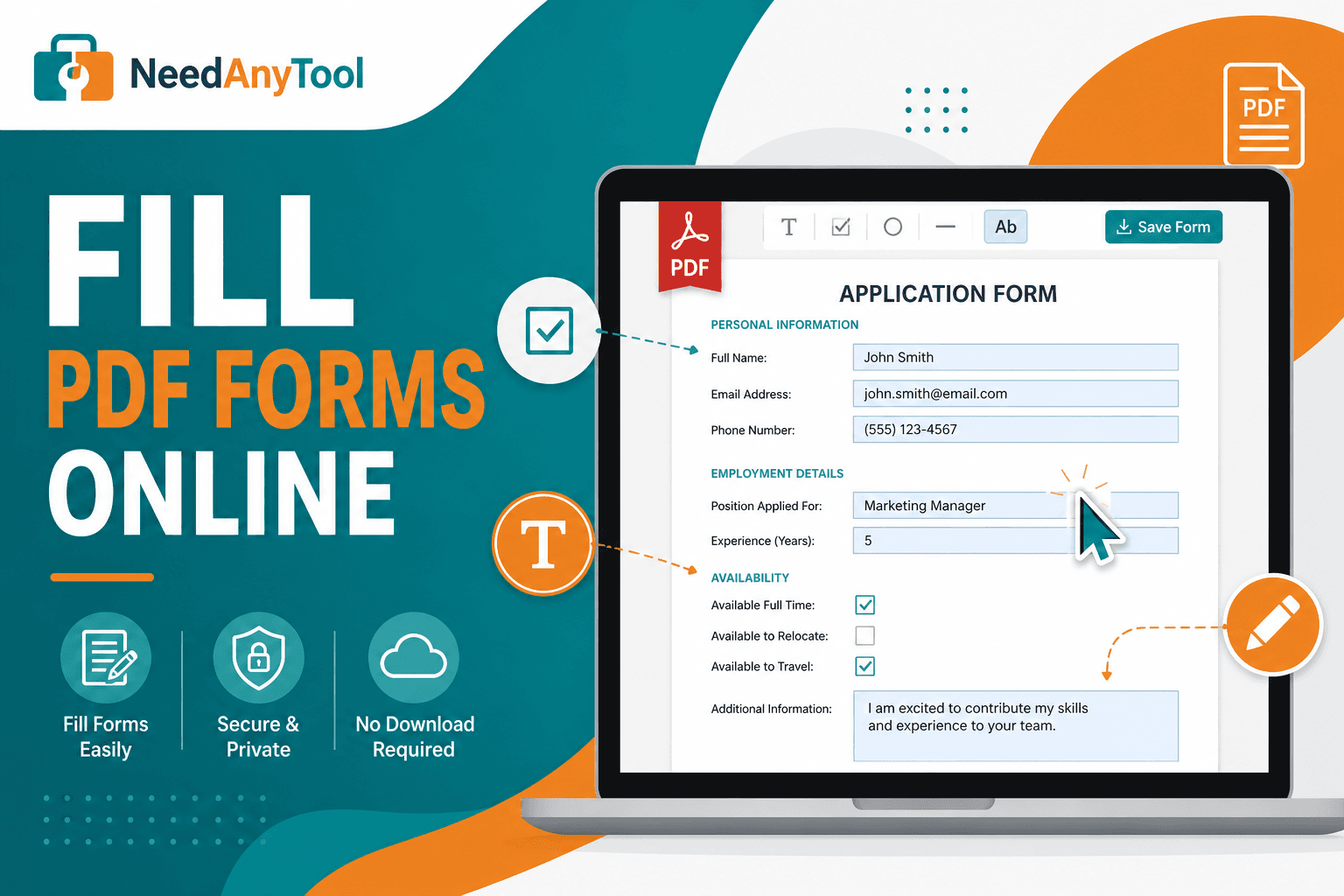
Fill interactive PDF forms in your browser — text fields, checkboxes, and dropdowns on your device. No print, scan, or upload.
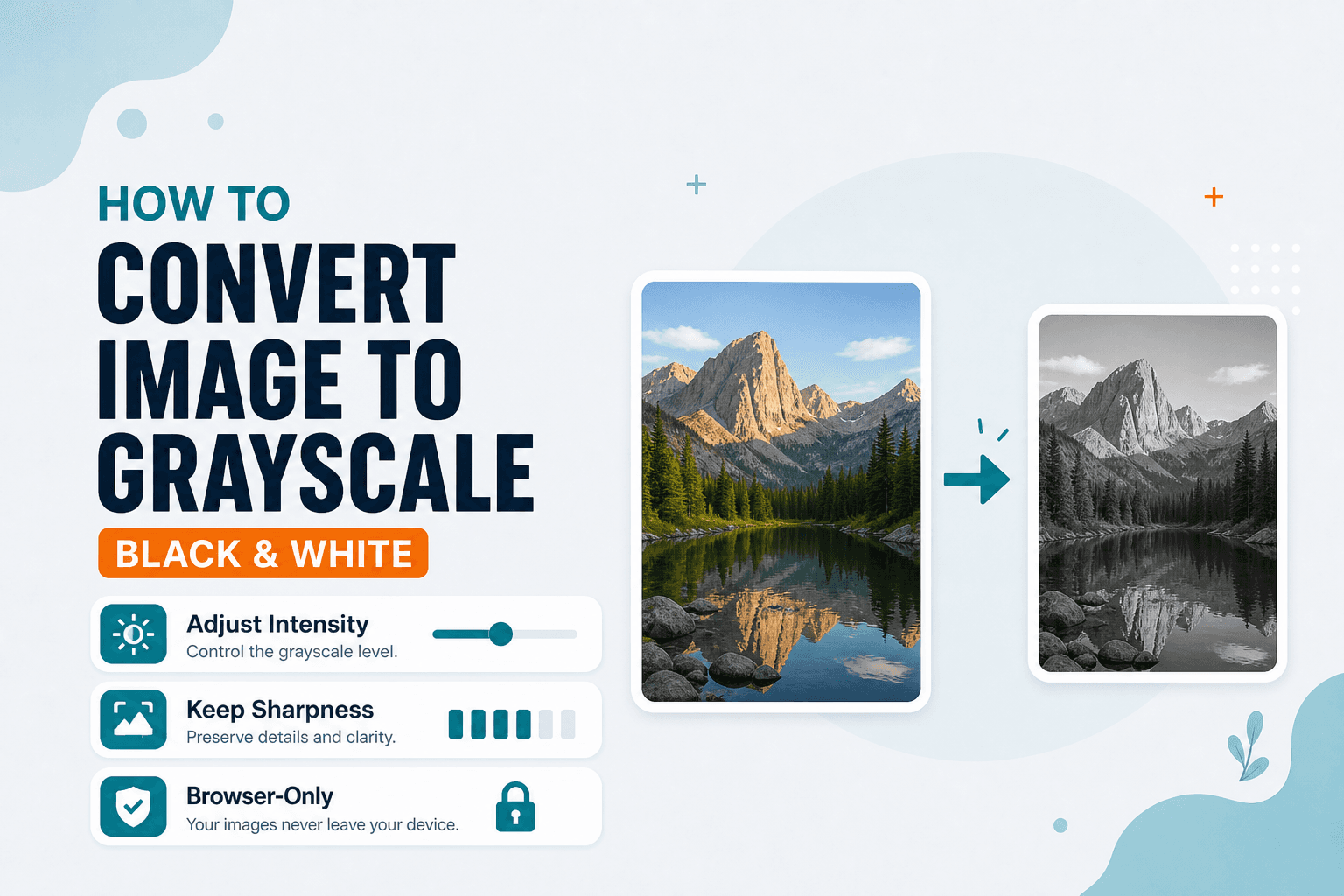
Image Guides
How to convert an image to grayscale online — turn a color photo black and white in your browser. Desaturate JPG/PNG with no upload.
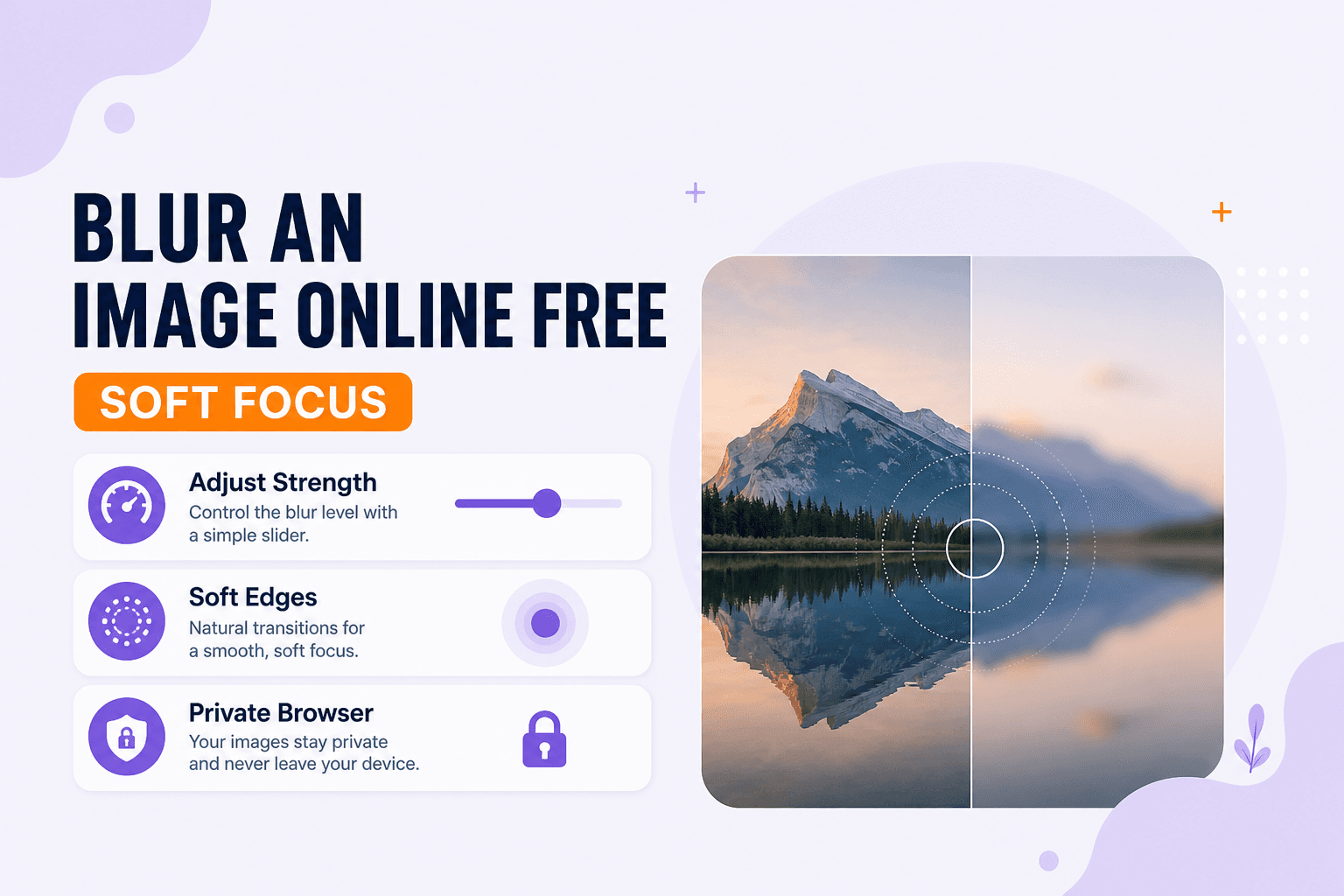
Image Guides
Blur an image online free — soft focus or Gaussian-style blur for photos in your browser. Obscure details without uploading.
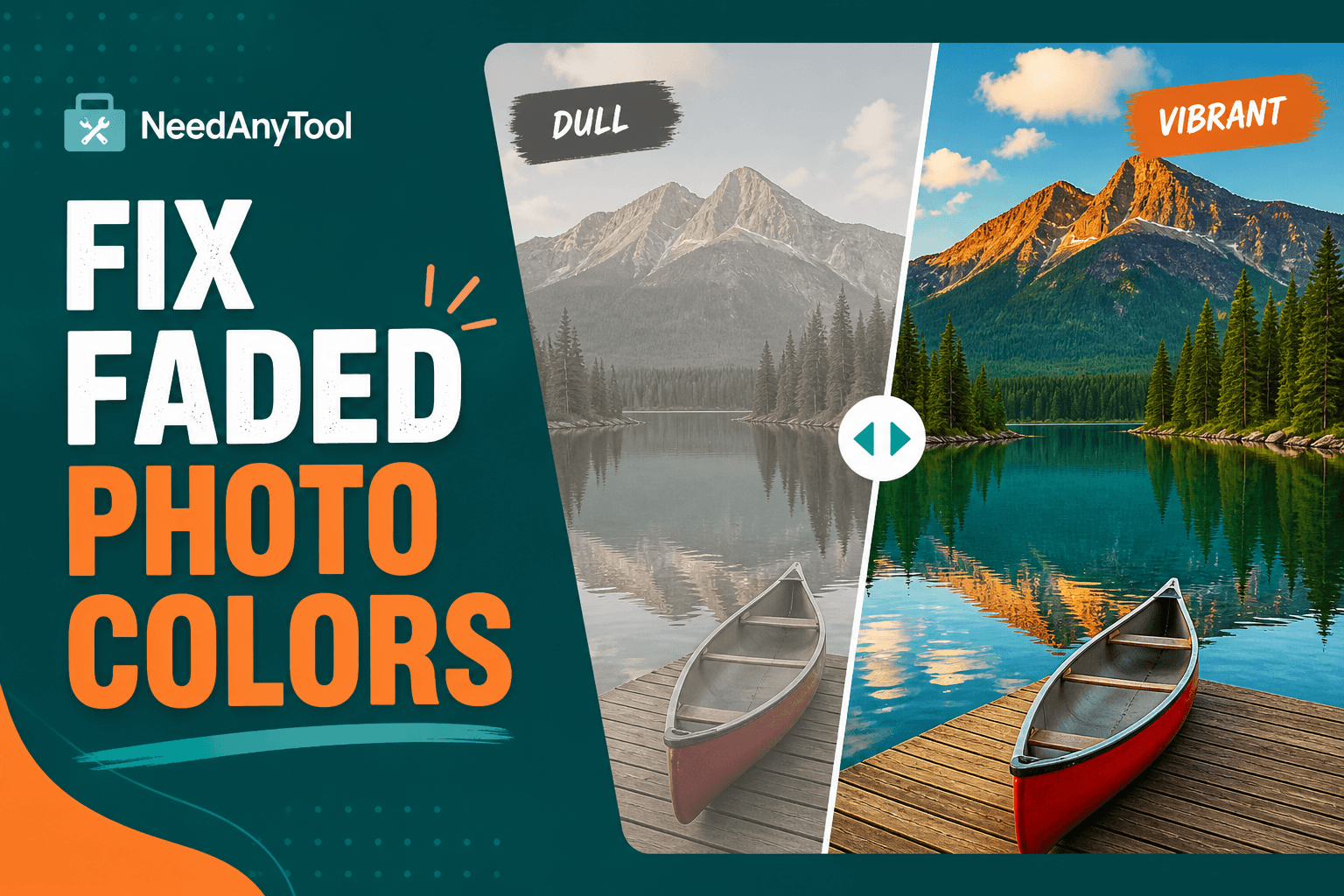
Image Guides
Fix faded, flat photos with contrast and saturation sliders — online in your browser. Make colours pop without installing software.
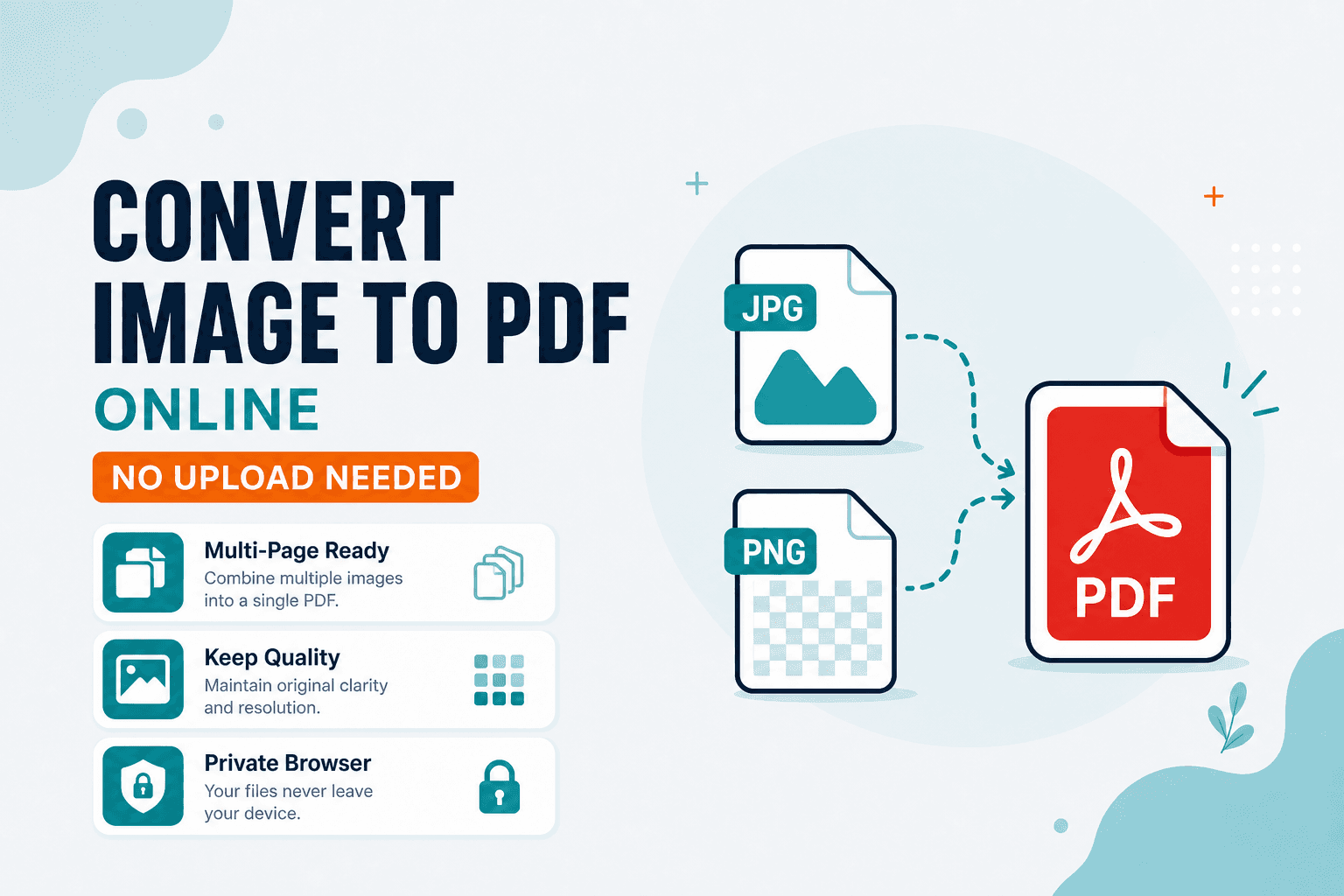
Image Guides
Convert image to PDF online without uploading — turn JPG or PNG into a PDF in your browser. Free Image to PDF tool, private and on-device.
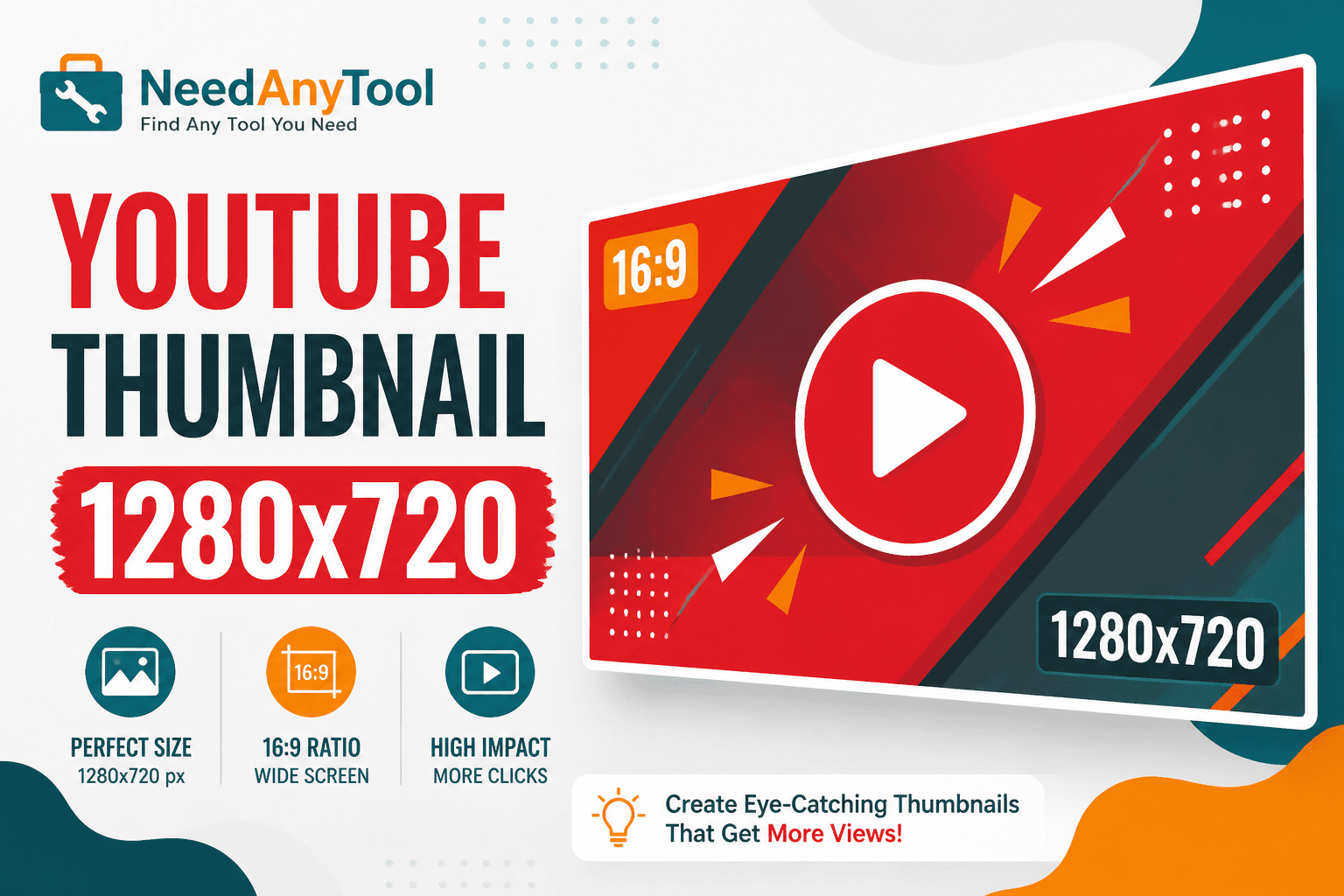
Image Guides
Size images for YouTube thumbnails — 1280×720, 16:9 — online in your browser. Crop and export click-worthy covers without Photoshop.
Image Guides
Change image DPI for print with NeedAnyTool: set target DPI and print width so pixels match the size you need. Free on-device DPI tool — no upload, no sign-up.
QR Guides
How to read a QR code or barcode from a photo or screenshot in your browser — decode on-device, not a generic document scanner. Free, private, no upload.

QR Guides
Check a QR code before it goes on a poster, menu, or sticker. Test the link, the contrast, and a phone scan so the print actually works.
QR Guides
Create a contact vCard QR code online free — share name, phone, and email in one scan. Private, on-device, no upload.
QR Guides
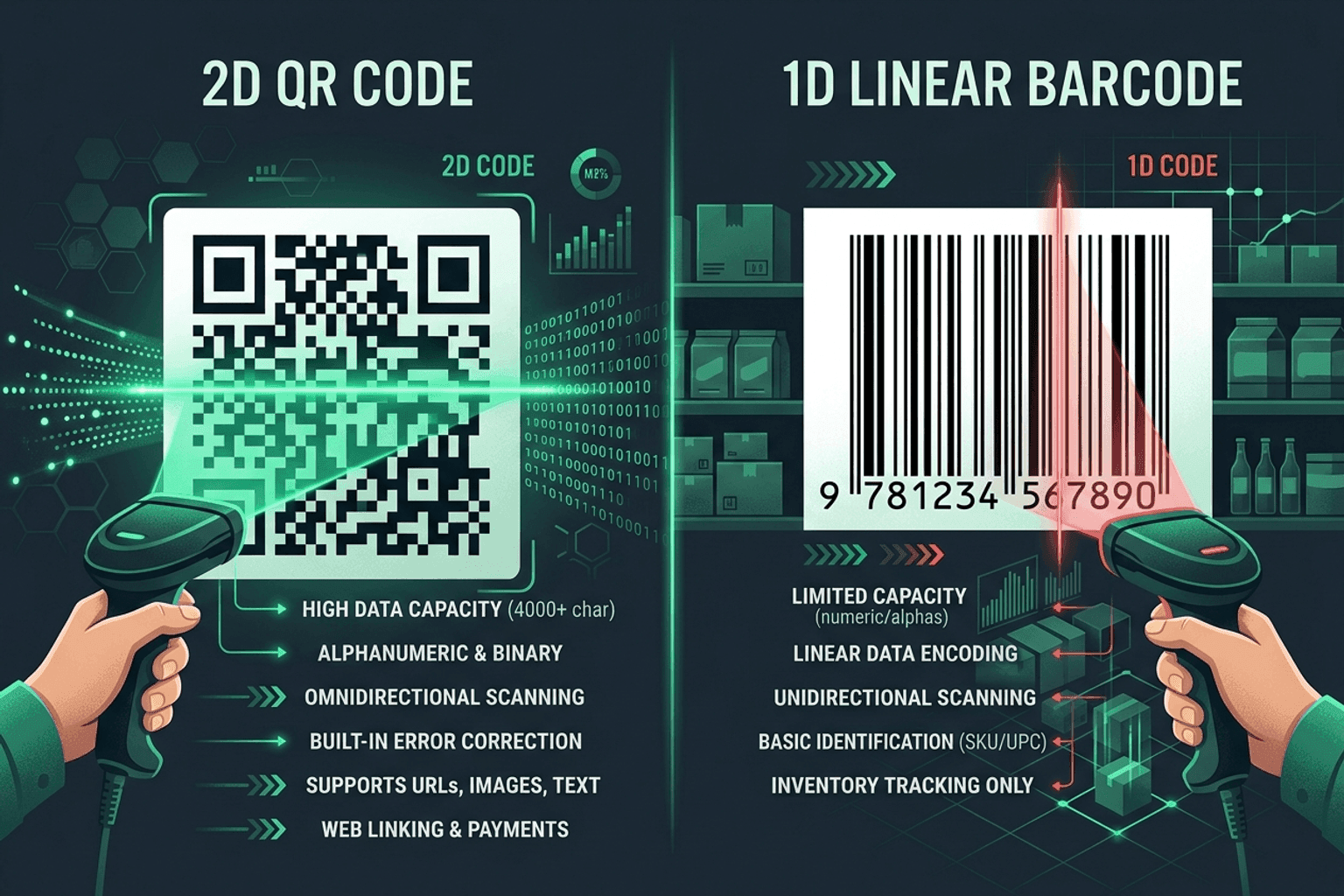
Compare QR codes and traditional 1D barcodes across data capacity, scanning distance, error correction, and printing costs. Choose the right code for your project.
QR Guides
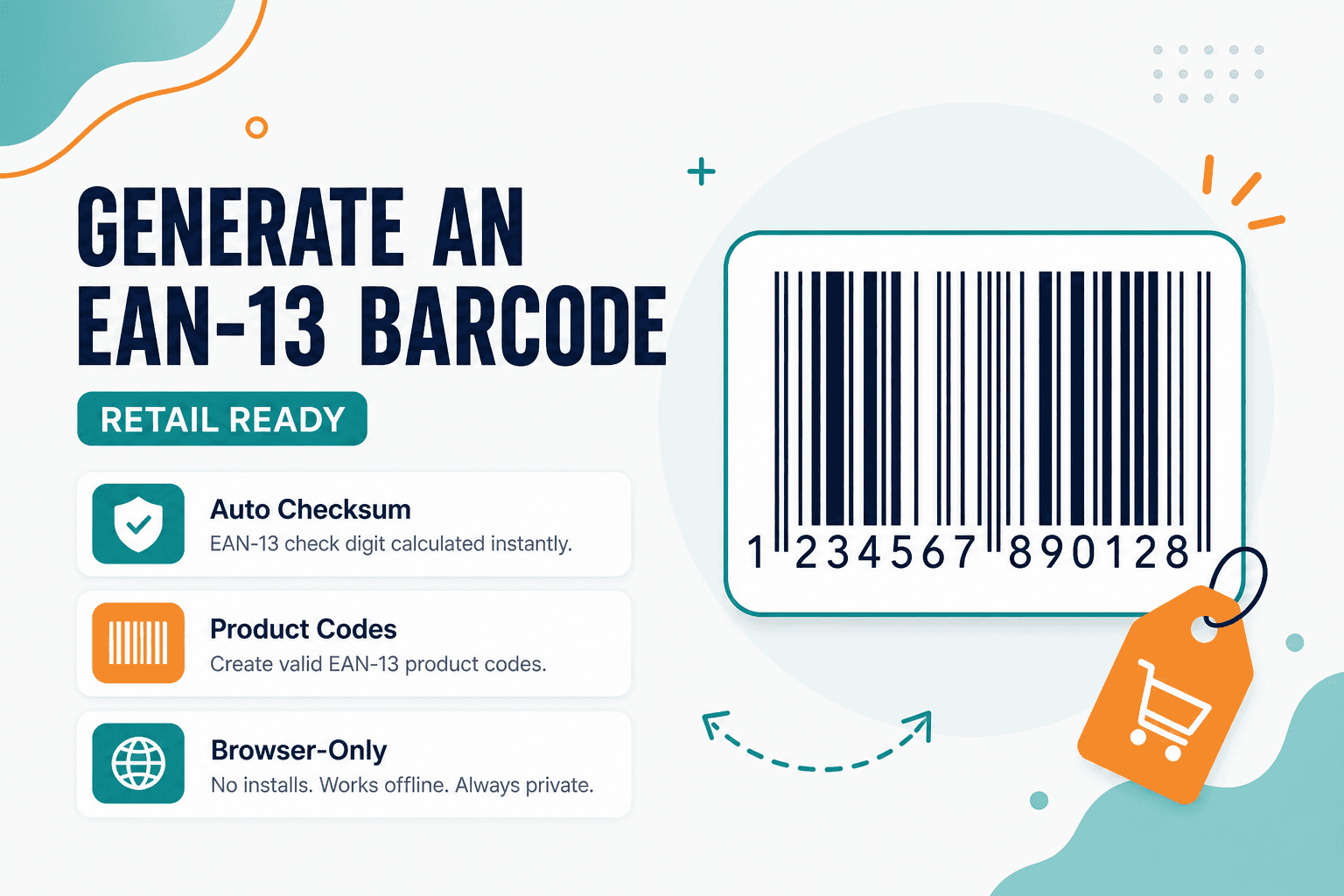
What EAN-13 is, how the 13-digit retail barcode works, and how to generate one from a valid number. Free on-device workflow — no upload.
QR Guides
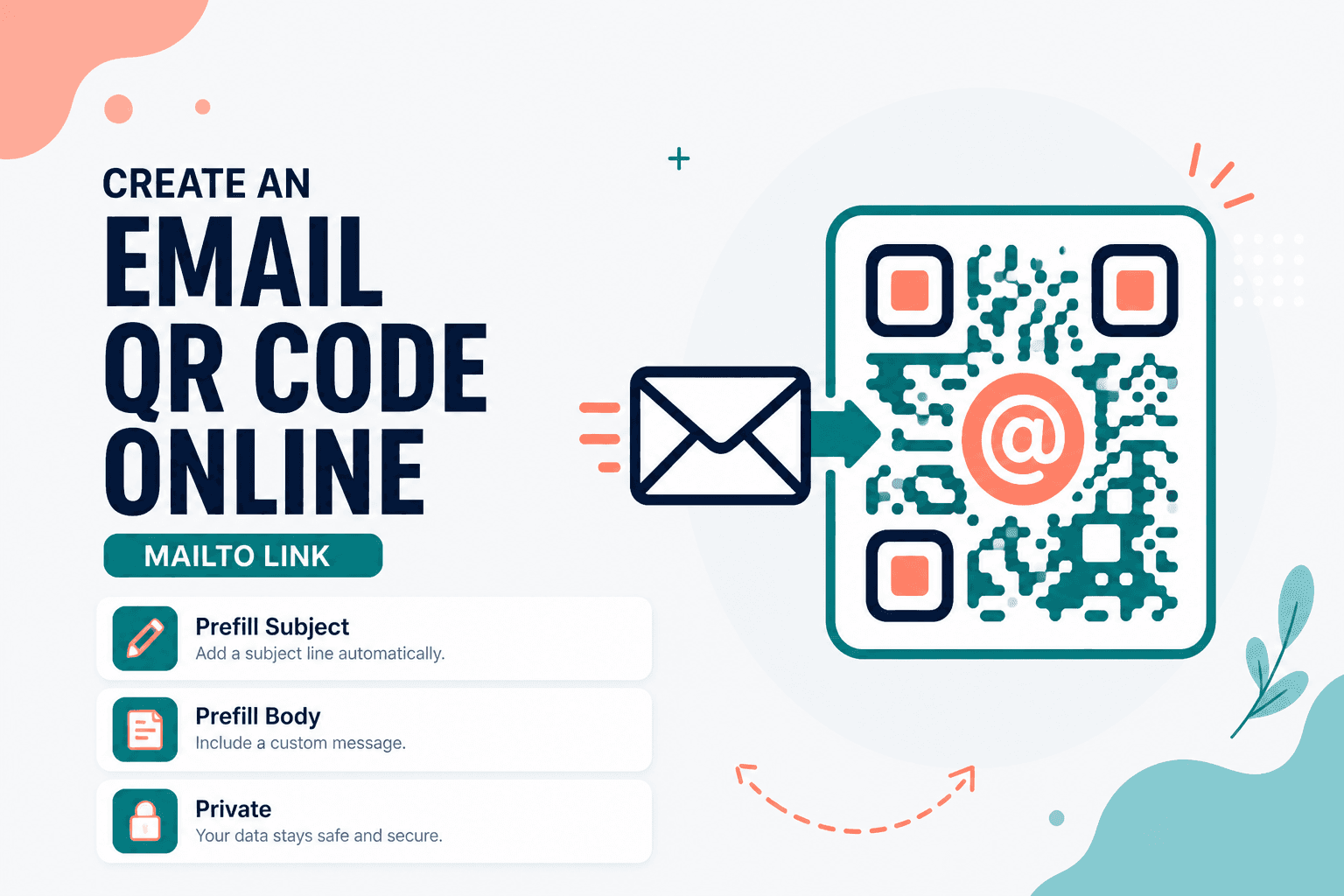
Create an email QR code online free — open a mailto compose from one scan. Private, on-device, no upload, no signup.
Android
Home Workout: No Equipment is an offline Android app for bodyweight sessions. No account. History, reminders, and an optional weight stay on the phone.
Android
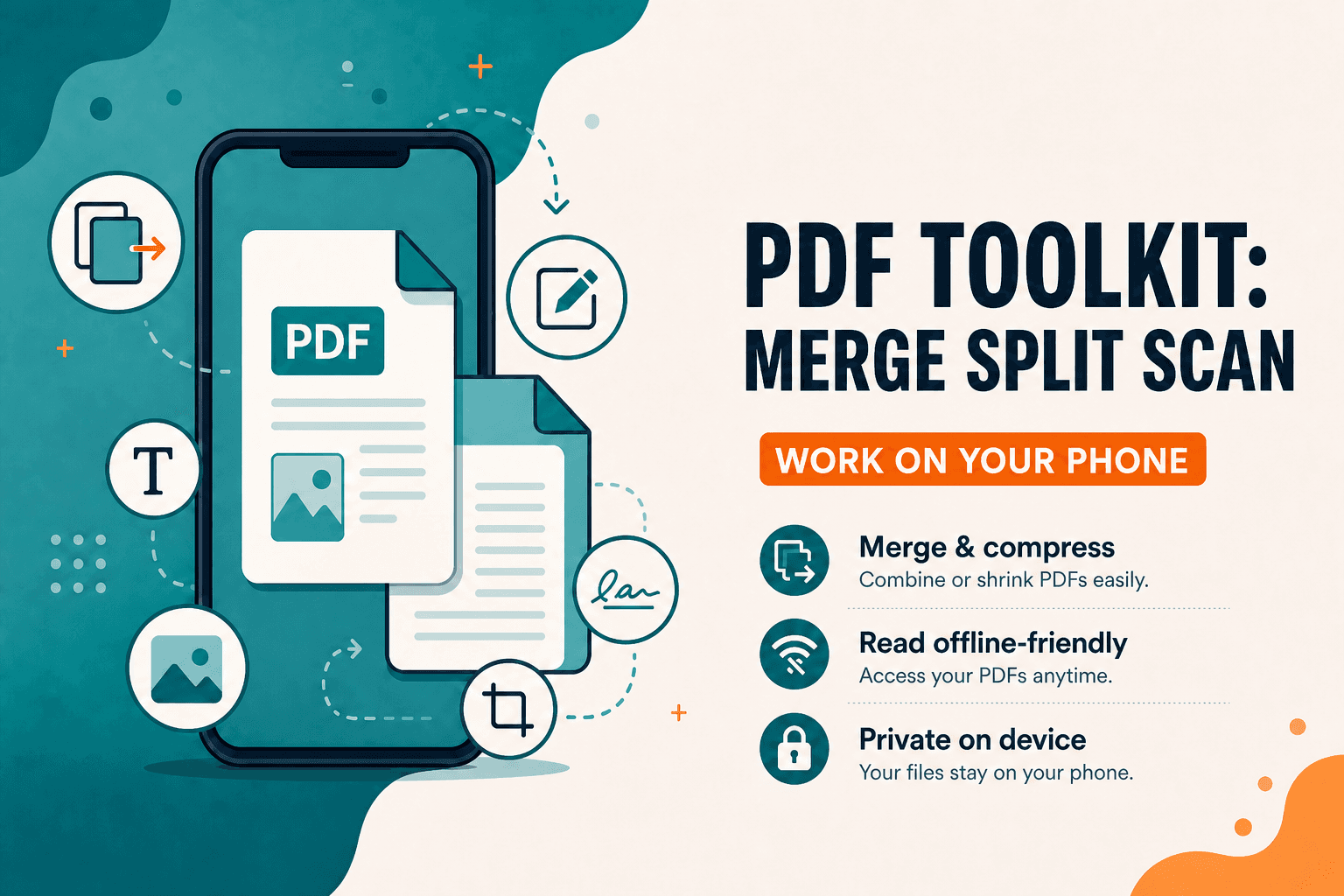
PDF Toolkit: Reader & Tools — Android app to open, merge, split, scan, compress, organize, and sign PDFs on your phone. Everyday PDF toolkit without the desktop clutter.
Android
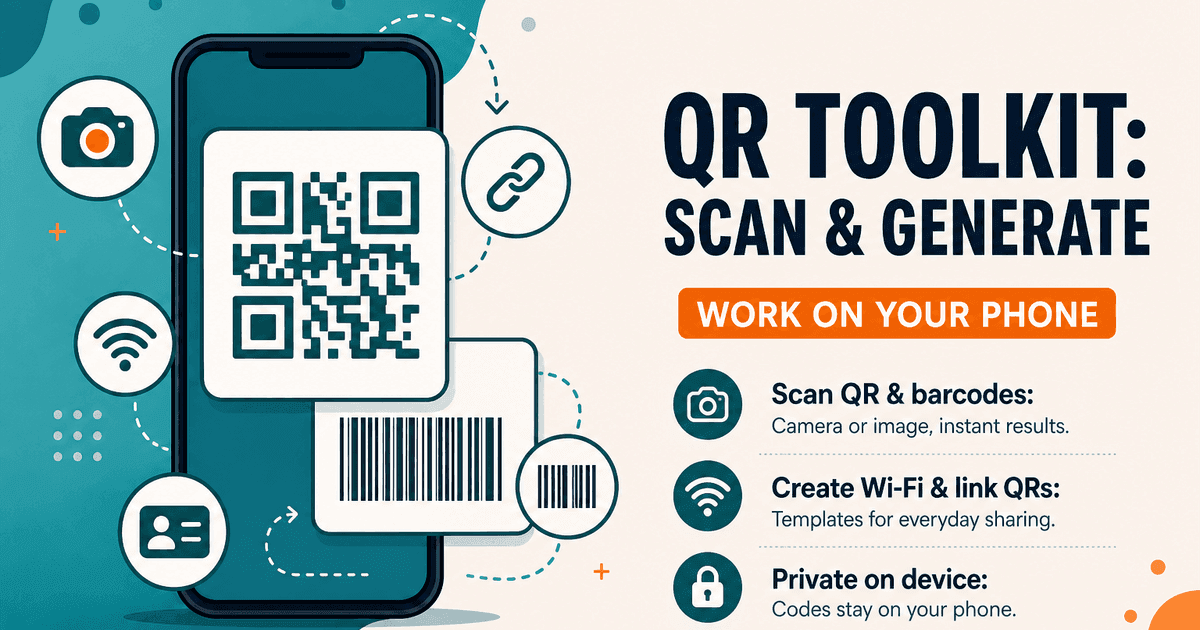
QR Toolkit: Scan & Generate — Android app to scan QR codes and barcodes, create Wi-Fi and website QRs, and keep history on your phone. Private, on-device.
Android
Why on-device Android utilities beat cloud-dependent tools for mobile PDF editing, QR scanning, and conversions: instant speed, zero internet required, and complete privacy.
Privacy
Before you email a scan or post a screenshot, remove faces, GPS, and hidden PDF data. A practical checklist using private, on-device tools.
Privacy
How client-side web tools process PDFs, images, and text directly on your CPU and GPU — without uploading confidential documents to remote cloud servers.
Privacy
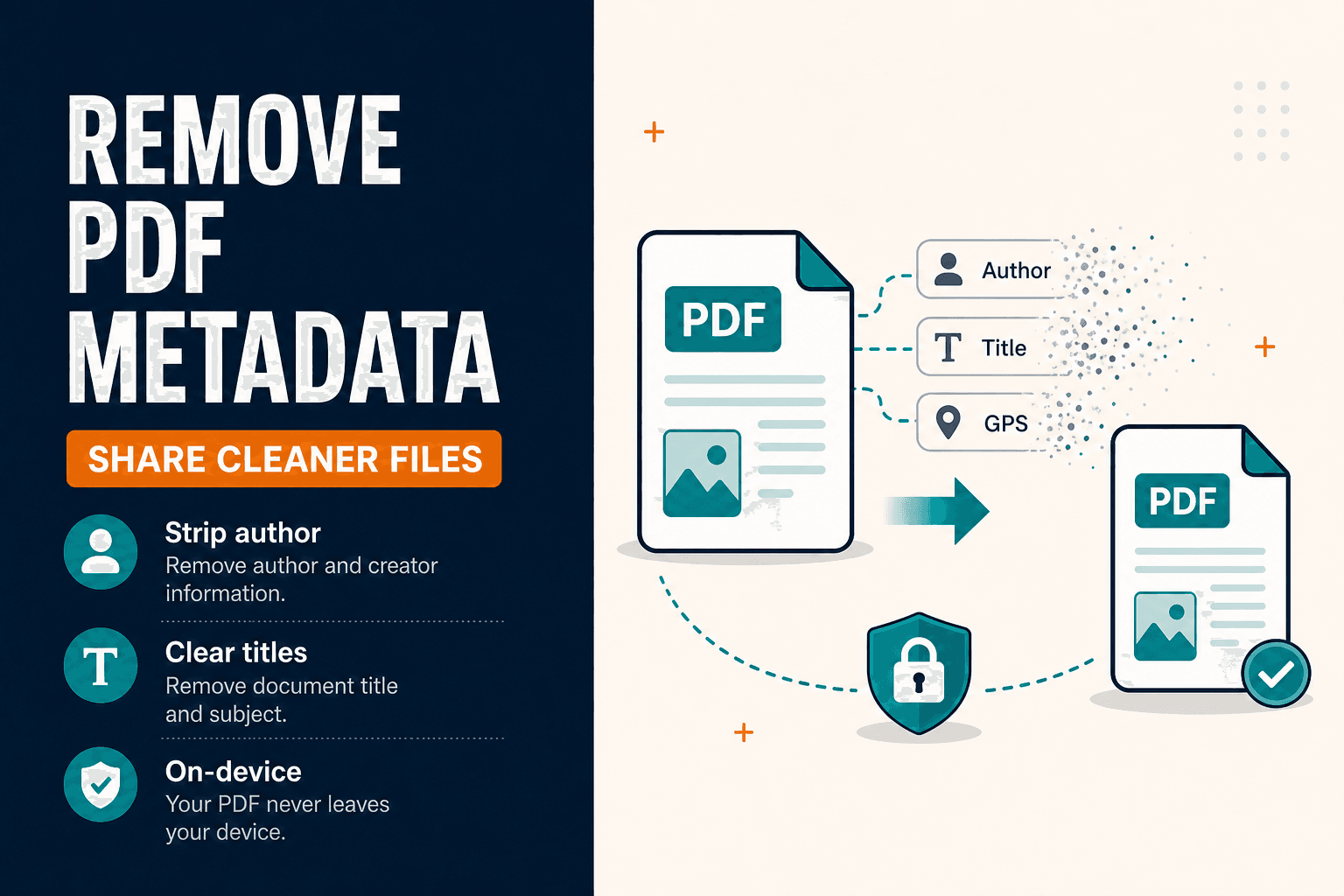
Remove PDF metadata and strip document properties (author, title) before sharing. Clean PDF Info fields in your browser — privacy-first, no upload.

NeedAnyTool
PDF, photo, QR code, text, or a calculator — which NeedAnyTool page fits the job. A short map of the products, without a signup wall.
NeedAnyTool
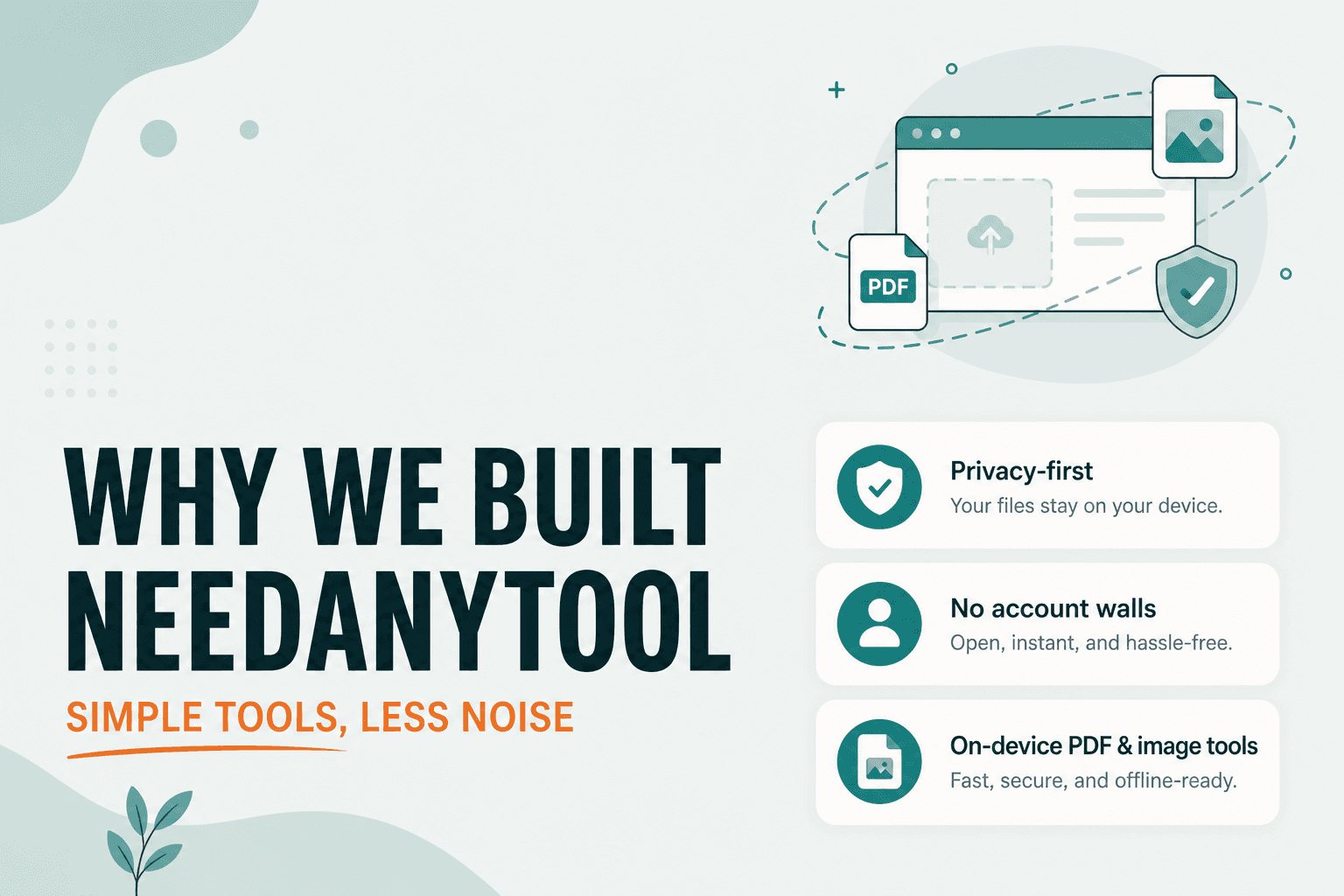
Why we built NeedAnyTool: free online PDF tools and image tools without signup walls — merge, compress, and convert privately in your browser.
NeedAnyTool
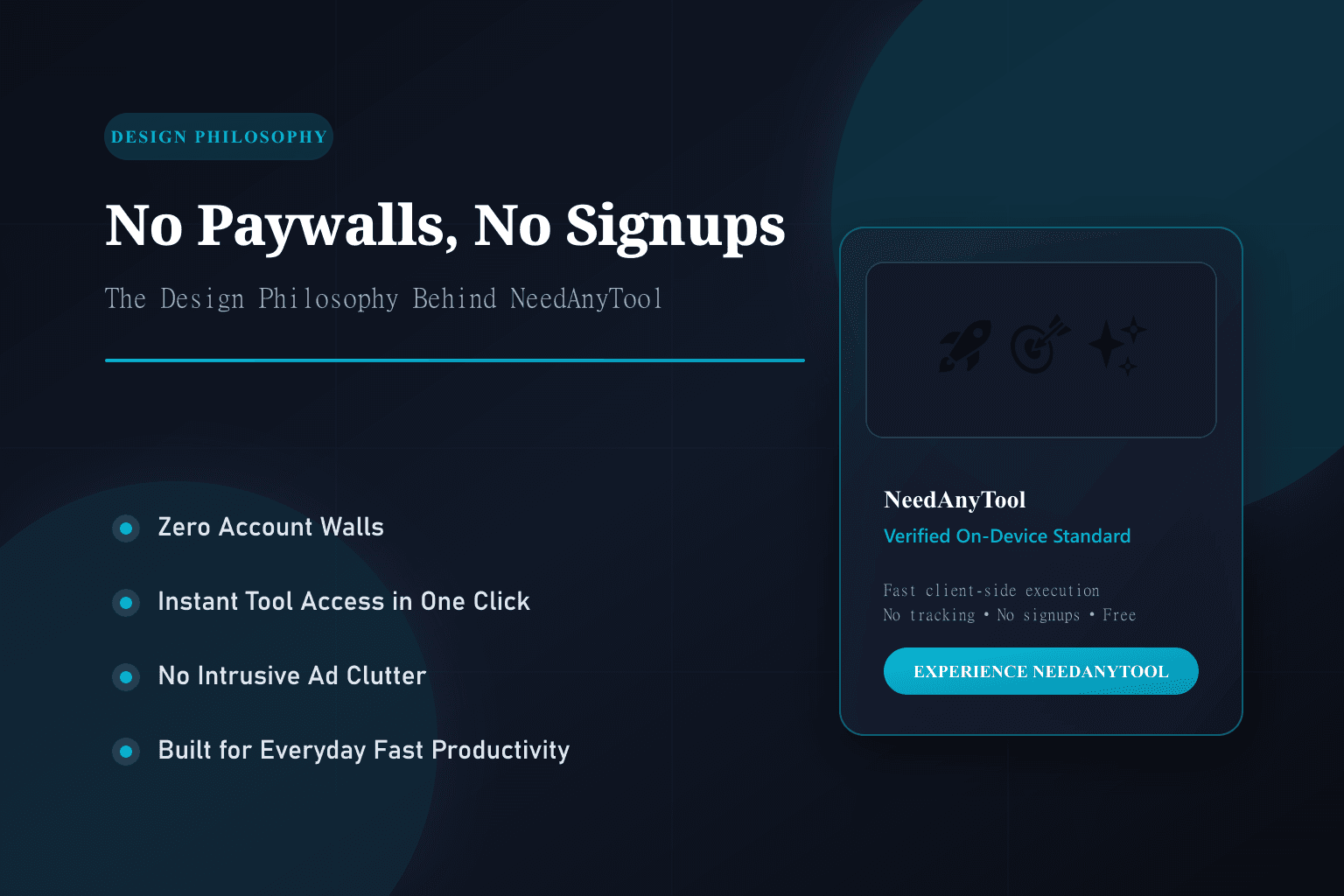
Why we built NeedAnyTool without subscription gates, signup walls, or intrusive ads. Our core principles for fast, private, and human-friendly web utilities.