NeedAnyTool
Why We Built NeedAnyTool: Simple Tools Without Unnecessary Complexity
Why we built NeedAnyTool: free online PDF tools and image tools without signup walls — merge, compress, and convert privately in your browser.
NeedAnyToolPublished Updated 5 min read
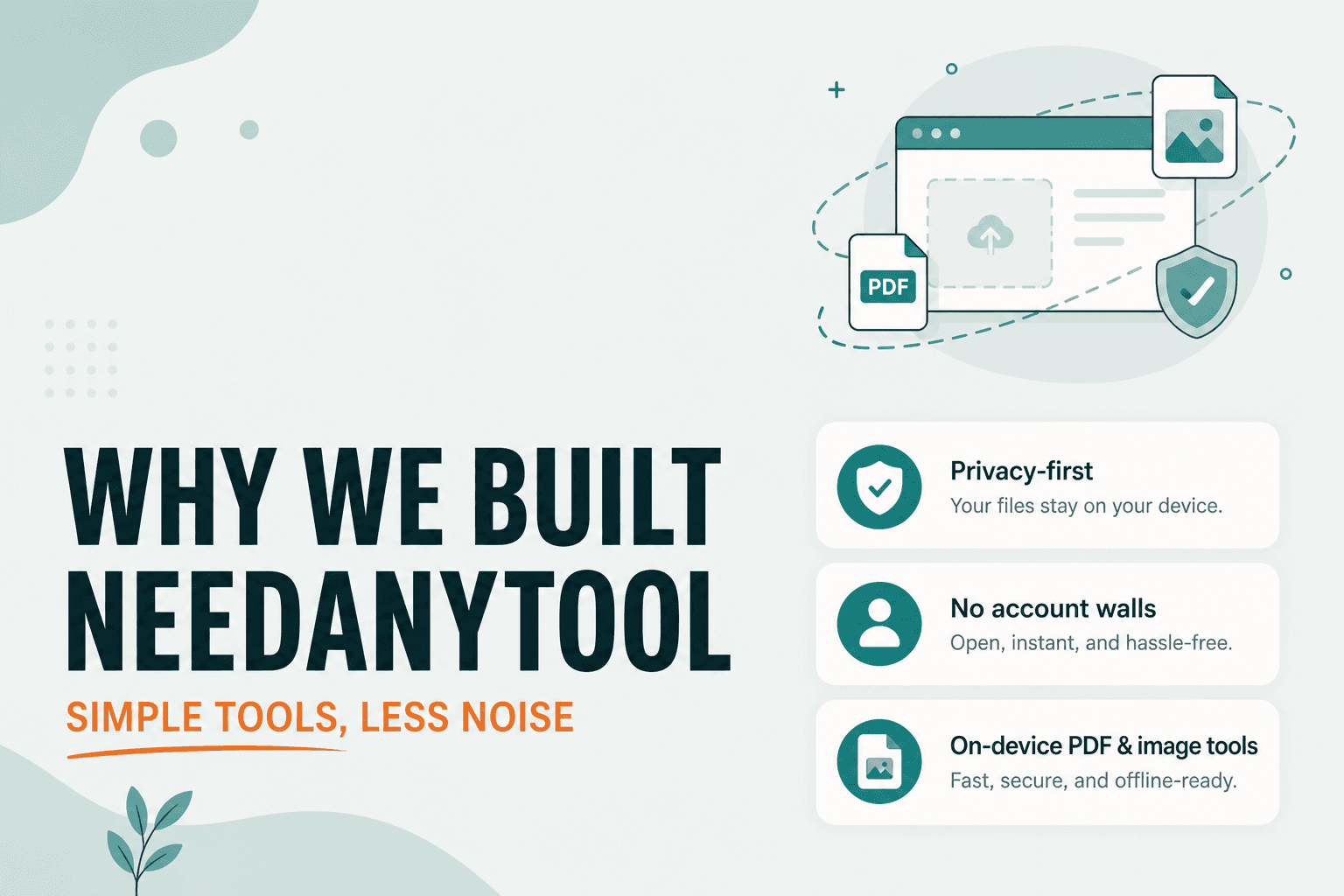
Most people don't want a productivity platform. They want to finish one thing: combine two PDFs before a meeting, shrink a photo so it fits in an email, rotate a scanned document the right way up. That's it. Close the tab, move on with your day.
Somewhere along the way, those small jobs got wrapped in a lot of machinery. Sign-up walls before you can download your own file. Upload queues that send your contract to a server you've never heard of. Homepages advertising twelve unrelated "AI" features when all you needed was a merge button. Desktop software installers for a task that takes thirty seconds.
We built NeedAnyTool because we were tired of that friction — both as users hitting these walls ourselves, and as people who think the web can do better than "free trial, then paywall."
The actual problem
A one-off file task shouldn't require creating an account, installing software, or uploading sensitive documents to a stranger's cloud. The tools that dominate search results often optimize for something other than your deadline: ad revenue, upsells, data they can hold onto, or a funnel into a subscription you didn't ask for.
You're trying to send an attachment before 5 PM. The tool should get out of your way.
Why small tasks become complicated
The task is simple. The packaging isn't.
One company bundles merge, convert, e-sign, and cloud storage into a single product with a single pricing page. Another stores your files so they can offer "history" — and then charge for the storage. Plenty of "browser tools" from the early 2010s still route files through a backend because that was the easiest engineering path at the time, even if the marketing says "online."
None of this is inherently evil. Sometimes you genuinely need collaboration, version history, or enterprise admin controls. But for "join these two PDFs," it's a lot of machinery.
What NeedAnyTool is
One website — needanytool.com — with products under clear paths, not a maze of subdomains and rebrands.
- PDF Tools for document jobs
- Image Tools for photo and graphic work
Each tool page is meant to start the work immediately: drop a file, run the action, download. No account required for the current catalog.
We'd rather ship something honest about what it does than a landing page promising a full office suite we'll never build.
What "on-device" means (specifically)
When we say a tool processes files on-device, we mean the current web implementation reads your file in the browser and applies the operation there. The file is not sent to a NeedAnyTool upload API for that tool.
That matters for contracts, HR paperwork, ID scans, unreleased product photos — anything you wouldn't paste into a random chat window.
We still use normal website analytics to understand how the product is used. Analytics is not a substitute for uploading your PDF contents. And if a future tool genuinely needs a server, that page should say what leaves your device and how long it's kept. We're not going to slap a global "nothing ever leaves your device" badge on the whole site and hope nobody notices when one tool needs a backend.
PDF Tools
The PDF product covers everyday document work: merge, split, compress, organize, rotate, extract, and the rest of the catalog on the PDF hub.
For tools marked as local, processing happens in your browser. Merge, split, and compress are in that set today. We describe the behavior on each tool page — we don't hide a server upload behind a "private" label.
If you work on a phone more than in a browser, we also ship an Android app for PDF tasks: PDF Toolkit: Reader & Tools.
Image Tools
Image Tools is a separate product for photos and graphics: compress, convert, resize, crop, rotate, collage, color picker, and the rest of the current catalog. Those tools process images on-device. Nothing is uploaded to NeedAnyTool for that product as it exists now.
PDF and Image share a brand and a privacy philosophy. They don't dump every button onto one crowded screen.
Who this is for
People who hit an email size limit and need a smaller file today. Freelancers who'd rather not upload client documents to unknown compressors. Students and office workers who need merge or split without buying desktop software. Designers who want a quick resize or color sample without installing another suite.
If you need collaborative cloud editing, version history, or enterprise admin controls, a document platform is the better fit. NeedAnyTool is for finishing a file task and closing the tab.
Privacy philosophy (the honest version)
We make specific claims:
- For a local web tool, files stay in the browser during processing
- We don't ask you to create an account to use the current PDF and Image tools
- We don't watermark your outputs
We do not claim that every future tool will be local forever. The moment one tool needs a server, the page should say so. A blanket "your files never leave your device" promise would become a lie the first time we shipped something that required backend processing.
The workflow we care about
- Land on the tool that matches the job
- Select the file on your device
- Run the action
- Download the result
- Close the tab
Guides on this blog exist to support that loop, not replace it with a 3,000-word essay. If a page can't help you finish in a few minutes, it's too long.
How we decide what to build next
We add tools when they work end-to-end, not when they look good in a feature grid. Unreleased ideas stay unpublished. We'd rather have a shorter catalog of things that actually work than a row of greyed-out tiles that over-promise.
If something's missing, Suggest a tool is the honest channel. We read those requests. They're not a substitute for shipping, but they do influence what we prioritize.
NeedAnyTool will grow. The test for each new piece is the same: does it make a real task shorter, without making privacy claims we can't keep?
Related guides
NeedAnyTool
No Paywalls, No Signups: The Design Philosophy Behind NeedAnyTool
Why we built NeedAnyTool without subscription gates, signup walls, or intrusive ads. Our core principles for fast, private, and human-friendly web utilities.
Privacy
Client-Side Privacy — On-Device Browser Tools
How client-side web tools process PDFs, images, and text directly on your CPU and GPU — without uploading confidential documents to remote cloud servers.
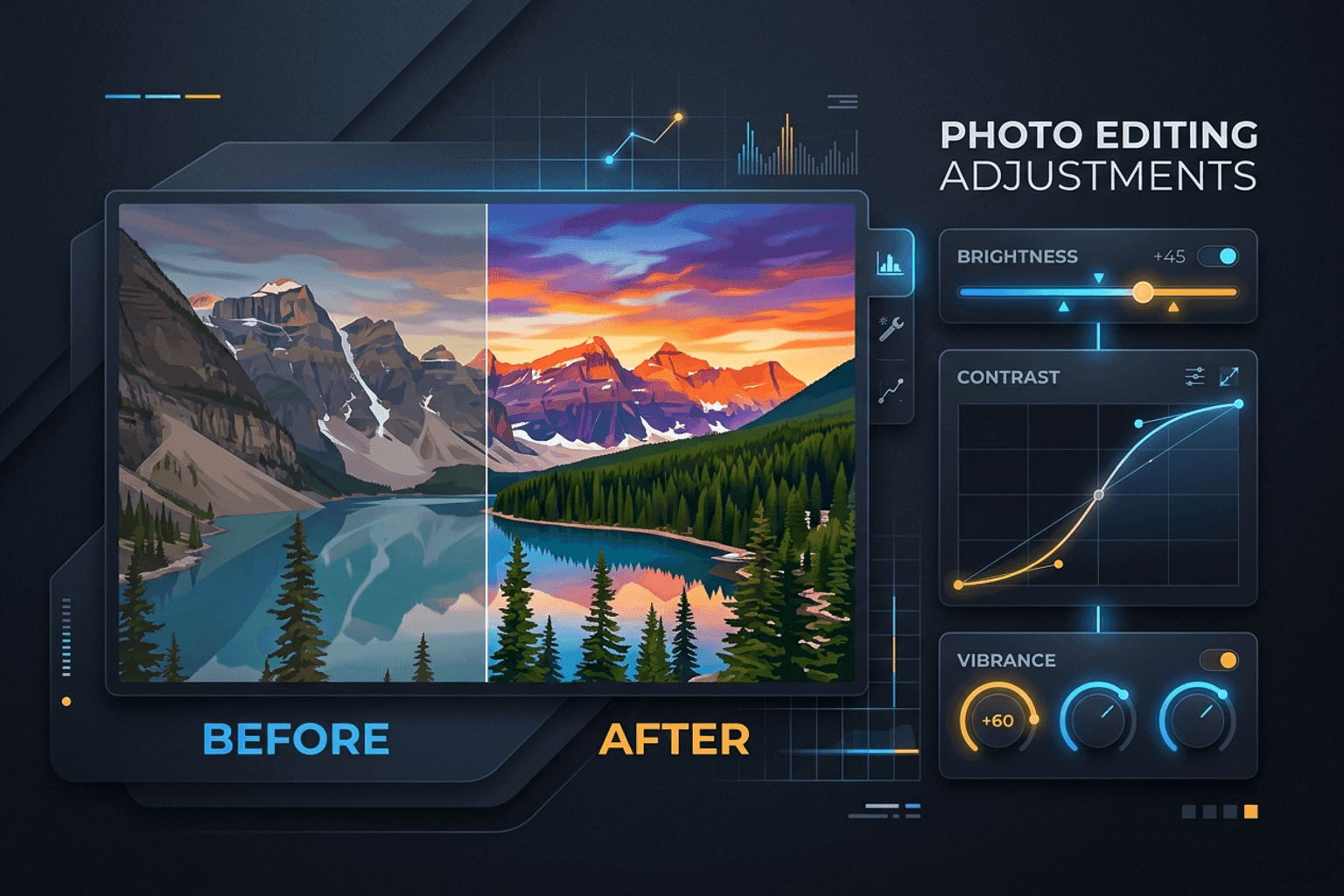
Image Guides
Adjust Photo Brightness and Contrast Online
Fix dark, washed-out, or underexposed photos in your browser. Adjust brightness, contrast, and saturation in real time with zero software installs or uploads.