Privacy
Client-Side Privacy — On-Device Browser Tools
How client-side web tools process PDFs, images, and text directly on your CPU and GPU — without uploading confidential documents to remote cloud servers.
NeedAnyToolPublished 3 min read
When you search for "merge PDF online" or "compress image free", 95% of web tools work the same way:
- You click upload, and your document is transmitted over the internet to a third-party server.
- The remote server runs a script (often ImageMagick or Ghostscript) in the cloud.
- The server sends back a download link and promises in fine print: "We delete your files after 2 hours."
If you are compressing a publicly available meme, that architecture is harmless. But if you are merging an employment contract, compressing a scanned tax return, or cropping a photo of a passport, sending your unencrypted files to a stranger's cloud infrastructure is a massive security and privacy liability.
At NeedAnyTool, we build with a client-side first architecture. Here is how it works under the hood and why it is the only safe standard for document processing on the modern web.
How client-side processing works inside your browser
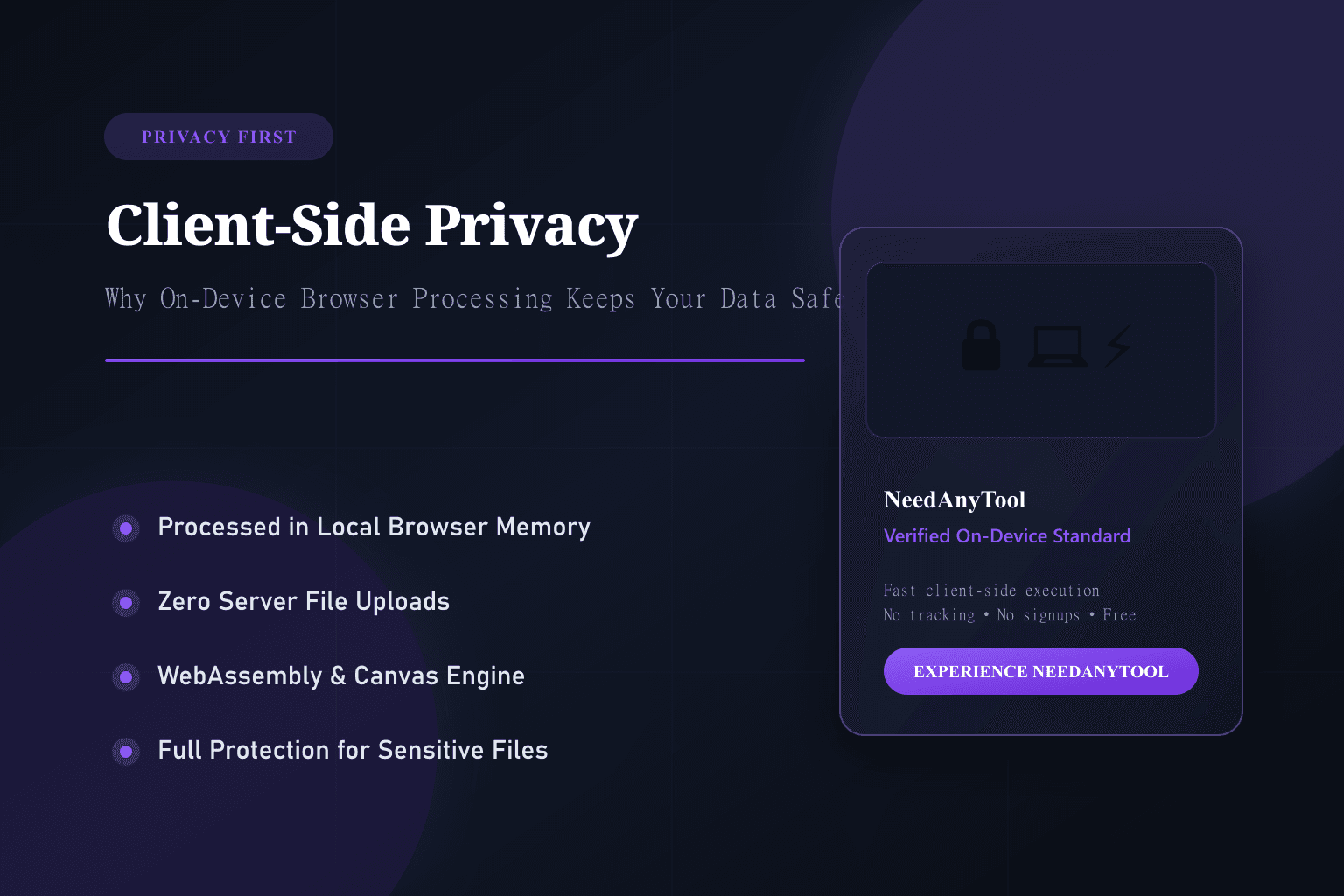
Thanks to modern web technologies like WebAssembly (WASM), Web Workers, and the HTML5 Canvas API, modern web browsers (Chrome, Safari, Firefox, Edge) are full-fledged operating runtime environments.
Instead of your computer sending your files to a server, the server sends a small piece of compiled code to your browser once. Your browser's local CPU and GPU do the work directly on your computer.
Traditional Cloud Tool:  [ Your File ] ──────( Internet Upload )──────> [ Remote Server Cloud ]
Client-Side Tool:        [ Your File ] ──> [ Browser Local Memory ] ──> [ Processed Download ]
                                           (Zero bytes sent to server)
The 4 critical benefits of on-device processing
1. Zero data leaks or breaches
Because your file data is never sent across network wires to an external server, it cannot be intercepted in transit, stored in an insecure cloud database, or exposed in a data breach.
2. Instant processing speeds
With traditional cloud converters, most of your waiting time isn't the conversion itself — it is waiting for a 40 MB file to upload on your home internet and then downloading the result. Client-side tools like Merge PDF and Compress PDF eliminate upload bottlenecks entirely.
3. Complete compliance for sensitive industries
Lawyers, healthcare professionals, accountants, and HR teams are legally prohibited under GDPR, HIPAA, and corporate NDA agreements from uploading client data to unvetted third-party storage. Client-side tools keep files compliant because no third-party transfer occurs.
4. Transparent, verifiable network activity
You don't have to take our word for it. Open your browser's Developer Tools (F12 or Inspect), click the Network tab, and run a tool like Remove PDF Metadata or Adjust Image. You will see zero outbound file upload POST requests while your file is processed.
Privacy checklist for everyday tools
| Action | Recommended Client-Side Tool |
|---|---|
| Clear document author names and dates | Remove PDF Metadata |
| Scrub GPS location and camera serials from photos | EXIF Viewer & Stripper |
| Permanently black out confidential numbers | Redact PDF |
| Encrypt a document before emailing | Protect PDF |
Our commitment to honest privacy
If a specialized future feature ever genuinely requires server-side computing, we will explicitly mark the page, clearly explain what data is transmitted, and never hide network transfers behind generic privacy marketing.
Your documents belong to you. We believe everyday utility tools should respect that principle by default.
FAQ
Does client-side processing work if I disconnect my Wi-Fi?
Yes. Once the page is loaded into your browser tab, tools that run client-side can process files even if you turn off your Wi-Fi or switch into airplane mode.
What are the file size limits for browser-based processing?
Because processing happens in your device's local RAM, modern computers and smartphones can effortlessly handle PDFs and images up to several hundred megabytes without lag.
Do I have to create an account to protect my privacy?
No. Privacy is built into the architecture for every user from the very first click, with no registration or sign-up required.
Related guides
Privacy
What to Remove Before You Share a Photo or PDF
Before you email a scan or post a screenshot, remove faces, GPS, and hidden PDF data. A practical checklist using private, on-device tools.
Privacy
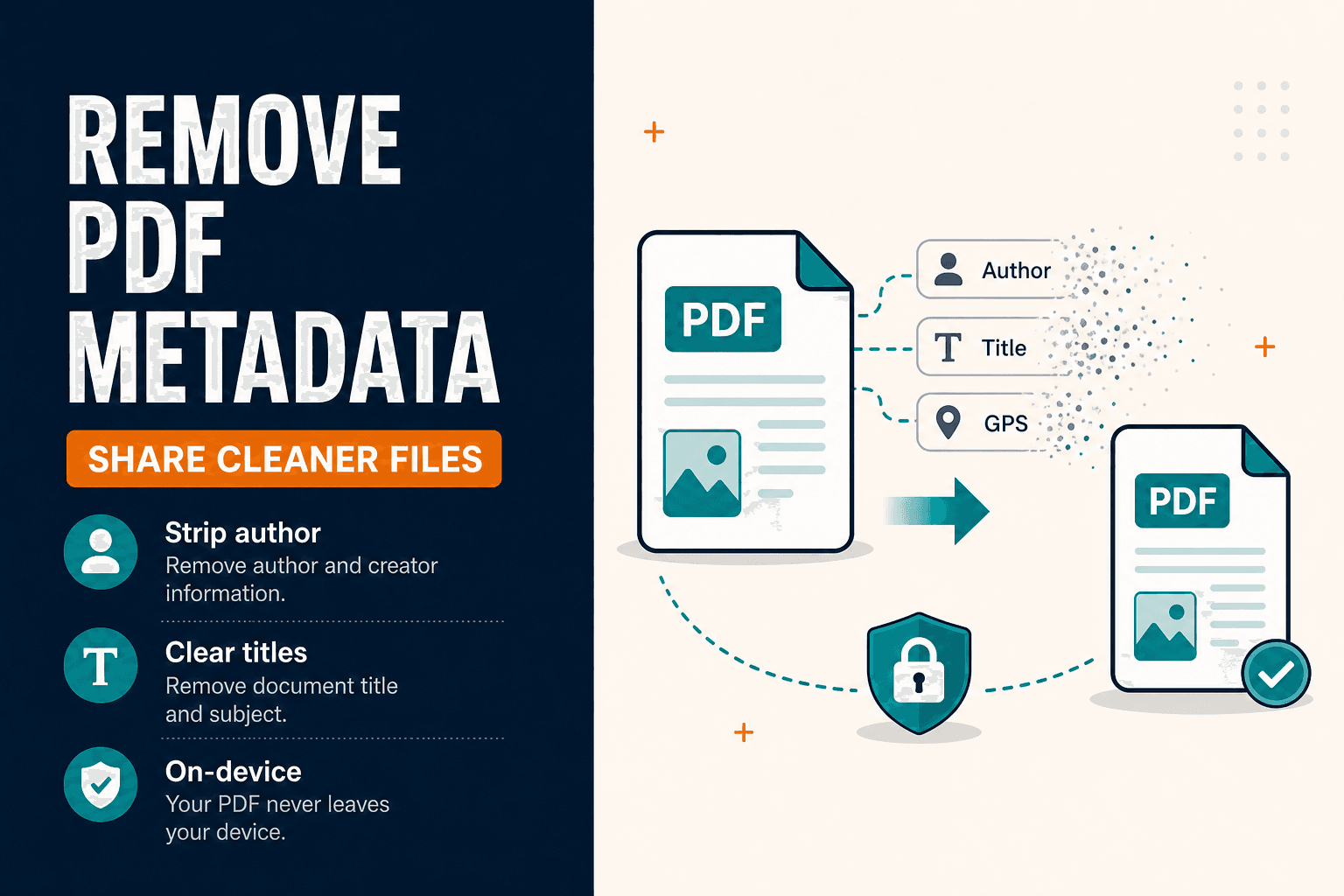
Remove PDF Metadata Before You Share (Privacy Guide)
Remove PDF metadata and strip document properties (author, title) before sharing. Clean PDF Info fields in your browser — privacy-first, no upload.
NeedAnyTool
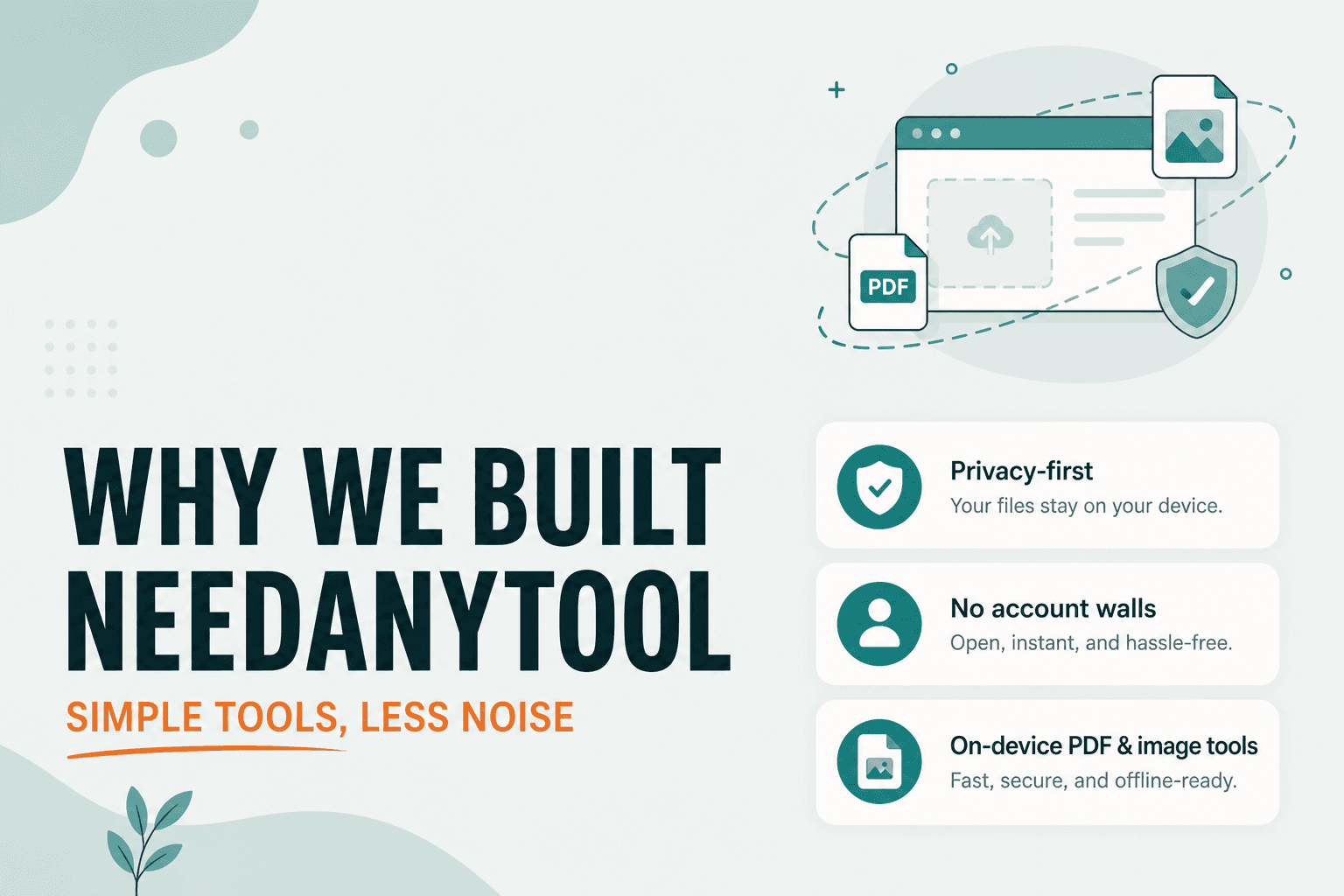
Why We Built NeedAnyTool: Simple Tools Without Unnecessary Complexity
Why we built NeedAnyTool: free online PDF tools and image tools without signup walls — merge, compress, and convert privately in your browser.