Privacy
Remove PDF Metadata Before You Share (Privacy Guide)
Remove PDF metadata and strip document properties (author, title) before sharing. Clean PDF Info fields in your browser — privacy-first, no upload.
NeedAnyToolPublished Updated 1 min read
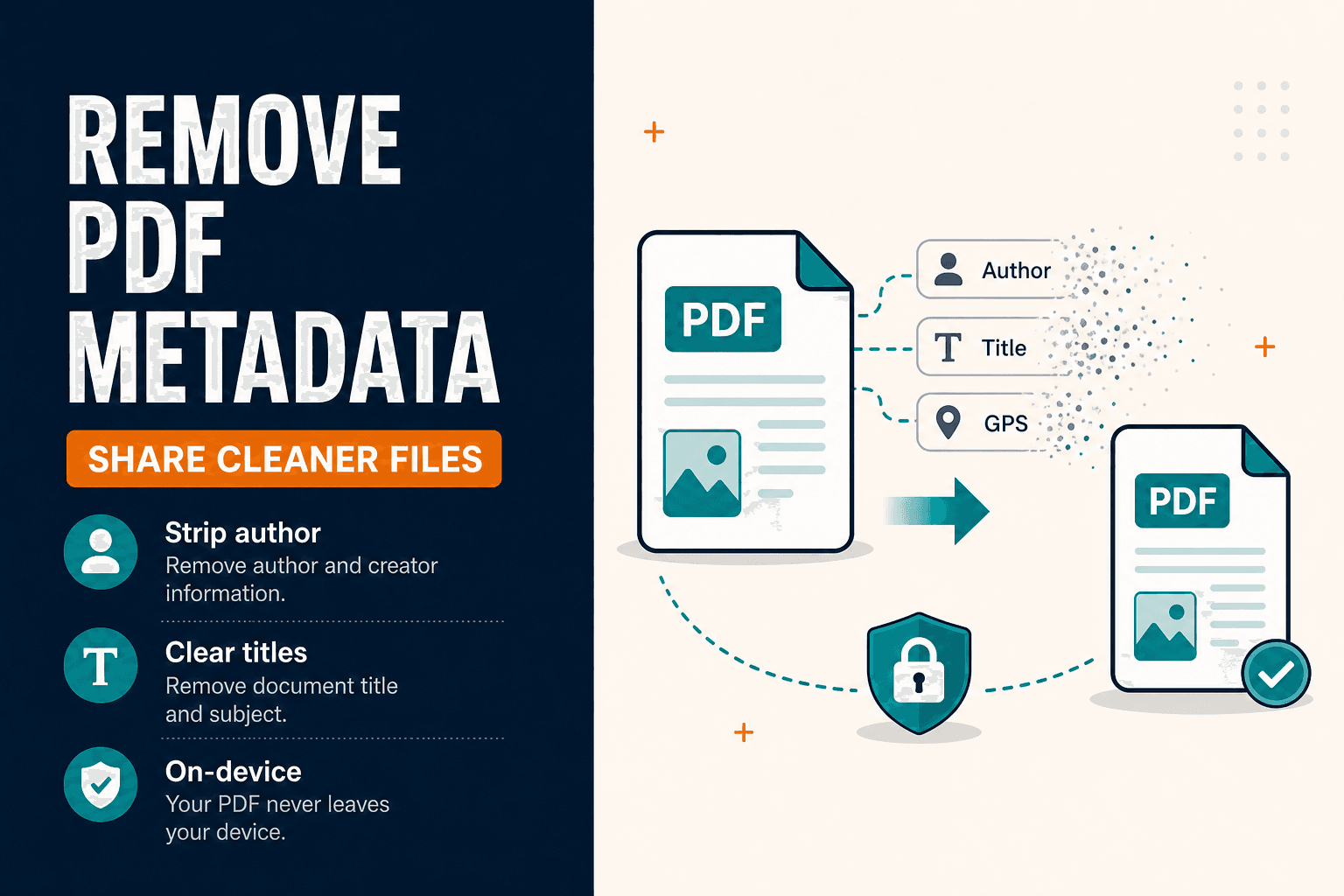
PDFs carry more than pages. Document Info fields — title, author, producer, dates — can reveal who created a file and which tool exported it. Remove Metadata clears those Info fields in your browser before you share.
This is not the same as Redact, which blacks out visible content on the page. Metadata cleanup and redaction solve different leaks.
What can leak through metadata
Author or organisation names from office exports. Producer strings from converters. Creation and modification dates you didn't mean to publish.
It doesn't automatically remove every hidden attachment or every kind of embedded data in complex PDFs. Treat it as cleaning standard Info fields, then review the visible pages separately.
Cleaning a PDF before sharing
- Open Remove Metadata.
- Select the PDF from your device.
- Run cleanup and download the cleaned copy.
- Open document properties in a PDF reader and confirm Info fields look empty or replaced as expected.
- If the file also contains sensitive visible text, use Redact as well.
For photos, use the EXIF viewer instead — image privacy is a different pipeline.
| Goal | Tool |
|---|---|
| Clear document Info fields | Remove metadata |
| Blackout visible secrets | Redact |
| Password-lock the file | Protect |
Remove Metadata runs locally in your browser. The current tool doesn't upload the PDF to NeedAnyTool for this cleanup — sensible when you're sanitising a file before it leaves your machine.
FAQ
Will this make the PDF smaller?
Sometimes slightly. The main goal is privacy, not compression. Use Compress for size.
Does it remove comments and annotations?
It focuses on Info/metadata fields. Review comments and attachments separately if your threat model requires it.
Do I need an account?
No.
30 on-device PDF tools — nothing uploaded.
Related guides
Privacy
Client-Side Privacy — On-Device Browser Tools
How client-side web tools process PDFs, images, and text directly on your CPU and GPU — without uploading confidential documents to remote cloud servers.
PDF Guides
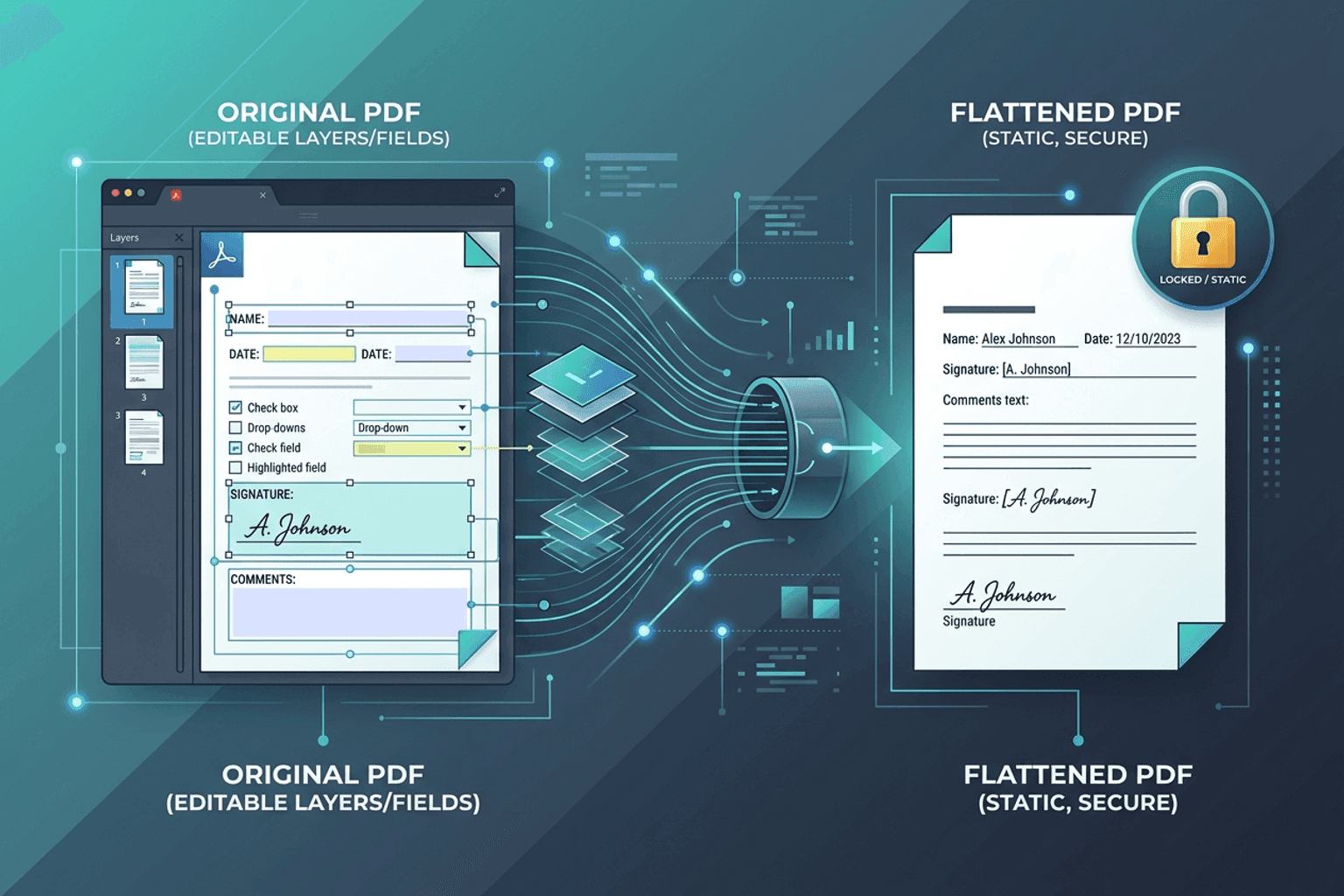
Flatten PDF Form Fields Online — Lock Edits
Flatten PDF form fields, annotations, and visual signatures into permanent page content in your browser. Lock documents and prevent layout shifts with zero uploads.
Android
Offline Mobile Utilities — On-Device Android Apps
Why on-device Android utilities beat cloud-dependent tools for mobile PDF editing, QR scanning, and conversions: instant speed, zero internet required, and complete privacy.