PDF Guides
How to Password-Protect a PDF Online (AES-256)
Password protect a PDF online with AES-256 encryption. Lock / encrypt a PDF in your browser with NeedAnyTool Protect — secure PDF sharing, no account.
NeedAnyToolPublished Updated 2 min read
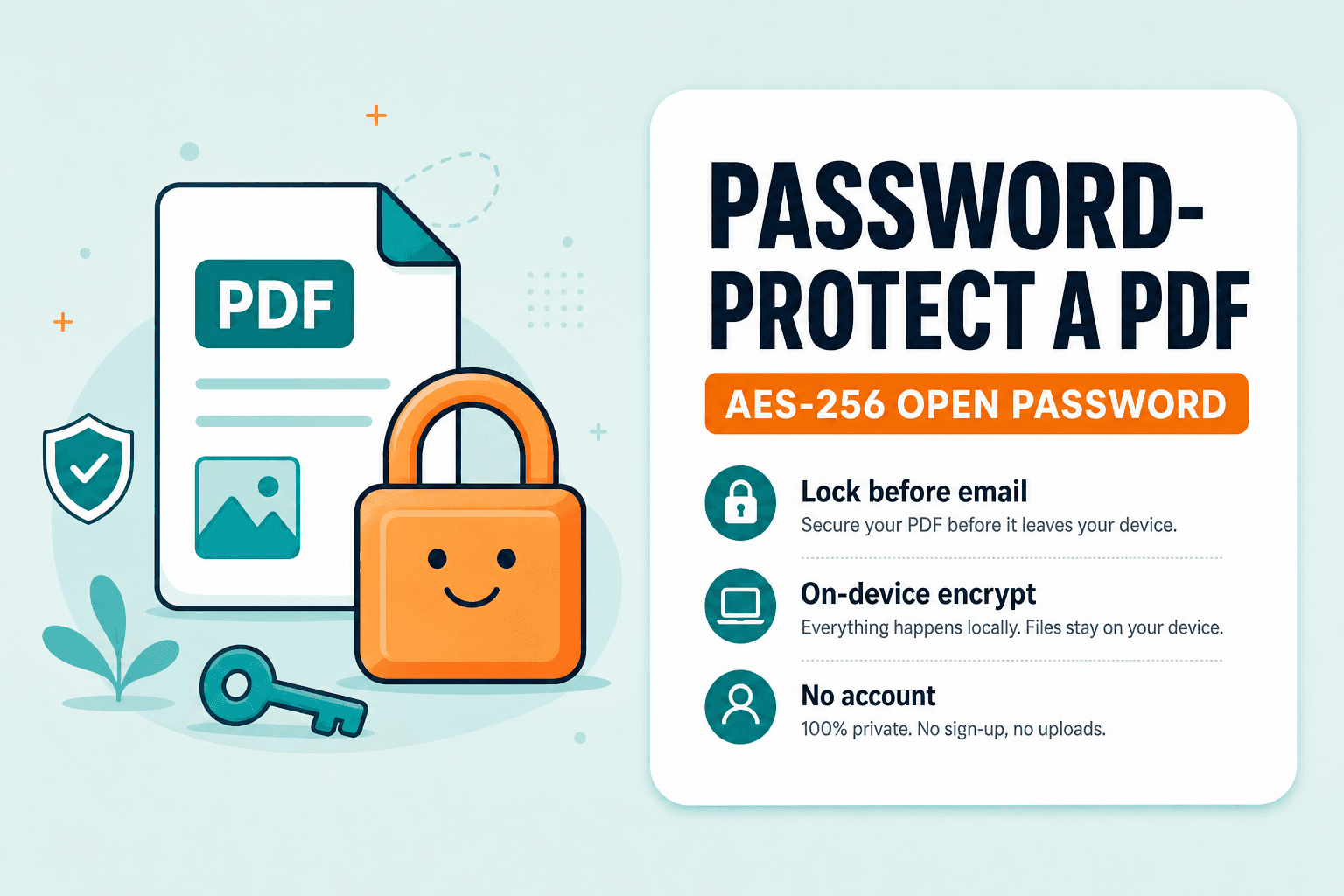
Email and chat are convenient, but an unprotected PDF can be opened by anyone who receives the file. Protect PDF adds an open password (AES-256) in your browser so opening the download requires the password you set.
Keep a copy of that password somewhere safe. NeedAnyTool cannot recover it for you later.
When a password actually helps
Financial statements, contracts, or ID scans sent by email. Shared drives where links are too broad. Temporary hand-offs to a vendor who shouldn't forward an open file casually.
Protection raises the bar for casual access — but it's not a substitute for sending the file to the wrong person.
Locking a PDF step by step
- Open Protect PDF.
- Select the PDF from your device.
- Choose a strong password you can share with the intended reader through a separate channel.
- Apply protection and download the locked PDF.
- Test-open the download and confirm the password prompt appears.
To remove a password you already know, use Unlock PDF. You must be authorised to unlock a file — unlock is for your own archives and documents you have rights to edit.
Protect PDF encrypts locally in your browser. The current tool doesn't upload the PDF to NeedAnyTool to apply the password — which is what you want when the document itself is the sensitive part.
FAQ
Is this the same as "permissions" passwords in Acrobat?
The web tool focuses on an open password so the file can't be read without it. Owner/permissions workflows in desktop Acrobat are a broader feature set.
What if I forget the password?
There's no recovery path in the tool. Store passwords with the same care as the documents themselves.
Do I need an account?
No.
30 on-device PDF tools — nothing uploaded.
Related guides
PDF Guides
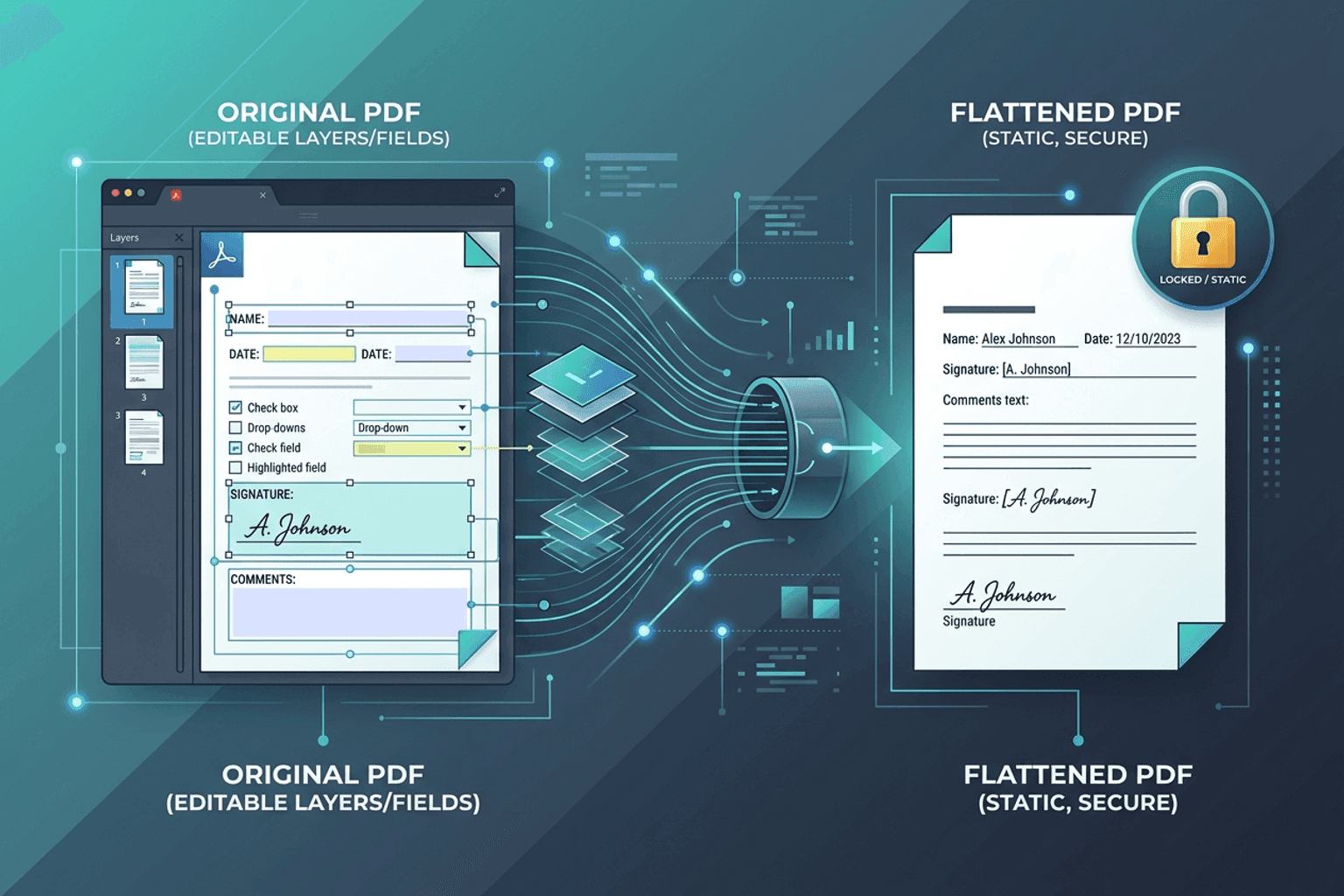
Flatten PDF Form Fields Online — Lock Edits
Flatten PDF form fields, annotations, and visual signatures into permanent page content in your browser. Lock documents and prevent layout shifts with zero uploads.
PDF Guides
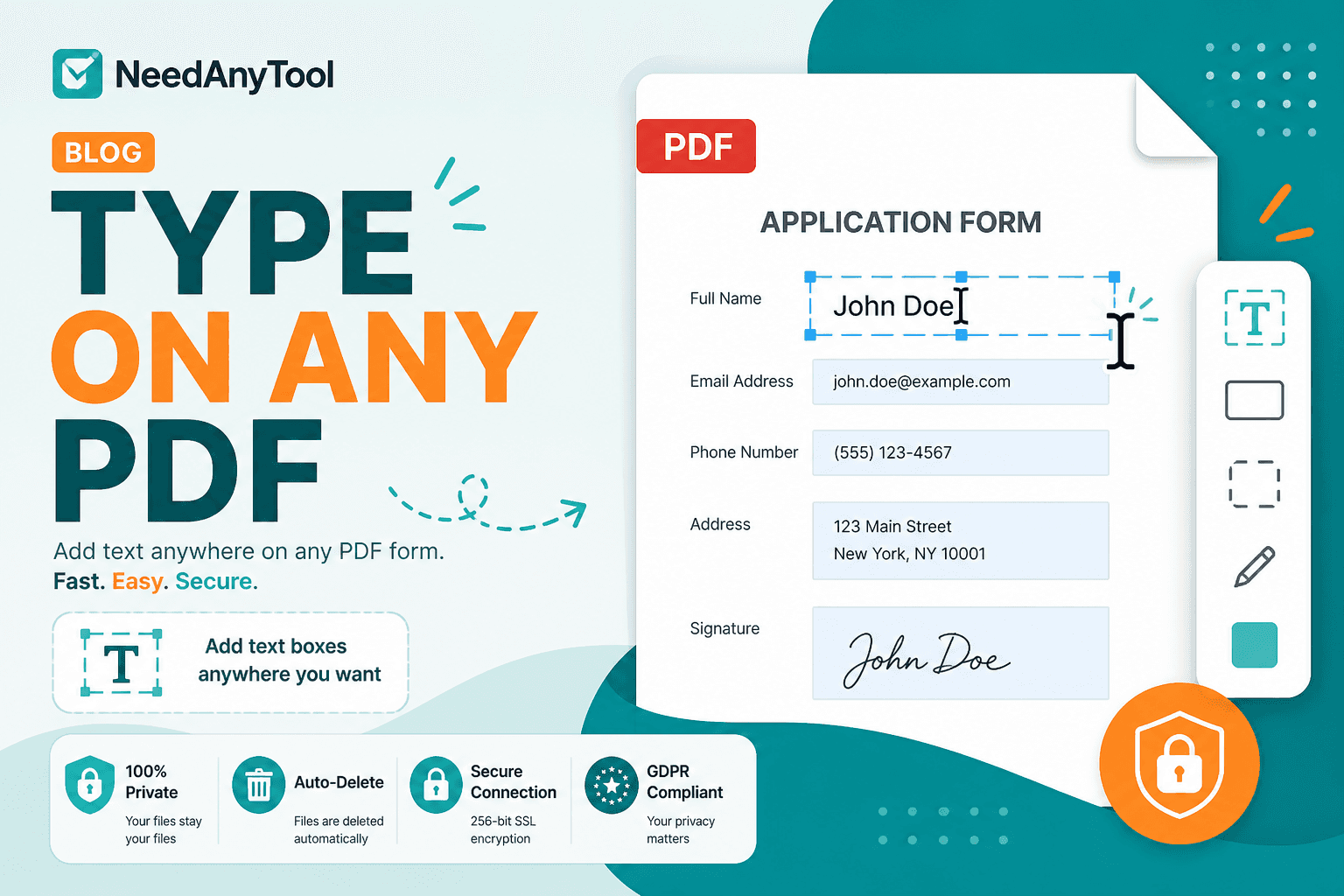
Add Text to a PDF Online
Add text to a PDF in your browser — names, dates, addresses, and notes placed exactly where you need them. No upload required.
PDF Guides
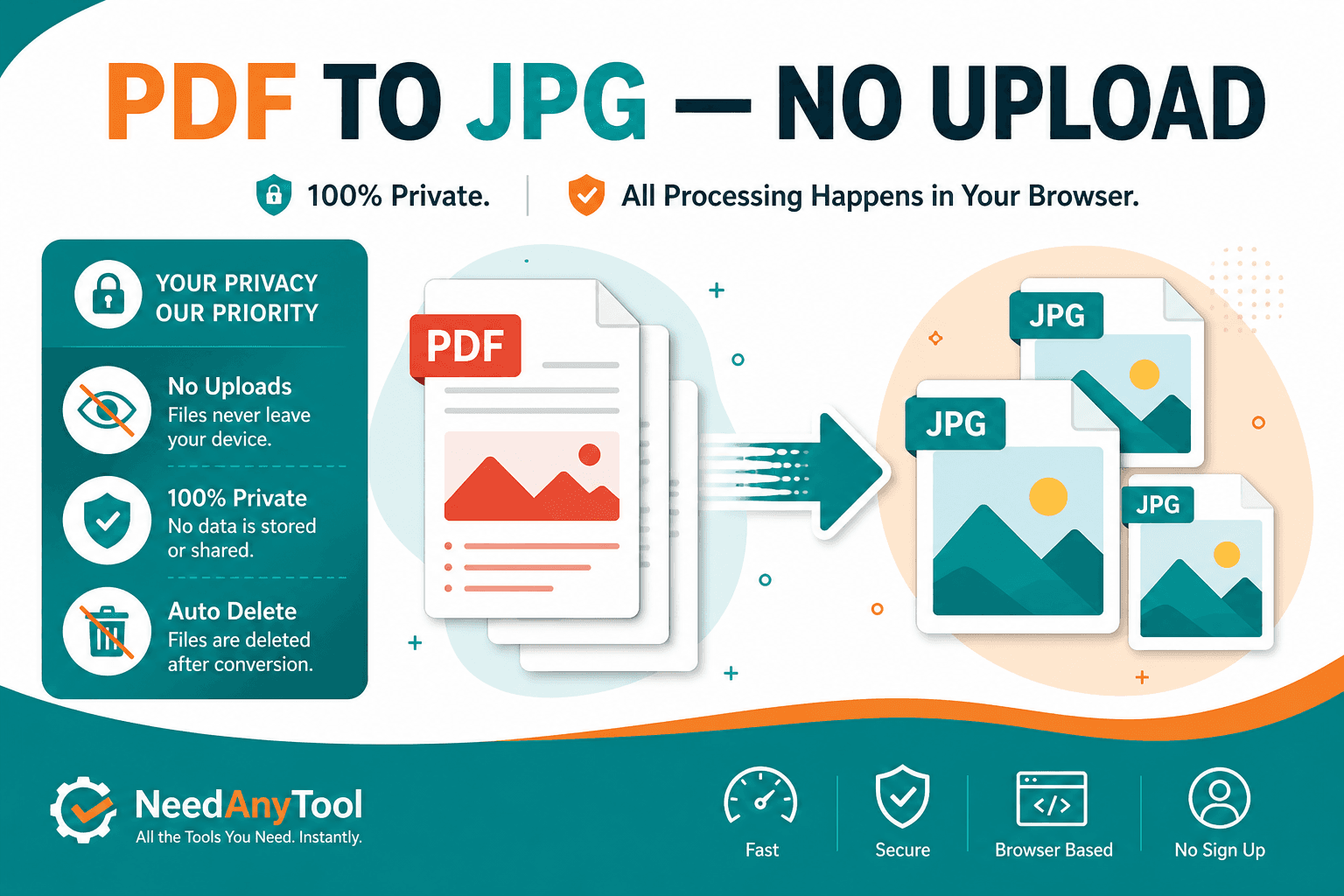
Convert PDF Pages to JPG Online
Convert PDF pages to JPG or PNG images in your browser. Export slides, scans, or forms as pictures — free, no account.