PDF Guides
Add Text to a PDF Online
Add text to a PDF in your browser — names, dates, addresses, and notes placed exactly where you need them. No upload required.
NeedAnyToolPublished Updated 2 min read
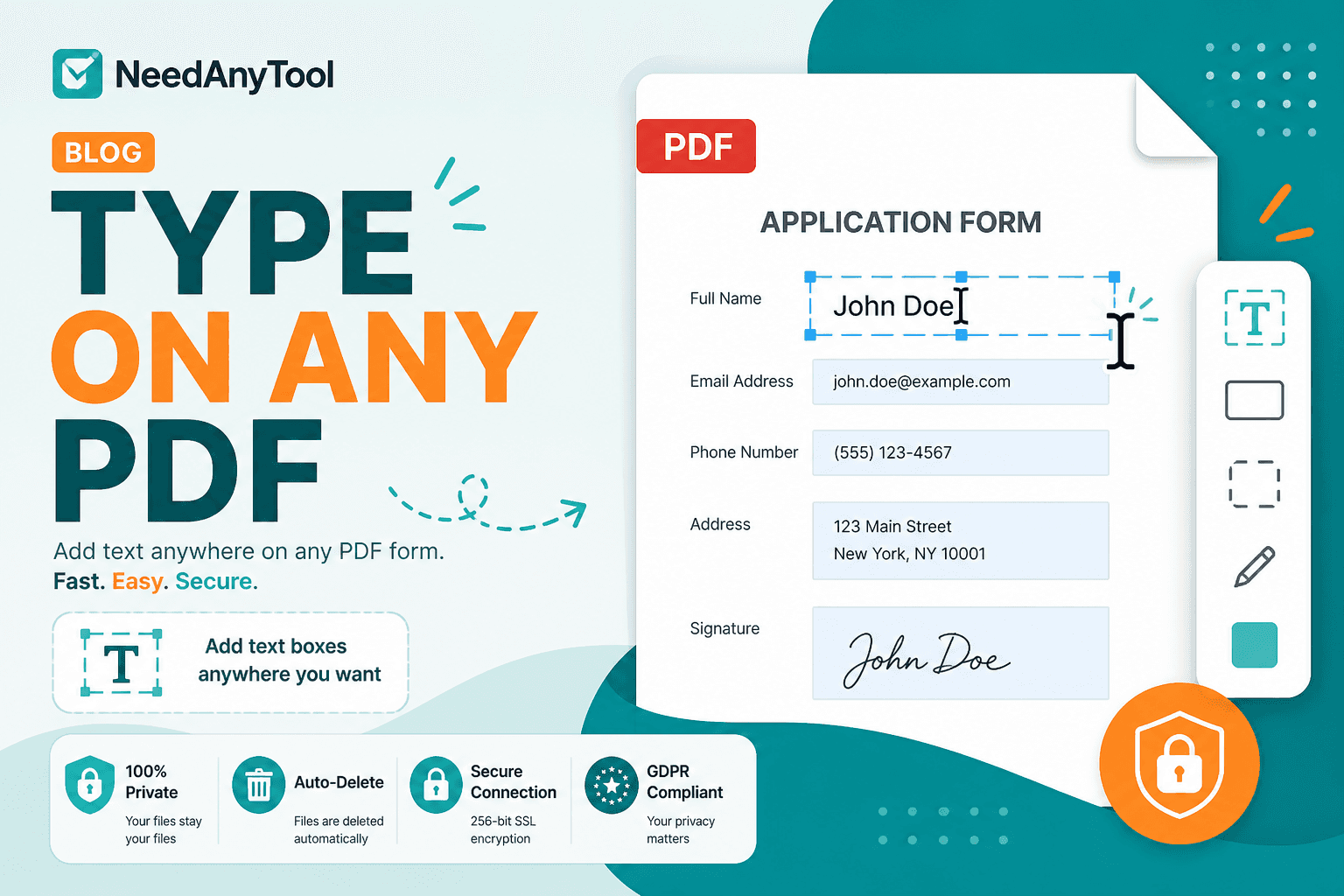
Printed forms aren't always an option. You still need to type a date on a contract, initial a school form, or drop a delivery address onto a shipping label PDF.
Add text places text boxes wherever you click on the page. For a handwritten look, use Sign PDF. If the PDF already has clickable form fields, Fill PDF forms is the faster path.
Where this actually comes up
Dating and initialing a one-page agreement. Filling a flat PDF with no interactive fields. Labeling diagram versions (v2, FINAL). Adding a note beside a clause you flagged with Highlight marker.
Making it look right
Flat PDFs with printed lines but no form fields are the classic case. You click where a handwritten answer would go and type instead. Same workflow for adding a delivery address to a label PDF someone sent as a locked layout.
Open Add text, load the PDF, click where the text should sit, and type. Adjust size and colour for contrast on the background — dark text on light scans, white text only on dark bars you control.
Zoom to 100% before you download. Text that looked fine at fit-width can be unreadable at full size.
Need a non-editable copy for archive? Flatten PDF after you're done. Text placement stays on your device, which is why people use it for HR and medical paperwork.
Which tool fits?
| Situation | Tool |
|---|---|
| Clickable form fields exist | Fill forms |
| Free placement anywhere | Add text |
| Handwritten signature | Sign PDF |
FAQ
Will the text I add be searchable?
Depends on how the tool embeds the overlay. Assume it's visual unless you verify with select-all in a reader.
Can I change the text after I download?
Re-open in Add text if you kept the original. Otherwise treat the download as final.
Is this a replacement for Word?
No — it's for short annotations on an existing PDF layout.
Does it work on scanned pages?
Yes. You're drawing text over the scan image.
30 on-device PDF tools — nothing uploaded.
Related guides
PDF Guides
Sign a PDF Online Without Printing or Uploading
Sign a PDF online free — draw an electronic signature without printing or uploading. E-sign PDF forms in your browser with NeedAnyTool.
PDF Guides
How to Merge PDF Files Without Uploading
How to merge and combine PDF files in your browser with no upload. Private on-device merge — reorder files, download one document.
PDF Guides
How to Add a Watermark to a PDF Online
Add a watermark to a PDF online — stamp Draft, Confidential, or a logo across pages. Free PDF watermark tool in your browser, no upload.