PDF Guides
Sign a PDF Online Without Printing or Uploading
Sign a PDF online free — draw an electronic signature without printing or uploading. E-sign PDF forms in your browser with NeedAnyTool.
NeedAnyToolPublished Updated 1 min read
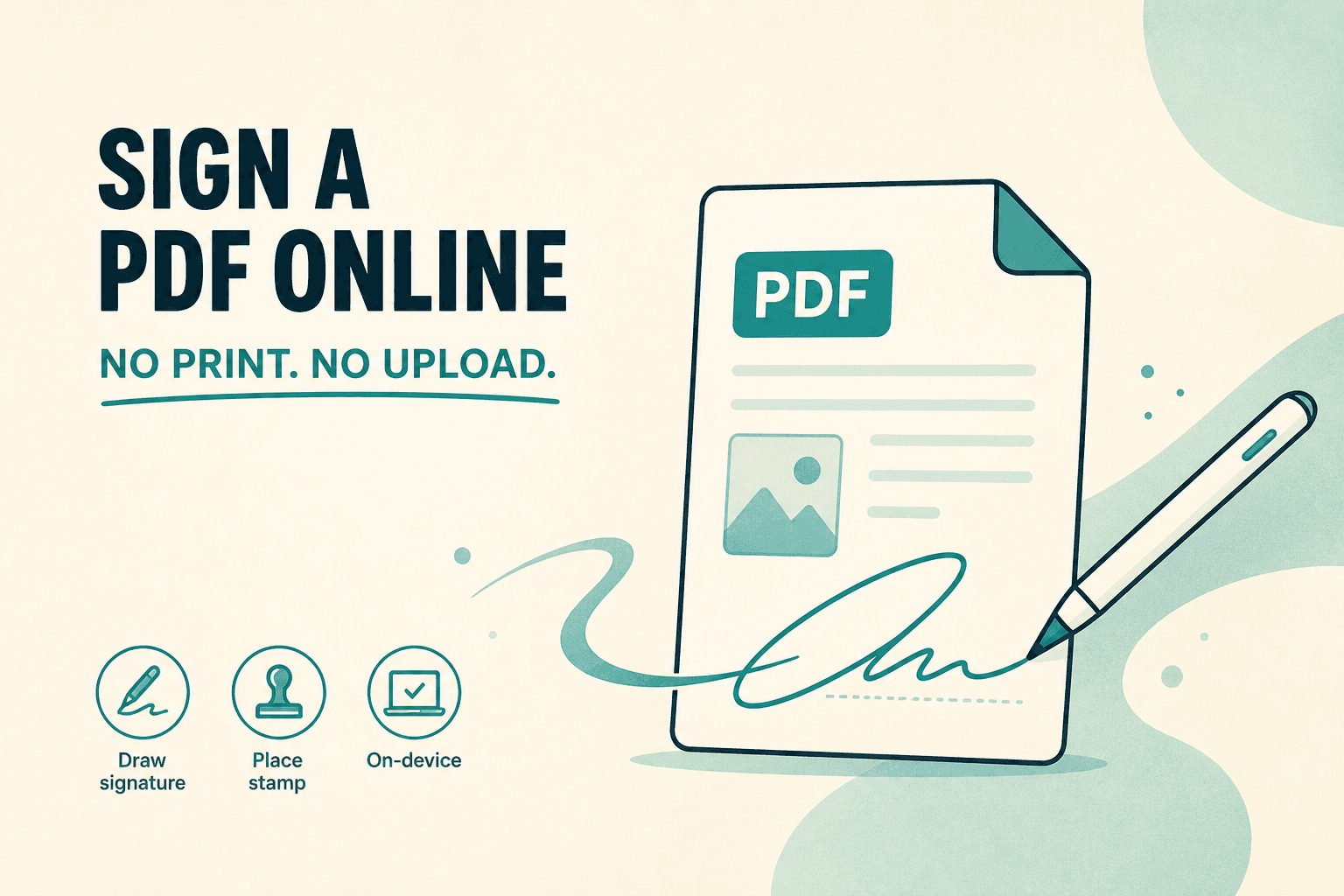
Printing a form, signing with ink, and scanning it back is slow — and often unnecessary. Sign PDF lets you draw or place a signature on a PDF in the browser, then download the signed file.
This is a visual signature workflow: ink or stamp on the page. It's not a full certificate-based digital signature product like some enterprise e-sign platforms.
When a visual signature is enough
Consent forms and simple agreements that accept a handwritten-style mark. Vendor PDFs that only need a signature image in a box. Internal paperwork where printing is the bottleneck.
If a counterparty requires a specific e-sign vendor or certificate, follow their process instead.
Signing in a few minutes
- Open Sign PDF.
- Choose the PDF from your device.
- Draw a signature or place a saved stroke where it belongs.
- Add optional text or stamps if the form needs them.
- Download and open the file to confirm placement.
For fillable AcroForm fields, start with Fill forms, then sign if a freehand mark is still required.
| Goal | Tool |
|---|---|
| Complete interactive form fields | Fill forms |
| Draw or stamp a signature | Sign |
| Lock the file after signing | Protect |
The document stays on your device throughout — Sign PDF processes it in your browser without uploading to NeedAnyTool. Signature strokes saved for reuse sit in local browser storage on your machine, not on a server.
FAQ
Is this legally binding everywhere?
Laws and counterparty policies vary. Visual signatures are widely accepted for many everyday forms; regulated deals may require a specific method.
Can I sign on a phone?
Yes. Touch signing is often easier on a tablet or phone than with a mouse.
Do I need an account?
No.
30 on-device PDF tools — nothing uploaded.
Related guides
PDF Guides
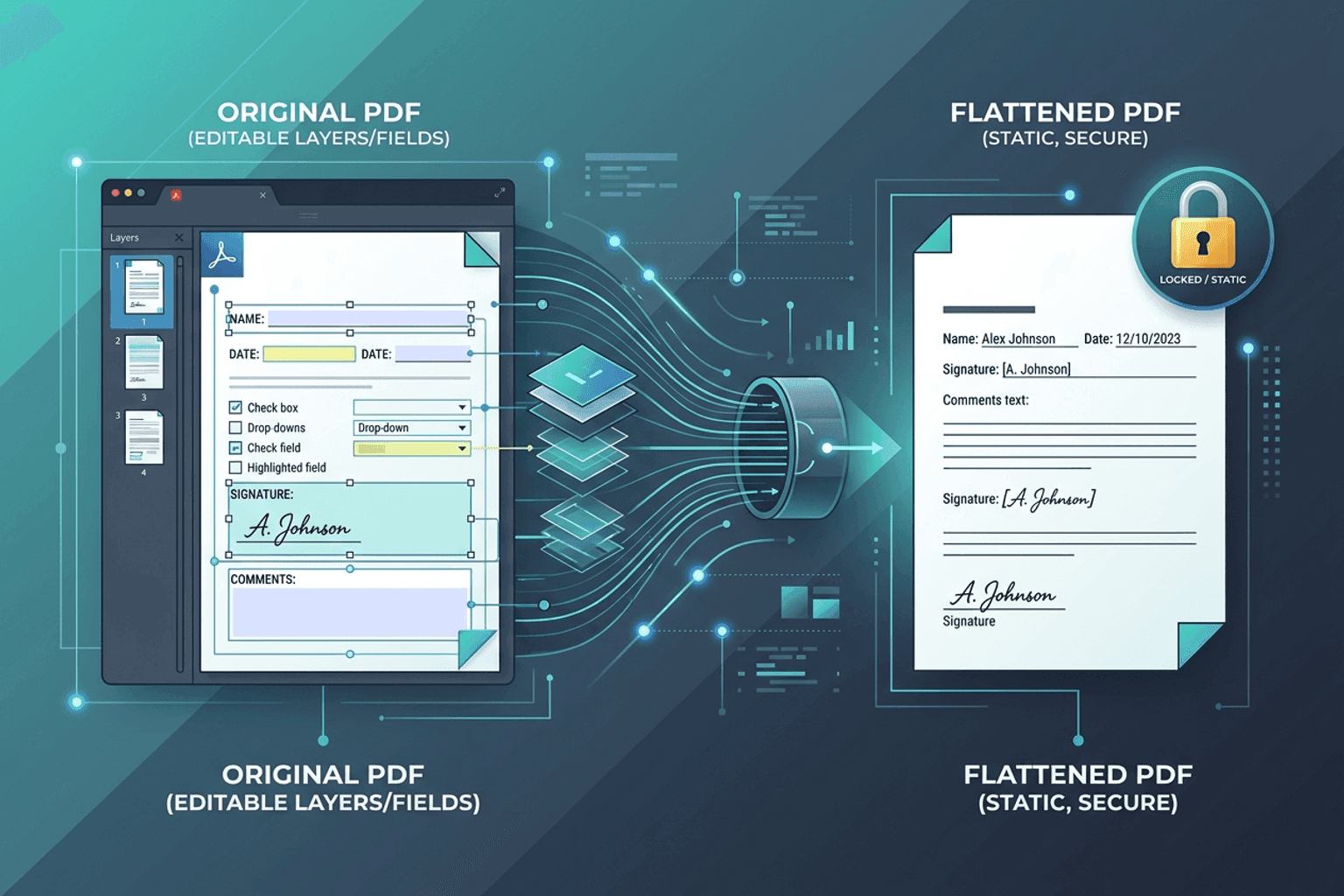
Flatten PDF Form Fields Online — Lock Edits
Flatten PDF form fields, annotations, and visual signatures into permanent page content in your browser. Lock documents and prevent layout shifts with zero uploads.
PDF Guides
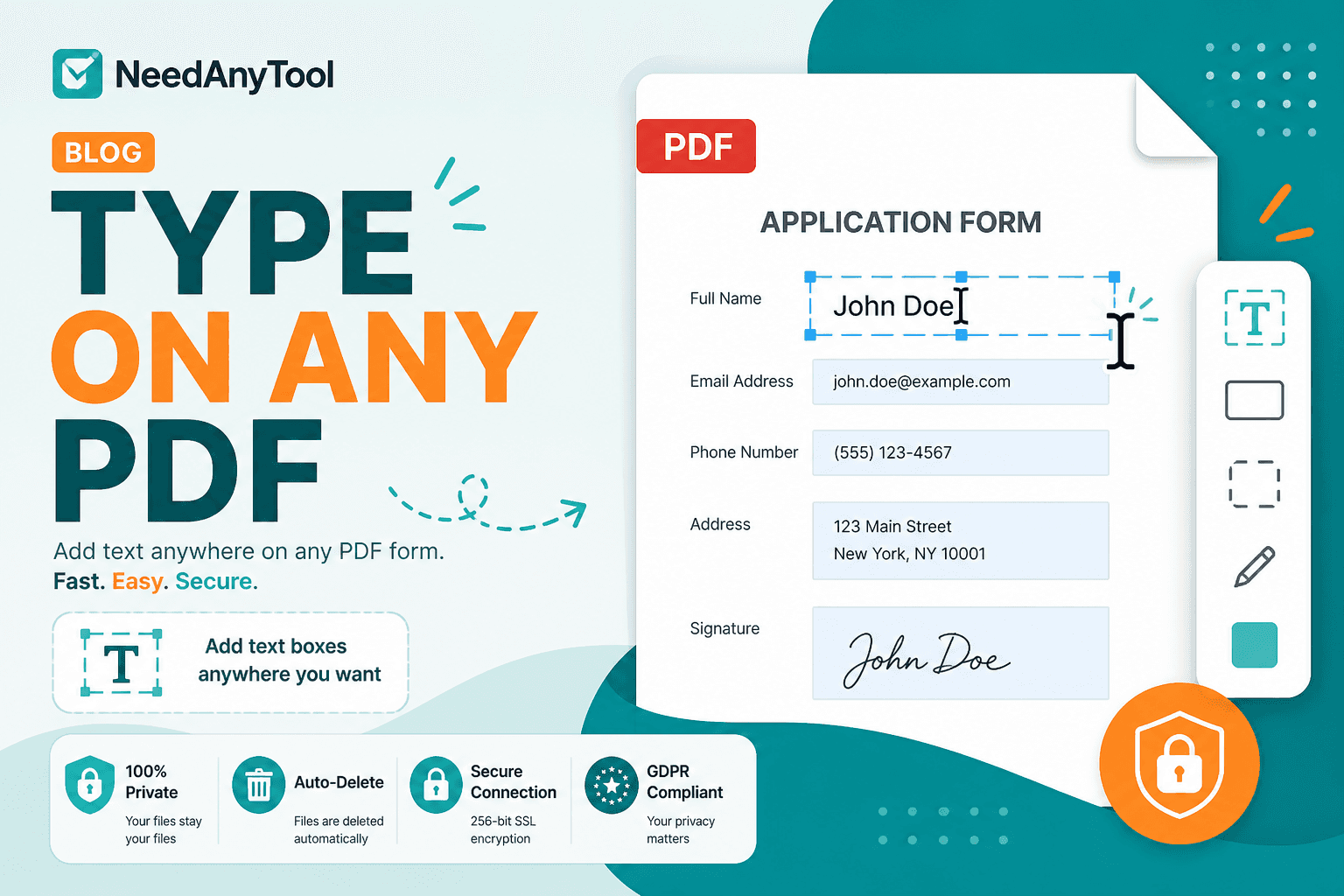
Add Text to a PDF Online
Add text to a PDF in your browser — names, dates, addresses, and notes placed exactly where you need them. No upload required.
PDF Guides
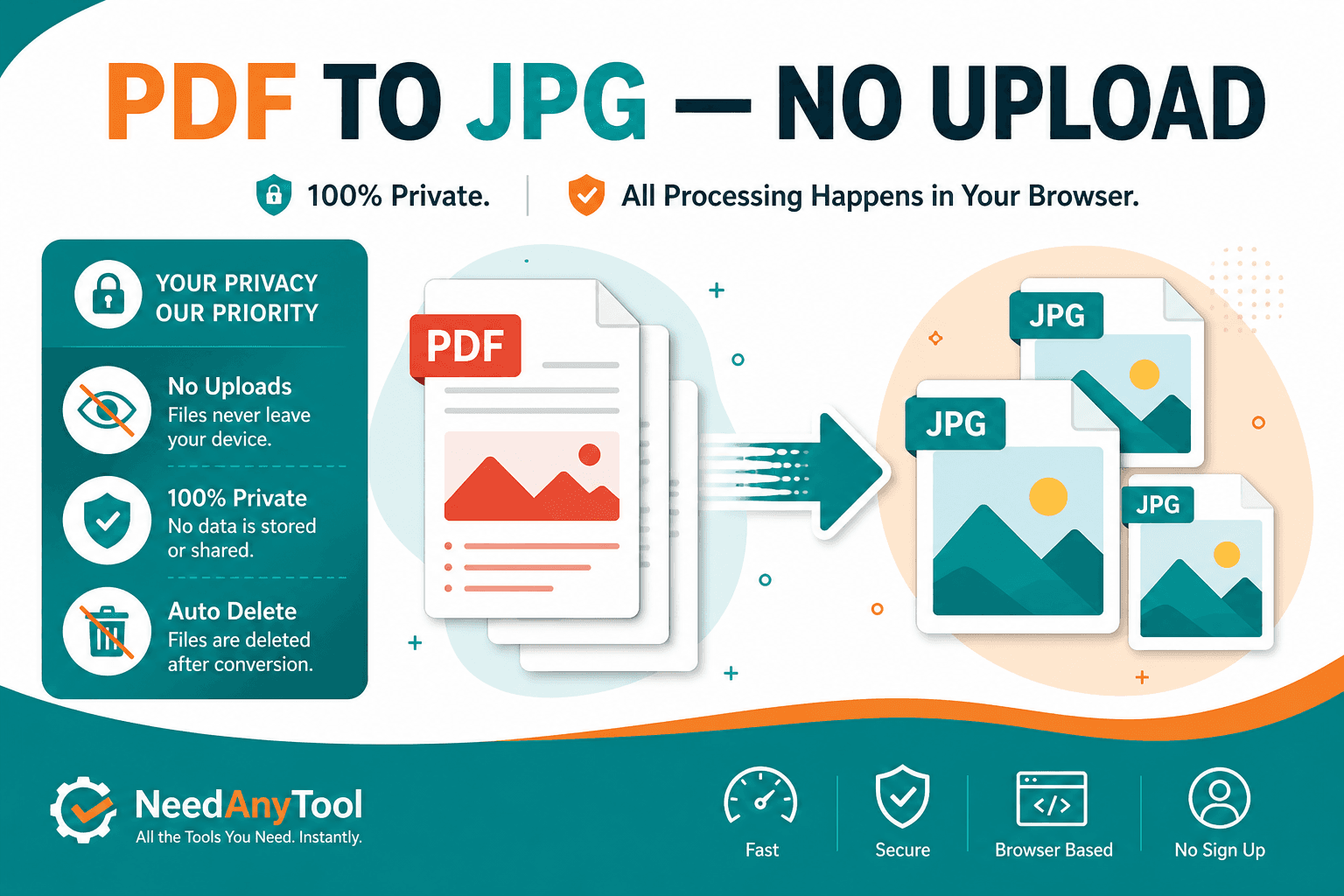
Convert PDF Pages to JPG Online
Convert PDF pages to JPG or PNG images in your browser. Export slides, scans, or forms as pictures — free, no account.