PDF Guides
Convert PDF Pages to JPG Online
Convert PDF pages to JPG or PNG images in your browser. Export slides, scans, or forms as pictures — free, no account.
NeedAnyToolPublished Updated 2 min read
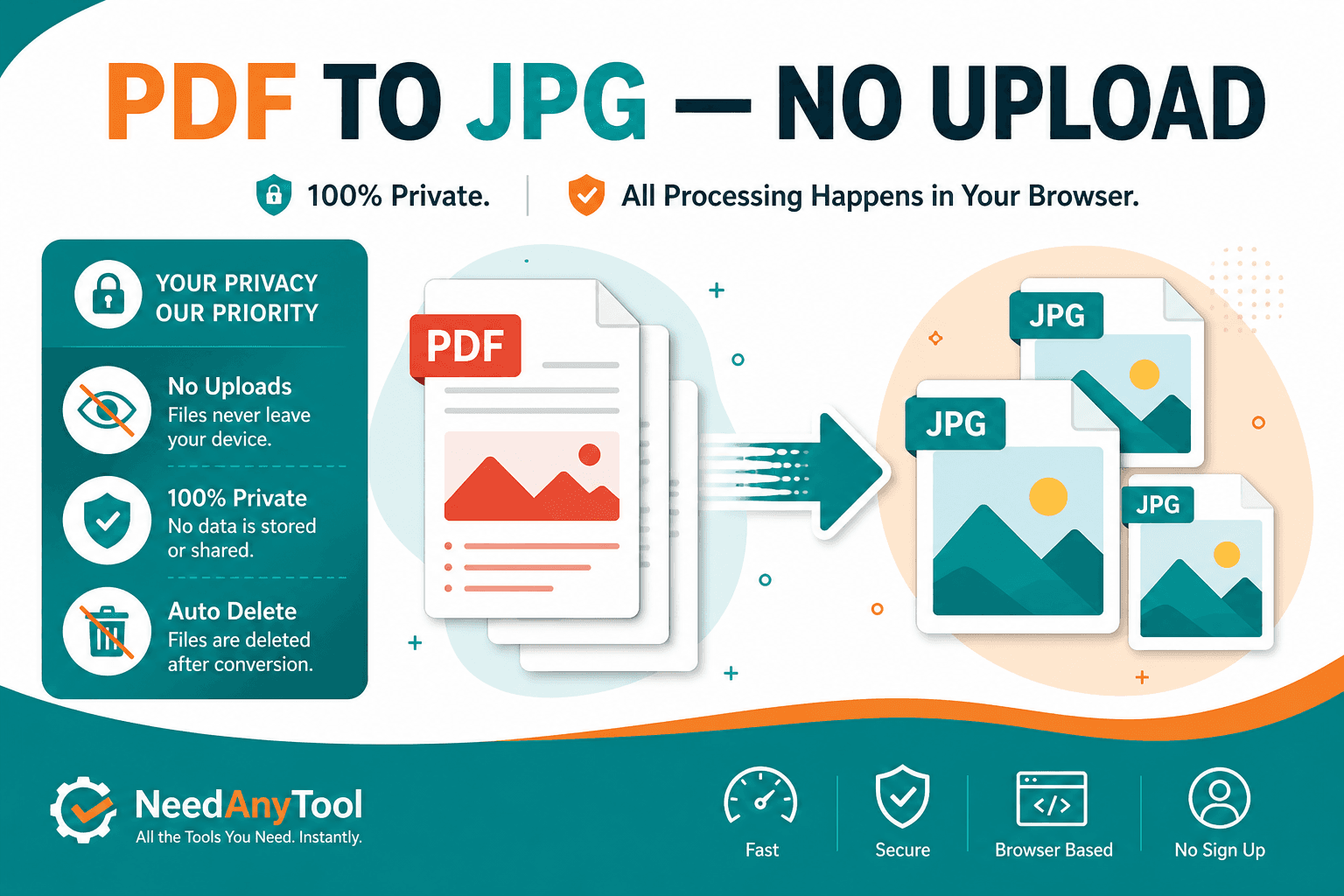
Sometimes you need a picture, not a PDF. A chart for social media. A signed page dropped into a slide deck. A scan sent as a JPEG because the recipient can't open PDFs.
PDF to JPG / PNG renders each page as an image you can download. Going the other direction — photos into a document — is JPG / PNG to PDF.
JPG vs PNG — pick before you export
PNG keeps sharp text edges and supports transparency. JPG shrinks photo-heavy pages more aggressively. Vector charts usually export crisply at default resolution. Old phone scans might look soft — that's the source scan, not the converter.
Open the largest image at 100% zoom before you publish anywhere. For print, check pixel dimensions against your target size.
Getting the export done
Open PDF to JPG / PNG, choose your PDF, and pick JPG or PNG (plus quality settings if the tool offers them). You'll usually get one file per page, or a zip — depends on the UI. Conversion runs locally, so invoices and ID scans never leave your machine.
When images beat another PDF
Need fewer pages but still a PDF? Extract. Need copy-pasteable text? PDF to Text. Need flat pixels per page? That's this tool.
Only want one page? Extract pages first, then convert the smaller file.
Social posts and design tools often want a fixed aspect ratio. Export at a resolution that matches your target — cropping in Instagram or Figma is easier when the source image isn't tiny.
FAQ
Does every page become its own file?
Usually yes — one image per page. Check your download folder or zip contents.
Will the text stay selectable?
No. Images are flat pixels. Use PDF to Text if you need copy-paste text.
JPG or PNG for a document scan?
PNG for sharp text. JPG when file size matters and the page is mostly photos.
Can I convert just one page without exporting everything?
Extract that page first with Extract pages, then convert the smaller PDF.
30 on-device PDF tools — nothing uploaded.
Related guides
PDF Guides
Sign a PDF Online Without Printing or Uploading
Sign a PDF online free — draw an electronic signature without printing or uploading. E-sign PDF forms in your browser with NeedAnyTool.
PDF Guides
How to Merge PDF Files Without Uploading
How to merge and combine PDF files in your browser with no upload. Private on-device merge — reorder files, download one document.
PDF Guides
How to Add a Watermark to a PDF Online
Add a watermark to a PDF online — stamp Draft, Confidential, or a logo across pages. Free PDF watermark tool in your browser, no upload.