Privacy
What to Remove Before You Share a Photo or PDF
Before you email a scan or post a screenshot, remove faces, GPS, and hidden PDF data. A practical checklist using private, on-device tools.
NeedAnyToolPublished 3 min read
The attachment looks harmless. It is a photo of a form, a screenshot of a chat, a scan of a letter you only meant to show one paragraph of. The thing you forgot is rarely the paragraph. It is the address in the corner, the face in the background, or the GPS point still stored in the JPEG.
You do not need a security product for that. You need ten minutes and the right kind of delete — hiding is not the same as removing.
Photos
Location and camera details. A picture from a phone often carries EXIF: time, device, and sometimes coordinates. Strip that before the file leaves your hands. Remove EXIF walks through the EXIF tool, which can show you what is there and download a copy without it.
People and plates you did not mean to publish. Cropping is not enough if the person is still in frame. Blur can soften the whole picture or only a box you choose. Blur before you post, and check the export, not the preview thumbnail.
IDs. A passport crop is a special case. If you only needed the photo for an application, do not then drop that same file into a group chat. Crop tight with Crop, and do not keep a version that still shows the document number “just off to the side.”
PDFs and scans
Black highlight is not redaction. A marker you can select under, or a black box drawn on top, often leaves the text in the file. Someone can copy it, or pull it out with PDF to Text. Redact PDF is the tool when the information has to be gone, not covered.
Hidden document info. Author names, producing software, and other metadata sit outside the page. Remove PDF metadata covers Remove metadata. Do this after you redact, on the file you will actually send.
Pages you do not need. The safest page is the one you did not attach. Delete pages or extract the range they asked for. A “while you’re at it” full scan of a passport-plus-bank-letter PDF is how extra data leaks.
Crop is not redaction. Cropping margins only changes what viewers show. Content outside the box can remain in the file. Do not crop over an account number and call it private.
A send checklist
- Decide the smallest file that answers the request. Drop extra pages.
- Redact secrets in the PDF, then remove metadata.
- On photos, blur incidental people and strip EXIF.
- Open the download once, as if you were the recipient. Try to select “deleted” text. Look at the corners.
- Send that download, not the original still sitting in Downloads next to it.
The tools above run in the browser so you are not uploading the passport scan in order to clean it. How that architecture works is covered in client-side privacy. Cleaning a file locally does not make the copy you email private from the recipient. It only means you chose what they received.
FAQ
I drew a black rectangle in another app. Is that enough?
Often no. If you can still search or copy the text, it is still there. Re-do it with redaction and test the copy.
Does stripping EXIF remove the picture of my house?
No. EXIF is data beside the pixels. The house is still in the photo. Crop or blur what the picture shows, and strip metadata for what the file knows.
What about the Android PDF app?
PDF Toolkit is there when the file is already on your phone. The same rule applies: test the file you are about to send, on the device you are about to send it from.
30 on-device PDF tools — nothing uploaded.
Related guides
Privacy
Client-Side Privacy — On-Device Browser Tools
How client-side web tools process PDFs, images, and text directly on your CPU and GPU — without uploading confidential documents to remote cloud servers.
Privacy
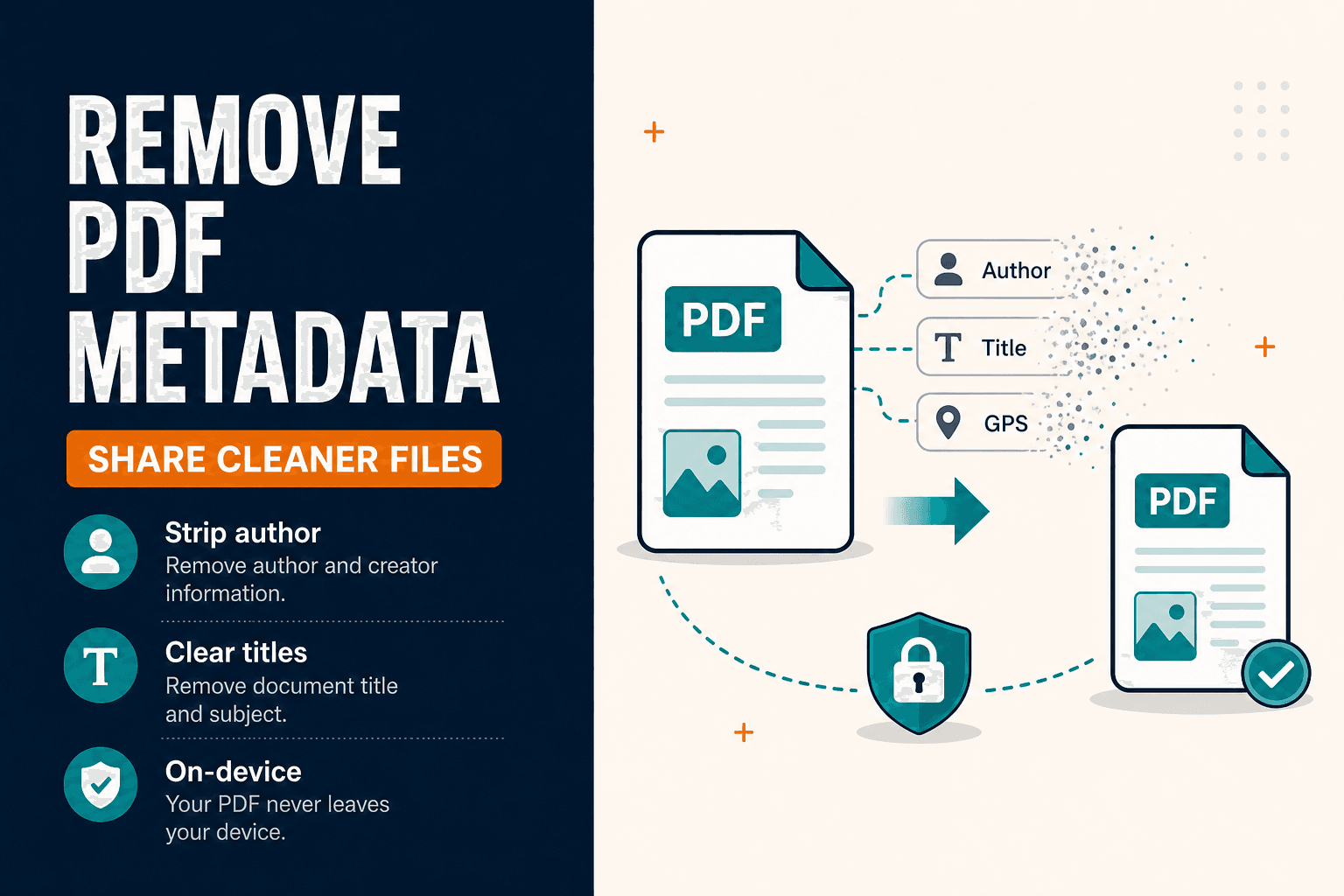
Remove PDF Metadata Before You Share (Privacy Guide)
Remove PDF metadata and strip document properties (author, title) before sharing. Clean PDF Info fields in your browser — privacy-first, no upload.
PDF Guides
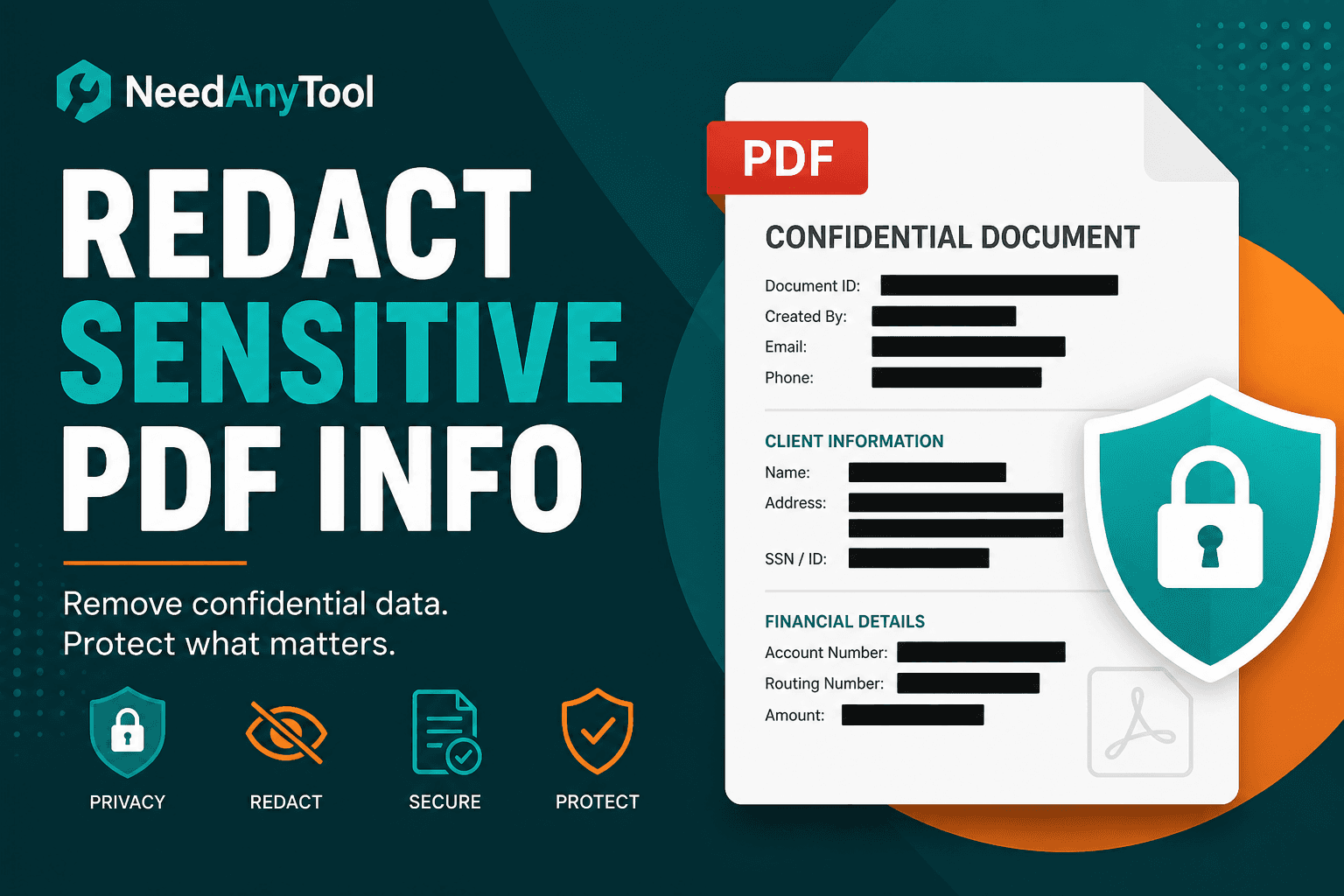
Redact a PDF Online — Black Out Sensitive Text
Redact PDF content permanently — black out account numbers, names, and confidential lines. True redaction in your browser, not just a black rectangle overlay.