Android
PDF Toolkit: Reader & Tools — Android App
PDF Toolkit: Reader & Tools — Android app to open, merge, split, scan, compress, organize, and sign PDFs on your phone. Everyday PDF toolkit without the desktop clutter.
NeedAnyToolPublished Updated 4 min read
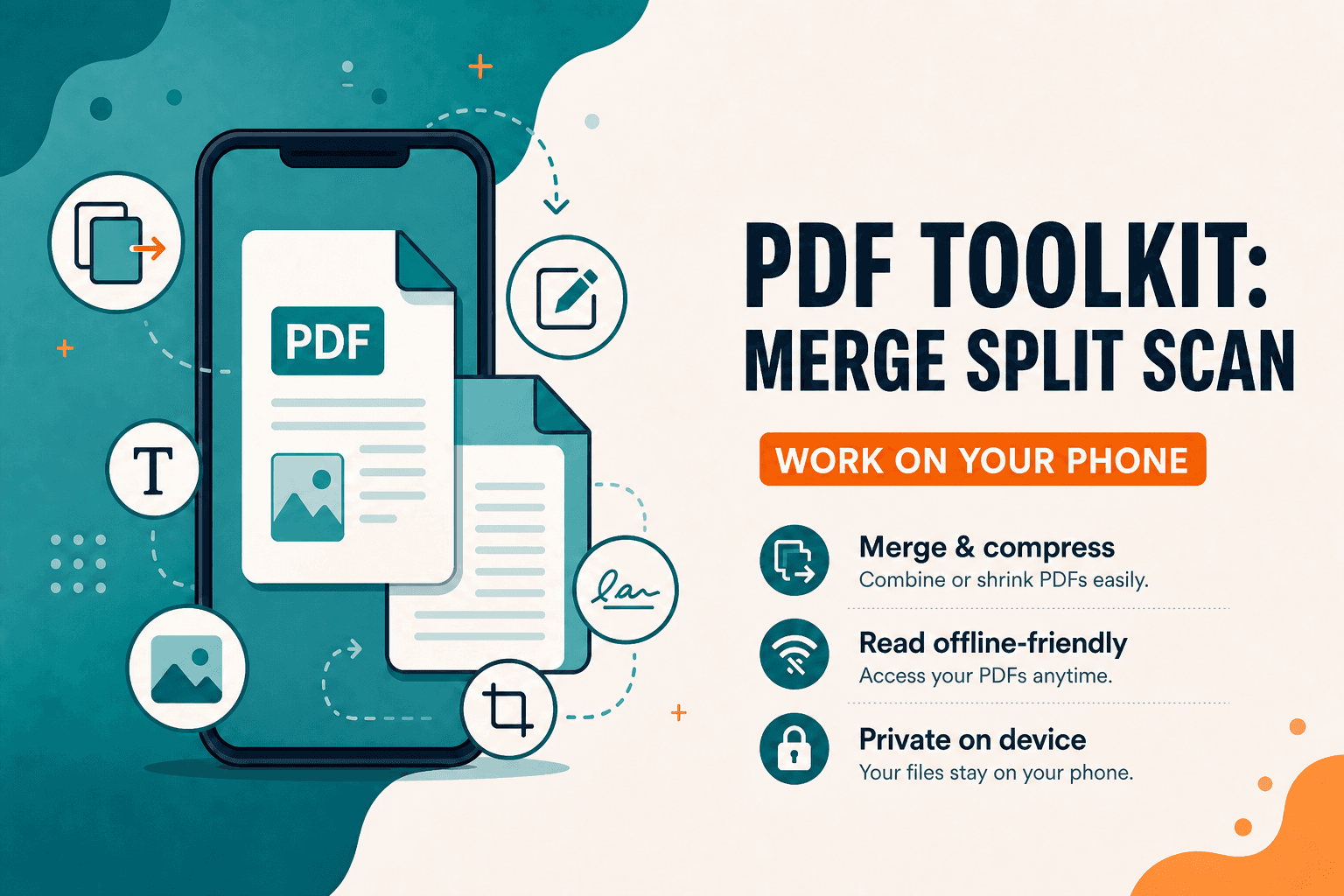
PDF Toolkit: Reader & Tools is NeedAnyTool's Android app for everyday PDF work on a phone. Package name: com.needanytool.pdftoolkit. It handles the same class of jobs as our web PDF tools: open a file, organise pages, compress, convert images to PDF, protect a copy you own, scan a page, place a visual signature.
It's not a desktop publishing suite, and it's not a cloud document store.
Why we built it
The website is useful when you're already at a computer. A lot of PDFs arrive on a phone — a scan from the camera, an attachment in email, a form you need to reorder on the train.
Installing a full office package for those tasks is more than most people want. The Android app exists so those jobs can stay on the device you're holding.
What you can do
The current production app is built around on-device utilities, including:
- Open and read PDFs
- Organise pages (reorder, rotate, extract, delete)
- Merge and split
- Compress
- Convert images or text to PDF, and PDF pages to images
- Add watermarks or page numbers
- Protect or unlock PDFs you're authorised to access
- Fill existing PDF form fields
- Scan a document with the camera (image-based pages — not searchable OCR)
- Place a visual signature stamp (draw, type, or import)
Tools shown in the app are free to use in this version. No account registration required for that core workflow.
What this version does not do
PDF apps often over-claim, so be precise:
- No Office conversion (Word, Excel, and similar)
- No OCR — scans are not turned into searchable text
- No certificate-based or cryptographic digital signatures; Sign is a visual stamp
- No password cracking. Unlock is for documents you own or are authorised to open, using a password you already have
Forgotten passwords cannot be recovered in the app. Keep a copy of passwords you apply.
Web tools vs the Android app
| Need | Better fit |
|---|---|
| File already on a laptop | Browser PDF tools |
| Attachment opened on a phone | Android app |
| Large multi-file merge with a mouse | Often easier on desktop web |
| Camera scan of a paper page | Android app |
| Quick compress before sending from Gmail mobile | Either; app if the file never left the phone |
Both products share the same idea: finish the PDF task without turning it into a cloud subscription. Feature sets aren't pixel-identical on every release — check the tool list in the app store listing and on the web hub.
Privacy on the device
Documents are processed locally on the device. The app doesn't upload your PDFs to NeedAnyTool servers, doesn't require an account, and doesn't use a custom backend or cloud database for those files.
No advertising SDKs, paid subscription features, or third-party crash-reporting SDKs in the current policy description of this version.
The app accesses a file when you choose it. Camera permission is for scanning you start, not for background capture. Passwords you type for protect/unlock are used for that operation and aren't uploaded.
Android still lets you share or export through the system share sheet — that's you sending a file, not the app silently uploading to us.
The NeedAnyTool website has its own privacy policy. This section describes the Android application.
Who it's for
Students and office workers who get PDFs on their phone and need to merge, split, or compress before sending. Anyone who wants a visual signature on a page without treating it as a legal-certificate workflow. People who prefer on-device processing over uploading IDs and contracts to a website they don't trust. Travellers who need to reorder or compress a scan without finding a PC.
If you're at a desktop and the file is already on disk, the browser PDF tools are the matching web workflow — including Organize PDF, Compress PDF, and Merge PDF. Use the app when the phone is the device in front of you.
Common phone workflows
- Email attachment too large — open in the app → Compress → share back to Gmail or your mail client.
- Scan arrived out of order — Organise in the app, or use Organize PDF on the web → drag pages → export.
- Need a signature on a form — Sign with a visual stamp → send. This is not a certificate-based digital signature.
- Paper document — Scan → review pages → Compress PDF if the file is heavy.
Get the app
PDF Toolkit: Reader & Tools is listed on Google Play:
Developer listing name: Need Any Tool. Provider: iCorp Overseas Consulting Private Limited.
Also see our Android guide for QR Toolkit: Scan & Generate if you need codes instead of PDFs.
30 on-device PDF tools — nothing uploaded.
Related guides
Android
Offline Mobile Utilities — On-Device Android Apps
Why on-device Android utilities beat cloud-dependent tools for mobile PDF editing, QR scanning, and conversions: instant speed, zero internet required, and complete privacy.
Android
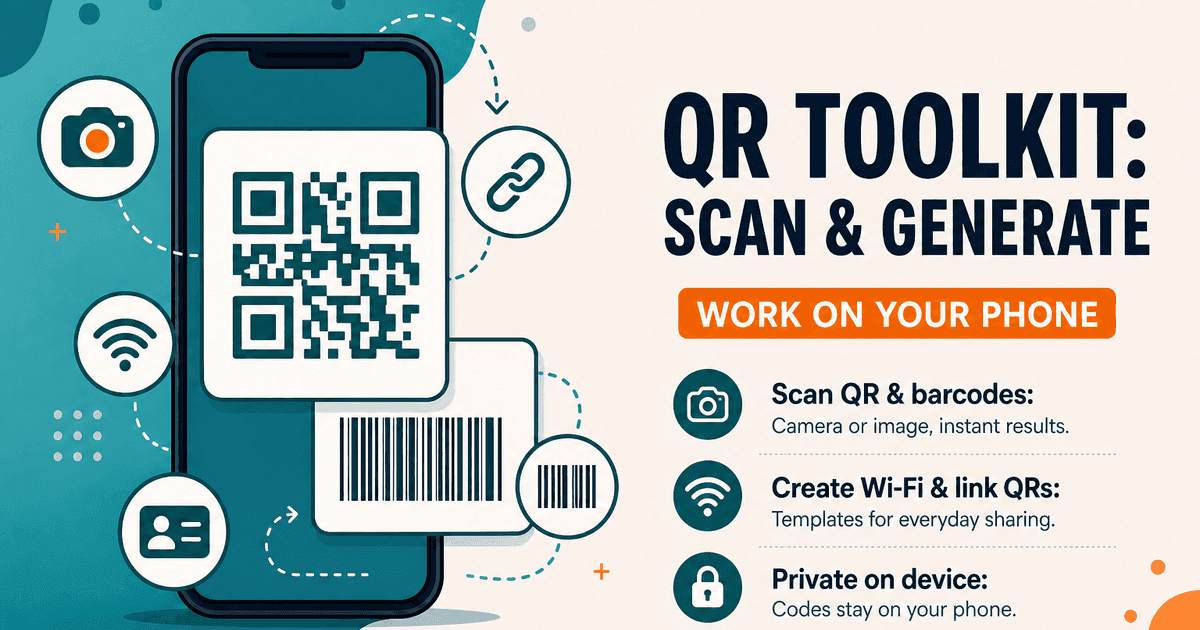
QR Toolkit Android App — Scan and Generate
QR Toolkit: Scan & Generate — Android app to scan QR codes and barcodes, create Wi-Fi and website QRs, and keep history on your phone. Private, on-device.
Privacy
Client-Side Privacy — On-Device Browser Tools
How client-side web tools process PDFs, images, and text directly on your CPU and GPU — without uploading confidential documents to remote cloud servers.