PDF Guides
How to Organize & Rearrange PDF Pages (Guide)
Guide to rearranging PDF page order and rotating sideways scans. For the free on-device tool, open Organize PDF — drag thumbnails, no upload.
NeedAnyToolPublished Updated 1 min read
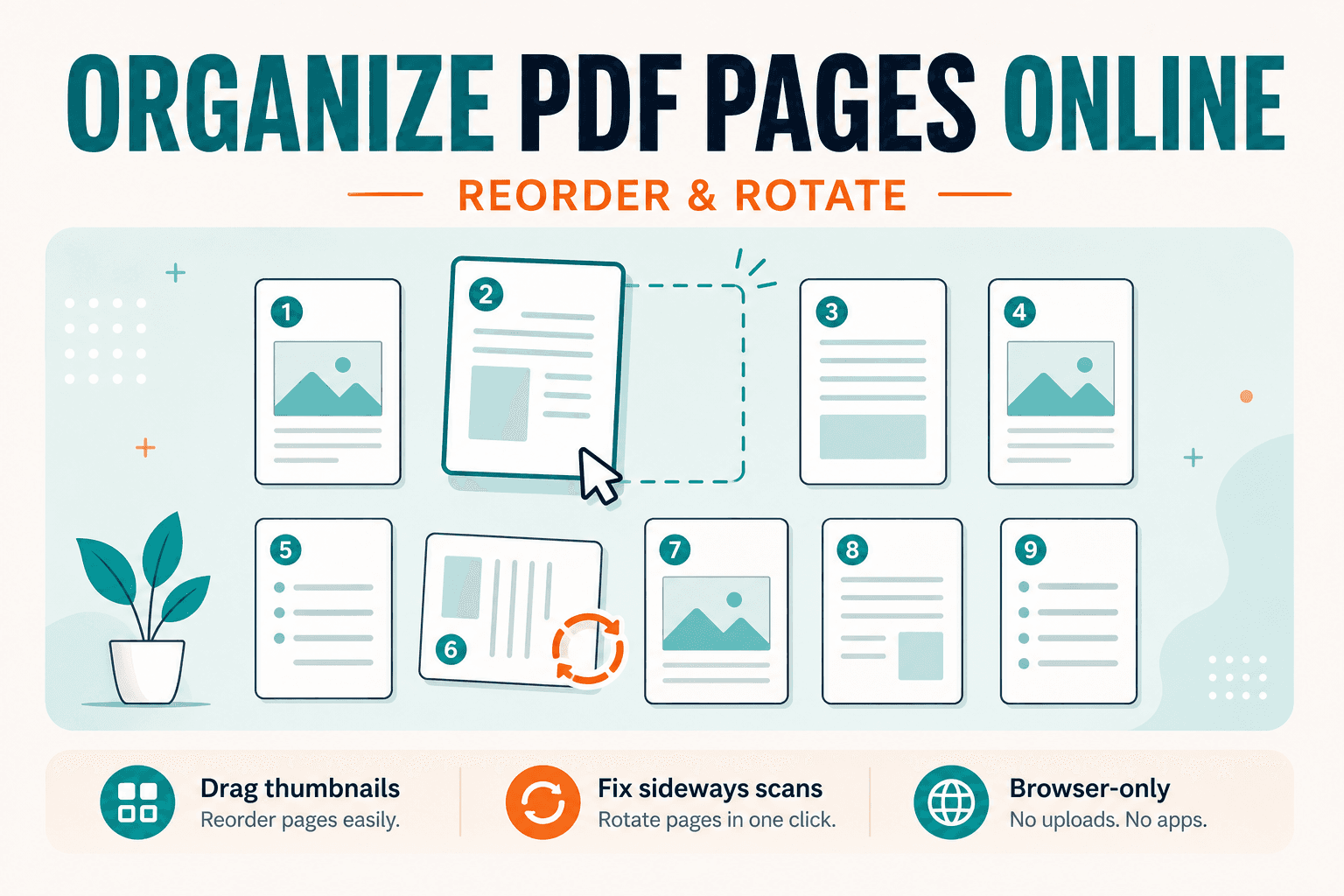
A PDF can be complete and still be wrong: pages out of order, a cover stuck at the end, or a phone scan that displays sideways. Ready to fix the layout? Open Organize PDF — reorder thumbnails, rotate pages, then download. It reshapes one file in your browser.
If you need to join separate files, use Merge instead. Organize is for reshaping a single document.
The messes Organize is built for
Scans that landed in the wrong sequence. A blank or draft page sitting where the cover should be. Mixed portrait and landscape pages from different devices. Pages you want to rotate before cropping or numbering.
Organize doesn't delete pages — use Delete pages for that, or Extract to keep only a range.
Fixing order and orientation
- Open Organize PDF.
- Choose the PDF from your device.
- Drag thumbnails into the final reading order.
- Rotate any page that's sideways or upside down.
- Download and skim the first, middle, and last pages.
If the file is still too large for email afterward, run Compress PDF.
Rotate is enough when every page needs the same simple turn. Organize is better when order and orientation both need fixing.
Everything happens in your browser — Organize PDF doesn't upload the document to NeedAnyTool for this workflow.
FAQ
Can I delete pages in Organize?
No. Use Delete pages or extract the pages you want to keep.
Will rotation reduce image quality?
No. Rotation changes orientation; it doesn't recompress page images by itself.
Do I need an account?
No.
Need the organizer now? Use Organize PDF.
30 on-device PDF tools — nothing uploaded.
Related guides
PDF Guides
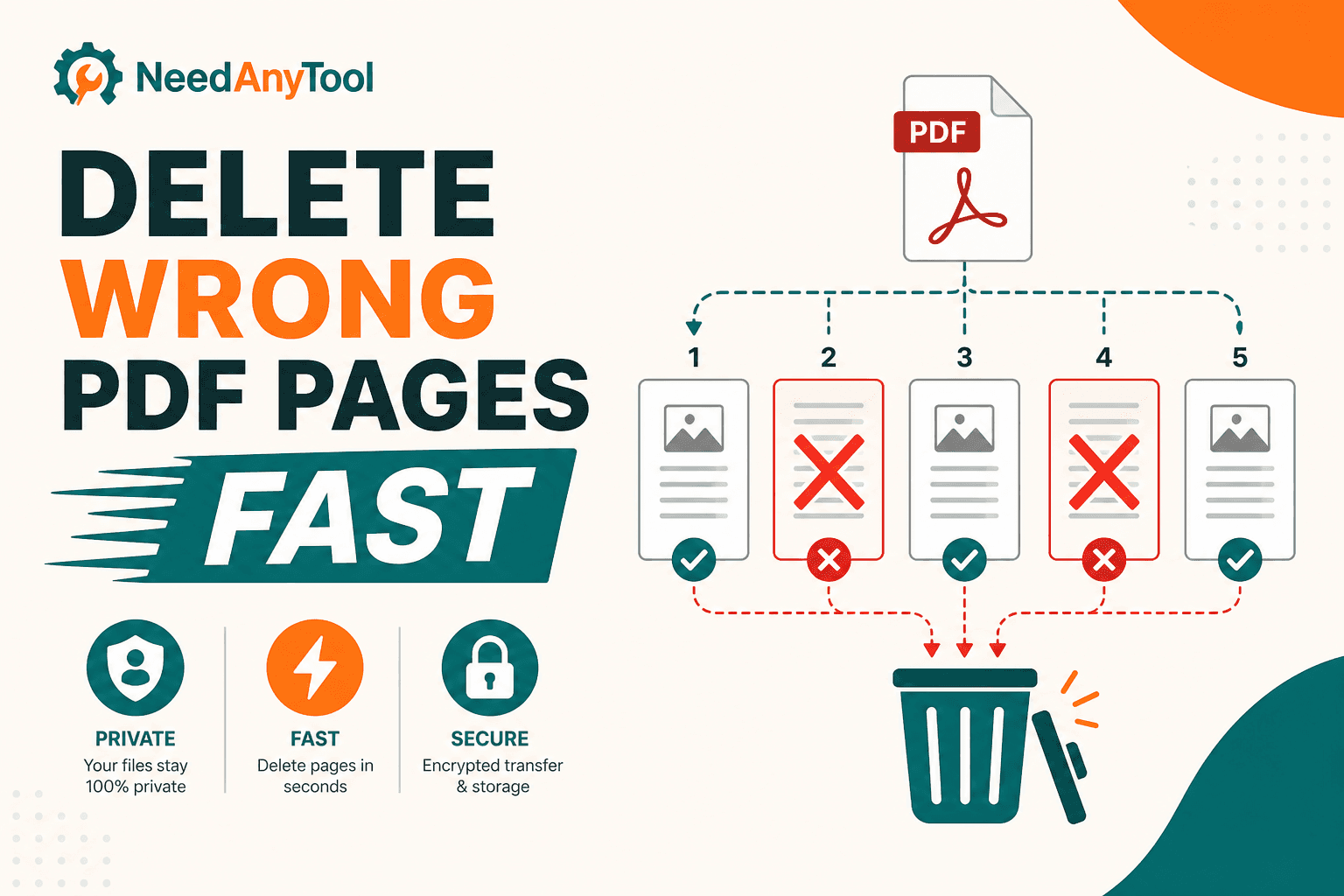
Delete PDF Pages Online
Remove unwanted PDF pages — blank backs, duplicates, cover sheets — without re-scanning. Delete pages in your browser, free and private.
PDF Guides
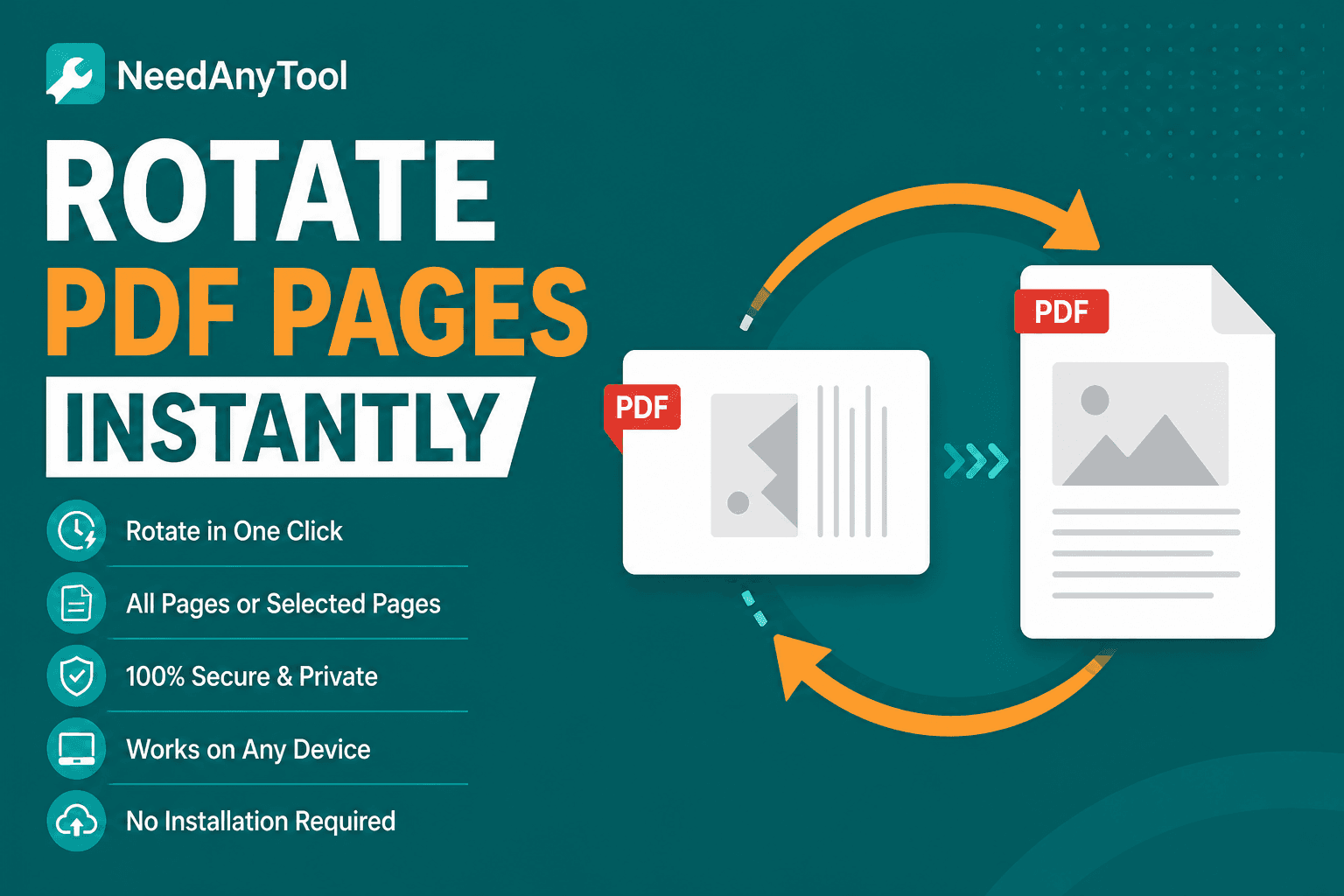
Rotate PDF Pages Online — Fix Sideways Scans
Rotate PDF pages 90°, 180°, or 270° in your browser. Fix sideways scans and landscape slides — no upload, no re-scan.
PDF Guides
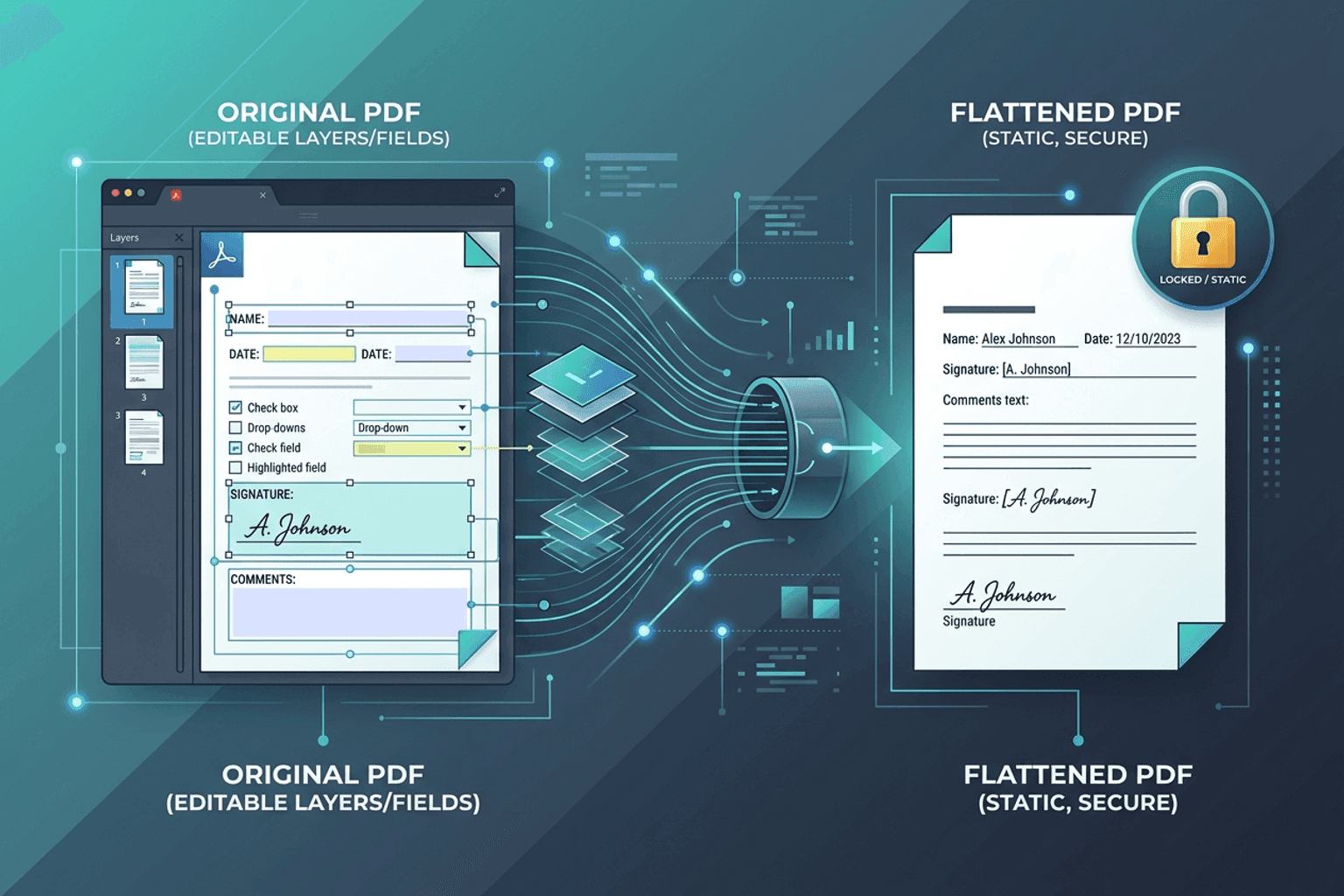
Flatten PDF Form Fields Online — Lock Edits
Flatten PDF form fields, annotations, and visual signatures into permanent page content in your browser. Lock documents and prevent layout shifts with zero uploads.