PDF Guides
Delete PDF Pages Online
Remove unwanted PDF pages — blank backs, duplicates, cover sheets — without re-scanning. Delete pages in your browser, free and private.
NeedAnyToolPublished Updated 2 min read
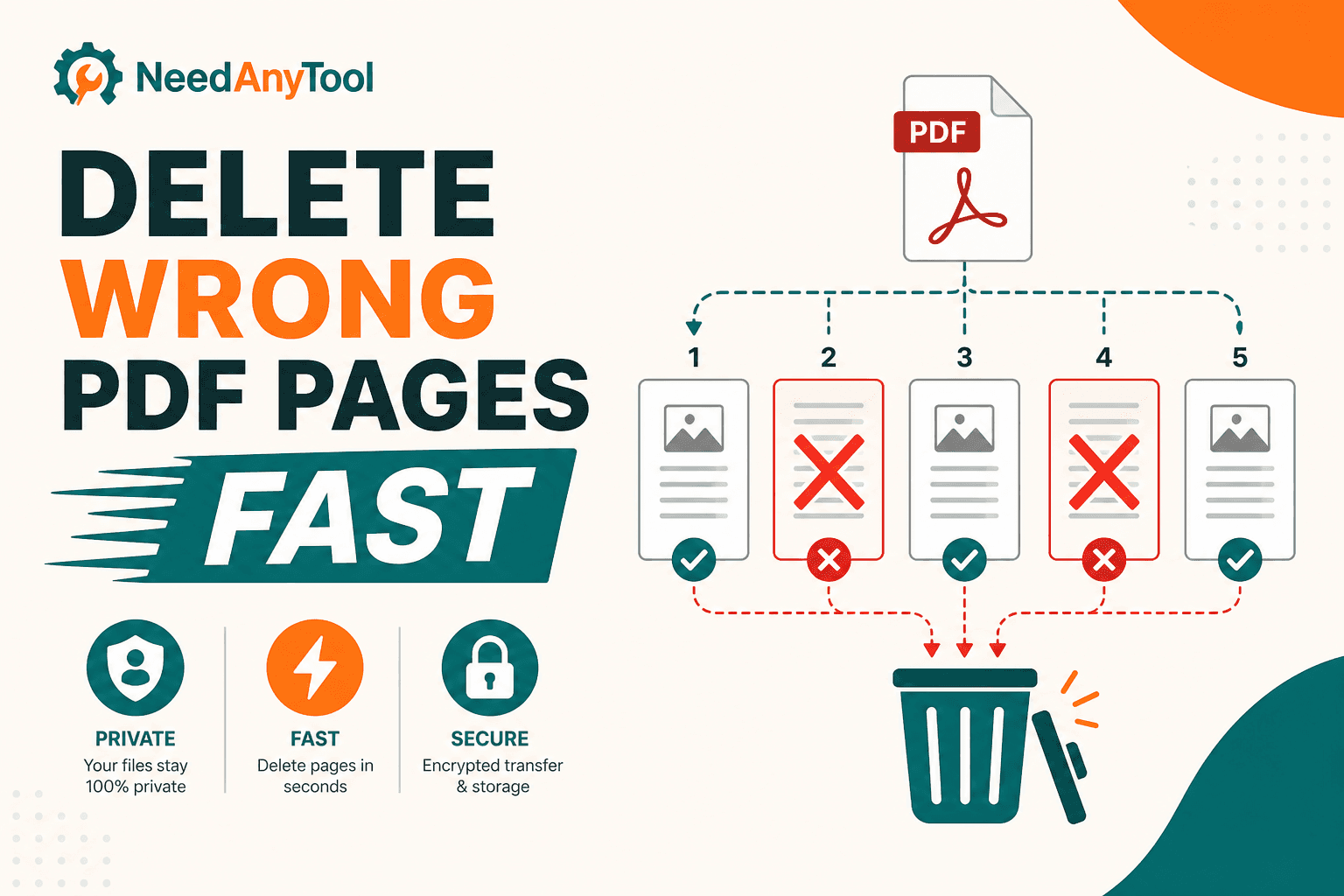
Blank backs, duplicate scans, and accidental cover sheets bloat PDFs fast. Deleting those pages is often quicker than compression — and sometimes it's the only fix that actually works.
Delete pages drops whatever you mark and saves the rest as a new file. Your original stays untouched on your machine, which matters for tax returns and signed contracts.
The usual culprits
A 40-page scan with blank backs is really 20 pages of content. Delete the junk and you might skip compression entirely.
Double-sided scanning leaves blank backs. A Merge PDF job can stack duplicate sheets. Marketing inserts and old errata pages hang around in archive copies. None of them need to be there.
Quick walkthrough
Head to Delete pages, load the PDF, and pick pages to remove. Thumbnails help — it's easy to delete the wrong sheet when you're going by number alone. Confirm the remaining page count, download, and spot-check the first and last page.
Delete before you compress when the extra pages are the real problem. Compressing pages you'll never send is a waste of time.
Delete or extract?
| Situation | Tool |
|---|---|
| Most pages stay, a few go | Delete |
| Only a few pages should stay | Extract |
| Need a specific order after cleanup | Organize |
When size still won't budge
Knocking out ten full-colour scan pages can drop tens of megabytes instantly. If the file's still over your mailbox cap after cleanup, see Compress a PDF for email. Pair Compress PDF with delete when photos inside the remaining pages are still heavy.
FAQ
Can I undo a delete?
The original file on your device is untouched. Only the download reflects what you removed.
Will printed page numbers update automatically?
Nope — numbers baked into the document don't renumber themselves. Add fresh ones with Page numbers if you need that.
Can I delete just page 1?
Sure. Any single page or combination works.
Does this work on merged files?
Absolutely. Merged packets are where duplicate pages show up most often.
30 on-device PDF tools — nothing uploaded.
Related guides
PDF Guides
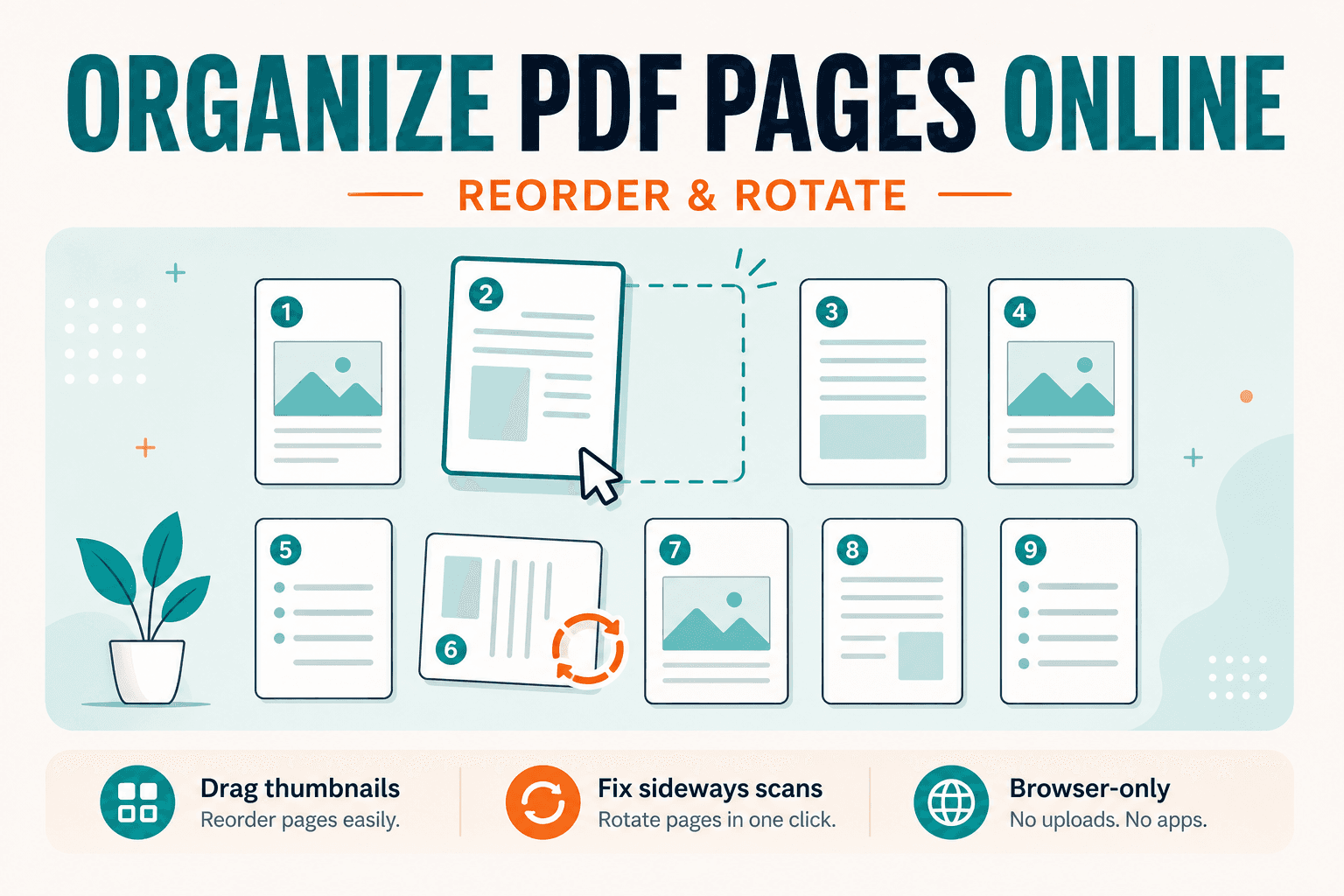
How to Organize & Rearrange PDF Pages (Guide)
Guide to rearranging PDF page order and rotating sideways scans. For the free on-device tool, open Organize PDF — drag thumbnails, no upload.
PDF Guides
Sign a PDF Online Without Printing or Uploading
Sign a PDF online free — draw an electronic signature without printing or uploading. E-sign PDF forms in your browser with NeedAnyTool.
PDF Guides
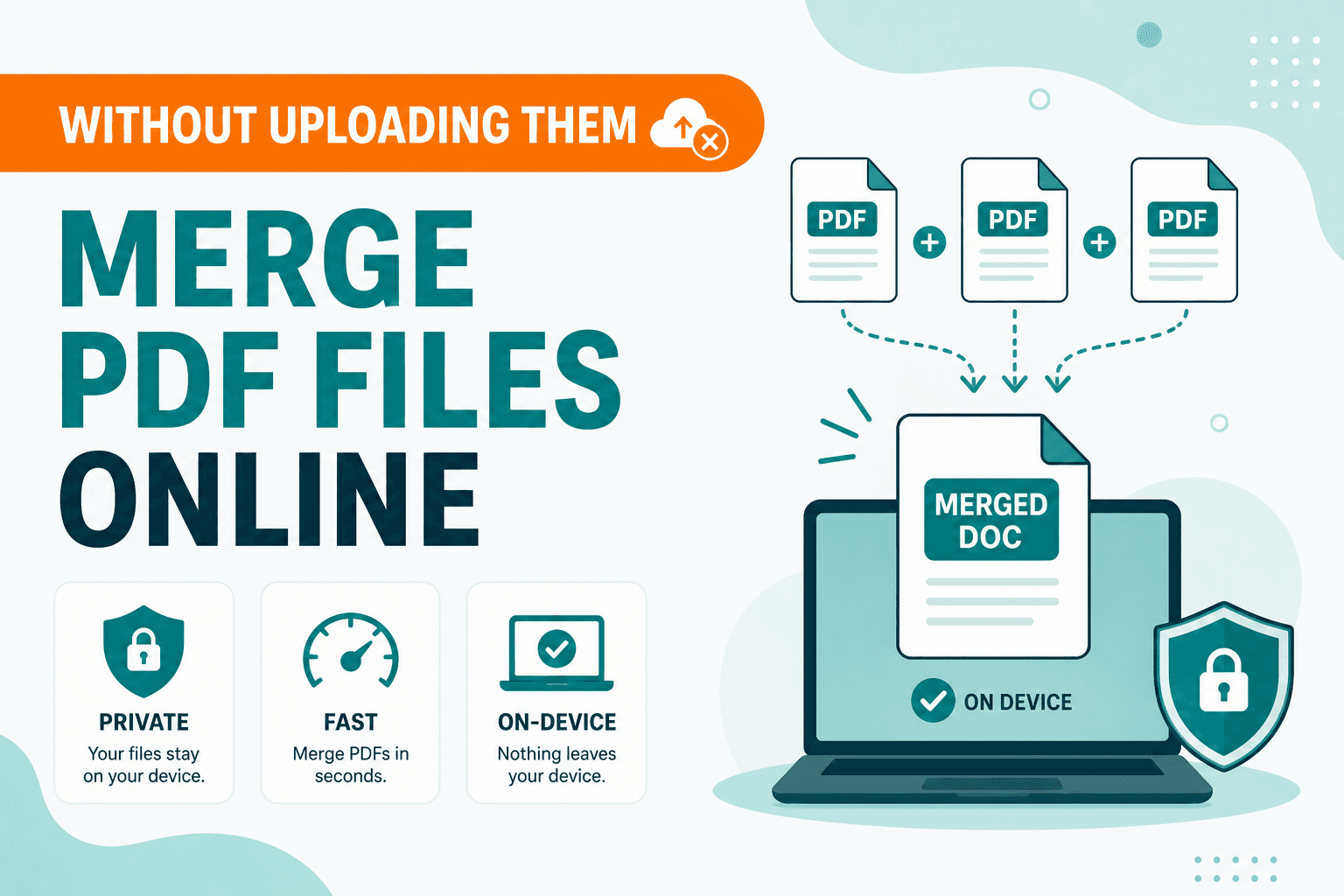
How to Merge PDF Files Without Uploading
How to merge and combine PDF files in your browser with no upload. Private on-device merge — reorder files, download one document.