Image Guides
How to Make a Passport Photo Online
How to make a passport photo online — crop to common 2×2 and 35×45 style ratios with optional white fill. On-device, no upload. Always verify with your issuing authority.
NeedAnyToolPublished Updated 2 min read
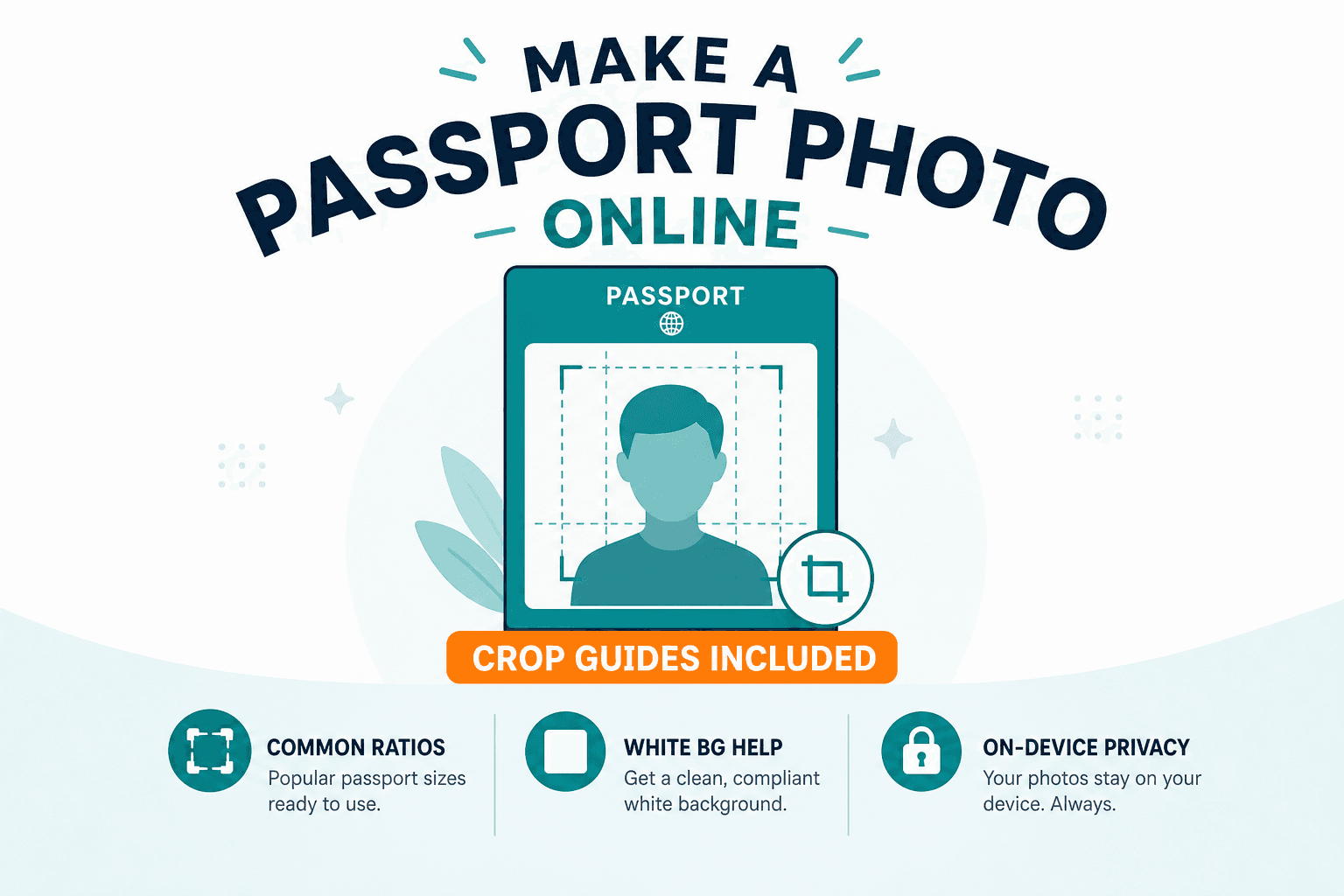
Passport and visa photos have rules that feel designed to trip you up. Wrong background color. Head too small in the frame. A shadow across one cheek that the booth operator would have caught. And then you find out the online submission portal wants a specific pixel ratio you've never heard of.
Passport Photo helps you crop to common aspect ratios and optionally fill a white background — in your browser, without uploading your portrait to a random studio site.
Always verify the final print or upload against your issuing authority's current rules. Templates are helpers, not guarantees. Our passport photo requirements guide covers country-style guidance and common pitfalls, but rules change — check the official source before you submit.
Supported templates in the tool
The maker includes:
- US 2×2 in (600×600 px at 300 DPI)
- EU/UK 35×45 mm (413×531 px at 300 DPI)
- India 3.5×4.5 cm (413×531 px at 300 DPI)
Other countries may require different sizes. If your authority uses another dimension, crop with Crop or Resize to match their published pixels — then still verify officially.
Before you shoot (or pick a photo)
Use a sharp, front-facing portrait with even lighting. Skip heavy filters or beauty modes that distort facial features — immigration systems notice. Leave space above the head for cropping; you'll need room to align the face in the guide.
Making the photo
Open Passport Photo, select a clear portrait, pick a template or ratio that matches your document type, and align the face in the guide. Apply background fill if needed. Download and compare against the official checklist.
If the source photo is huge, Resize only after you're happy with framing. For digital uploads with a size cap, a light pass through Compress can help without touching the crop.
Standing a few feet from a plain wall in daylight beats any filter. Most rejections I've seen come down to lighting and background, not pixel math.
Passport portraits are sensitive. The tool processes the image on your device and doesn't upload it to NeedAnyTool.
Ready to crop? Open Passport Photo and prepare your draft, then verify with the official rules.
FAQ
Will this be accepted by every country?
No tool can promise that. Rules differ by country and change over time. Use the tool for sizing and background help, then validate officially.
Can I use a selfie?
Only if it meets the authority's lighting, background, and expression rules. Many agencies reject casual selfies — front-facing with even light and a plain background is the safer bet.
Do I need an account?
No.
Related guides
Image Guides
Adjust Photo Brightness and Contrast Online
Fix dark, washed-out, or underexposed photos in your browser. Adjust brightness, contrast, and saturation in real time with zero software installs or uploads.
Image Guides
Brighten a Dark Photo Online
Brighten dark photos online — fix underexposed shots with brightness and contrast controls. Free, private, no upload.
Image Guides
How to Create a Game Sprite Sheet Online (PNG + JSON)
How to create a game sprite sheet online — pack frames into one PNG plus a JSON map. Free browser tool for indie devs and pixel art.