Image Guides
Brighten a Dark Photo Online
Brighten dark photos online — fix underexposed shots with brightness and contrast controls. Free, private, no upload.
NeedAnyToolPublished Updated 2 min read
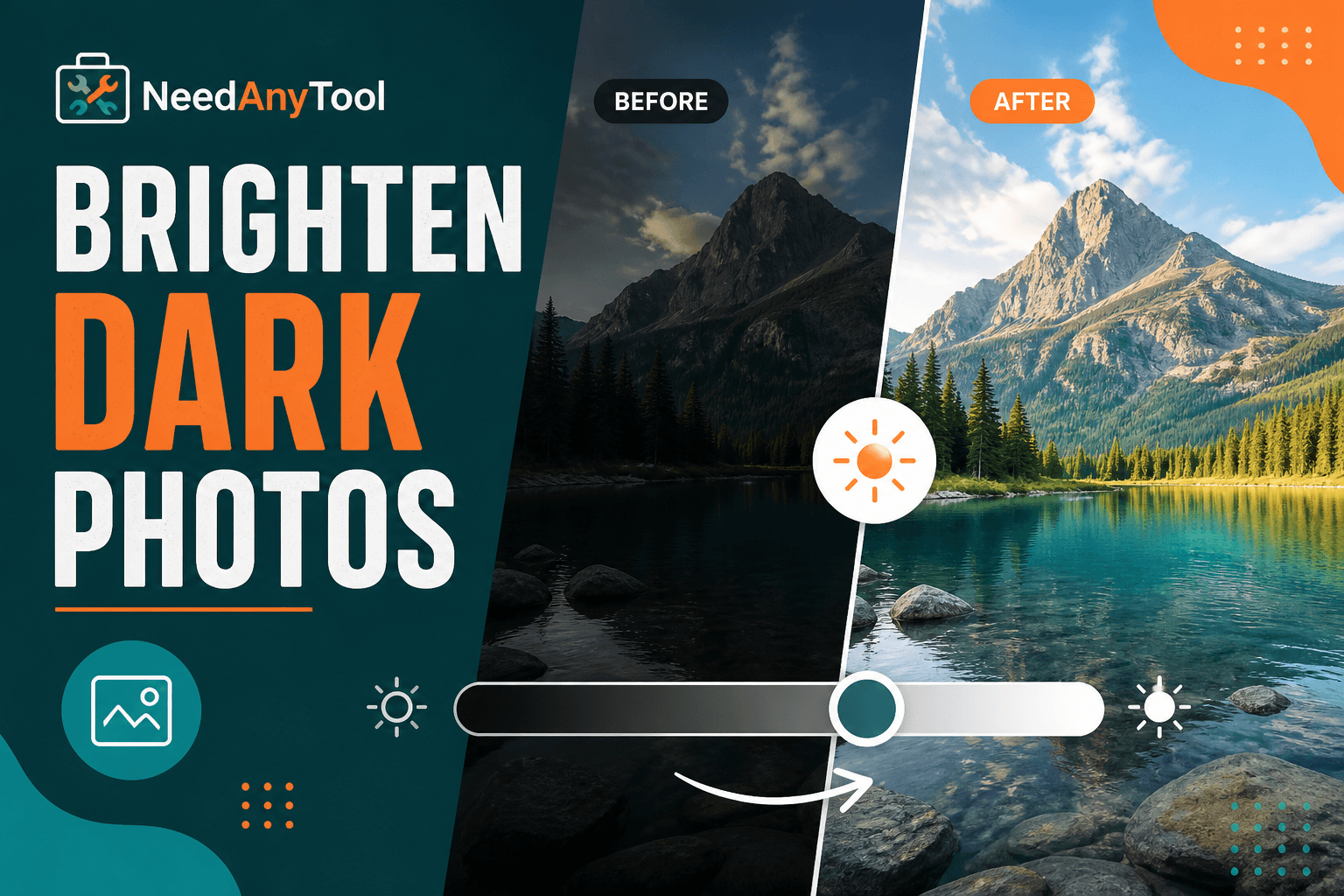
You know the shot — birthday candles blown out, everyone's smiling, and when you scroll back through your camera roll the whole thing looks like it was taken in a closet. Indoor lighting, backlit windows, and that one restaurant with the moody bulbs do this constantly. Doesn't mean the photo's ruined.
Brightness / Contrast runs right in your browser and lets you pull detail out of shadows without installing anything. If you're going for a mood after fixing exposure, Photo Filters can warm things up. Once you're happy, Compress Image keeps file sizes sane for sharing.
What "too dark" actually looks like
Underexposed photos aren't always obviously black. Sometimes faces just vanish into shadow, or you lose texture in dark hair and clothing. If your editor shows a histogram, everything piled on the left side is a dead giveaway. The frustrating part: crank brightness too hard and you get grainy, plastic-looking skin — so small adjustments beat heroic ones.
A workflow that won't wreck your photo
Open Brightness / Contrast, load the image, and bump brightness in increments of about 10. Check at full size after each nudge — thumbnails lie. Once exposure feels right, add a touch of contrast so the image doesn't look washed out. Download, then view on your phone; that's usually where you'll spot blown highlights you missed on a laptop.
For severely dark shots, there's a ceiling. No slider rescues a photo that was basically black to begin with. Reshoot with more light if you can. For everything else, this gets you surprisingly far.
Picking the right tool for the job
Exposure problems? Adjust. Want a vintage or warm grade on top? Filters. Need to strip colour entirely? Grayscale is the move. Edit at full resolution first, then hit Resize if you need web dimensions.
Everything processes locally — handy when you're fixing client headshots or family photos you'd rather not upload anywhere.
FAQ
Will brightening add noise?
It can, especially on phone photos shot in low light. Moderate steps help; accept that some very dark images have limits.
Does JPG work, or do I need PNG?
JPG is fine for camera photos. PNG works too if that's what you have.
I already saved a brightened version — can I undo?
Re-open the original file. Each download is a new file; there's no undo stack.
Should I brighten before or after resizing?
Always edit at full resolution first, then resize for web or social.
Related guides
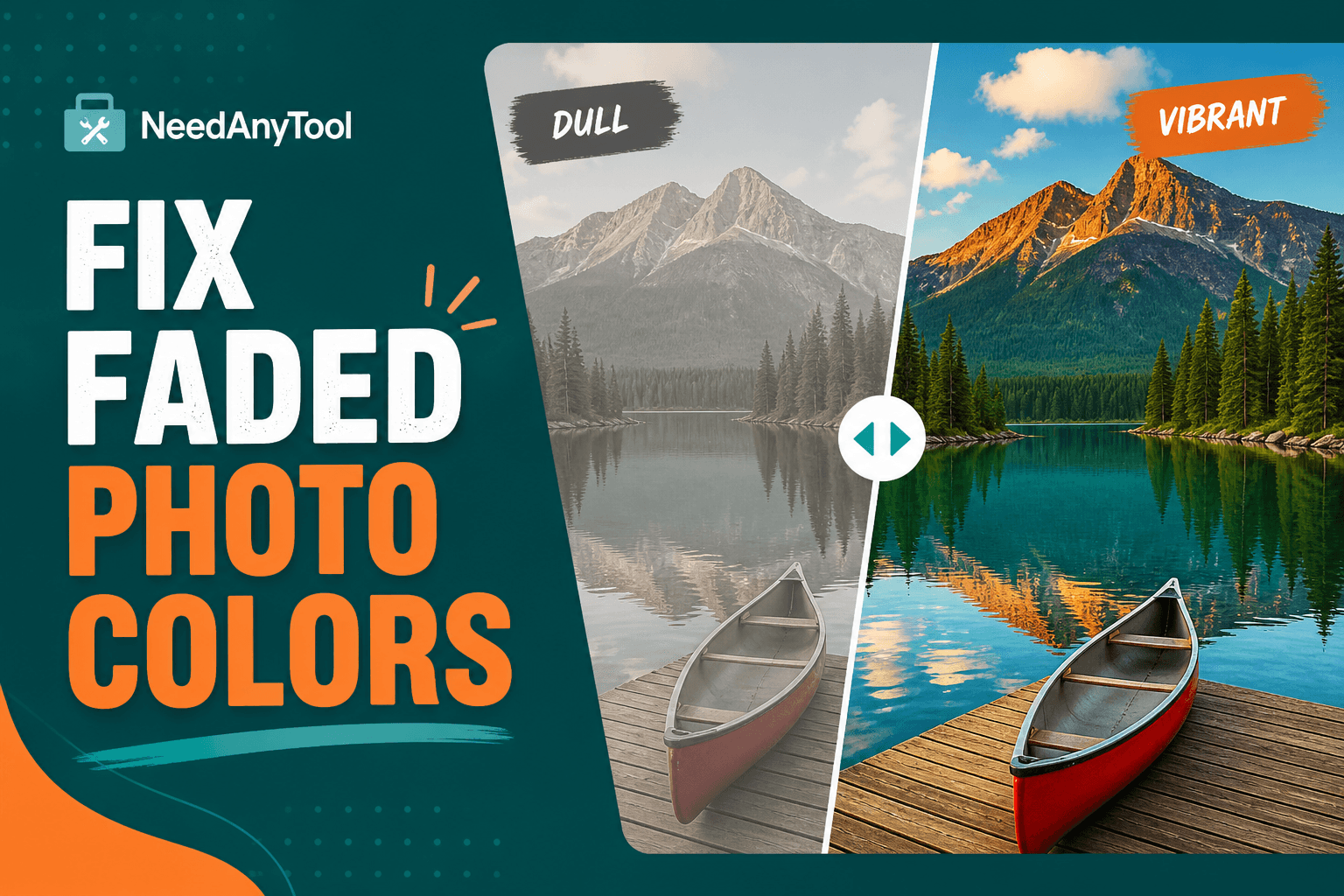
Image Guides
Fix Faded Photo Colors Online
Fix faded, flat photos with contrast and saturation sliders — online in your browser. Make colours pop without installing software.
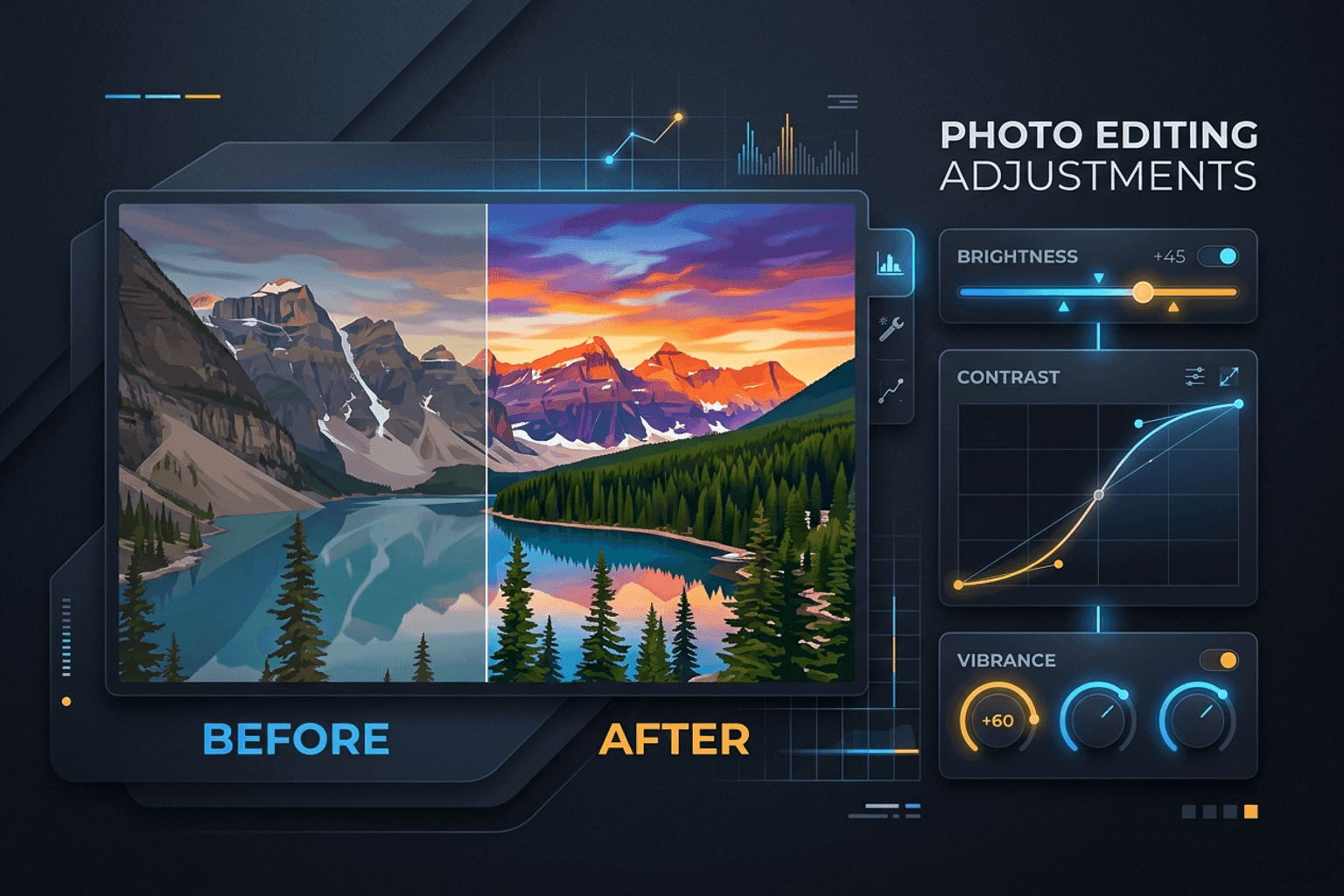
Image Guides
Adjust Photo Brightness and Contrast Online
Fix dark, washed-out, or underexposed photos in your browser. Adjust brightness, contrast, and saturation in real time with zero software installs or uploads.
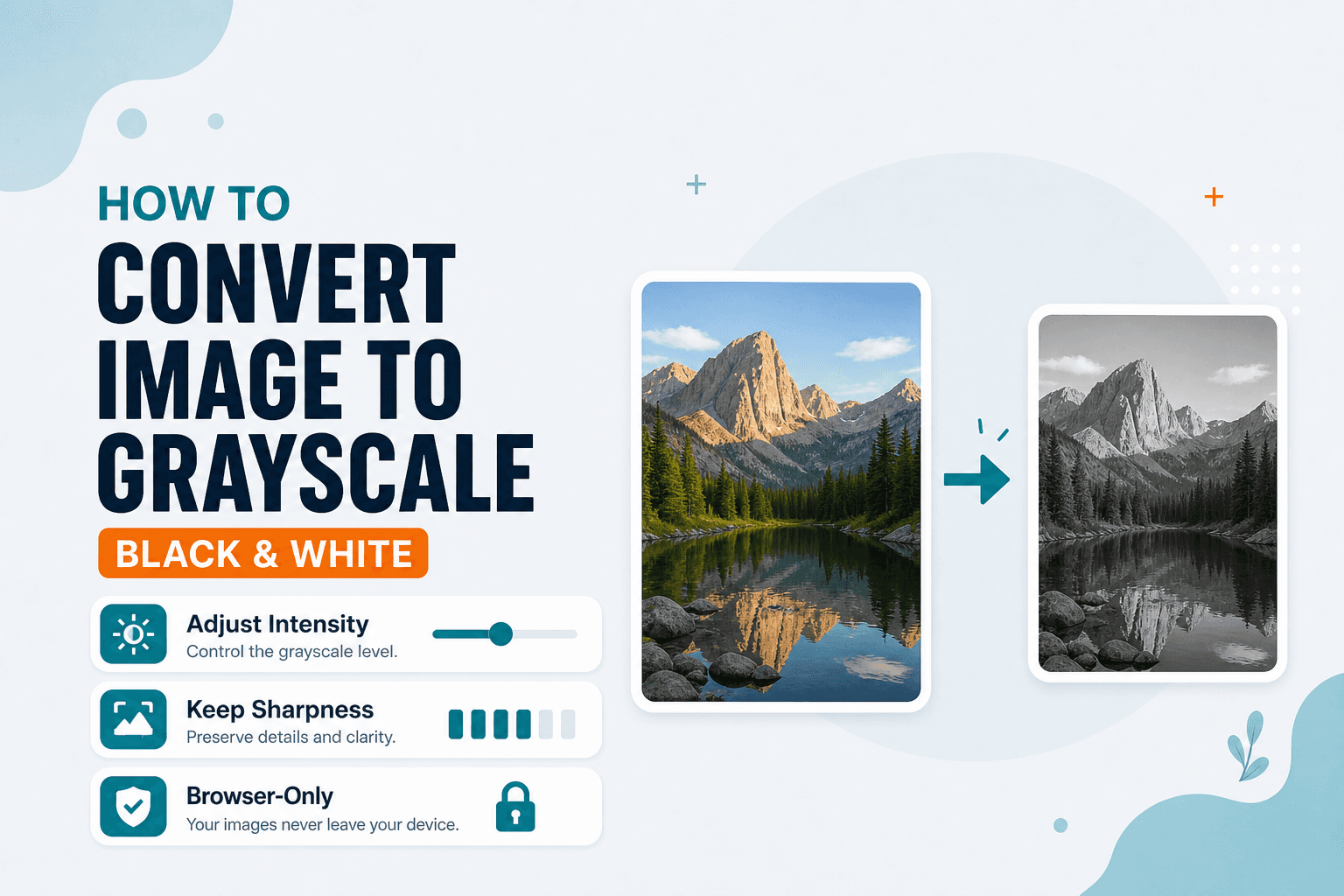
Image Guides
How to Convert an Image to Grayscale (Black & White)
How to convert an image to grayscale online — turn a color photo black and white in your browser. Desaturate JPG/PNG with no upload.