Image Guides
Fix Faded Photo Colors Online
Fix faded, flat photos with contrast and saturation sliders — online in your browser. Make colours pop without installing software.
NeedAnyToolPublished Updated 2 min read
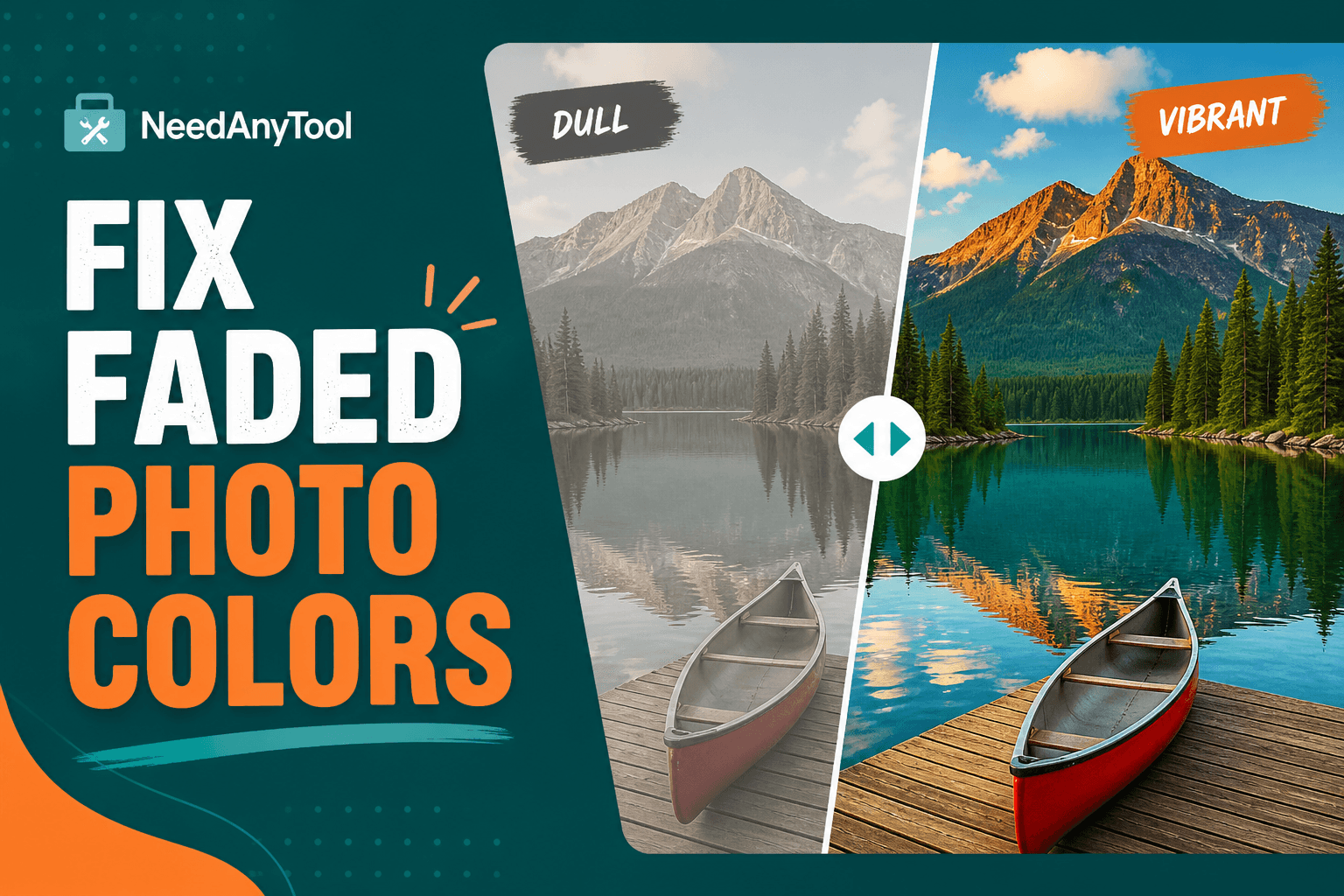
There's a particular kind of disappointment when food you ate looks incredible in person but the photo makes it look like hospital tray fare. Grey skies, muddy skin, colours that feel like they went through a dishwasher — flat light and aggressive phone processing do this all the time.
The fix usually isn't dramatic. Brightness / Contrast gives you separate sliders for contrast and saturation, which matters because "make it better" means different things for different photos. One-click moods live in Photo Filters if you'd rather not dial things in manually.
Figure out what's actually wrong
Grey everything, no depth? Contrast first. Exposure looks fine but colours feel weak? Saturation. Whites look dingy? Drop brightness slightly, then push contrast back up. If the subject is buried in a busy background, Crop before you touch sliders — no amount of saturation saves a composition problem.
Dial it in without going cartoon
Load the image in Adjust and work contrast until blacks look like blacks, not charcoal grey. Then saturation — stop when skin still looks like skin. Orange cheeks mean you've gone too far; back off saturation, not brightness.
Compare at 100% zoom on a face or product label. That's where neon grass and plastic skin show up first. For product shots where colour accuracy matters, cross-check against a reference swatch using Color Picker.
Ship it
When you're done, Compress Image before uploading anywhere that cares about file size. Posting to social? Resize for social media saves you from platforms squashing your work.
Edits stay on your device — nothing uploads to a server.
FAQ
Is this basically an Instagram filter?
Filters apply presets. Adjust is manual control — better when you need accuracy, not just vibe.
Will editing destroy image quality?
Repeated JPG saves add compression artifacts. Start from your best original and edit once.
Can I fix old scanned prints?
Within the limits of your scan resolution, yes. A 300dpi scan gives you more room than a quick phone photo of the print.
Food photos — Adjust or Filters?
Adjust for true-to-life colour. Filters if you want warmth and mood on top.
Related guides
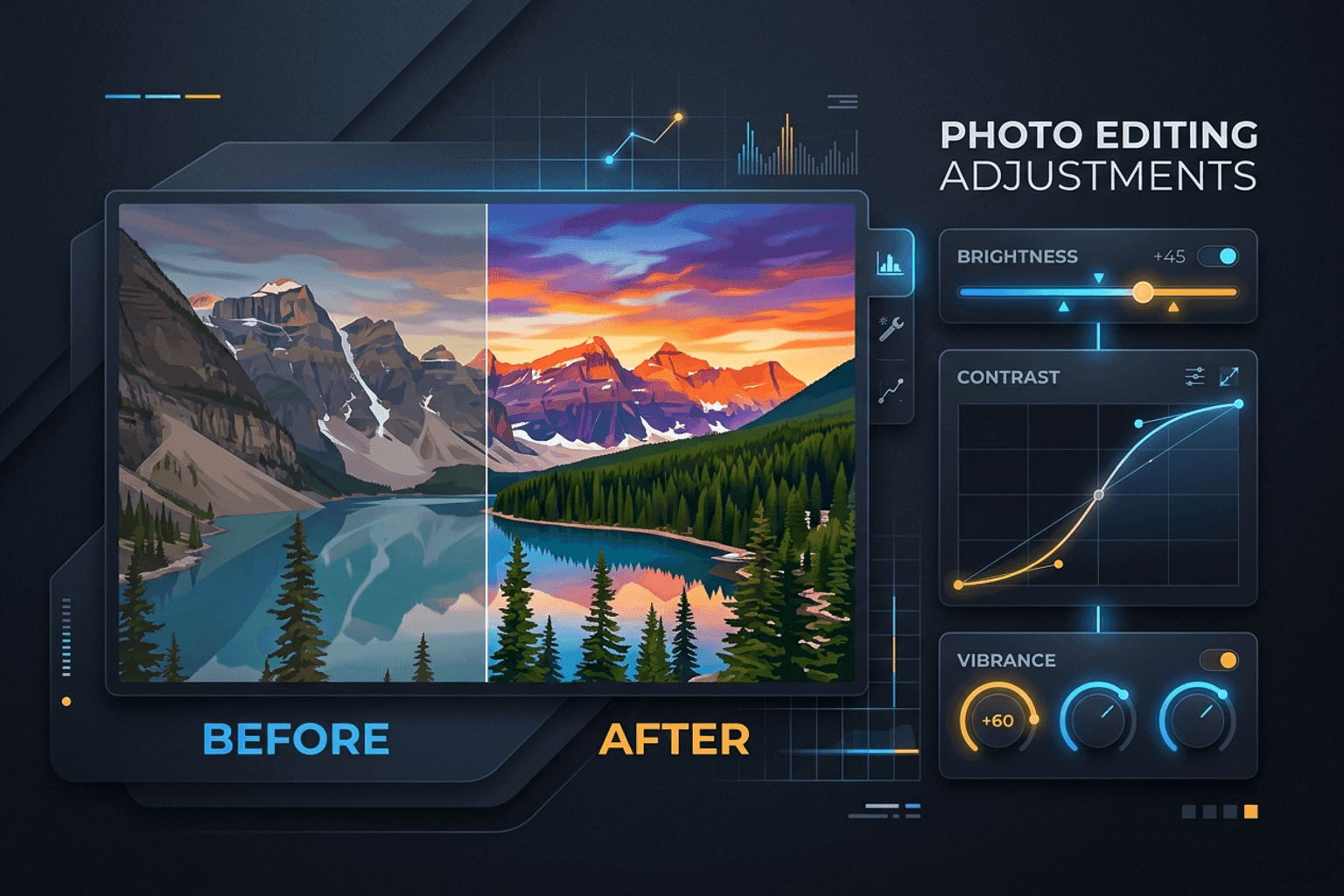
Image Guides
Adjust Photo Brightness and Contrast Online
Fix dark, washed-out, or underexposed photos in your browser. Adjust brightness, contrast, and saturation in real time with zero software installs or uploads.
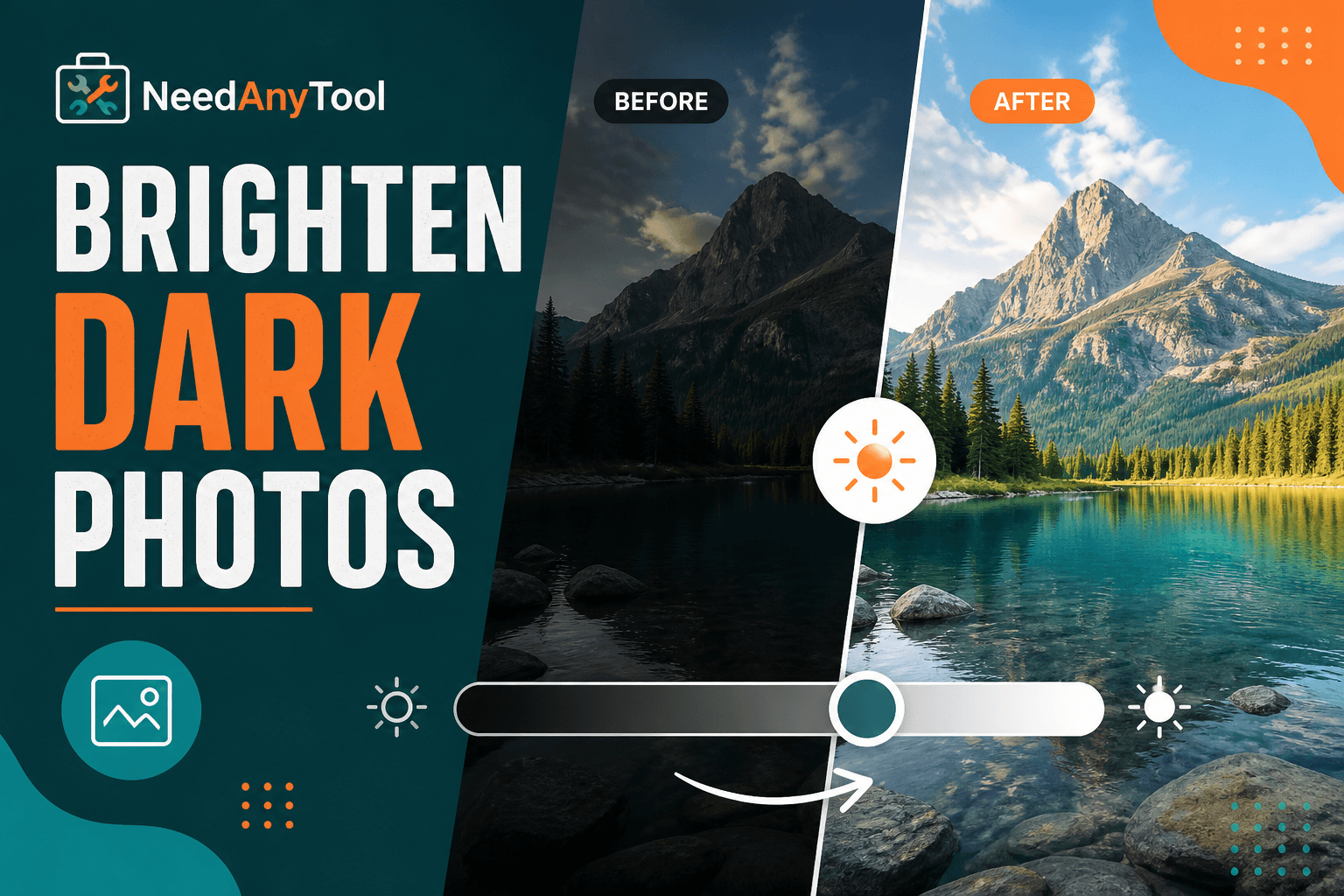
Image Guides
Brighten a Dark Photo Online
Brighten dark photos online — fix underexposed shots with brightness and contrast controls. Free, private, no upload.
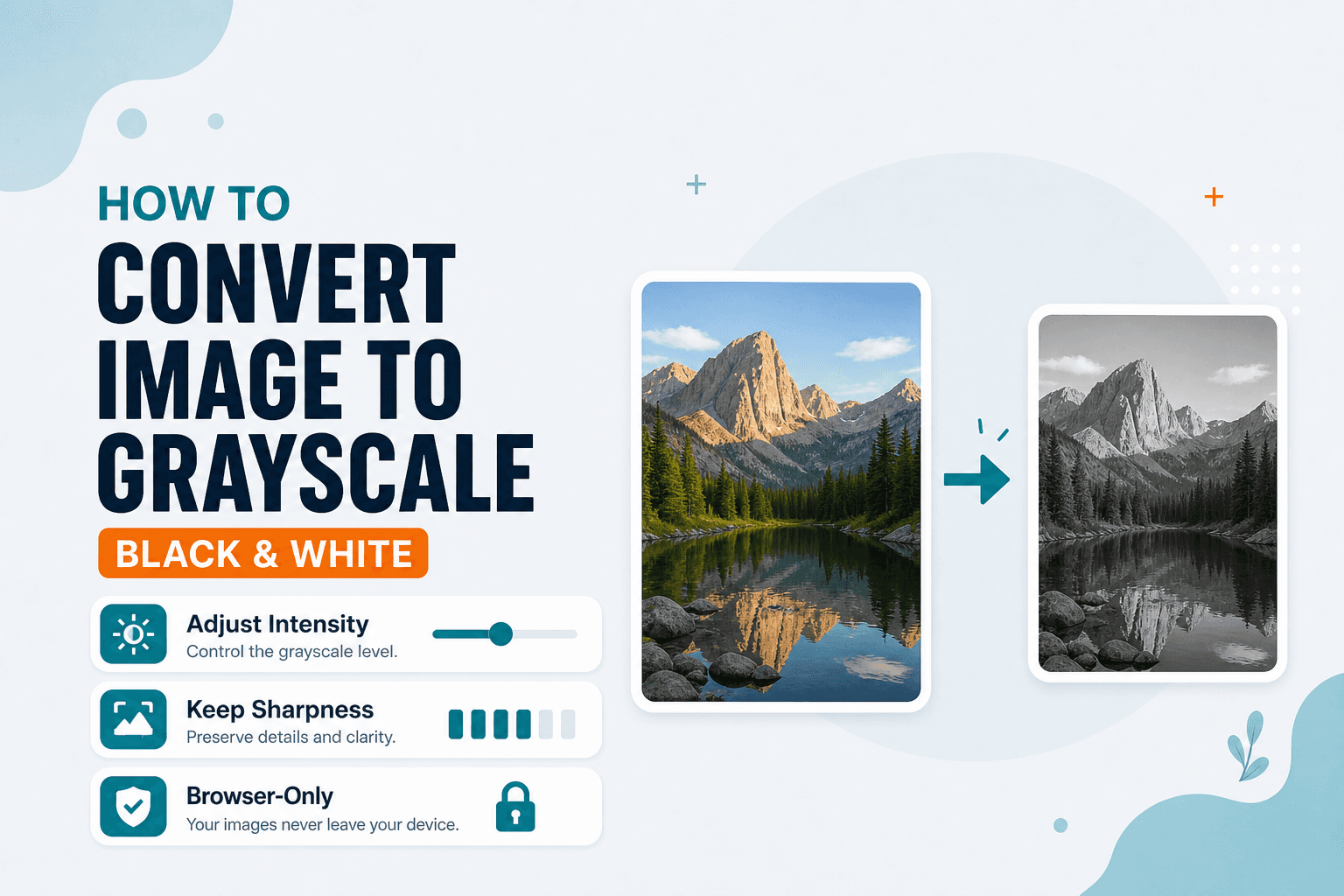
Image Guides
How to Convert an Image to Grayscale (Black & White)
How to convert an image to grayscale online — turn a color photo black and white in your browser. Desaturate JPG/PNG with no upload.