PDF Guides
Rotate PDF Pages Online — Fix Sideways Scans
Rotate PDF pages 90°, 180°, or 270° in your browser. Fix sideways scans and landscape slides — no upload, no re-scan.
NeedAnyToolPublished Updated 2 min read
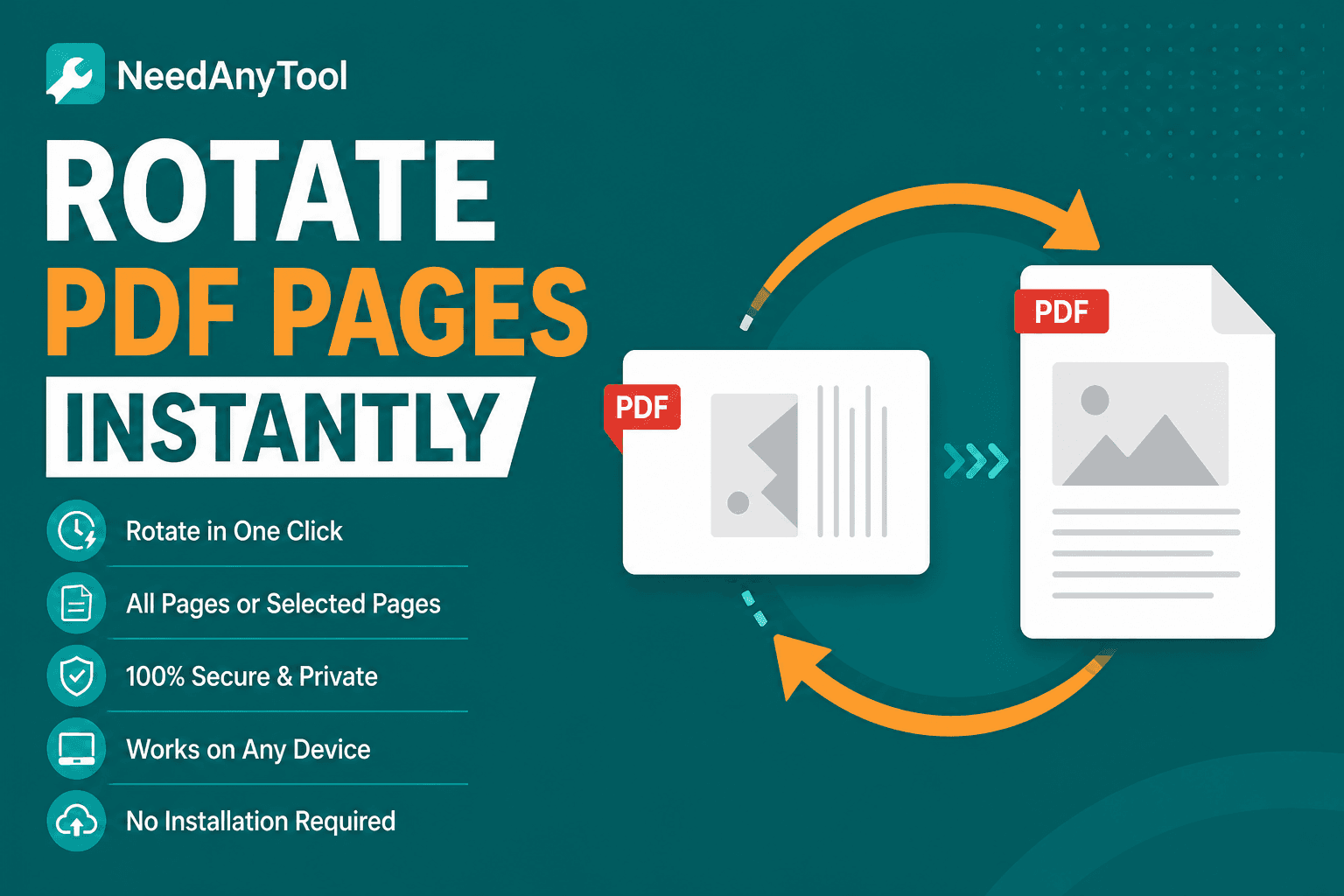
A PDF arrives sideways. Re-scanning is slow. Opening a heavy desktop app for a three-page file feels like overkill.
Rotate PDF fixes orientation right in the browser. When one file mixes portrait and landscape — or only a single page is wrong — Reorder & rotate gives you per-page control and drag-and-drop order.
What goes wrong most often
Phone scans uploaded landscape. Slides exported with wrong rotation metadata. Scanned book spreads that need a 180° flip. Mixed orientations crammed into one packet. You've seen all of these.
The annoying part is that some readers display rotation correctly while others ignore it. Fixing the file once beats explaining to every recipient how to rotate their view.
Fixing it
Load the file in Rotate PDF, rotate all pages or pick specific ones, and download. Open on your phone before you send — sideways bugs show up there first.
If only one page is off, Organize is the better fit. Upside-down scans need 180° rotation.
Rotation barely changes file size. You're updating metadata and display matrices, not re-encoding the whole document. Medical forms and legal scans stay on your device the whole time.
Wrong tool for the job?
Extra white margins? Crop PDF. Page size mismatch? Resize Pages. Wrong orientation? Rotate.
After you rotate
Merge rotated files with others only after every piece reads correctly. Sign PDF after rotation so your signature lands on the visible page. Compress only if size is still an issue.
FAQ
Can I rotate just one page?
Yes — use Organize for per-page twists. Global rotate tools affect all pages or a selected set depending on the UI.
Will printed output match what I see on screen?
Open the download in your usual reader and print one test page. That's the honest check.
Does this fix fully upside-down scans?
Use 180° rotation for inverted pages.
Will rotation mess up file size?
Barely. It's a metadata change, not a full re-render.
30 on-device PDF tools — nothing uploaded.
Related guides
PDF Guides
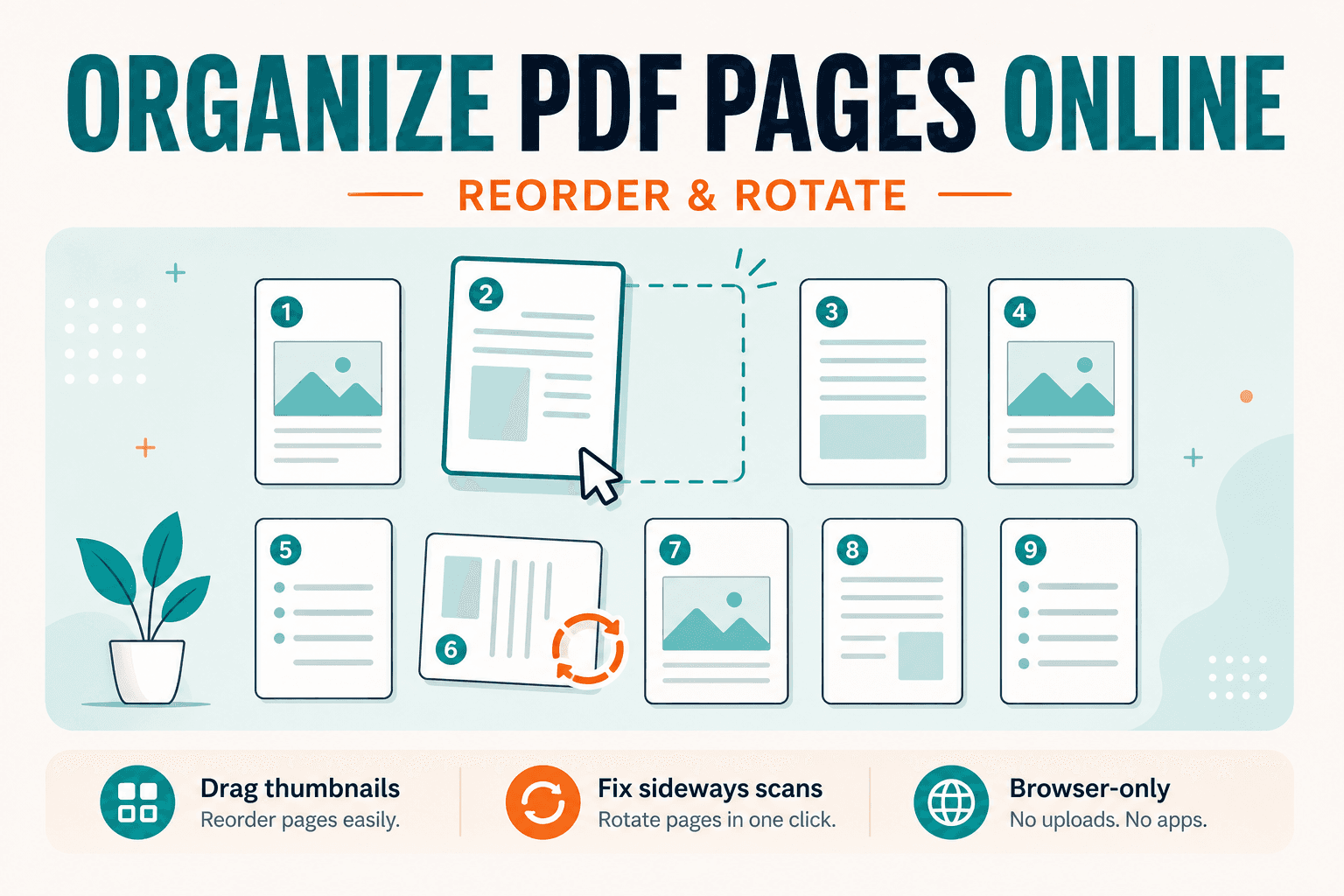
How to Organize & Rearrange PDF Pages (Guide)
Guide to rearranging PDF page order and rotating sideways scans. For the free on-device tool, open Organize PDF — drag thumbnails, no upload.
PDF Guides
Sign a PDF Online Without Printing or Uploading
Sign a PDF online free — draw an electronic signature without printing or uploading. E-sign PDF forms in your browser with NeedAnyTool.
PDF Guides
How to Merge PDF Files Without Uploading
How to merge and combine PDF files in your browser with no upload. Private on-device merge — reorder files, download one document.