Android
Home Workout: No Equipment — Android App
Home Workout: No Equipment is an offline Android app for bodyweight sessions. No account. History, reminders, and an optional weight stay on the phone.
NeedAnyToolPublished 2 min read
A workout app that needs a login before you can do squats is solving a different problem than yours. You have a floor, twenty minutes, and no dumbbells. You do not need a feed.
Home Workout: No Equipment is NeedAnyTool’s Android app for that. Package name: com.needanytool.homeworkout. Sessions are bodyweight. The current version has no ads and no subscription. Workouts, history, reminders, and an optional body weight used only for an on-device calorie estimate stay on the phone.
Details for the store listing live on the Home Workout page.
What “on the phone” changes
A lot of fitness apps are accounts first. The routine is an excuse to sync a profile, sell a plan, and show you someone else’s workout. That can be fine if you want coaching. It is a strange requirement for “I am going to do the session I already chose.”
This app is built the other way around:
- No account to start
- No equipment list to buy through
- History kept on the device, so last week’s sessions are there in airplane mode
- Reminders on the device
- Body weight, if you enter it, is for a local calorie estimate — not a profile stored for an ad network
Calorie figures from body weight are estimates. They are not a medical measurement and they are not a reason to under-eat. If you skip the weight, you can still train.
Who it is for
People who train at home without kit: push-ups, squats, the usual bodyweight work, on a day the gym is not happening. Travellers. Anyone who has deleted three workout apps because the first screen was a paywall.
It is not a coach, a physio, or a diet plan. If a movement hurts, stop. The app will not know your knee better than you do.
How it sits next to the other Android apps
NeedAnyTool’s phone apps share a habit: do the job on the device, skip the account.
- PDFs on a phone: PDF Toolkit: Reader & Tools
- Scanning and making codes: QR Toolkit
- Why offline utilities exist at all: on-device Android apps
Home Workout is the fitness one. It does not merge PDFs, and the PDF app does not count squats. Same idea, different job.
FAQ
Do I need an internet connection to work out?
The app is built so sessions stay on the phone, including history and reminders. You should not need a live connection to follow a bodyweight session you already have on the device.
Is there a subscription in the current version?
The current version has no ads and no subscriptions.
Where do I read the privacy policy?
On the Home Workout page, next to the terms. That is the text that matches the Play listing, which is the one that matters if you are deciding whether to install.
Related guides
Android
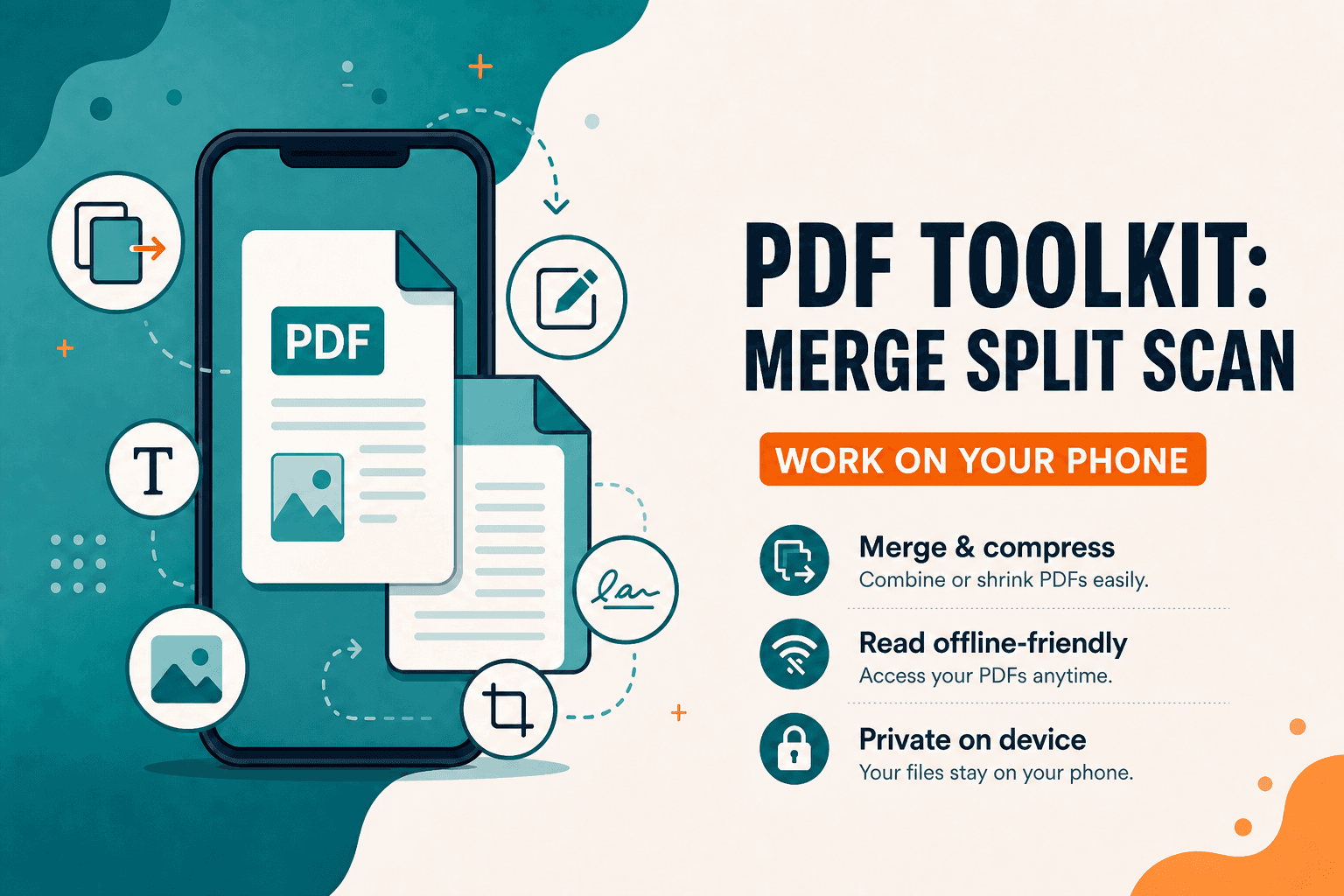
PDF Toolkit: Reader & Tools — Android App
PDF Toolkit: Reader & Tools — Android app to open, merge, split, scan, compress, organize, and sign PDFs on your phone. Everyday PDF toolkit without the desktop clutter.
Android
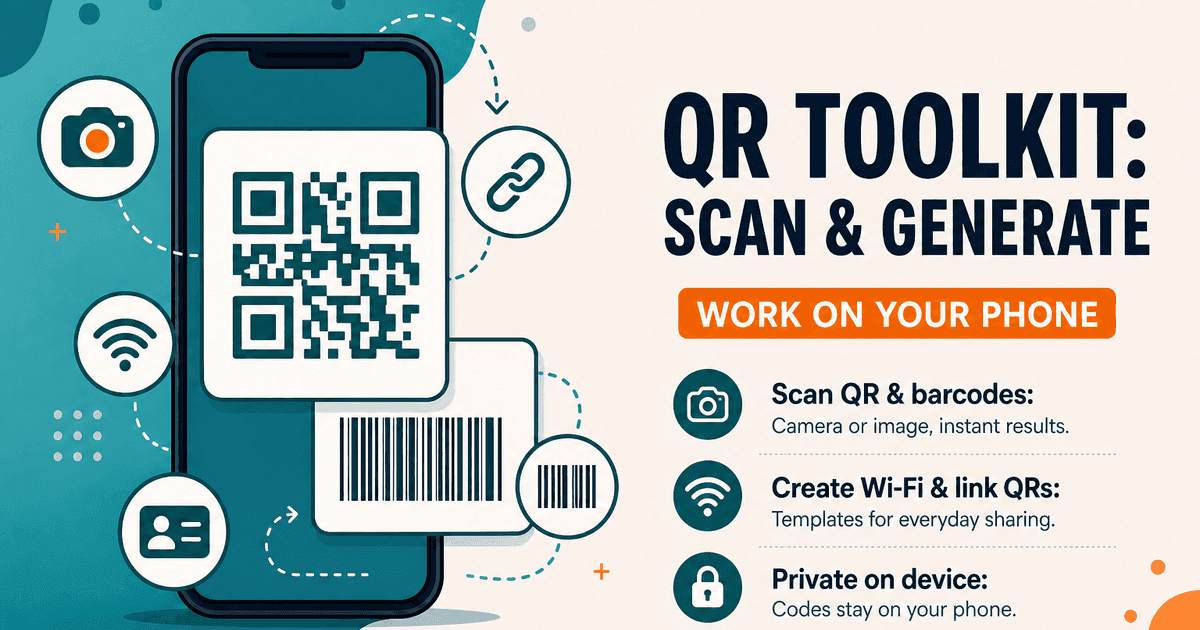
QR Toolkit Android App — Scan and Generate
QR Toolkit: Scan & Generate — Android app to scan QR codes and barcodes, create Wi-Fi and website QRs, and keep history on your phone. Private, on-device.
Android
Offline Mobile Utilities — On-Device Android Apps
Why on-device Android utilities beat cloud-dependent tools for mobile PDF editing, QR scanning, and conversions: instant speed, zero internet required, and complete privacy.