Image Guides
How to Change Image DPI for Print (Resample by Size)
Change image DPI for print with NeedAnyTool: set target DPI and print width so pixels match the size you need. Free on-device DPI tool — no upload, no sign-up.
NeedAnyToolPublished Updated 2 min read
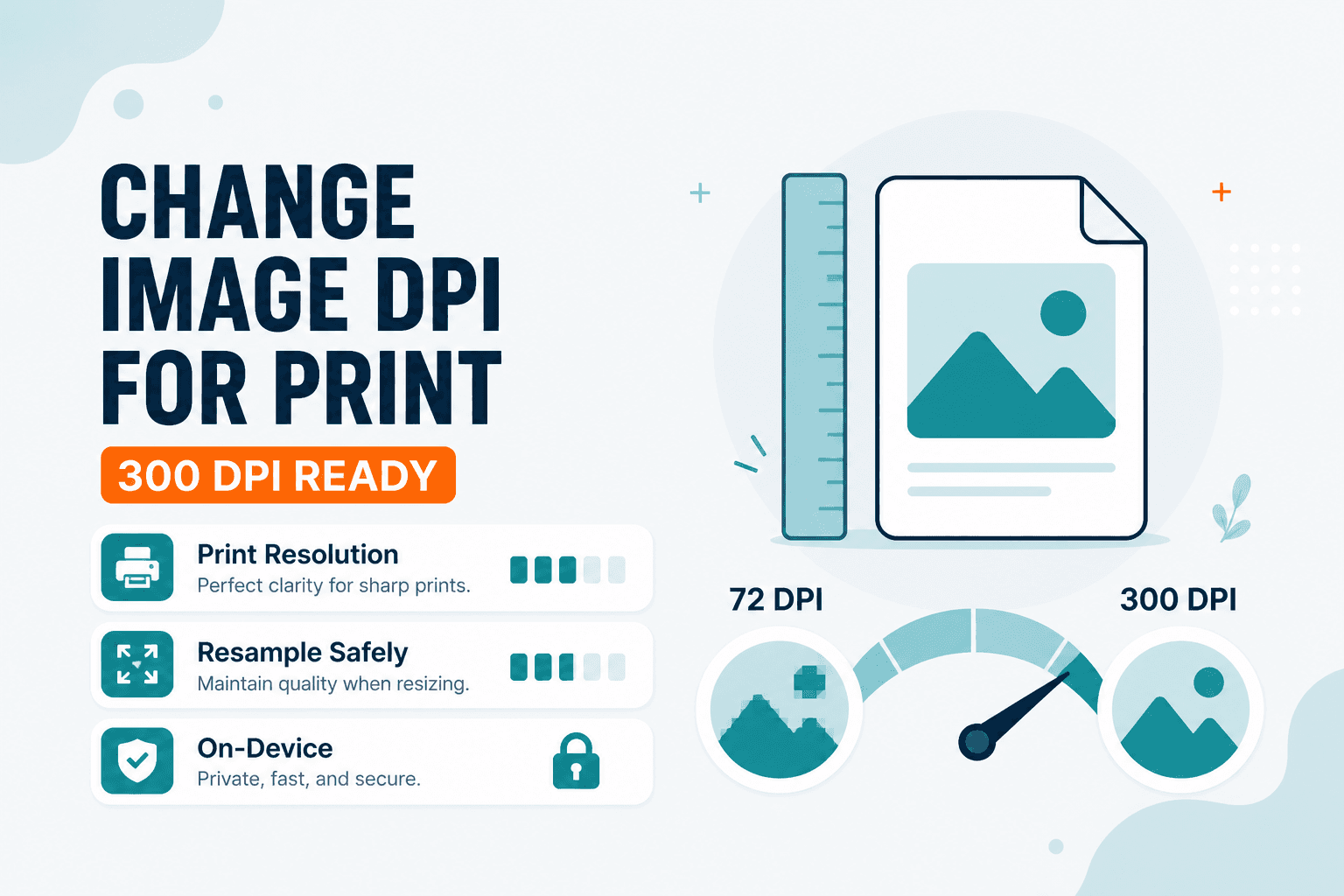
You get an email from the print shop: "Please resubmit at 300 DPI." You stare at your image — it looks fine on screen. What's wrong with it?
Often the shop is asking for enough pixels for the physical print size, not a magic quality upgrade. A 400 × 400 photo “labeled” 300 DPI still prints tiny — about 1.3 inches square. Ready to size for print? Open Change Image DPI — enter a target DPI and print width in inches; the tool resamples so pixel width ≈ width × DPI.
Here's the important honesty check: this browser tool calculates the pixel dimensions your print size needs. It is not a Photoshop-style “rewrite DPI metadata only, keep every pixel unchanged” editor. If you only need a different on-screen pixel size without thinking in inches, use Resize Image instead.
When you'd use the DPI tool
Preparing a file so a 4-inch-wide print at 300 DPI has enough pixels. Matching a print brief that lists both DPI and physical size. Downsampling a huge camera file for a large poster viewed from farther away. Checking how many pixels a small ID print needs at 300 DPI.
Open Change Image DPI, load your JPG or PNG, set DPI (often 300 for photos), enter the print width in inches, and download the resampled file.
If the required print is larger than your source can support at 300 DPI, you need more pixels from a better source — resampling upward cannot invent detail. If the file is still heavy after you have the right pixel count, compress the image without uploading it.
DPI vs PPI (same conversation)
People say DPI and PPI interchangeably when sizing images for print. Practically: pick the print width, pick a density (often 300), and make sure the pixel math works. Screens ignore print density and show pixels 1:1.
Related tools
- Resize Image — set exact width/height in pixels or percent
- Passport Photo — common ID sizes with print-oriented templates
- Compress Image — shrink file size after you have the right dimensions
Related guides
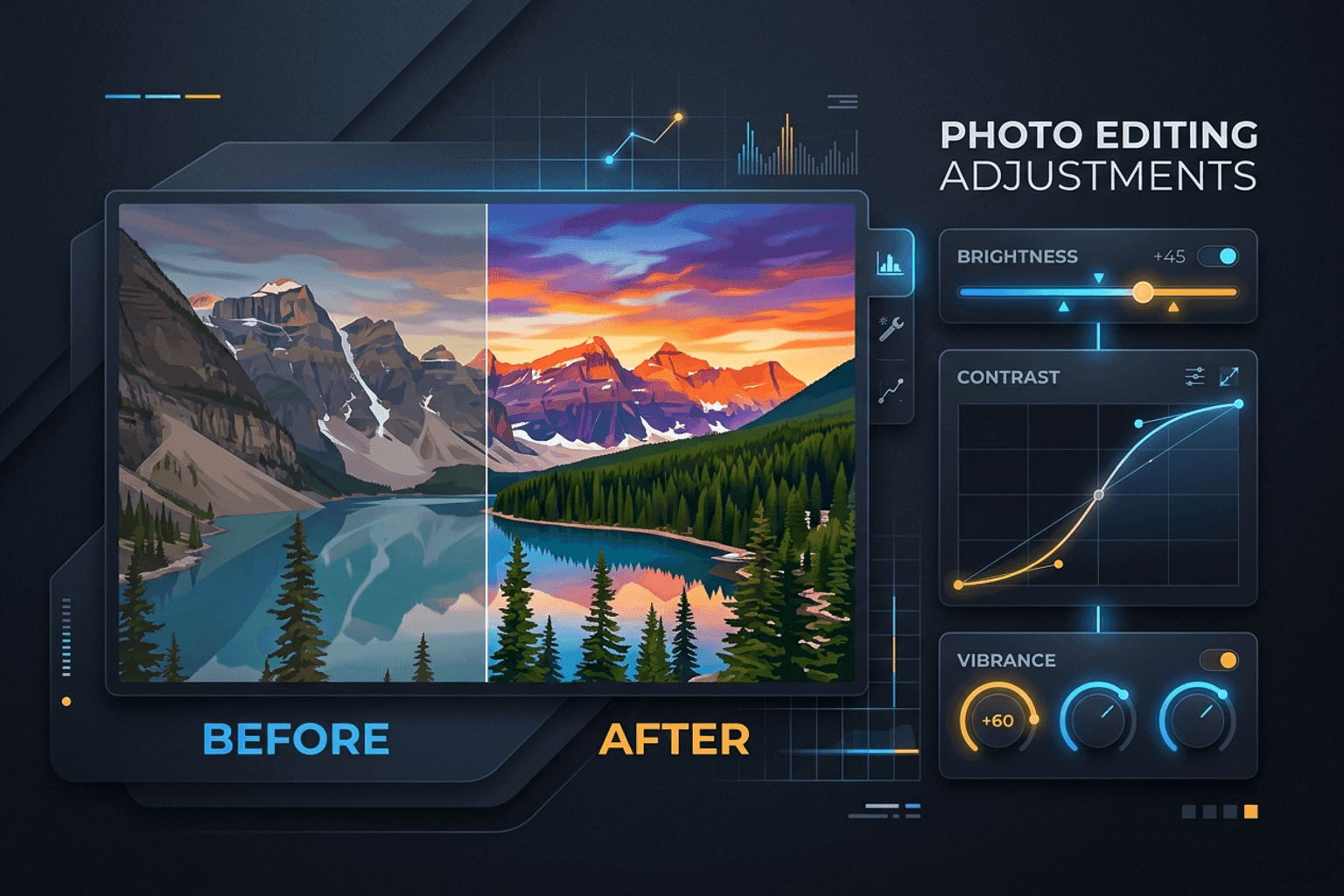
Image Guides
Adjust Photo Brightness and Contrast Online
Fix dark, washed-out, or underexposed photos in your browser. Adjust brightness, contrast, and saturation in real time with zero software installs or uploads.
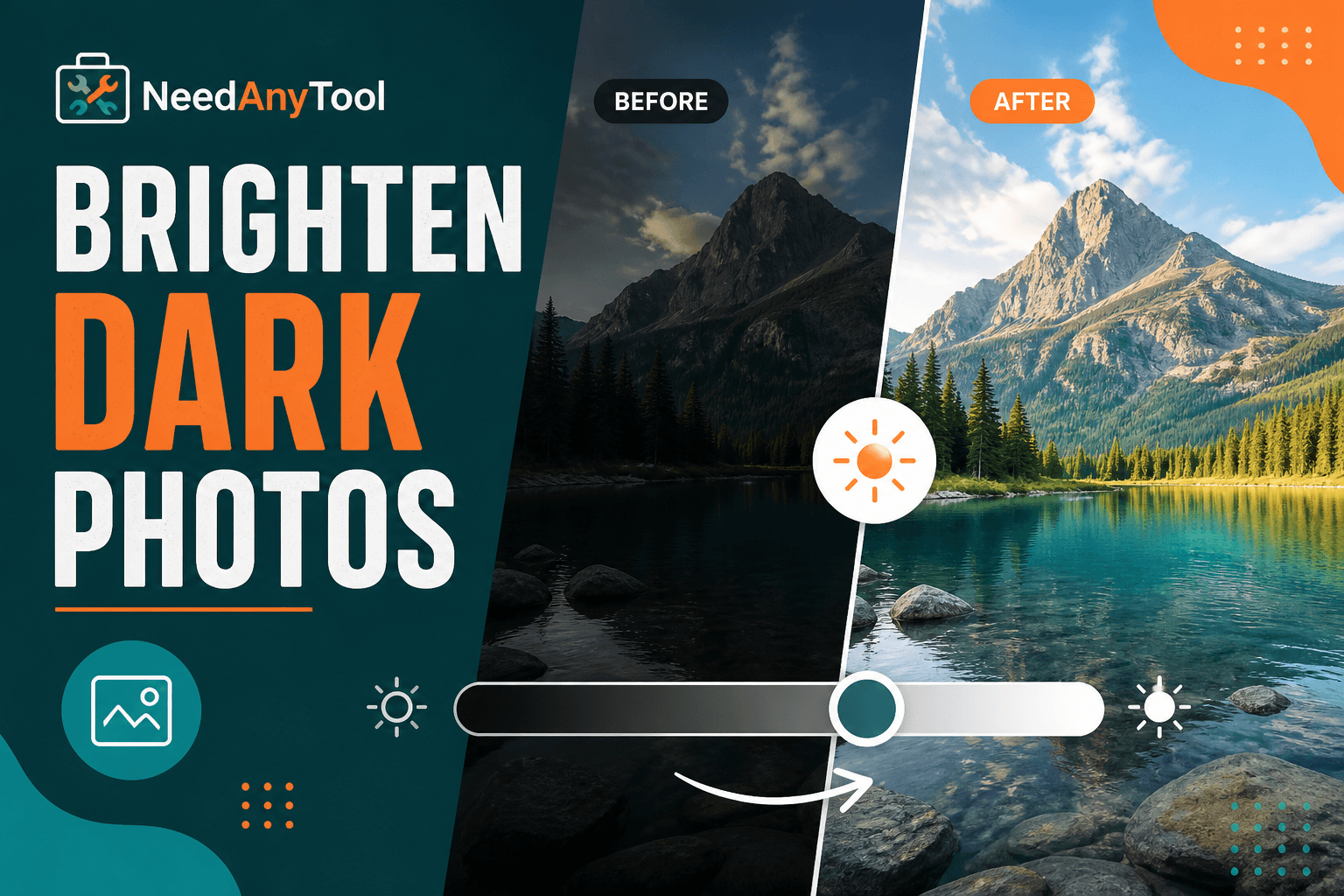
Image Guides
Brighten a Dark Photo Online
Brighten dark photos online — fix underexposed shots with brightness and contrast controls. Free, private, no upload.
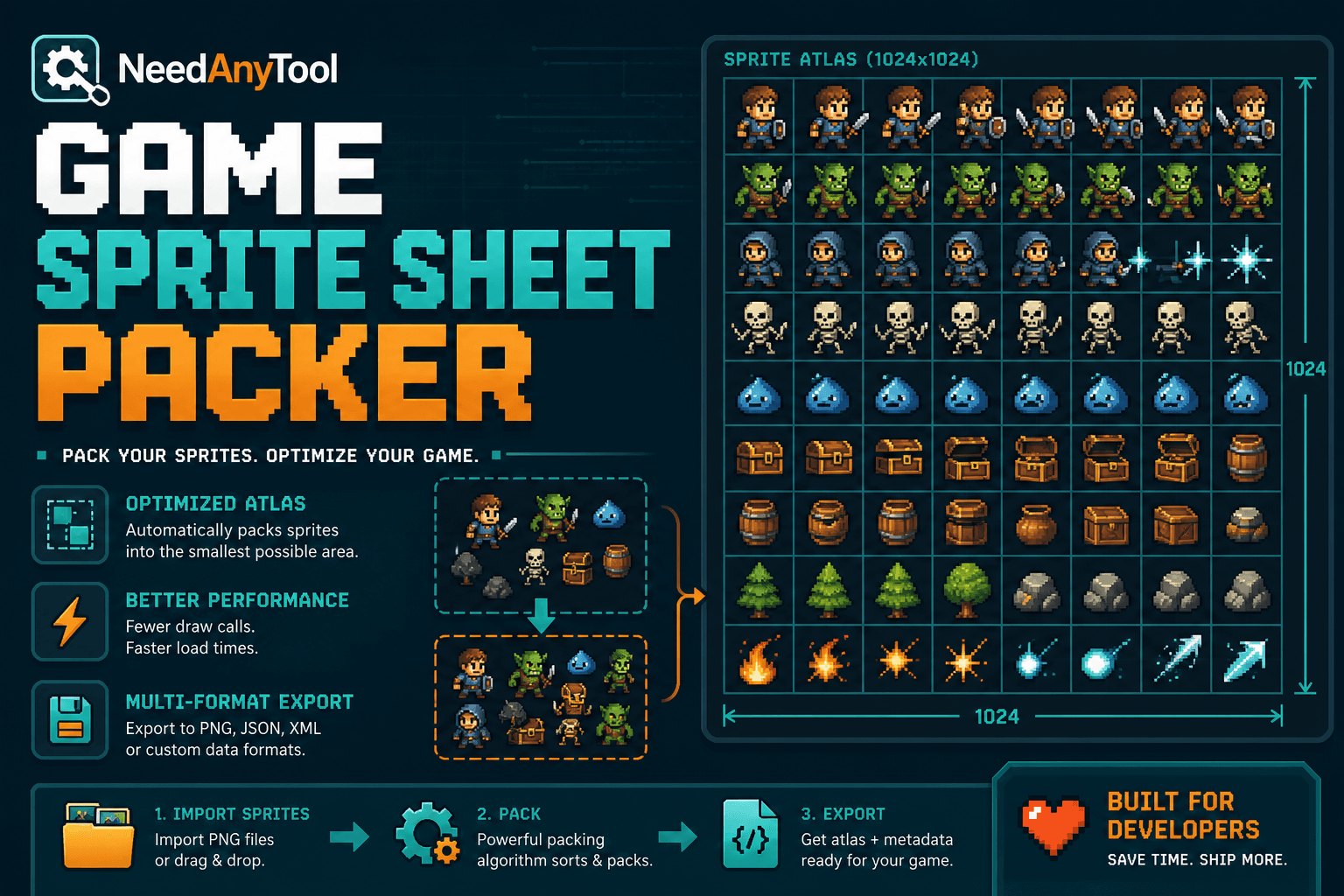
Image Guides
How to Create a Game Sprite Sheet Online (PNG + JSON)
How to create a game sprite sheet online — pack frames into one PNG plus a JSON map. Free browser tool for indie devs and pixel art.