Image Guides
Blur an Image Online Free (Soft Focus)
Blur an image online free — soft focus or Gaussian-style blur for photos in your browser. Obscure details without uploading.
NeedAnyToolPublished Updated 2 min read
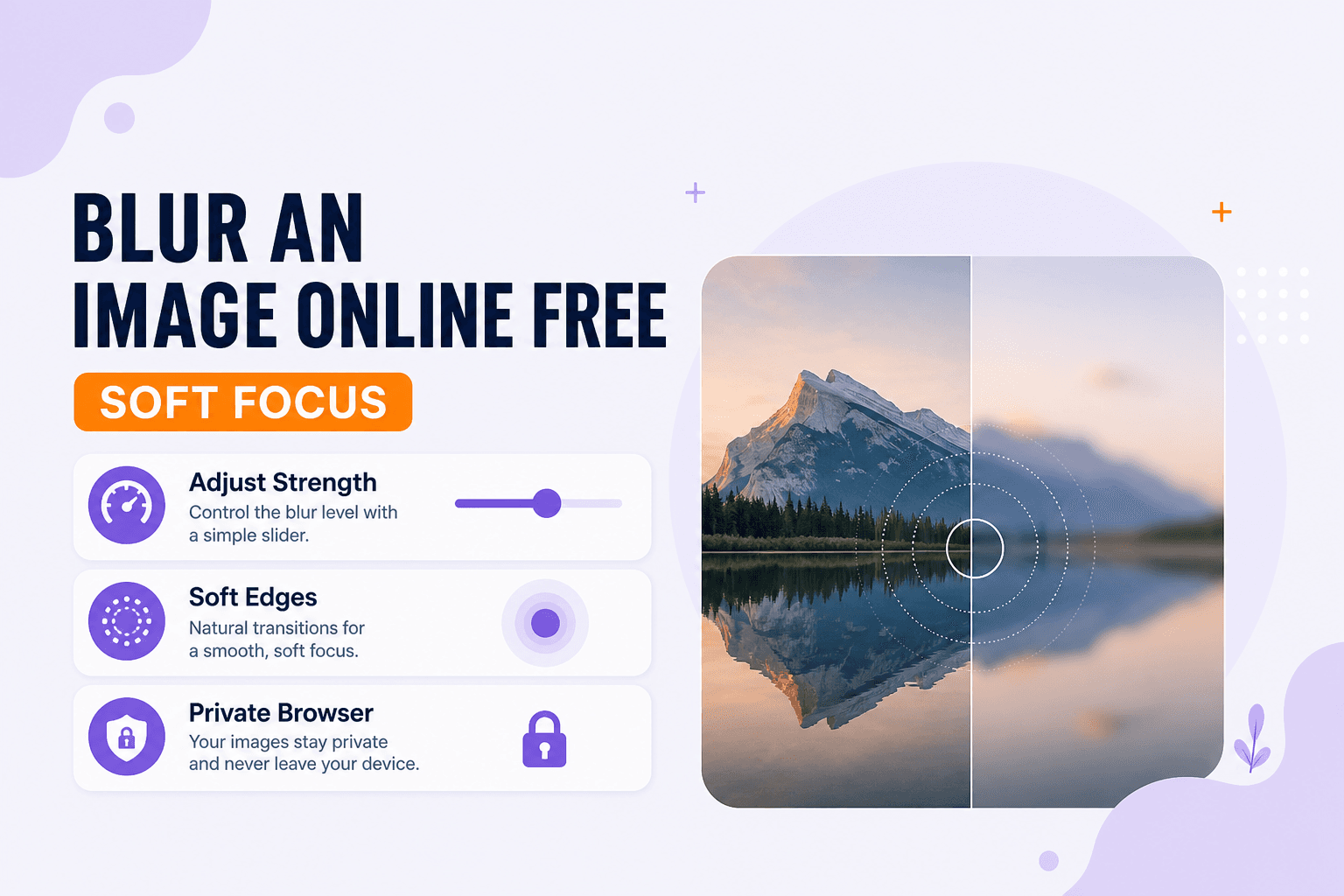
Sometimes you want softness, not sharpness. Maybe you're building a slide deck and need a blurred backdrop behind text. Maybe you're sharing a screenshot but there's a license plate or a colleague's face in the corner that shouldn't be public. Maybe you just want that gentle soft-focus look for a mood board.
Blur Image handles all of that in the browser. Load a photo, dial in the blur, download — no upload required.
Blur softens pixels. If you're trying to remove color entirely, Grayscale is the move. If you want to stamp ownership on a proof, Watermark does that. And if only part of the frame should stay sharp in a later composite, crop first with Crop.
The privacy trap
Light blur still leaves text readable. I've seen people apply a mild soft-focus to a screenshot thinking it redacts a password — it doesn't. Push the blur further when redaction is the goal. A gentle haze is fine for aesthetics; it's not fine for hiding sensitive details.
Quick pass
Open Blur Image, choose your image, and increase blur until the level looks right. If you're obscuring something specific, squint at the preview and ask whether you'd still be able to read it. Download when you're satisfied.
Works well for soft backgrounds behind overlay UI, quick mood treatments, and whole-frame redaction where a desktop editor feels like overkill.
I've also used it on product photos where the background was cluttered but the item itself was sharp — blur the whole frame, then paste the sharp product cutout on top in a slide deck. Quick and dirty, but it works when you're on a deadline.
| Goal | Tool |
|---|---|
| Soft focus / obscure detail | Blur |
| Black and white / desaturate | Grayscale |
| Stamp logo or text | Watermark |
Everything runs on your device. NeedAnyTool doesn't receive your photo for blurring.
FAQ
Is this a selective blur brush?
The tool blurs the entire image you load. For complex masked blur, you'd want a desktop editor. For whole-frame soft focus or straightforward redaction, this is enough.
Does blur reduce file size?
Not reliably. If size is the goal, use Compress.
Can I blur only faces?
You'd blur the whole export, or crop the sensitive region into a separate pass and composite elsewhere. This tool is built for a straightforward full-image blur.
Do I need an account?
No.
Related guides
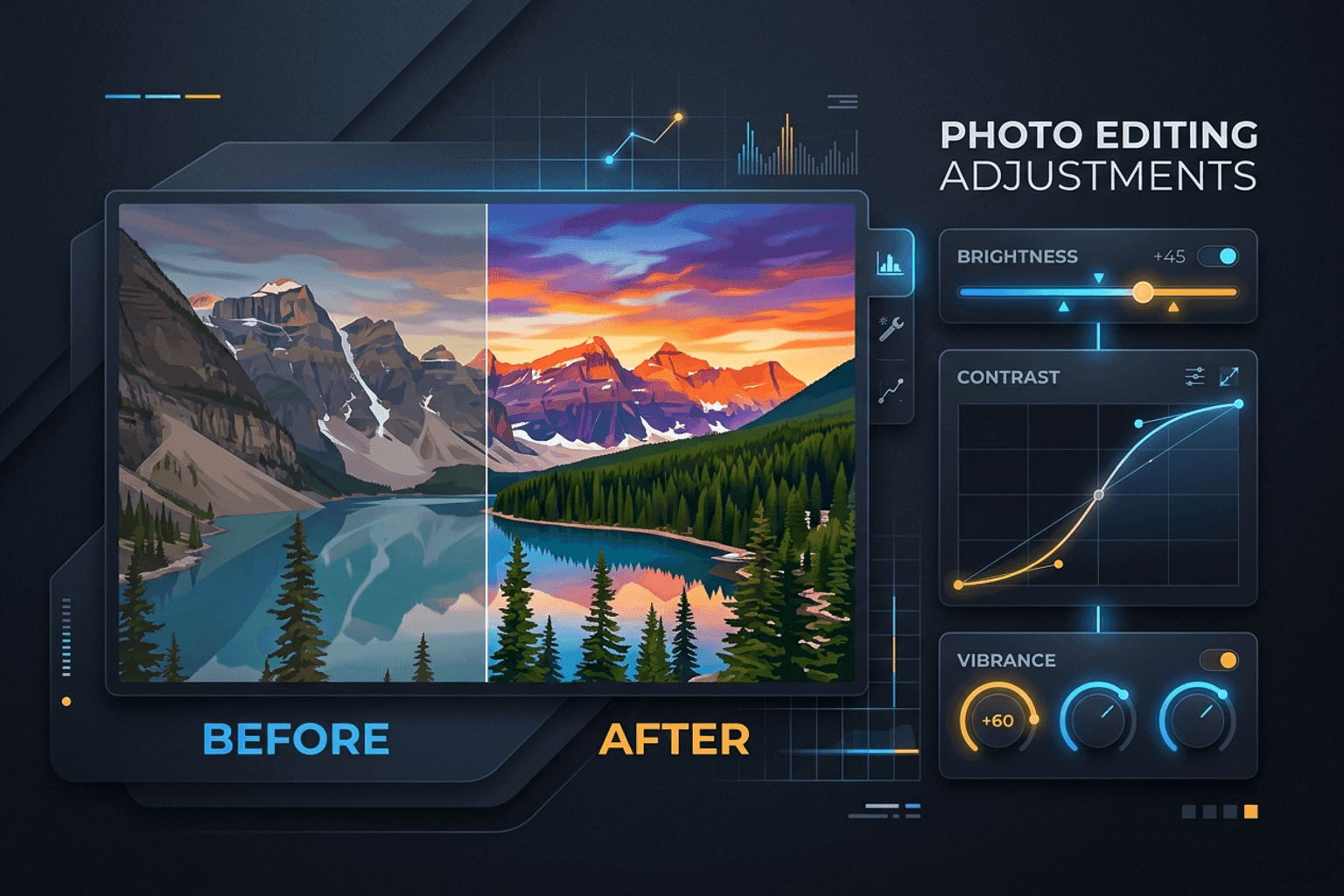
Image Guides
Adjust Photo Brightness and Contrast Online
Fix dark, washed-out, or underexposed photos in your browser. Adjust brightness, contrast, and saturation in real time with zero software installs or uploads.
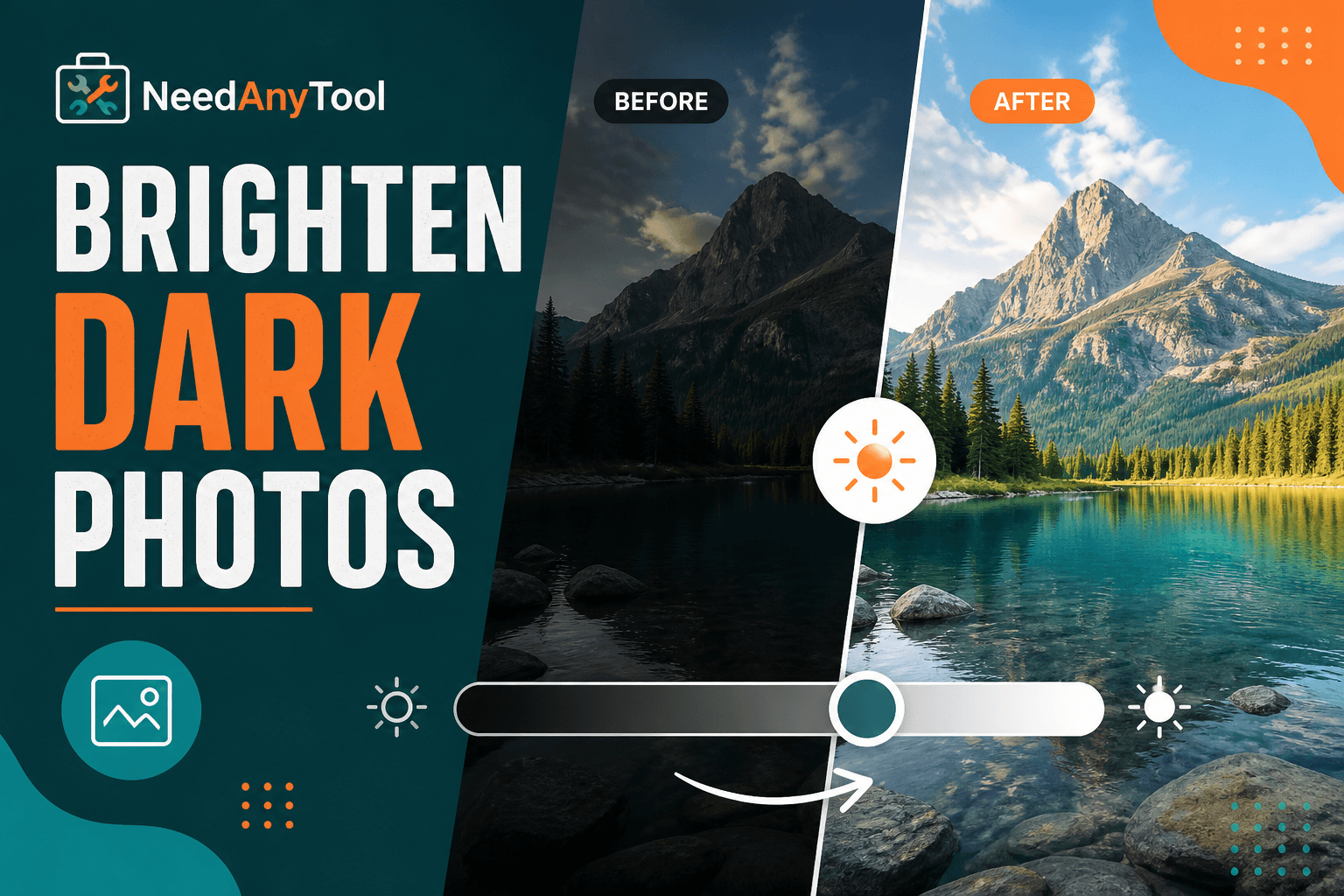
Image Guides
Brighten a Dark Photo Online
Brighten dark photos online — fix underexposed shots with brightness and contrast controls. Free, private, no upload.
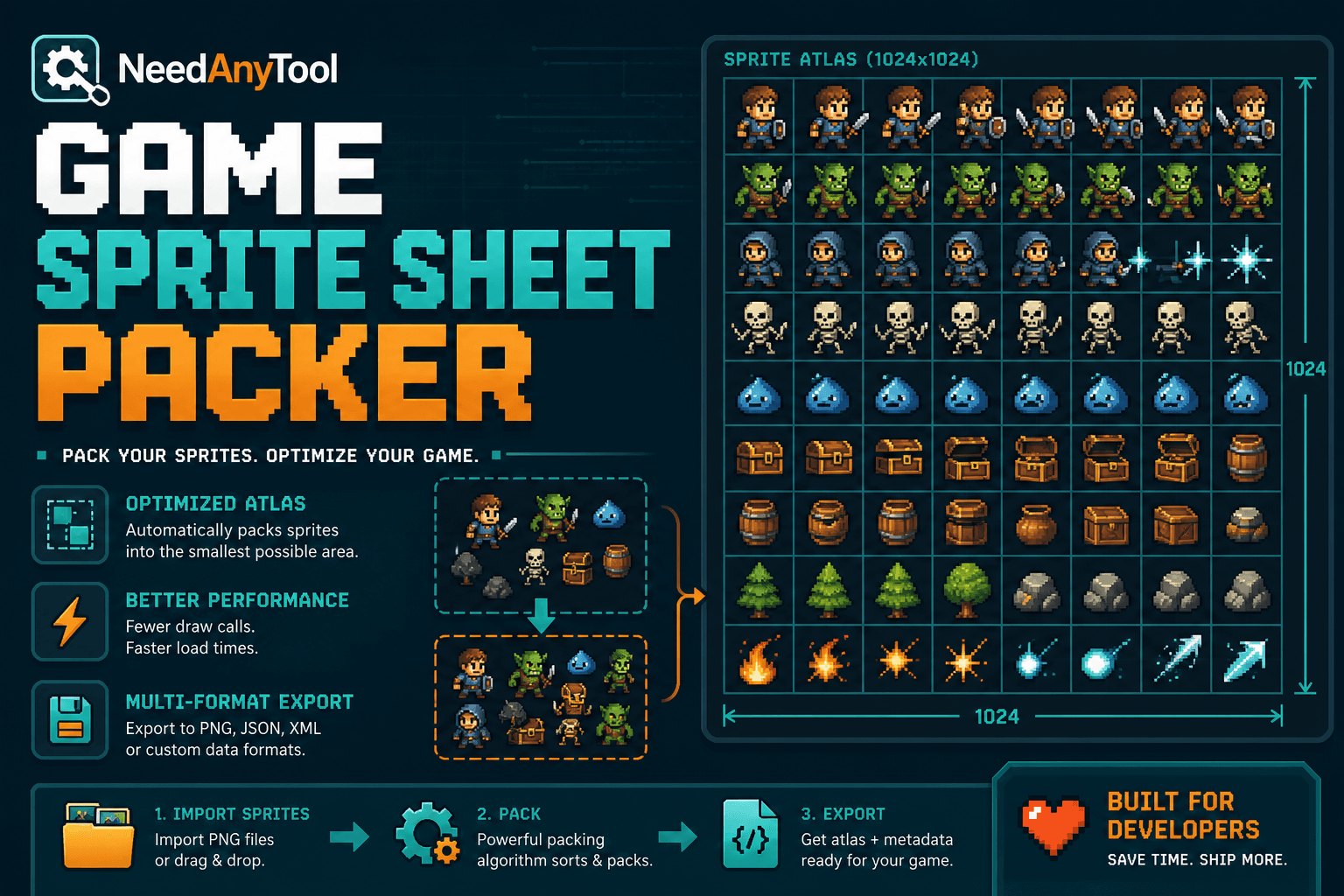
Image Guides
How to Create a Game Sprite Sheet Online (PNG + JSON)
How to create a game sprite sheet online — pack frames into one PNG plus a JSON map. Free browser tool for indie devs and pixel art.