Image Guides
Add a Watermark to an Image Online Free
Add a watermark to an image online free — stamp a logo or text on photos in your browser. Protect images without uploading them.
NeedAnyToolPublished Updated 2 min read
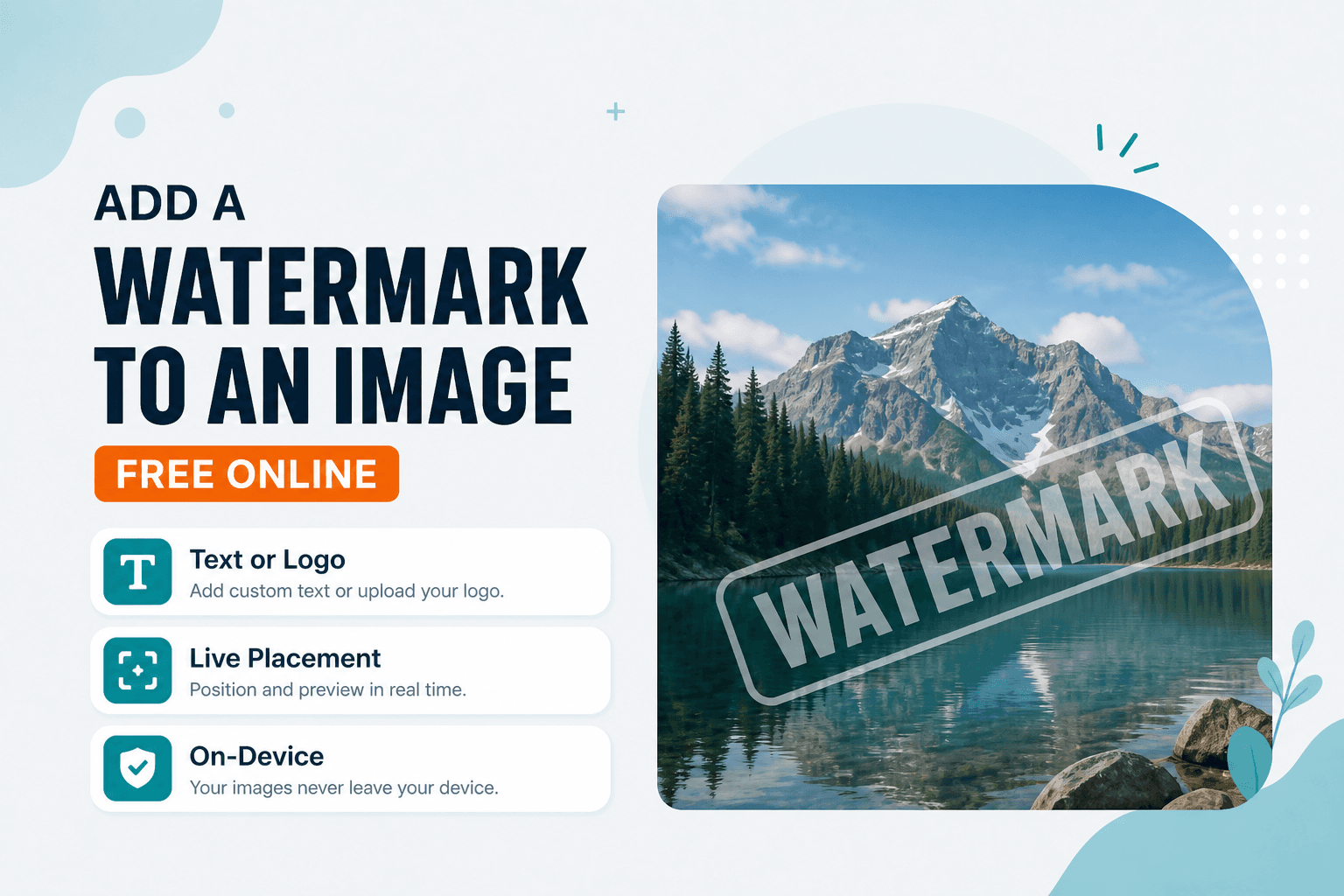
You send a client three wedding previews. They love them. Two weeks later you spot one on someone's Instagram — no credit, no permission, cropped clean because your tiny corner watermark was easy to cut out.
Sharing proofs without a mark invites casual reuse. Watermark stamps text or a logo onto a photo in the browser so you can post samples with a little more protection.
Do your framing work first. Resize or crop before you watermark so the stamp lands where you intend on the final canvas. Working on a PDF document instead of a photo? Watermark PDF is the right tool there.
Placement matters more than opacity
A light mark tucked in the bottom-right corner looks professional — and takes about ten seconds to crop away. If protection matters more than aesthetics, place the stamp over important content: a face, a product detail, the center of the composition. Balance opacity so the subject stays readable but the mark is hard to remove cleanly.
The workflow
Open Watermark, load your image, add text or a logo, position it, and download. That's it.
Common scenarios: portfolio proofs before final delivery, stock or listing previews, brand stamps on event photos, "SAMPLE" overlays on mockups.
If you're sending a batch of proofs, watermark them all before the client sees anything. It's easier to add the mark once per image than to chase down unauthorized use later — and most clients understand why the previews look stamped.
Text watermarks work fine when you don't have a logo file handy. Your name, your studio name, or a simple "NOT FOR DISTRIBUTION" line does the job.
| Goal | Tool |
|---|---|
| Stamp text/logo on a photo | Watermark |
| Smaller file after export | Compress |
| Change format (JPG/PNG/WebP) | Convert Image |
Everything processes on your device. NeedAnyTool doesn't upload your photo for stamping.
FAQ
Can I watermark a PDF instead?
Yes — use Watermark PDF for multi-page documents.
Will the watermark lower image quality?
A careful export keeps the photo sharp. Heavy JPEG recompression afterward is what softens detail — use Compress only if file size is the priority.
Should I watermark before or after resize?
Resize (and crop) first, then watermark. That way the stamp matches the final dimensions.
Do I need an account?
No.
Related guides
Image Guides
Adjust Photo Brightness and Contrast Online
Fix dark, washed-out, or underexposed photos in your browser. Adjust brightness, contrast, and saturation in real time with zero software installs or uploads.
Image Guides
Brighten a Dark Photo Online
Brighten dark photos online — fix underexposed shots with brightness and contrast controls. Free, private, no upload.

Image Guides
How to Create a Game Sprite Sheet Online (PNG + JSON)
How to create a game sprite sheet online — pack frames into one PNG plus a JSON map. Free browser tool for indie devs and pixel art.