Image Guides
Convert Image to PDF Online Without Uploading
Convert image to PDF online without uploading — turn JPG or PNG into a PDF in your browser. Free Image to PDF tool, private and on-device.
NeedAnyToolPublished Updated 2 min read
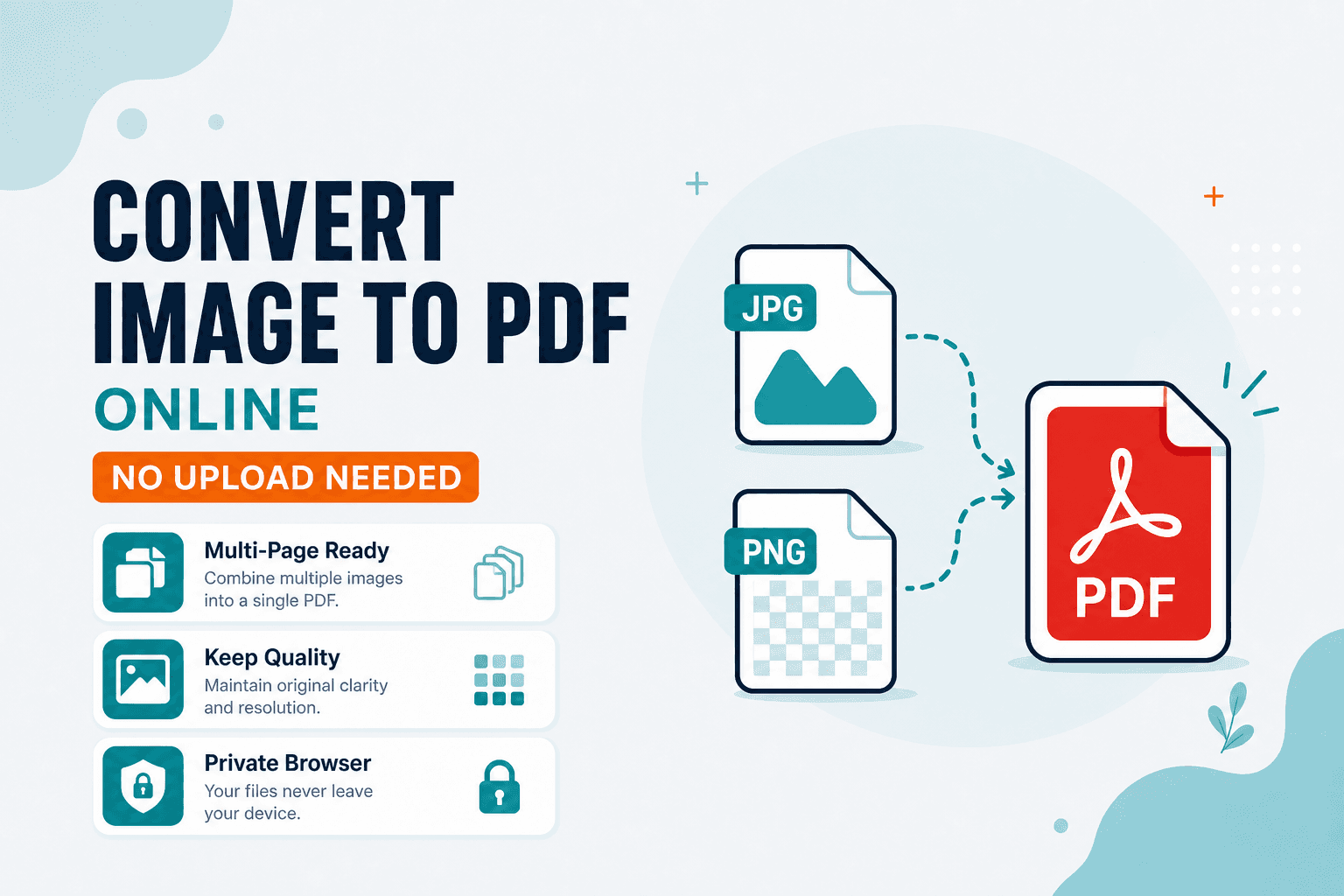
The upload portal says "PDF only." You've got a perfectly good JPG of your receipt, your ID photo, or a signed form scan. Converting shouldn't require installing software or emailing the file to some random cloud converter.
Image to PDF wraps a JPG or PNG into a PDF page in your browser. No upload required.
This is the Image Tools path for a single image — one photo, one PDF page. If you're stacking a dozen scanned pages into one multi-page document, use Images to PDF in the PDF toolkit instead.
When you'd reach for this
Submitting a receipt or ID photo where the form only accepts PDF. Emailing a scan as a document instead of a loose image attachment. Archiving a screenshot as a one-page PDF. Handing someone a printable page from a PNG graphic.
If the framing is off, fix it before you convert. Crop and Rotate / Flip keep the PDF looking clean on the other end.
The steps
Open Image to PDF, drop your JPG or PNG, confirm the preview looks right, and download the PDF. If the upload portal has a size limit, try Compress PDF afterward — or resize the source image before converting.
Government portals, insurance claim forms, and university application systems all seem to prefer PDF over JPG for some reason. This tool exists for exactly that friction.
| Goal | Tool |
|---|---|
| One image → PDF (Image Tools) | Image to PDF |
| Many images → multi-page PDF | Images to PDF |
| Change image format only (JPG/PNG/WebP) | Convert Image |
Processing happens on your device. NeedAnyTool doesn't upload your photo for conversion.
FAQ
Is this the same as the PDF "Images to PDF" tool?
No. Image to PDF lives under Image Tools for quick single-image conversion. Images to PDF is built for multi-page batches in the PDF section.
Will the PDF keep image quality?
Yes for practical viewing. If the portal rejects a large file, compress the PDF or resize the image first.
Can I add more pages later?
Build multi-page PDFs with Images to PDF, or merge afterward with Merge PDF.
Do I need an account?
No.
Related guides
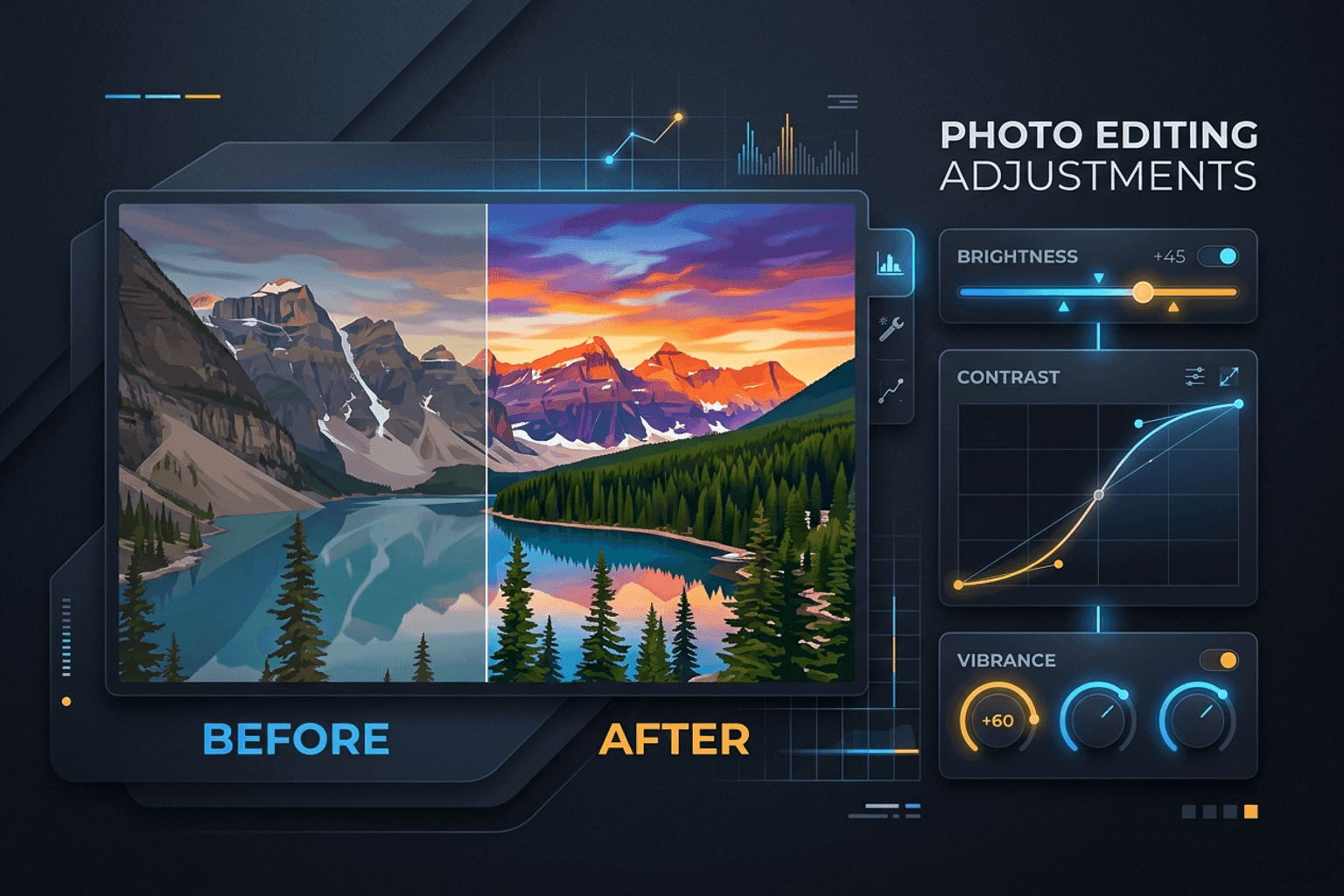
Image Guides
Adjust Photo Brightness and Contrast Online
Fix dark, washed-out, or underexposed photos in your browser. Adjust brightness, contrast, and saturation in real time with zero software installs or uploads.
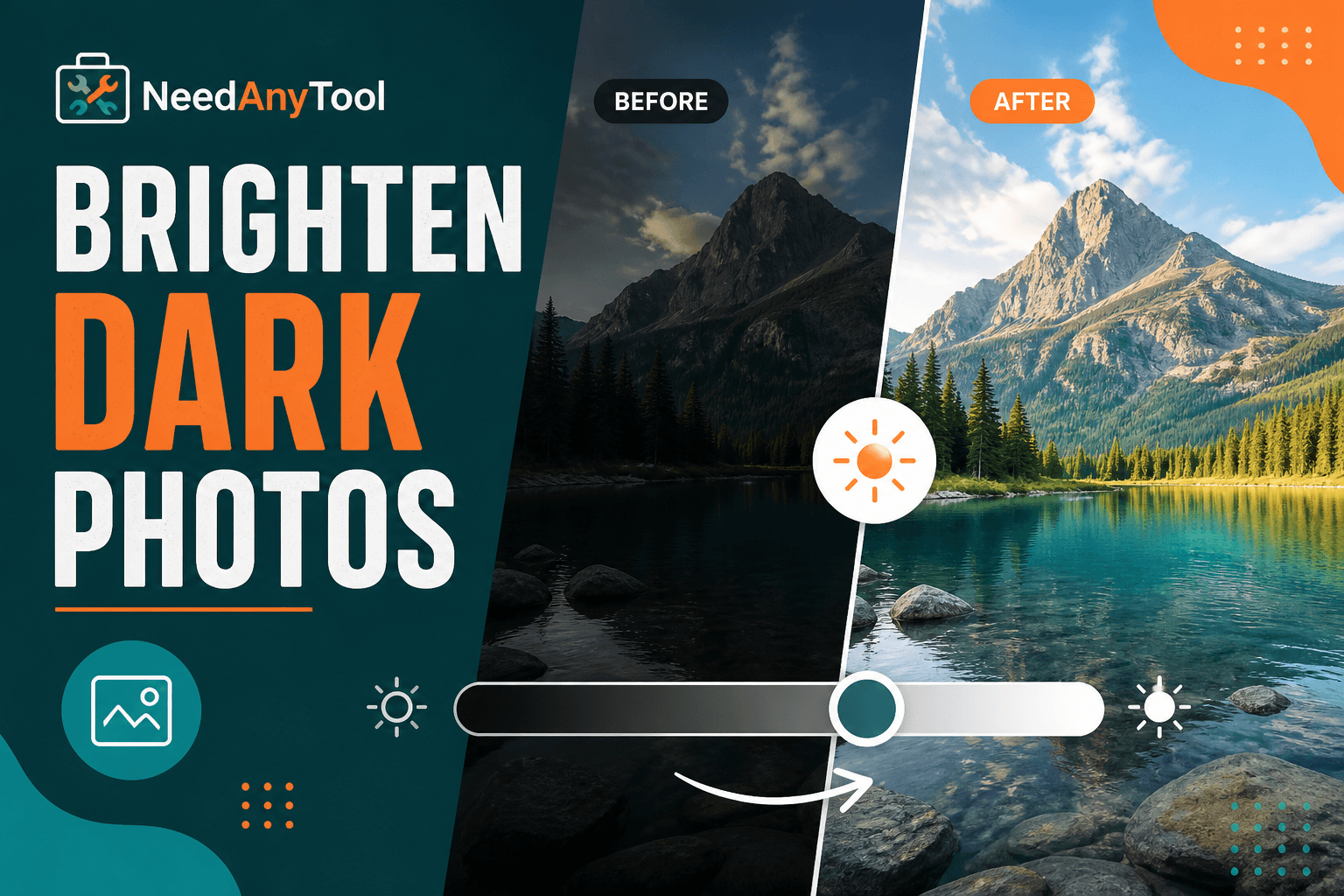
Image Guides
Brighten a Dark Photo Online
Brighten dark photos online — fix underexposed shots with brightness and contrast controls. Free, private, no upload.
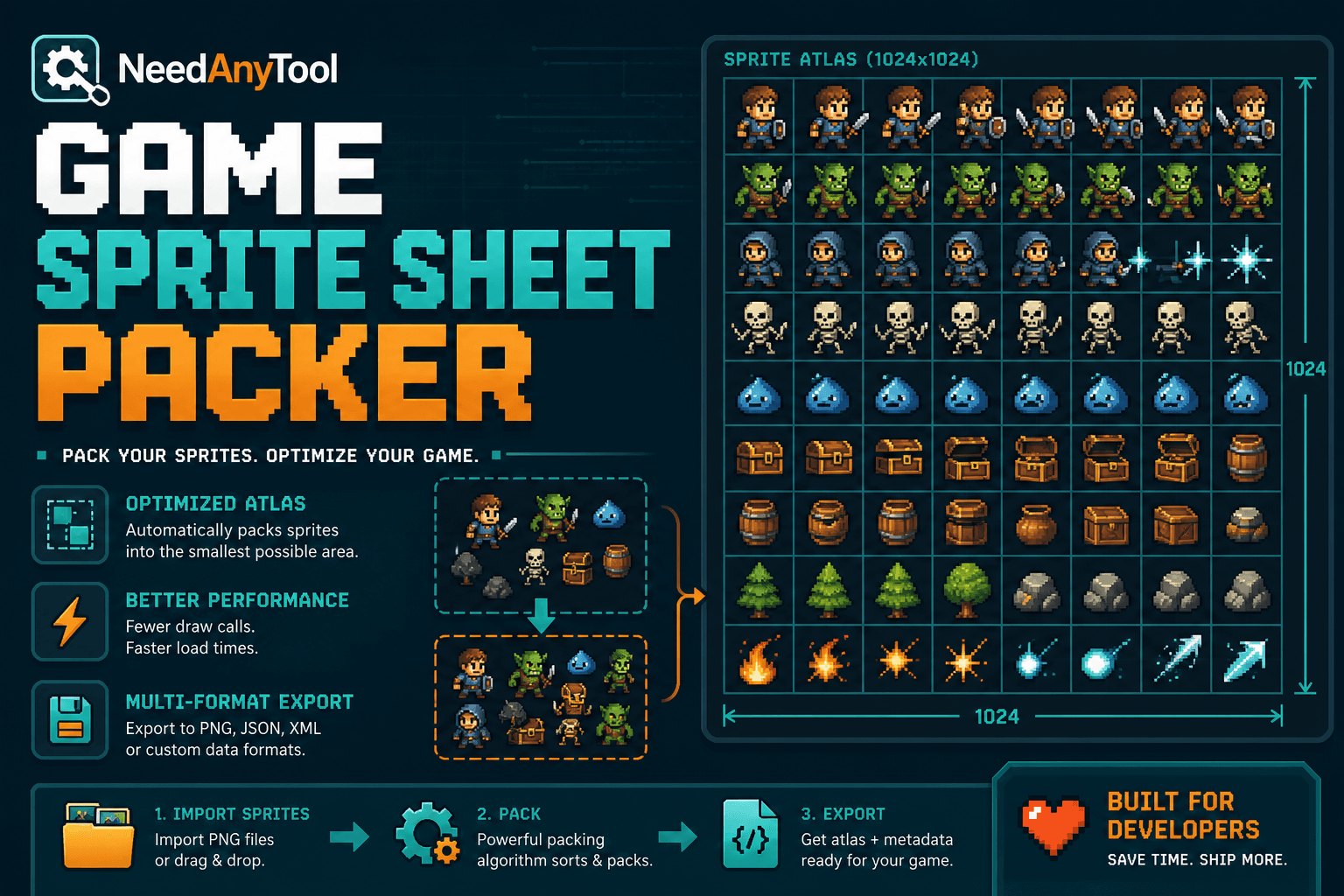
Image Guides
How to Create a Game Sprite Sheet Online (PNG + JSON)
How to create a game sprite sheet online — pack frames into one PNG plus a JSON map. Free browser tool for indie devs and pixel art.