Android
Offline Mobile Utilities — On-Device Android Apps
Why on-device Android utilities beat cloud-dependent tools for mobile PDF editing, QR scanning, and conversions: instant speed, zero internet required, and complete privacy.
NeedAnyToolPublished 3 min read
You are standing in line at an airport boarding gate or inside a concrete basement venue with zero cell signal. You need to open a PDF ticket, scan a physical QR code on a badge, or merge two receipts for an urgent expense report.
You tap a popular utility app on your phone, only to see a spinning wheel: "Connecting to server… Network error."
Most mobile utility apps today are little more than thin web views that upload your private files to remote cloud servers to perform basic processing. When your internet is spotty, the app stops working. When you are on roaming, it burns expensive cellular data. And when you are dealing with confidential documents, your data sits on servers you know nothing about.
We take a completely different architectural approach: 100% on-device Android utilities.
Why on-device mobile processing matters
Building utilities that run entirely on your phone's local processor requires more engineering effort, but the user experience advantages are night and day:
| Cloud-Based Mobile Apps | NeedAnyTool On-Device Android Apps |
|---|---|
| Requires steady internet: Fails on airplanes, subways, basements, and remote areas. | 100% Offline: Works anywhere in airplane mode with zero connectivity. |
| High battery & data drain: Uploads large 20 MB files over 4G/5G mobile networks. | Zero mobile data consumption: Processes gigabytes locally with no data usage. |
| Privacy risk: Sensitive ID cards, passports, and tax PDFs travel across cloud servers. | Total privacy: Files never leave your device storage. |
| Forced account logins: Demands email signup and password creation before downloading. | Zero friction: Open the app, complete your task, and get back to your day. |
Our Android utility apps
We have brought the same privacy-first, on-device philosophy that powers NeedAnyTool's web platform to dedicated Android applications:
1. PDF Toolkit: Reader & Tools
Package: com.needanytool.pdftoolkit
- Open, read, and manage PDF documents on the go.
- Reorder, rotate, delete, and extract individual pages.
- Merge multiple PDF files into one clean document.
- Compress heavy scanned documents directly on your device.
- Scan documents using your phone camera and apply visual signatures without cloud processing.
2. QR Toolkit: Scan & Generate
Package: com.needanytool.qrtoolkit
- High-speed camera scanner for all 1D retail barcodes and 2D QR codes.
- Scan and decode QR codes directly from saved photos and screenshots.
- Create instant QR codes for Wi-Fi networks, websites, vCard contact cards, and WhatsApp chats.
- Maintain a local, private scan history with quick favorites.
When to use the web tools vs the Android apps
Both our web platform and Android apps share the same on-device privacy guarantee, but they shine in different workflows:
- Use the Web Platform (needanytool.com): When you are working at a desktop or laptop with large folders of files, editing documents on a wide display, or using keyboard shortcuts.
- Use the Android Apps: When you are on the move, scanning with your phone's camera, or working without a reliable Wi-Fi connection.
FAQ
Do the Android apps require an internet connection?
No. Core document merging, page organization, compression, barcode scanning, and QR generation execute entirely offline on your phone's processor.
Are my files backed up to NeedAnyTool servers?
No. We do not store, view, or sync your files. All processed documents and scan histories remain strictly on your local device.
Where can I download the apps?
You can find our applications directly on the Google Play Store by searching for NeedAnyTool or following our guide articles for PDF Toolkit and QR Toolkit.
Related guides
Android
Home Workout: No Equipment — Android App
Home Workout: No Equipment is an offline Android app for bodyweight sessions. No account. History, reminders, and an optional weight stay on the phone.
Android
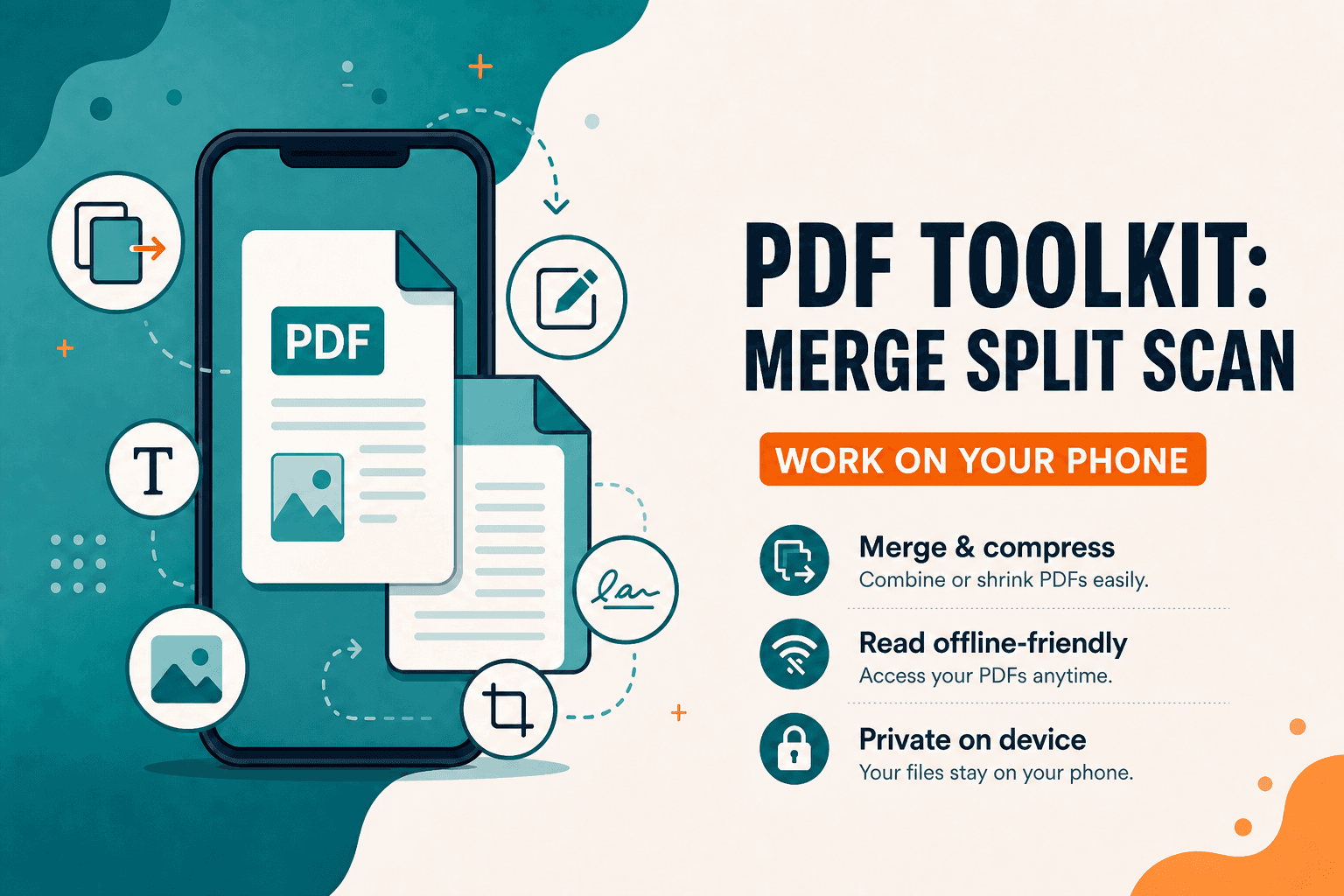
PDF Toolkit: Reader & Tools — Android App
PDF Toolkit: Reader & Tools — Android app to open, merge, split, scan, compress, organize, and sign PDFs on your phone. Everyday PDF toolkit without the desktop clutter.
Android
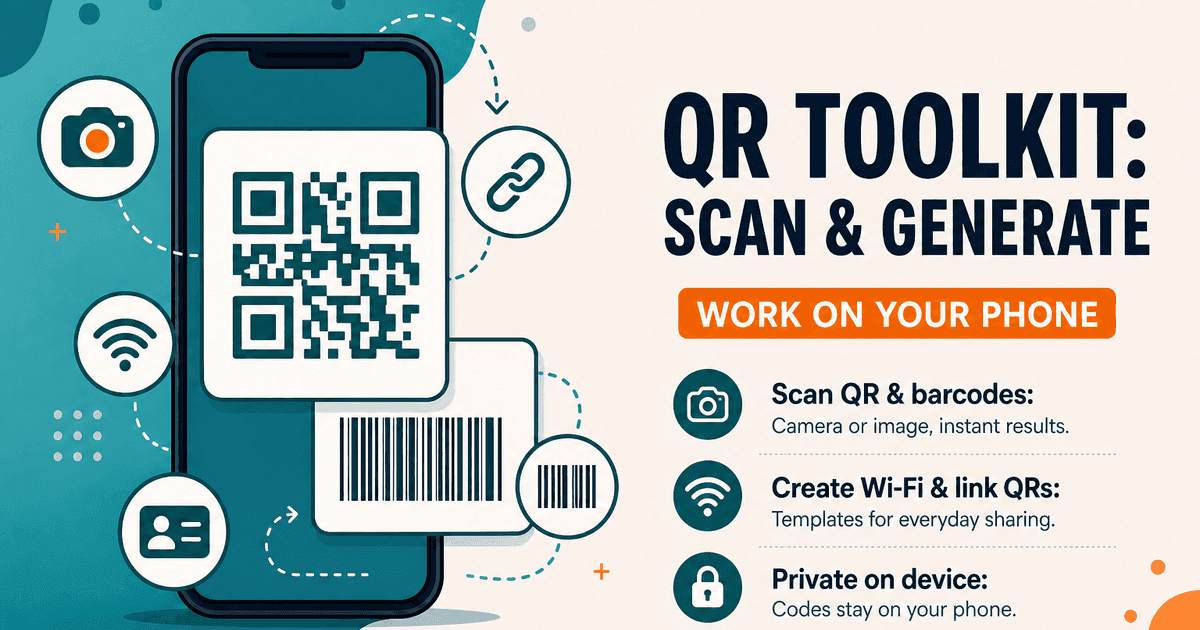
QR Toolkit Android App — Scan and Generate
QR Toolkit: Scan & Generate — Android app to scan QR codes and barcodes, create Wi-Fi and website QRs, and keep history on your phone. Private, on-device.