QR Guides
How to Scan a QR Code in Your Browser (Camera)
How to scan a QR code in your browser with the camera — decode codes on-device, free, no app install, no upload, no signup.
NeedAnyToolPublished Updated 2 min read
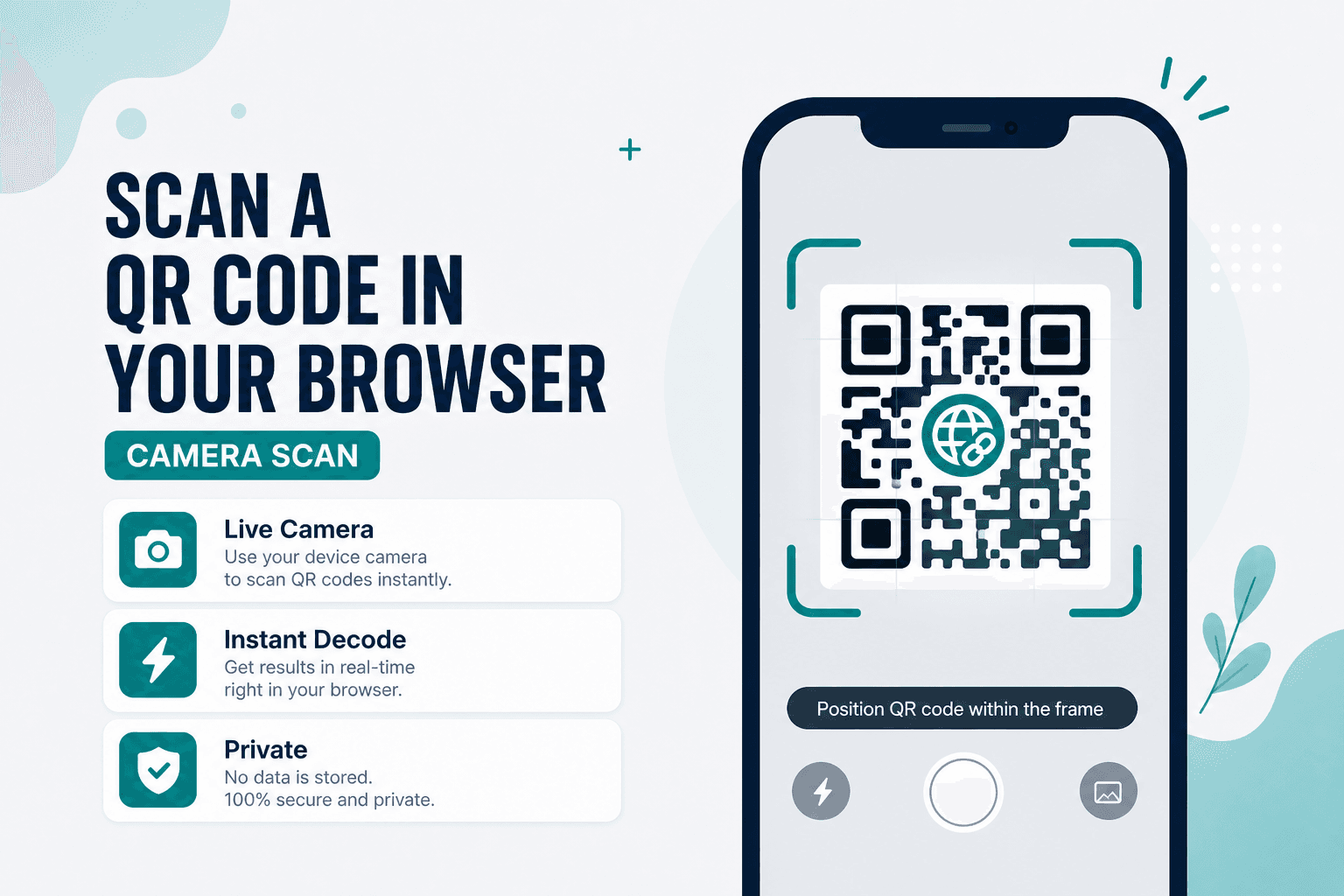
You don't always need to install a scanner app. Sometimes you just need to read a code on a work laptop, a shared tablet, or a phone where storage is full and IT won't let you install anything new.
Scan Code uses your device camera or webcam in the browser to read QR codes and common barcodes. Free, on-device, no signup. Camera frames are processed locally — which matters when the code contains Wi-Fi passwords, contact details, or internal URLs you'd rather not route through a cloud service.
Good moments for a browser scanner
- A printed Wi-Fi QR at a café when you don't want another app
- Event tickets or badge codes on a laptop webcam
- Product barcodes while shopping if your phone camera is free
- Verifying a URL QR before you trust the destination
How to scan
- Open Scan Code.
- Allow camera access when the browser asks.
- Point the camera at the QR or barcode and hold steady.
- When it decodes, copy the text, open a safe URL, or save it to recent history on this device.
Need to generate a code after scanning? Jump to Website QR or Wi-Fi QR.
Live scan vs image upload
| Goal | Tool |
|---|---|
| Camera or webcam, live decode | Scan Code |
| Photo, PNG, or screenshot | Scan from Image |
| Create a new URL QR | Website QR |
Privacy
Camera frames and decoded content stay on your device. Not uploaded to NeedAnyTool for this workflow.
Ready to scan? Open Scan Code and allow the camera.
FAQ
Why won't the camera start?
Check browser site permissions, make sure you're on HTTPS, and confirm no other app has exclusive camera access. Some desktops need an external webcam plugged in.
Does it read barcodes as well as QR codes?
Yes — QR and common barcode formats supported by the tool. Exact coverage depends on the code type and image quality. Glossy labels? Tilt slightly to kill glare.
Can I scan from a saved photo instead?
That's what Scan from Image is for. Use the live scanner when the code is physically in front of you.
Do I need an account?
No. Open the page, allow camera access, scan.
17 on-device QR & barcode tools — nothing uploaded.
Related guides
QR Guides
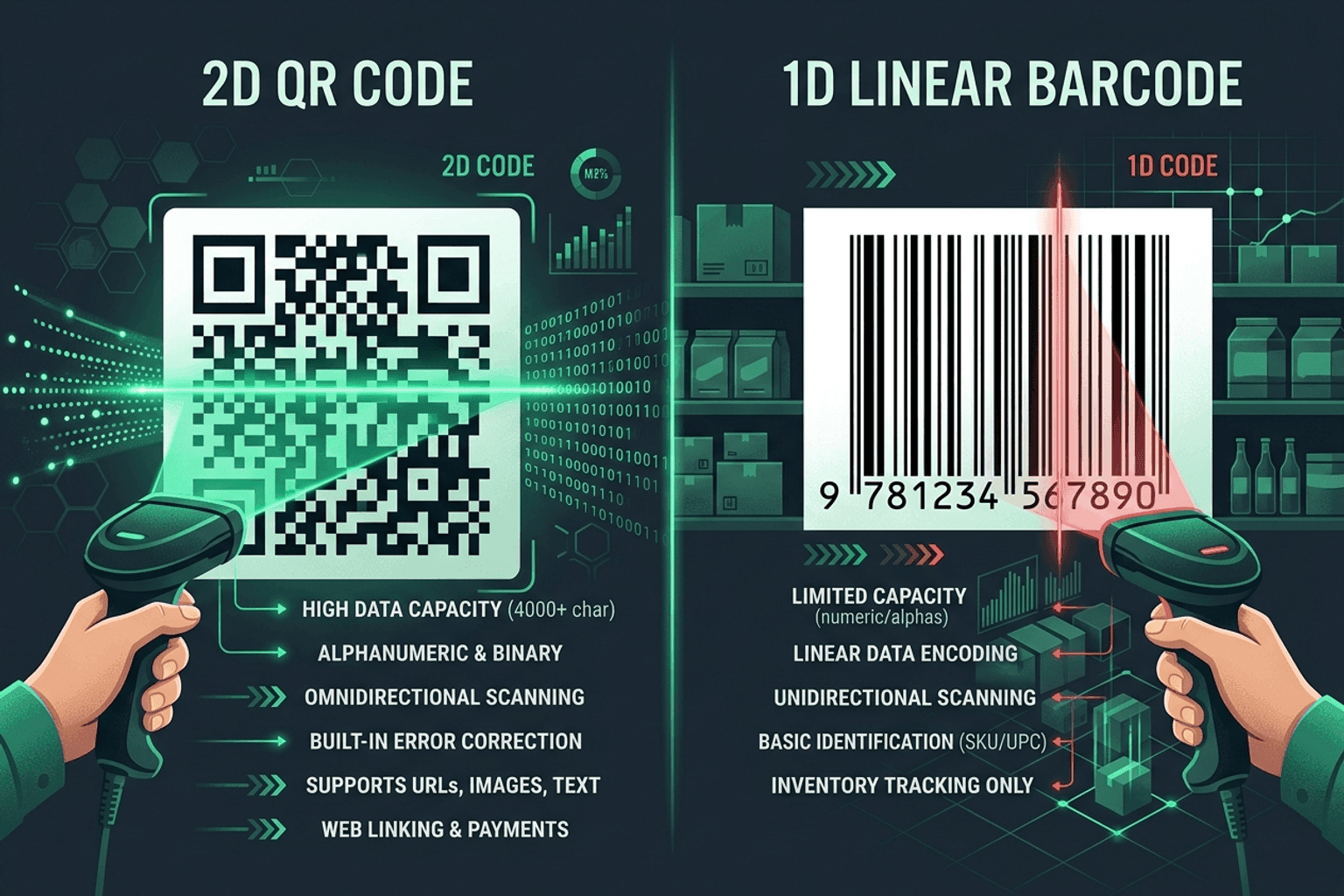
QR Code vs Barcode — Key Differences
Compare QR codes and traditional 1D barcodes across data capacity, scanning distance, error correction, and printing costs. Choose the right code for your project.
QR Guides
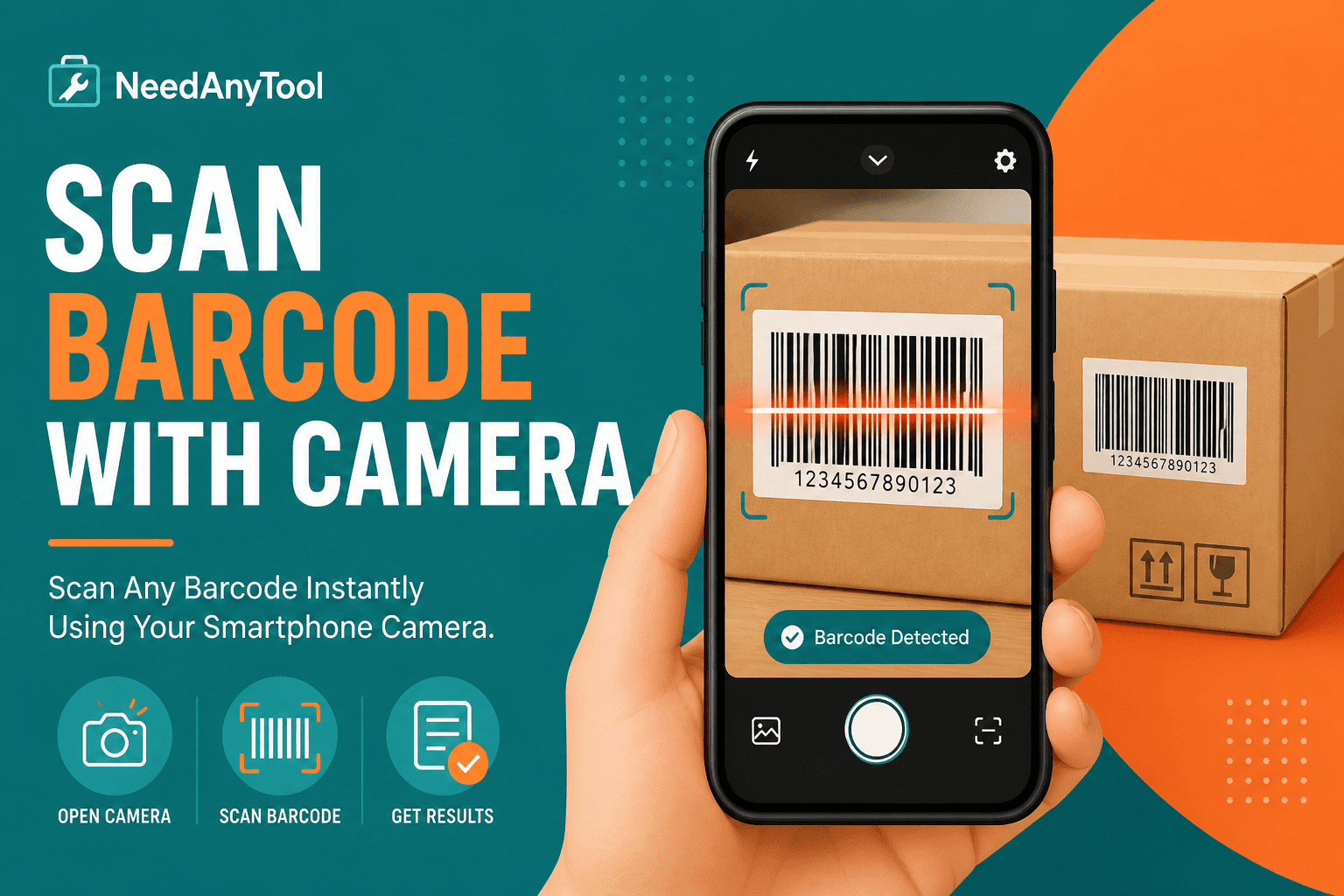
Scan Barcodes Live — Camera, No App
Scan barcodes and QR codes with your camera in the browser — no app install. Read product, warehouse, and event codes instantly.
QR Guides
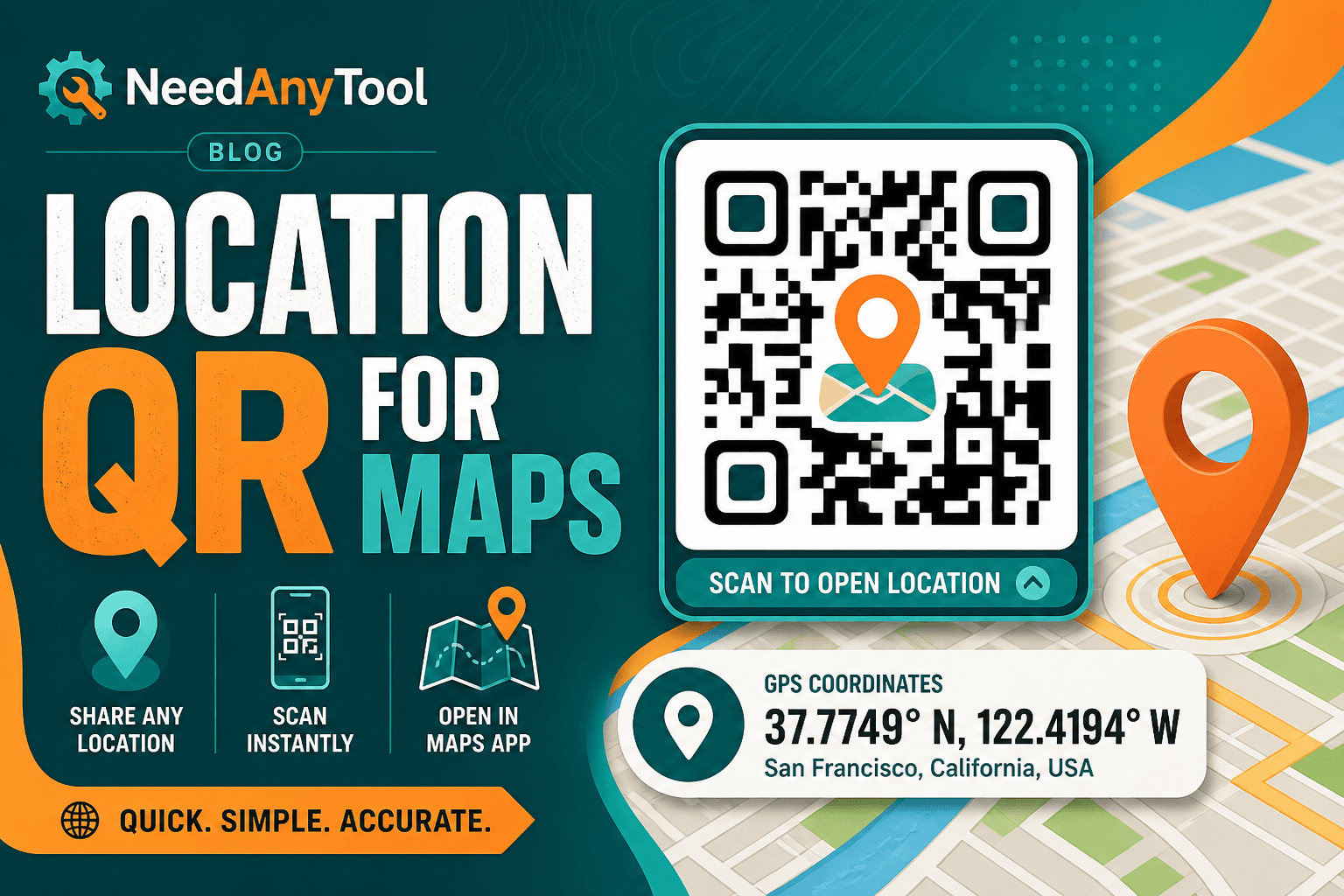
How to Create a Location QR Code for Maps
How to create a location QR code for maps — encode GPS coordinates so scanners open the place in Maps. Free generator in your browser.