PDF Guides
Add Page Numbers to Any PDF in One Pass
Number PDF pages with placement preview — bottom centre, corners, or custom ranges. Free page numbering in your browser.
NeedAnyToolPublished Updated 2 min read
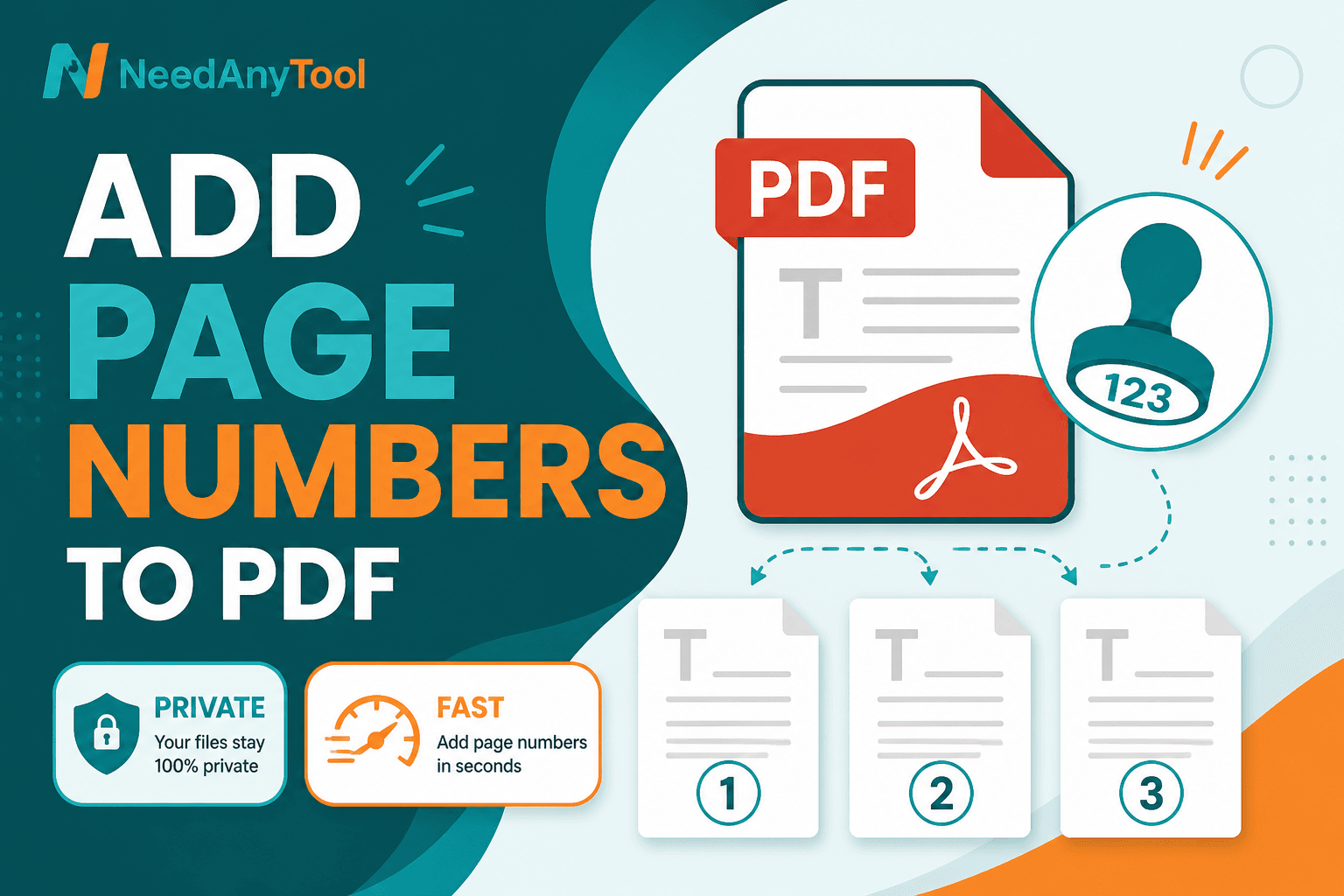
"See page 7" doesn't work when there's no page 7 printed on the sheet. Unnumbered PDFs make email threads painful — especially reports, proposals, and compliance packets where people reference specific pages.
Page numbers stamps readable numbers with a live placement preview. Do this after Merge, Delete pages, or Extract so the count matches what recipients actually see.
Placement that doesn't fight your layout
Letters with footer text often work best with numbers in the bottom outer corner. Slides? Bottom right, smaller font. Want a clean cover? Start numbering on page 2.
Finalize page order with Organize first if anything's out of sequence. Then open Page numbers, pick position, font size, and start number. Limit to a page range if only the body should be numbered.
Scroll the middle of the file before you download — that's where overlap with existing footers hides.
When numbering actually matters
Court filings and compliance packets need page references that hold up in email. Training manuals printed double-sided confuse people when there's no visible count. Merged documents are the worst — each source had its own numbering, and now nobody knows what "page 5" means.
Numbering after you've cleaned up the file saves a round of fixes later.
Numbers vs watermarks
Page numbers help people navigate. Watermark PDF is for status labels like DRAFT or CONFIDENTIAL. Use both when you need both.
Stamping runs on your device, so financial and legal packets stay local. No upload step for sensitive reports.
FAQ
Can I start numbering at page 2?
Yes — set the start index and optionally skip the cover.
My footer text is going to clash — what do I do?
Preview before download. Move placement or shrink the font.
Will numbers survive printing?
They're drawn onto the page content, so yes.
Should I number before or after merging?
After merge, so the sequence is final.
30 on-device PDF tools — nothing uploaded.
Related guides
PDF Guides
Sign a PDF Online Without Printing or Uploading
Sign a PDF online free — draw an electronic signature without printing or uploading. E-sign PDF forms in your browser with NeedAnyTool.
PDF Guides
How to Merge PDF Files Without Uploading
How to merge and combine PDF files in your browser with no upload. Private on-device merge — reorder files, download one document.
PDF Guides
How to Add a Watermark to a PDF Online
Add a watermark to a PDF online — stamp Draft, Confidential, or a logo across pages. Free PDF watermark tool in your browser, no upload.