Text Guides
Remove Extra Spaces Online — Clean Messy Whitespace
Trim lines, collapse double spaces, and tidy blank lines in pasted text. Free Remove Extra Spaces tool in your browser — NeedAnyTool.
NeedAnyToolPublished 1 min read
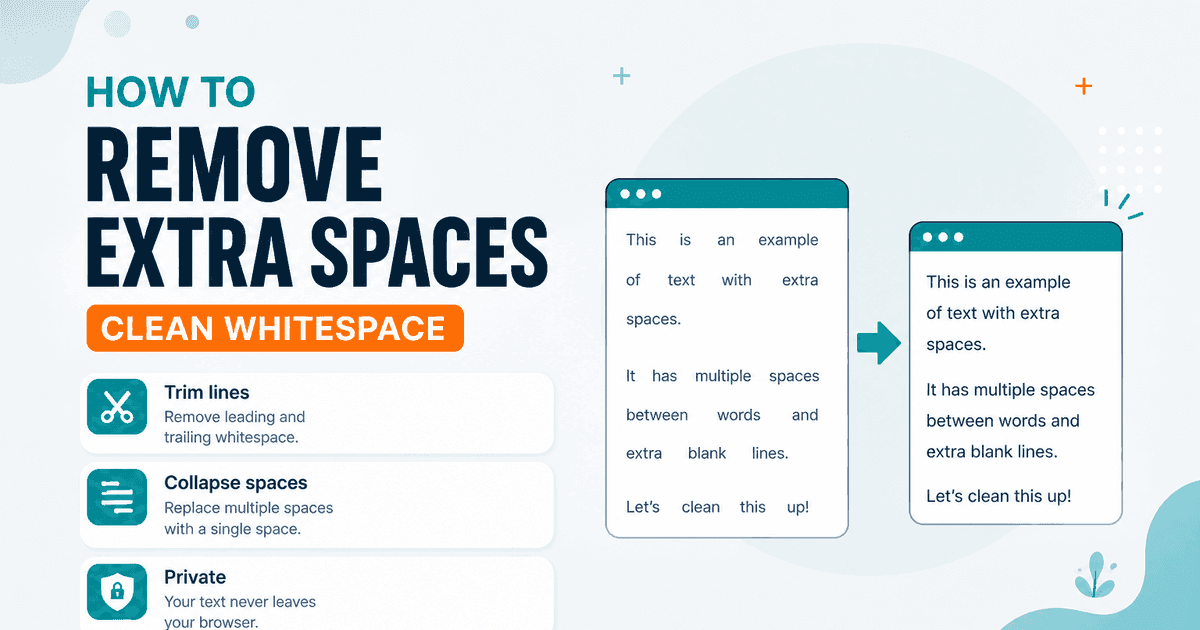
Email forwards, PDF extracts, and copy-paste from slides leave trails of double spaces, indented lines, and accidental blank rows. Manually hunting them in a long draft is a waste of an afternoon.
Remove Extra Spaces can:
- Trim leading/trailing space on each line
- Collapse runs of horizontal whitespace (spaces/tabs) down to one — while keeping newlines
- Collapse three or more blank lines down to two
Toggles let you leave any of those steps off if you only need one cleanup pass.
Example
Before
  Hello,   world.

This   is   spaced    out.


Too many blanks above.
After (trim + collapse spaces + collapse blank lines)
Hello, world.

This is spaced out.

Too many blanks above.
Pair it with line-break cleanup
If sentences themselves are shattered across lines, fix that first with Remove Line Breaks, then tidy spaces. For find/replace of a specific string (not general whitespace), use Find and Replace.
FAQ
Does this delete my paragraphs?
No. Paragraph breaks (newlines) stay unless you separately remove line breaks. Collapsing blank lines only reduces long empty gaps.
Is processing private?
Yes — local browser only.
Related guides
Text Guides
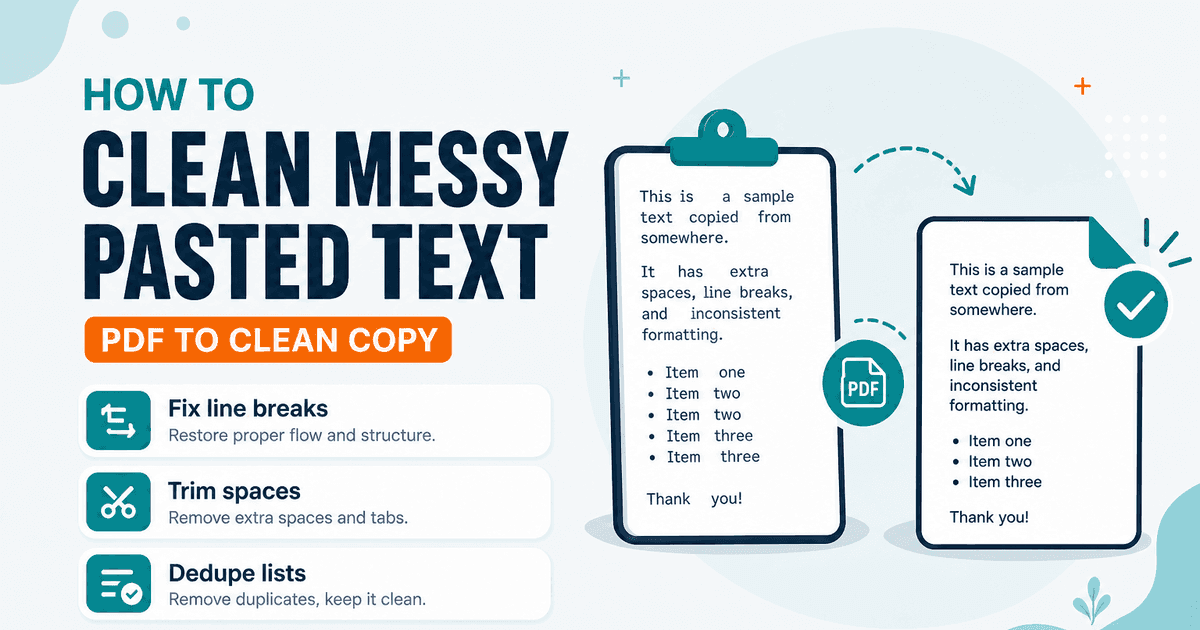
Clean Messy Pasted Text Online
A practical workflow to clean PDF and email paste: fix line breaks, trim spaces, dedupe lines, then count. Free NeedAnyTool text utilities.
Text Guides
Count Sentences Online — Scripts, Essays & Transcripts
Count sentences in essays, scripts, and transcripts in your browser. Free Sentence Counter — private, no upload — NeedAnyTool.
Text Guides
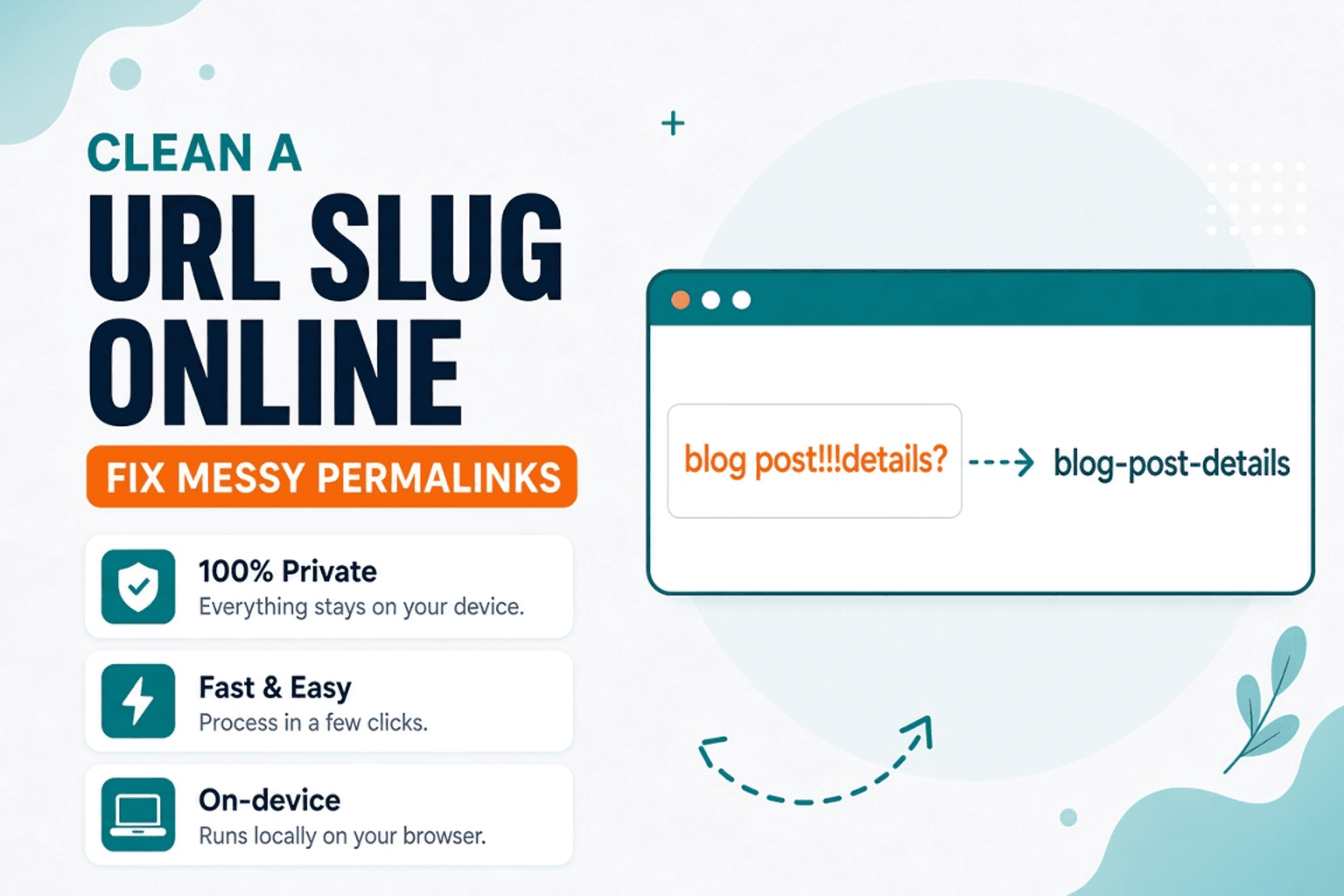
Clean a URL Slug Online — Fix Messy Permalinks
Clean messy URL slugs — fix spaces, punctuation, and ugly separators. Free URL Slug Cleaner in your browser — NeedAnyTool.