Text Guides
Clean Messy Pasted Text Online
A practical workflow to clean PDF and email paste: fix line breaks, trim spaces, dedupe lines, then count. Free NeedAnyTool text utilities.
NeedAnyToolPublished 1 min read
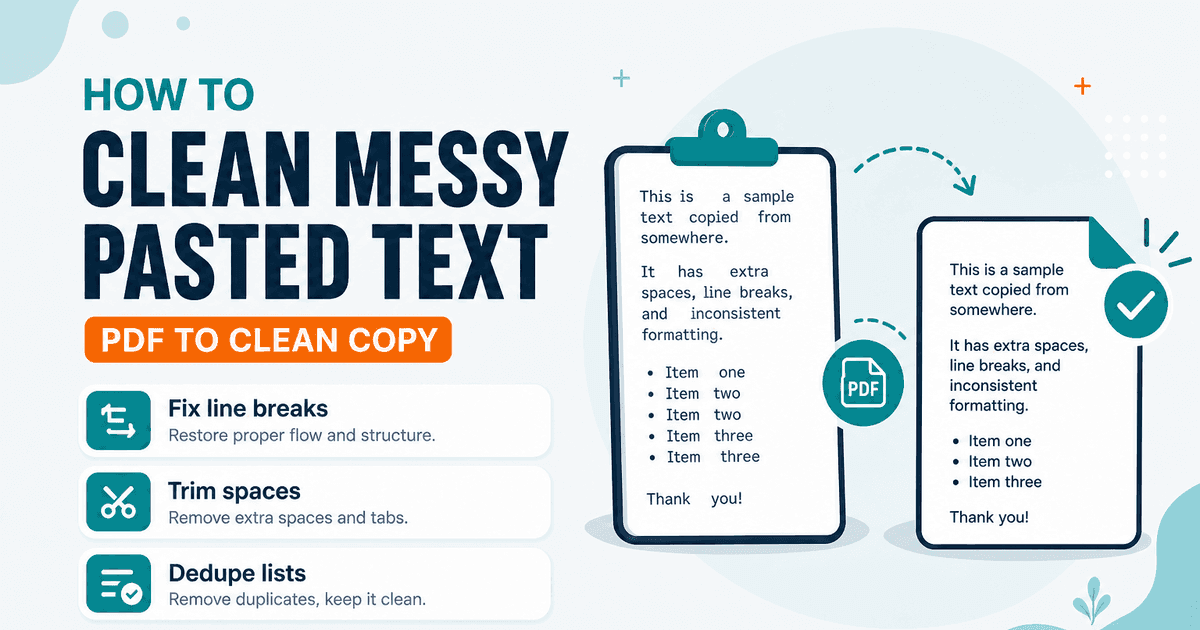
Paste from a PDF, a Slack thread, and a spreadsheet into one doc and you get a pile of hard wraps, double spaces, and repeated lines. Fixing that with the delete key doesn’t scale.
Here’s a short workflow using NeedAnyTool’s Text Tools — each step stays in the browser.
1. Unwrap hard line breaks
If sentences are chopped at every visual line, open Remove Line Breaks. Prefer Keep paragraphs for multi-block extracts so intentional blank lines survive. Details: Remove line breaks from pasted text.
2. Collapse messy spaces
Run Remove Extra Spaces to trim lines and squash repeated spaces. Guide: Remove extra spaces online.
3. Deduplicate lists (when relevant)
If the paste is one entry per line (emails, SKUs, tags), use Remove Duplicate Lines. Guide: Remove duplicate lines online.
4. Normalize case if the brief requires it
Headlines stuck in ALL CAPS → Case Converter. Guide: Convert text case online.
5. Check length before you ship
Finish with Word Counter or Character Counter depending on whether the limit is words or characters.
What this workflow is not
It won’t OCR a scanned PDF, strip HTML from a webpage dump, or apply regex. Stay within paste-based text tools — for PDF file work, start at PDF Tools instead.
Everything above processes locally. Close the tab when you’re done.
Related guides
Text Guides
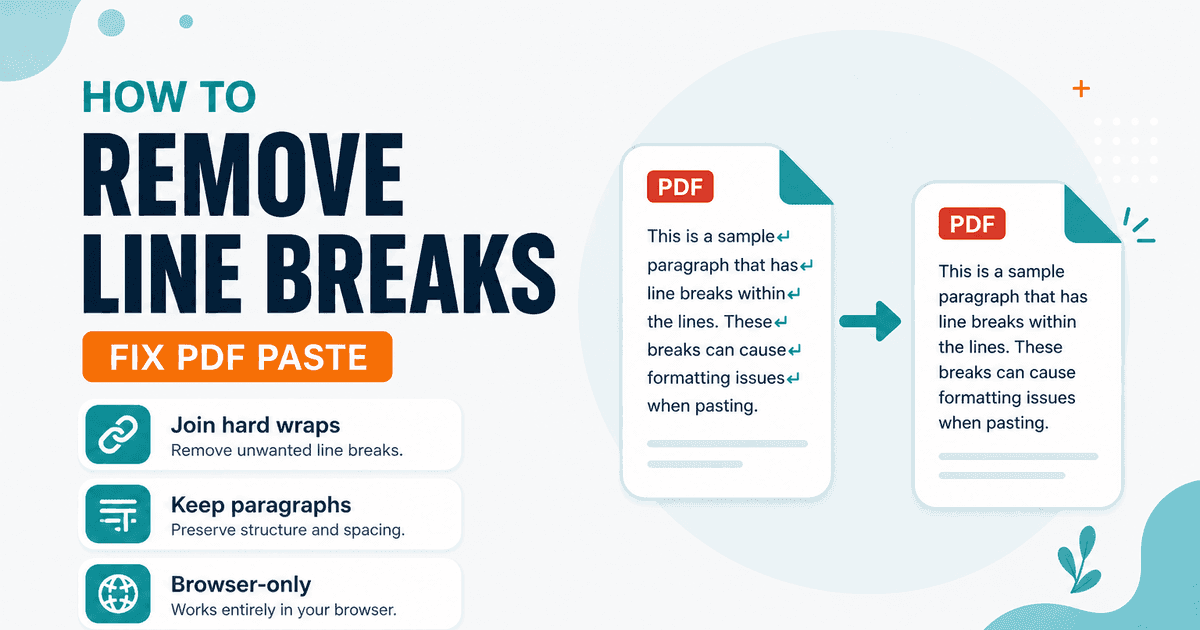
Remove Line Breaks from Pasted Text (PDF & Email)
Fix hard line breaks from PDF and email paste. Join broken lines into readable paragraphs in your browser with NeedAnyTool — private, free.
Text Guides
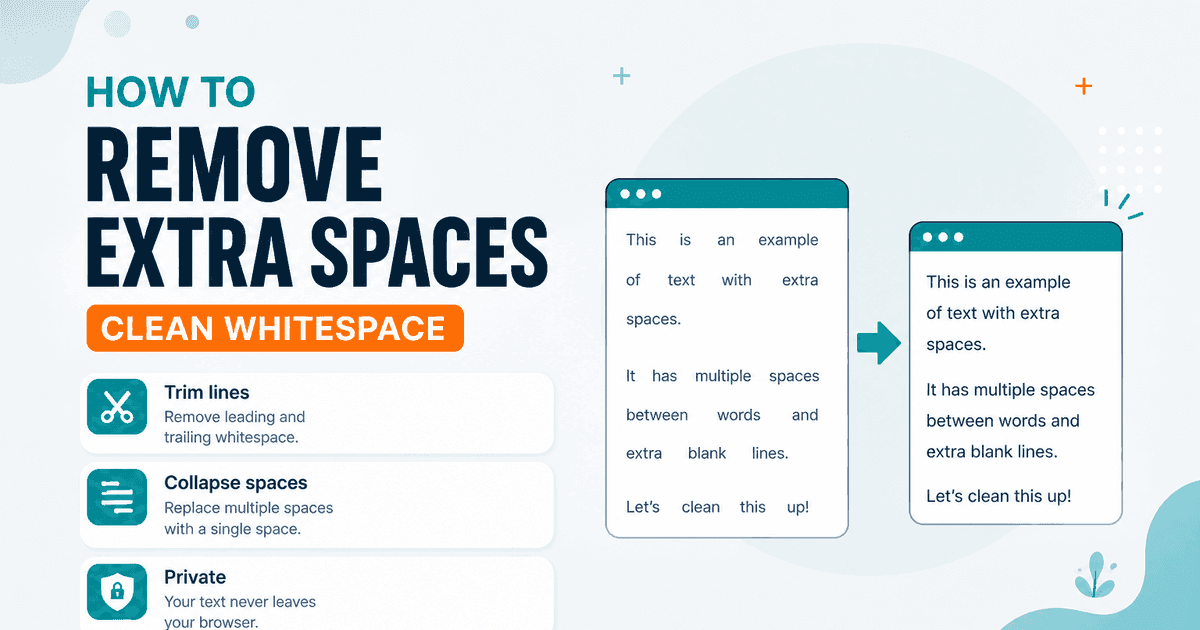
Remove Extra Spaces Online — Clean Messy Whitespace
Trim lines, collapse double spaces, and tidy blank lines in pasted text. Free Remove Extra Spaces tool in your browser — NeedAnyTool.
Text Guides
Count Sentences Online — Scripts, Essays & Transcripts
Count sentences in essays, scripts, and transcripts in your browser. Free Sentence Counter — private, no upload — NeedAnyTool.