Text Guides
Count Sentences Online — Scripts, Essays & Transcripts
Count sentences in essays, scripts, and transcripts in your browser. Free Sentence Counter — private, no upload — NeedAnyTool.
NeedAnyToolPublished Updated 1 min read
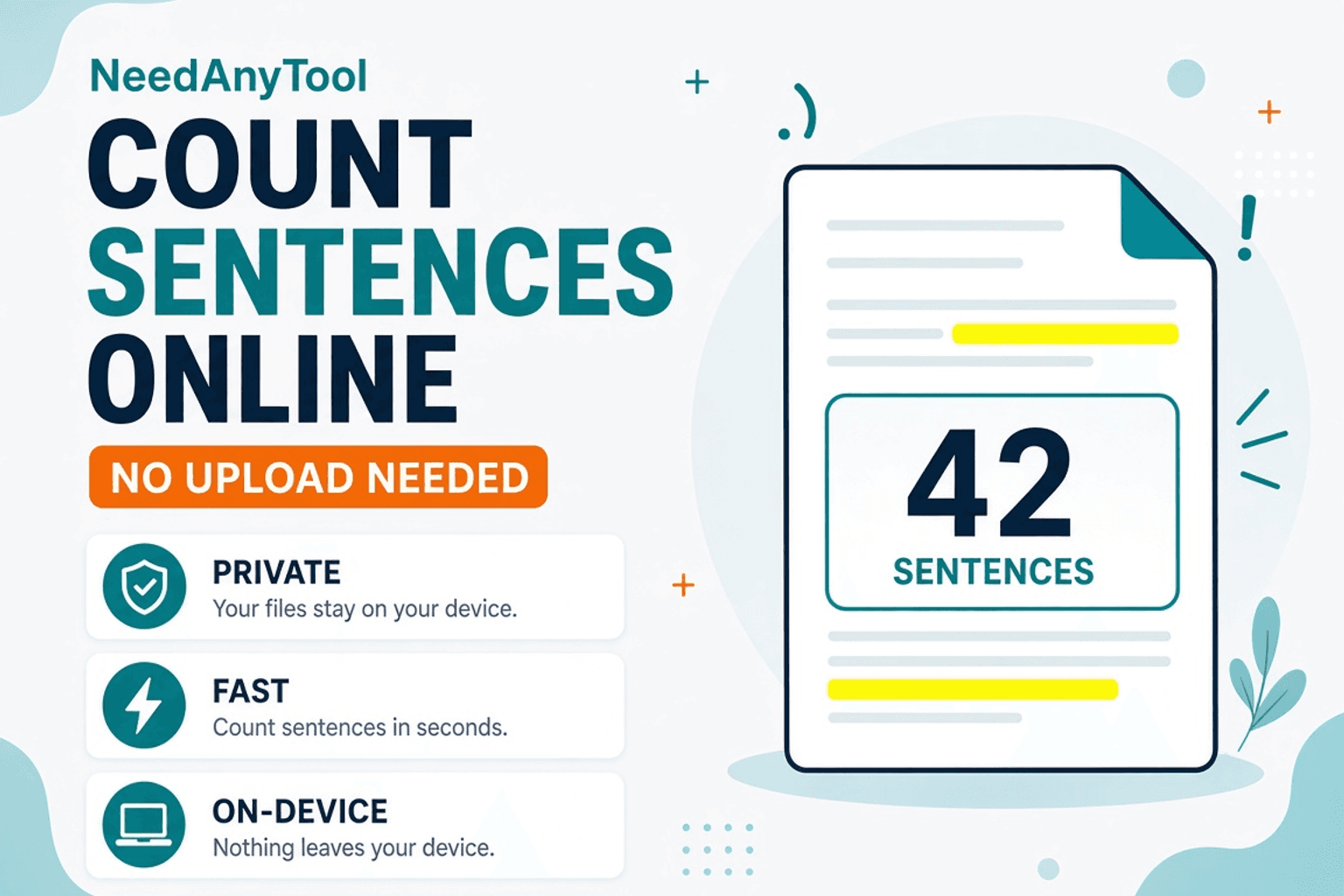
A speaking coach wants “about 40 sentences.” Your essay brief caps paragraphs by sentence count. Guessing from line breaks is how you ship the wrong length.
Sentence Counter tallies sentences as you paste — useful for scripts, classroom essays, interview transcripts, and SEO drafts where structure matters as much as word count. Everything runs in your browser. The text never uploads to a NeedAnyTool server.
What counts as a sentence
The counter looks for sentence-ending punctuation (. ? ! and common ellipsis forms) with heuristic boundaries. Abbreviations like Dr. or U.S. can still confuse a pure rule-based split — skim long lists of initials after you count.
Pair with Word Counter when the brief asks for both length and sentence density, or Paragraph Counter when you’re shaping structure.
How to use it
- Open Sentence Counter.
- Paste the draft, script, or transcript.
- Read the live sentence total as you edit.
- Trim run-ons or split walls of text until the number matches the brief.
When sentence count helps
| Situation | Why it matters |
|---|---|
| Spoken scripts | Long sentences are hard to breathe through |
| Student essays | Teachers often grade “one idea per sentence” habits |
| UX microcopy | Support docs read better with shorter sentences |
| Interview notes | Spot where answers sprawl |
Related searches
- count sentences online free
- sentence counter for essay
- how many sentences in my text
- script sentence count tool
- transcript sentence counter
- count sentences without uploading
FAQ
Is the Sentence Counter free?
Yes. No account required.
Does my draft get uploaded?
No. Counting stays in the browser.
Why doesn’t the count match Word’s “sentences”?
Different tools use different rules for abbreviations and ellipses. Use one tool consistently for a project.
Related guides
Text Guides
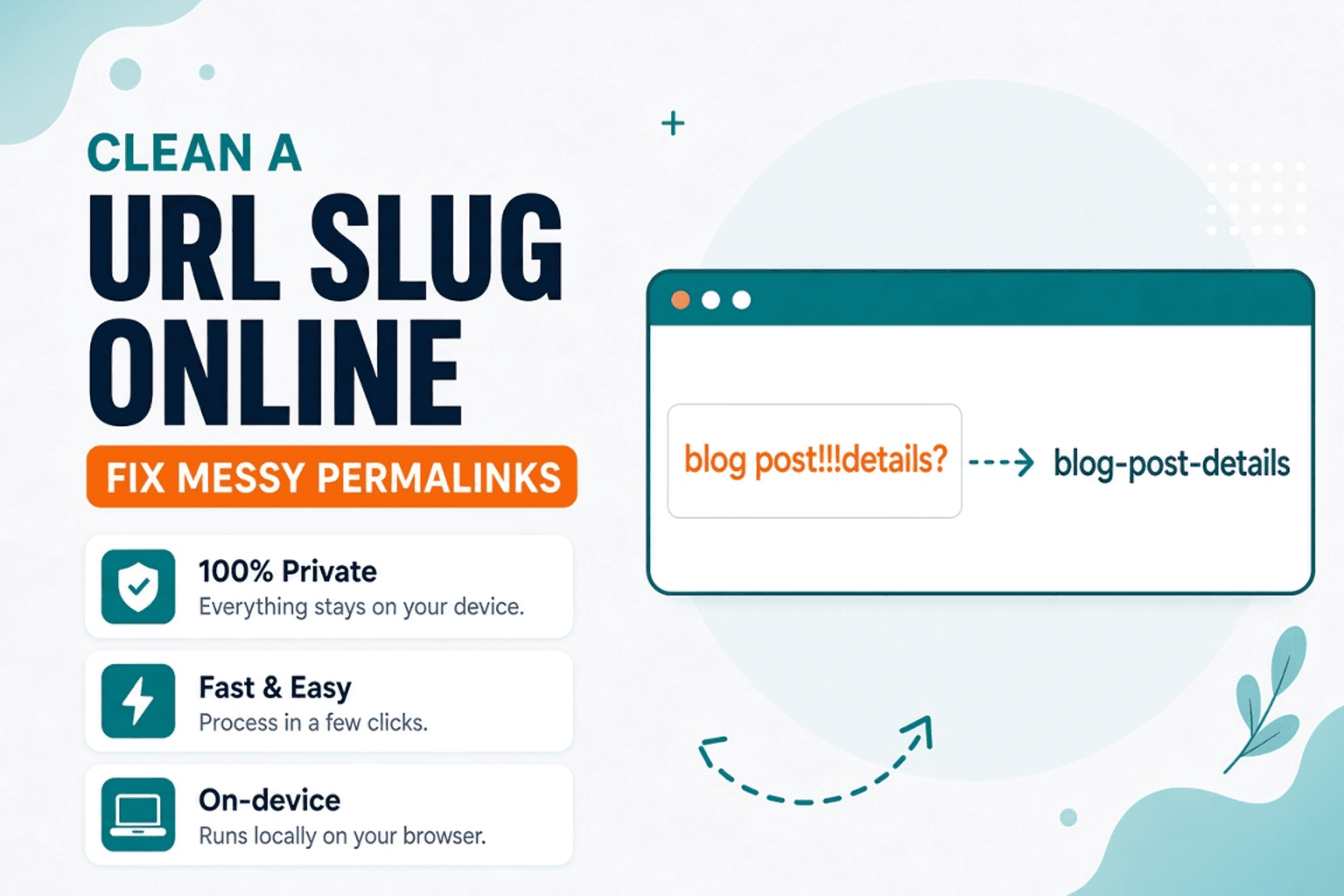
Clean a URL Slug Online — Fix Messy Permalinks
Clean messy URL slugs — fix spaces, punctuation, and ugly separators. Free URL Slug Cleaner in your browser — NeedAnyTool.
Text Guides
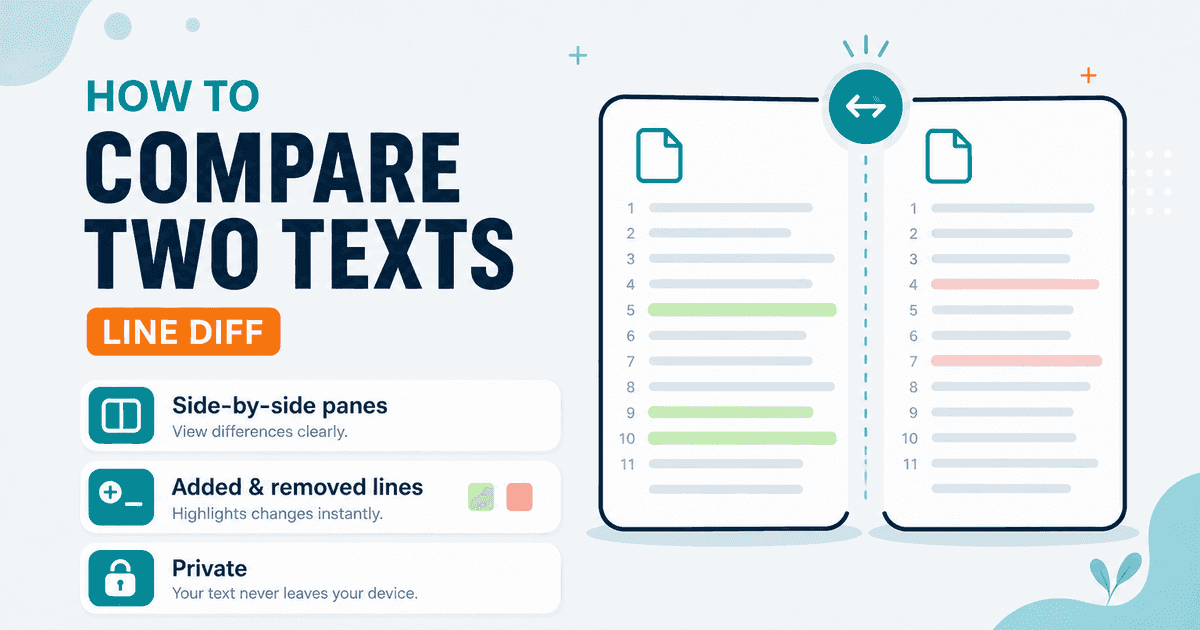
Compare Two Texts Online — Line Diff in Your Browser
Diff two versions of text line by line. Free Text Compare tool — see added and removed lines privately in your browser with NeedAnyTool.
Text Guides
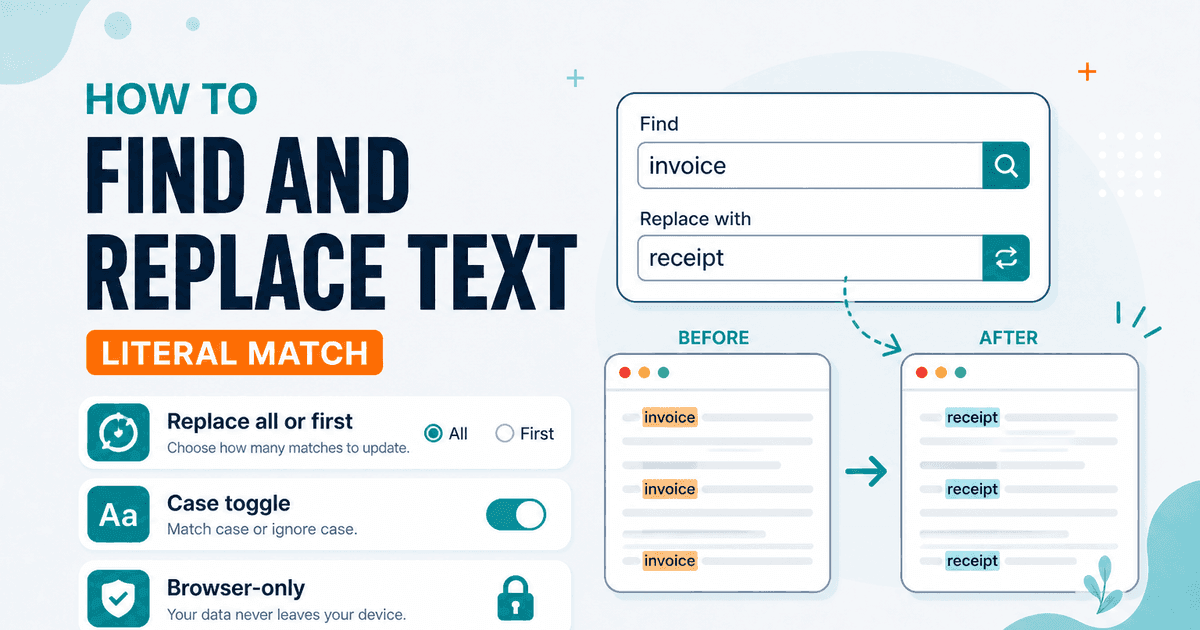
Find and Replace Text Online — Literal Match, No Account
Find and replace text in your browser — all matches or first only, case-sensitive toggle. Free private Find and Replace — NeedAnyTool.